How to Choose a Console Gaming Monitor
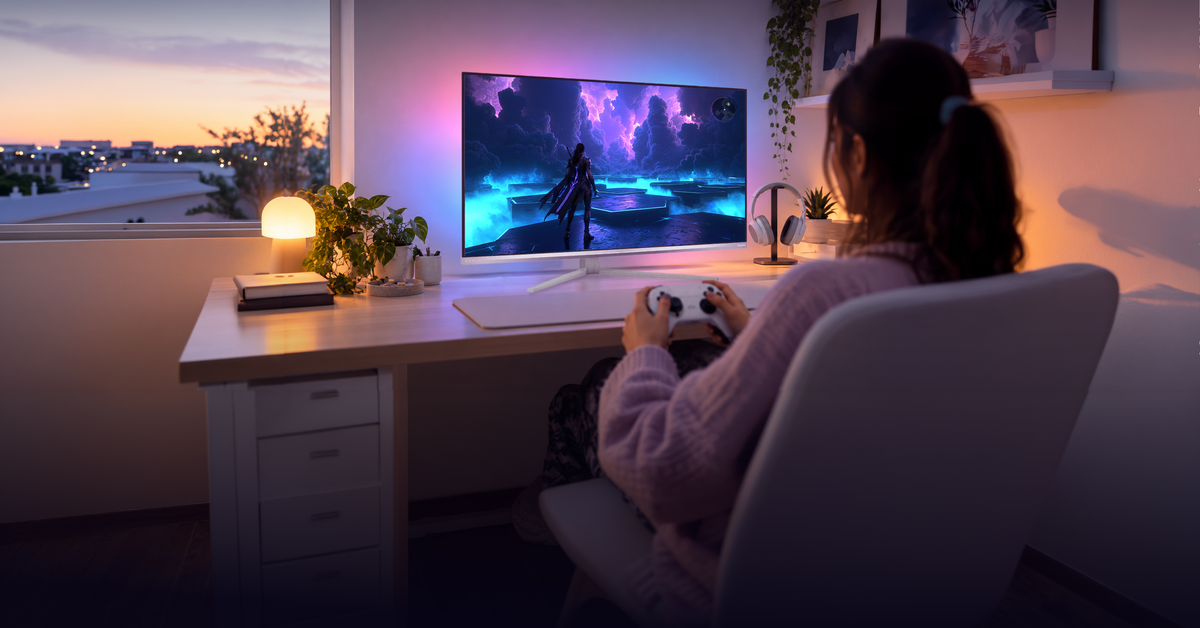
Sharper detail, smoother motion, or one screen for console and PC? Choosing a gaming monitor starts with deciding what matters to you, then checking which features your console can use.
These five points will help you compare your options.
4K or QHD: start with resolution
4K UHD can show finer detail than QHD at the same screen size. It is worth considering for games with detailed environments and cinematic scenes, especially when you sit close enough to notice the difference.
QHD is another option at around 27 inches. You can choose QD-OLED picture quality in this size without moving to a larger display.
Check your console’s supported output resolutions first. A game’s rendering resolution may differ from the signal sent to the monitor.
Refresh rate: check what your console supports
A 120 Hz monitor connection allows supported games to display up to 120 frames per second. Higher frame rates can make motion look smoother, but performance depends on the game and its settings.
A monitor offering 240 Hz or 320 Hz can also serve a compatible gaming PC. Those figures do not increase your console’s supported output.
For responsive controls, check low input lag as well as refresh rate.
HDMI and VRR: confirm compatibility
For 4K gaming at up to 120 Hz, check that both your console and monitor support this resolution and refresh rate through HDMI 2.1. A monitor's maximum refresh rate may be higher than what your console can deliver.
VRR adjusts the display's refresh rate as frame rates change, helping reduce visible tearing. To check compatibility, look for HDMI VRR support in the monitor's specifications and check the video output settings on your console.
Panel technology: compare picture quality
QD-OLED delivers deep blacks, strong contrast, vivid colors, and fast pixel response. It's a good choice for games with detailed visuals and dark scenes. Check the model's panel care instructions and burn-in warranty terms before buying.
Fast IPS also offers fast pixel response and wide viewing angles. While it doesn't deliver the same deep blacks as QD-OLED, it provides clear visuals and smooth motion for gaming.
For HDR, look beyond basic HDR support. Check the monitor's brightness, contrast, and any DisplayHDR certification to better understand its capabilities.
Screen size: measure your space
Before choosing a screen size, measure the available space on your desk, including room for the monitor's stand. Consider your viewing distance too. A 27-inch monitor may be easier to fit into a compact setup, while a 32-inch display offers a larger view but needs more space.
Philips Evnia monitors to consider
- Philips Evnia 32M2N8900P: 31.5-inch 4K QD-OLED for a larger console gaming setup.
- Philips Evnia 27M2N6501L: 26.5-inch QHD QD-OLED for smaller desks.
- Philips Evnia 27M2N5901A: Dual Mode with USB-C and KVM for a desk shared by gaming and work.
- Philips Evnia 27M2N3800A: Dual Mode with 4K for console gaming and high-refresh Full HD for PC play.
For a closer comparison, read which gaming monitor fits your console setup.