Compare products to find the right fit
27M2N5511P/93
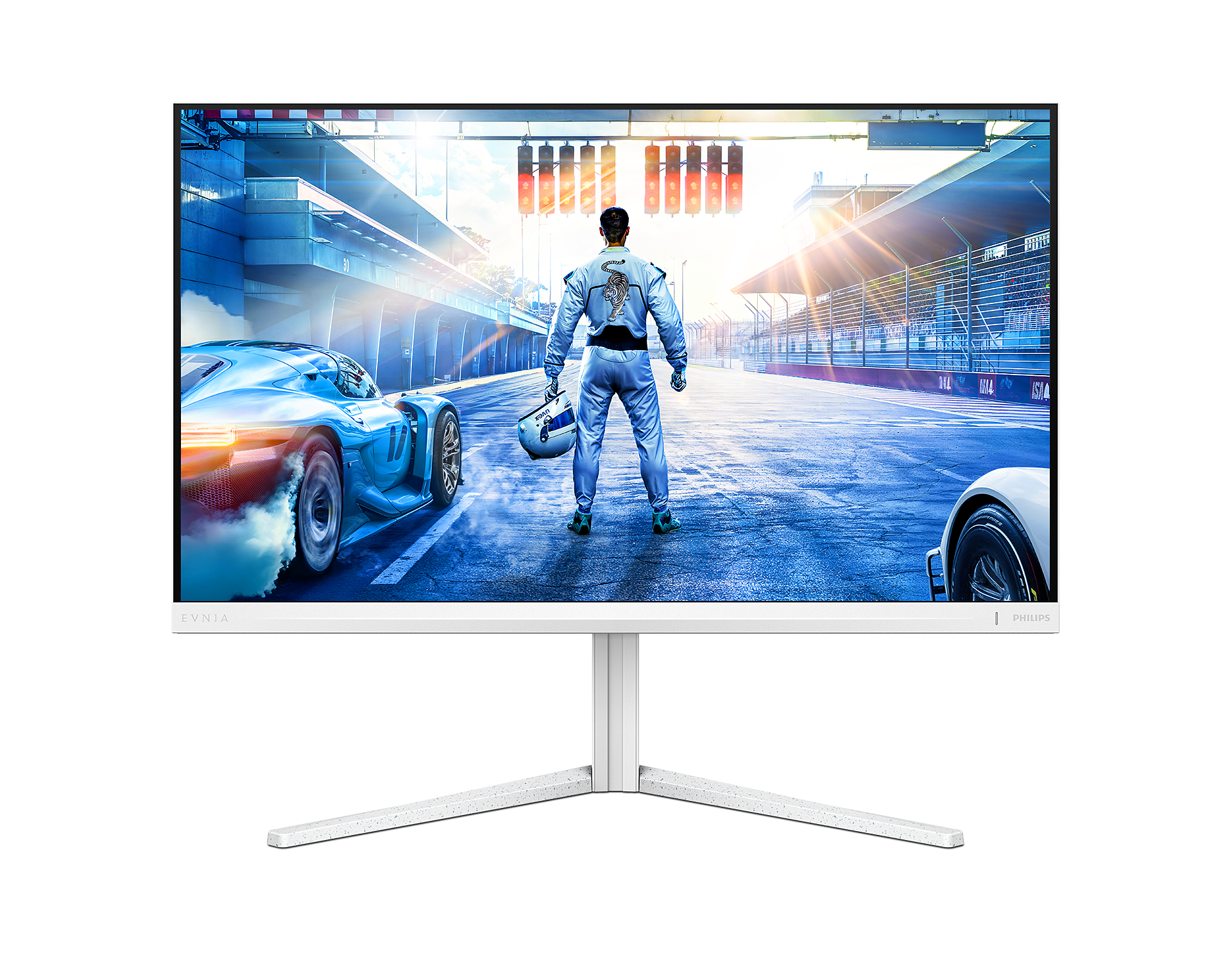
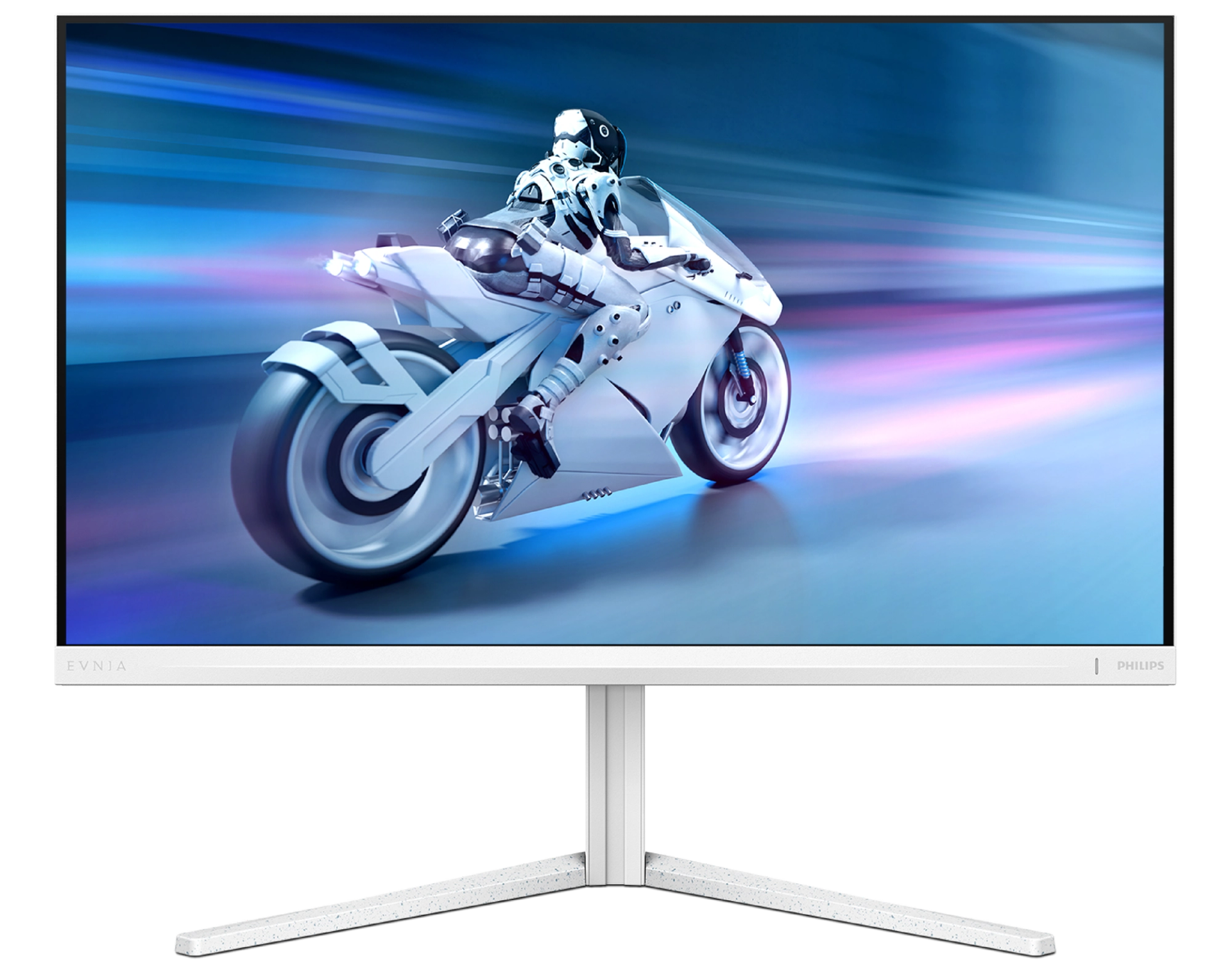
Fast IPS Gaming monitor 27M2N5511P Quad HD gaming monitor
This Fast IPS monitor offers an overclockable 260Hz refresh rate and Smart MBR for smooth gameplay. Plus, the high-quality HDR 400 certified visuals mean you’ll enjoy crisp, vibrant imagery in every action-packed moment.
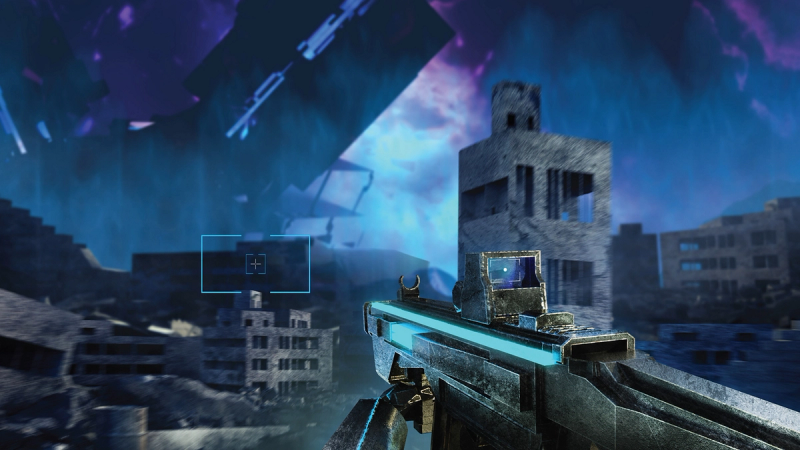
Smart Crosshair: for better aim and more fun
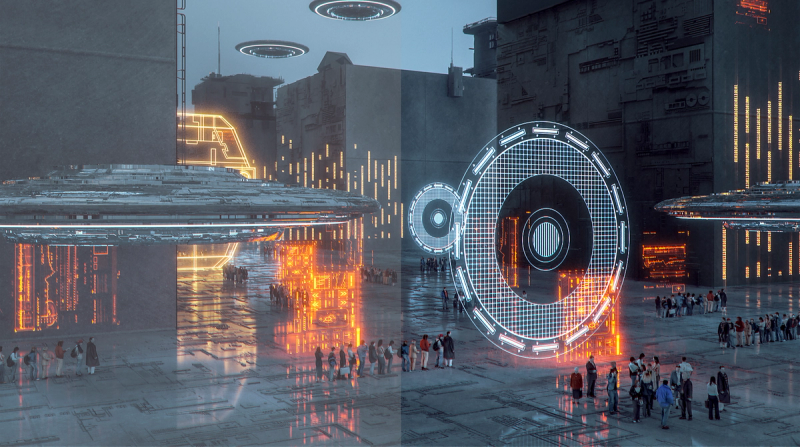
SmartImage game mode optimized for gamers
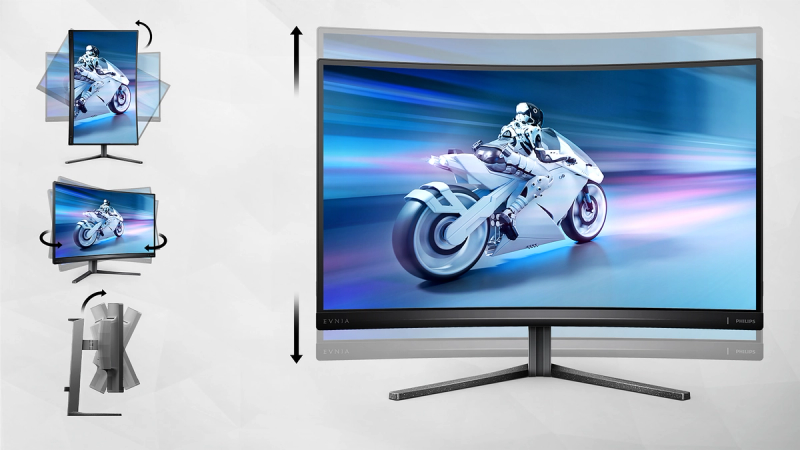
SmartErgoBase enables people-friendly ergonomic adjustments
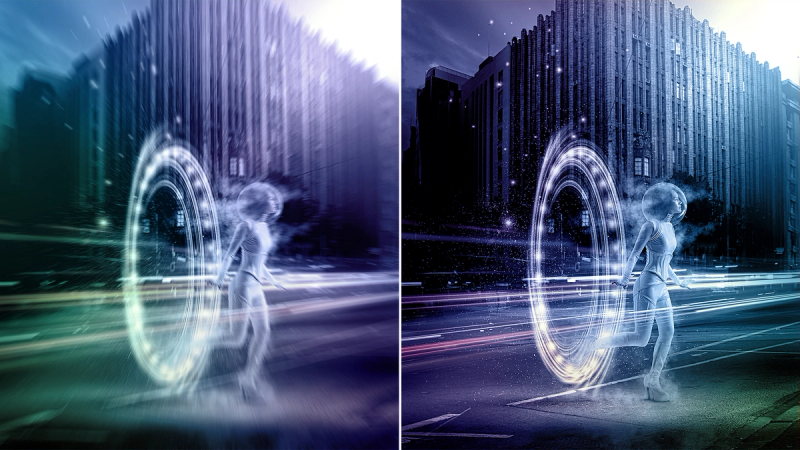
0.5 ms ultra-fast speed for crisp image and smooth gameplay
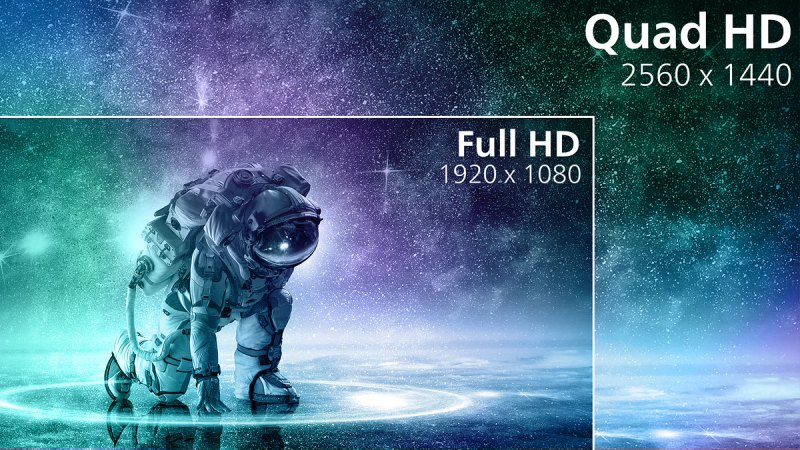
Crystalclear images with Quad HD 2560 x 1440 pixels
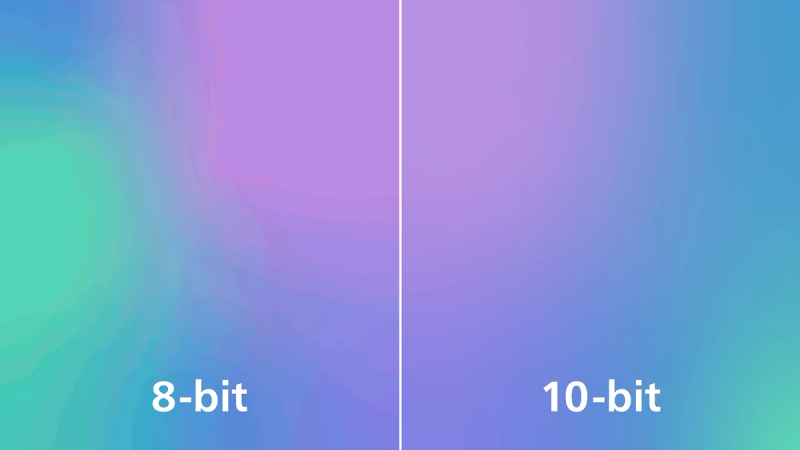
1.07 billion colours for stunning colour and the finest gradations
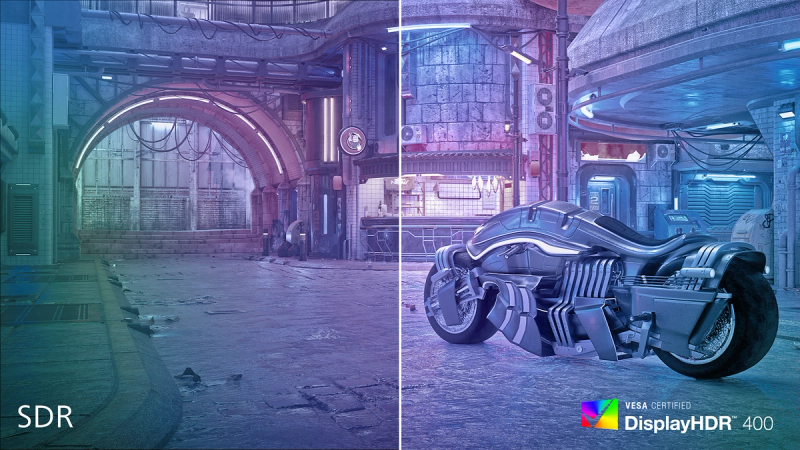
DisplayHDR 400 for more lifelike and outstanding visuals
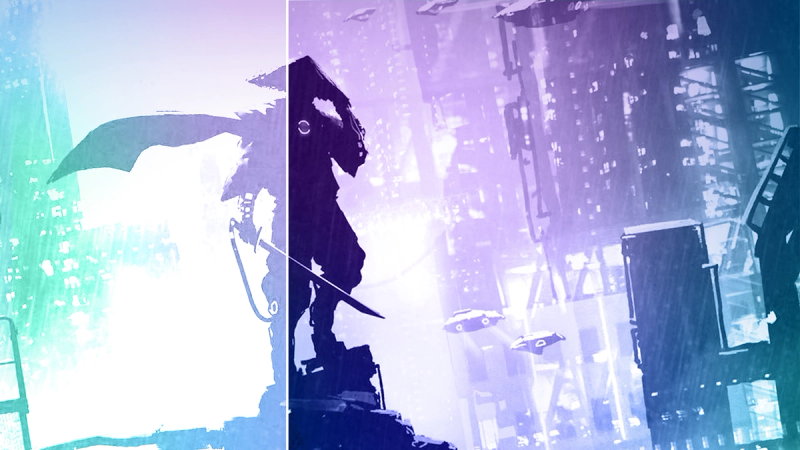
SmartContrast for deep black level details





Specifications
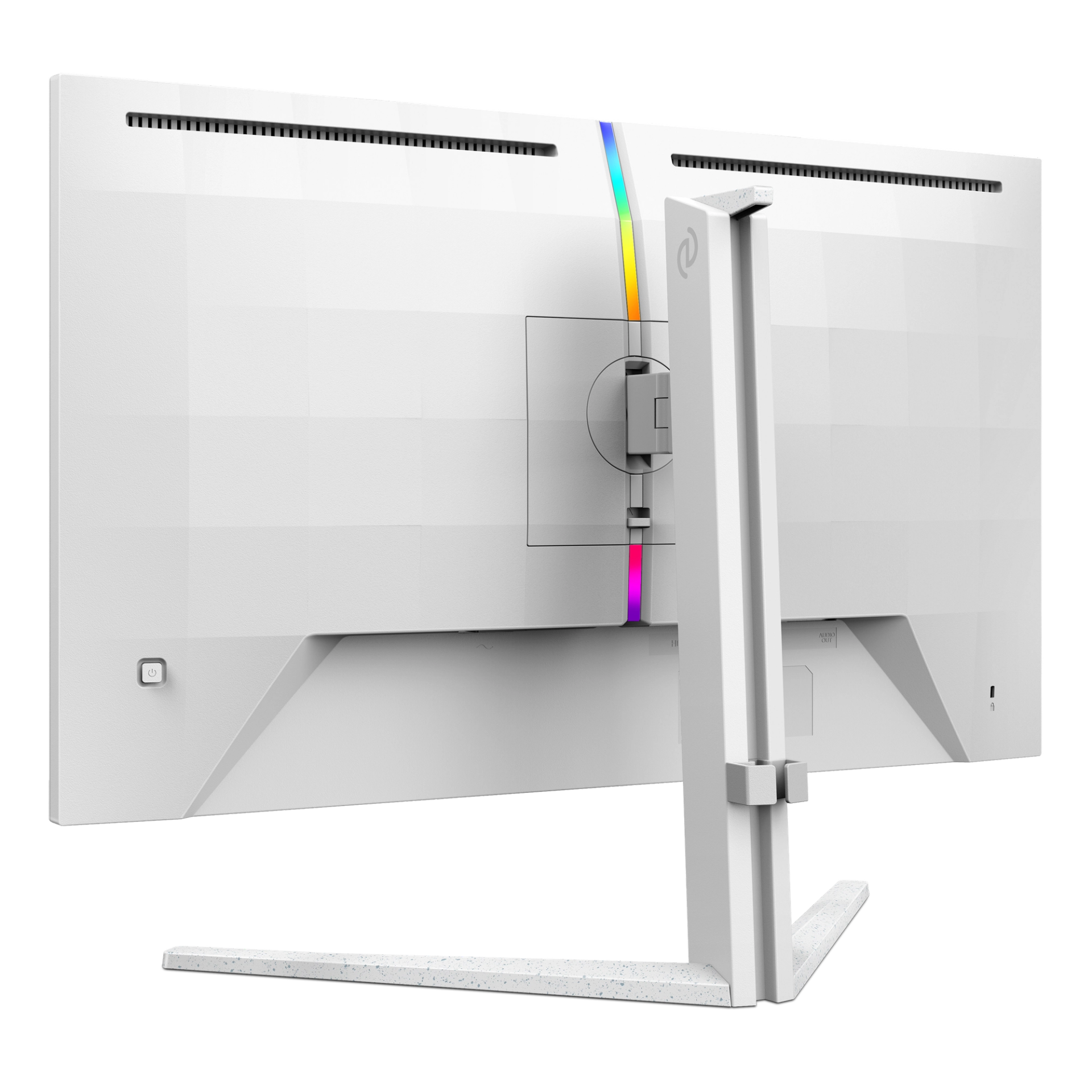
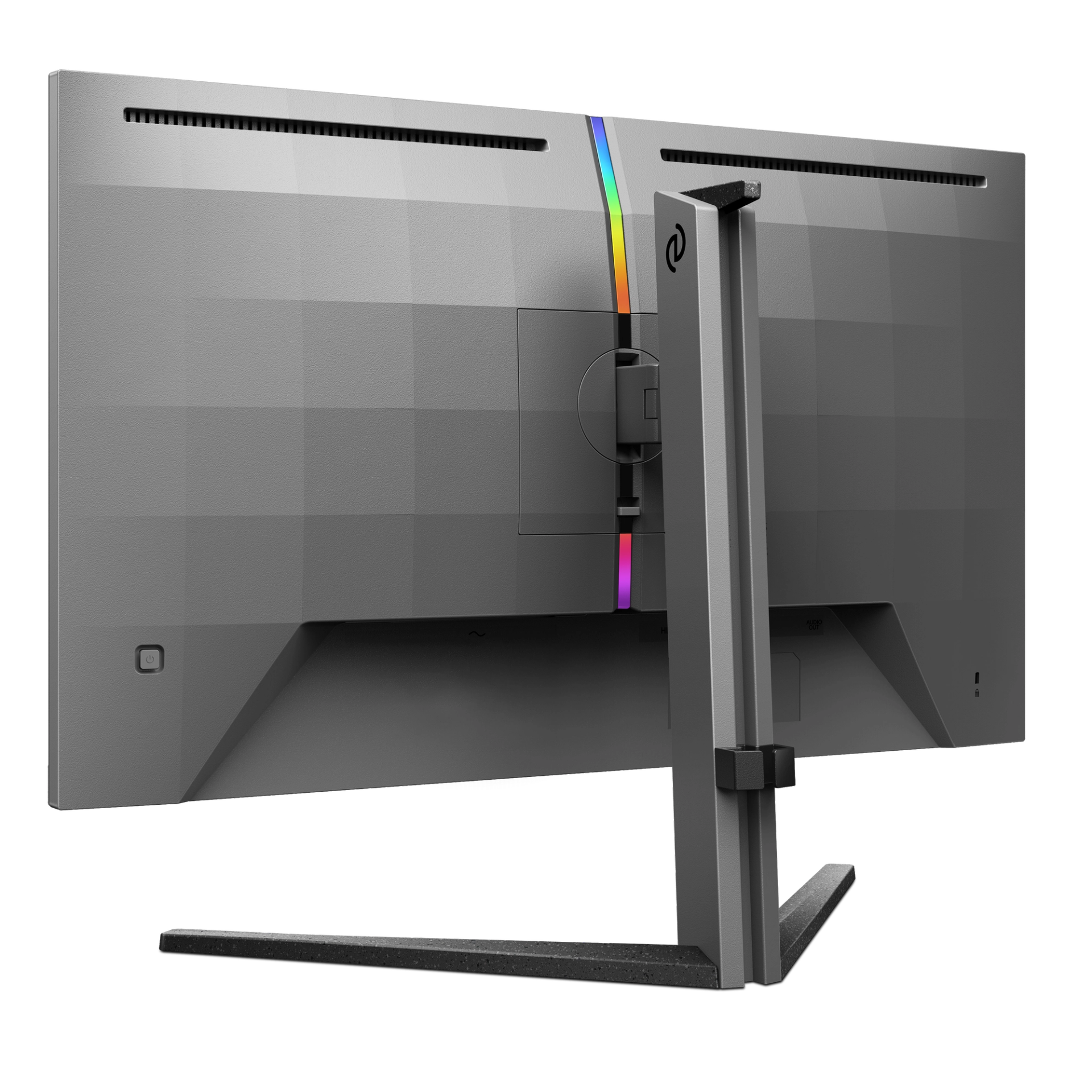
- ColorWhite
- FinishTextured
- Regulatory ApprovalsCEL; CCC
- Sync inputSeparate Sync
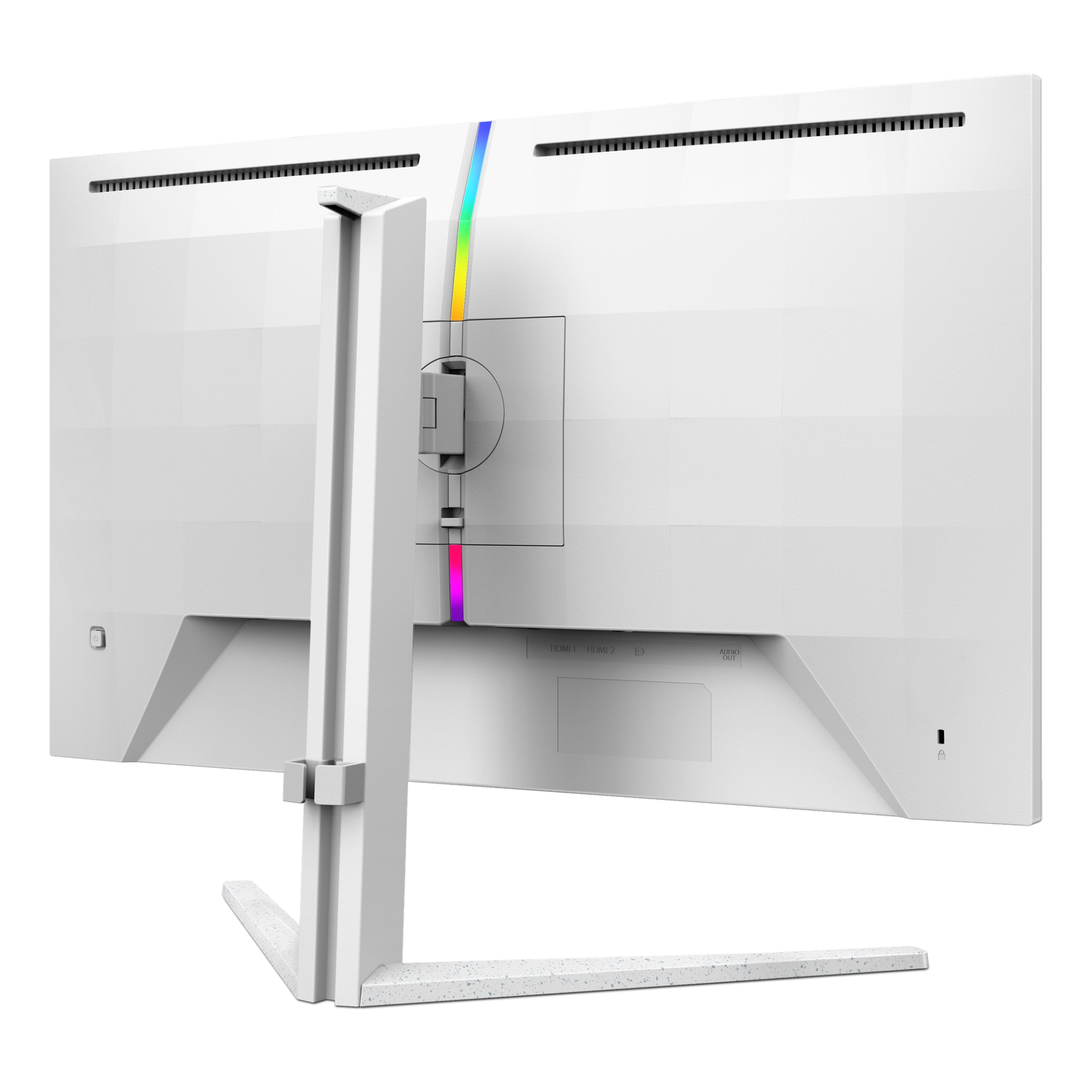
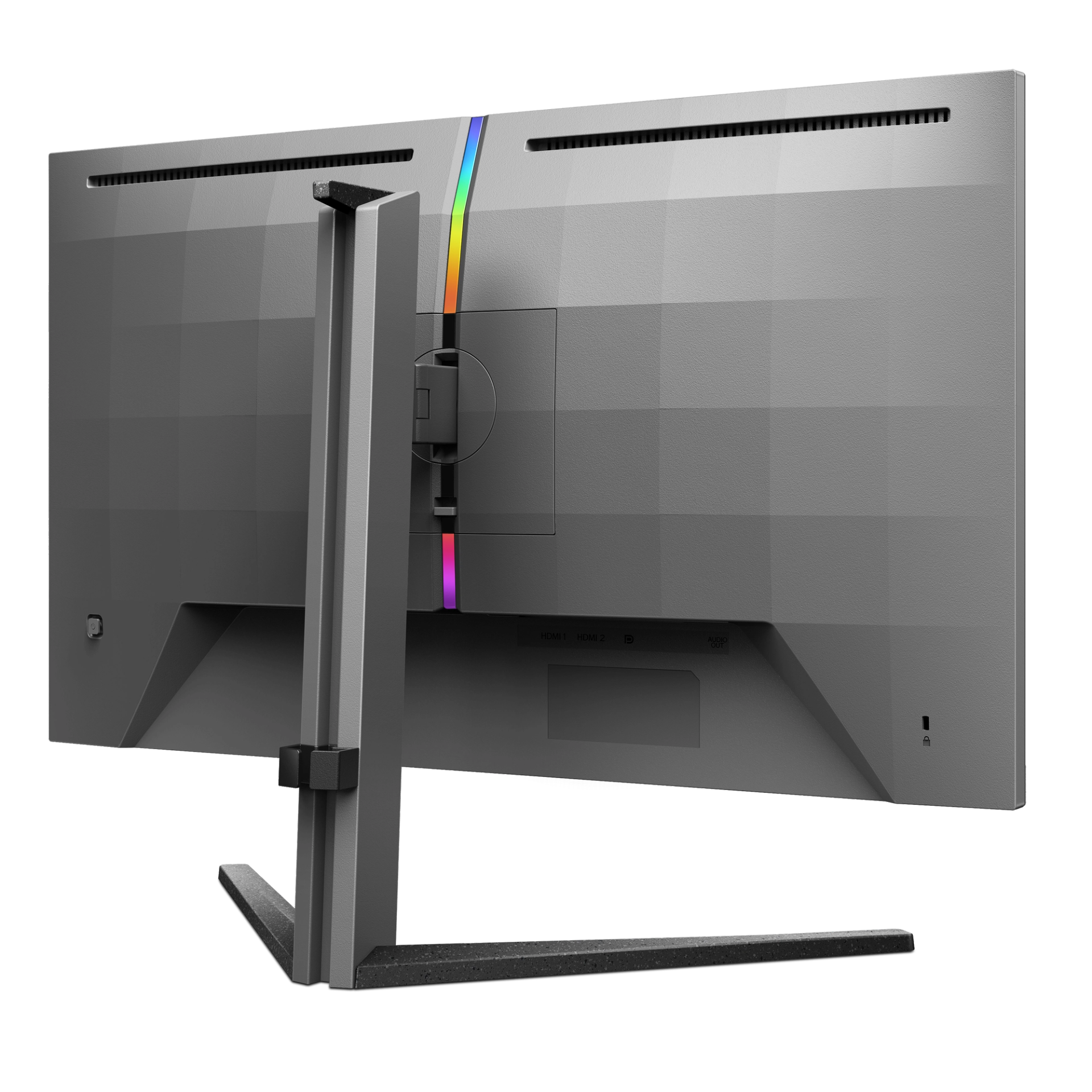
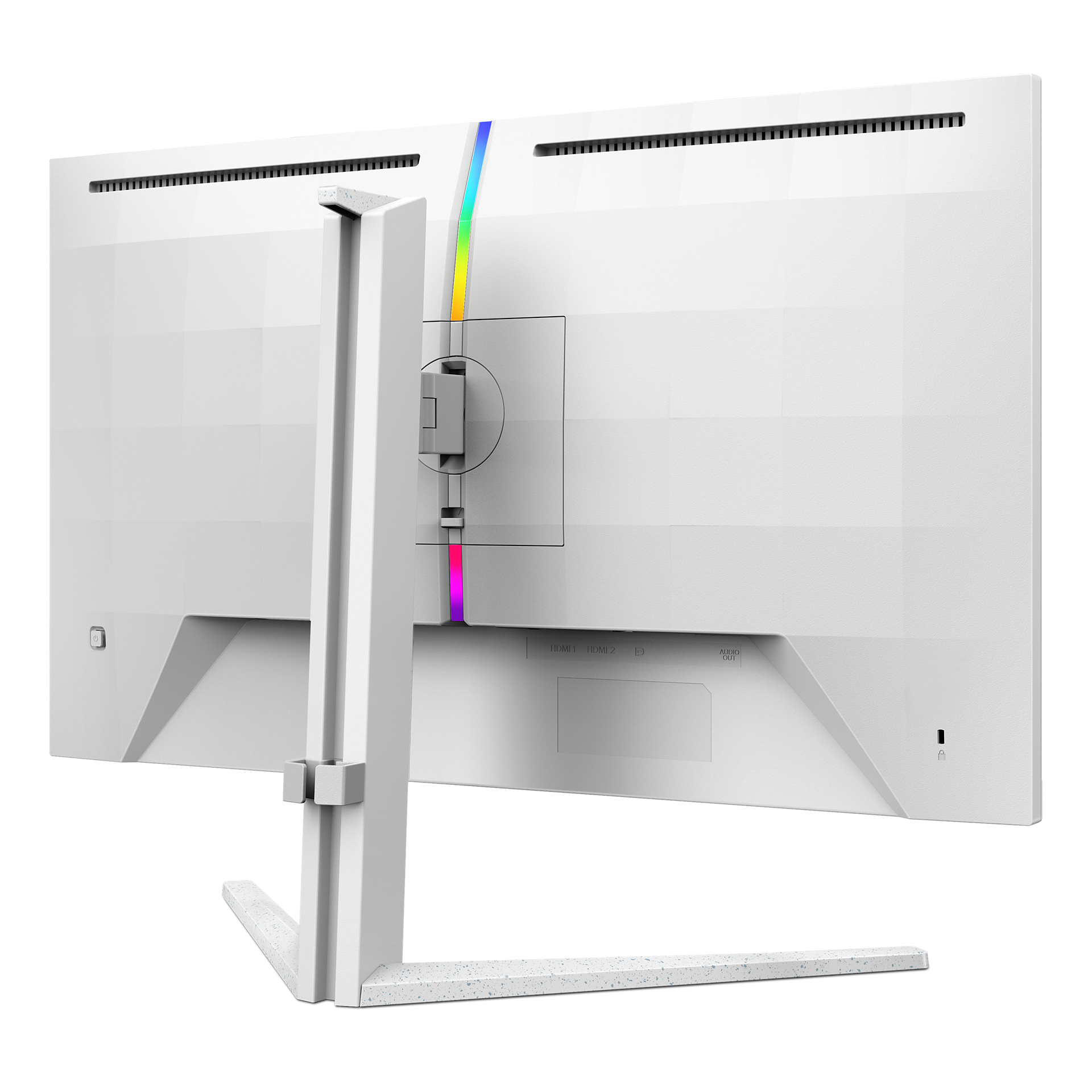
- Audio (In/Out)Headphone out
- HDCPHDCP 1.4 (HDMI/DP), HDCP 2.2 (HDMI/DP)
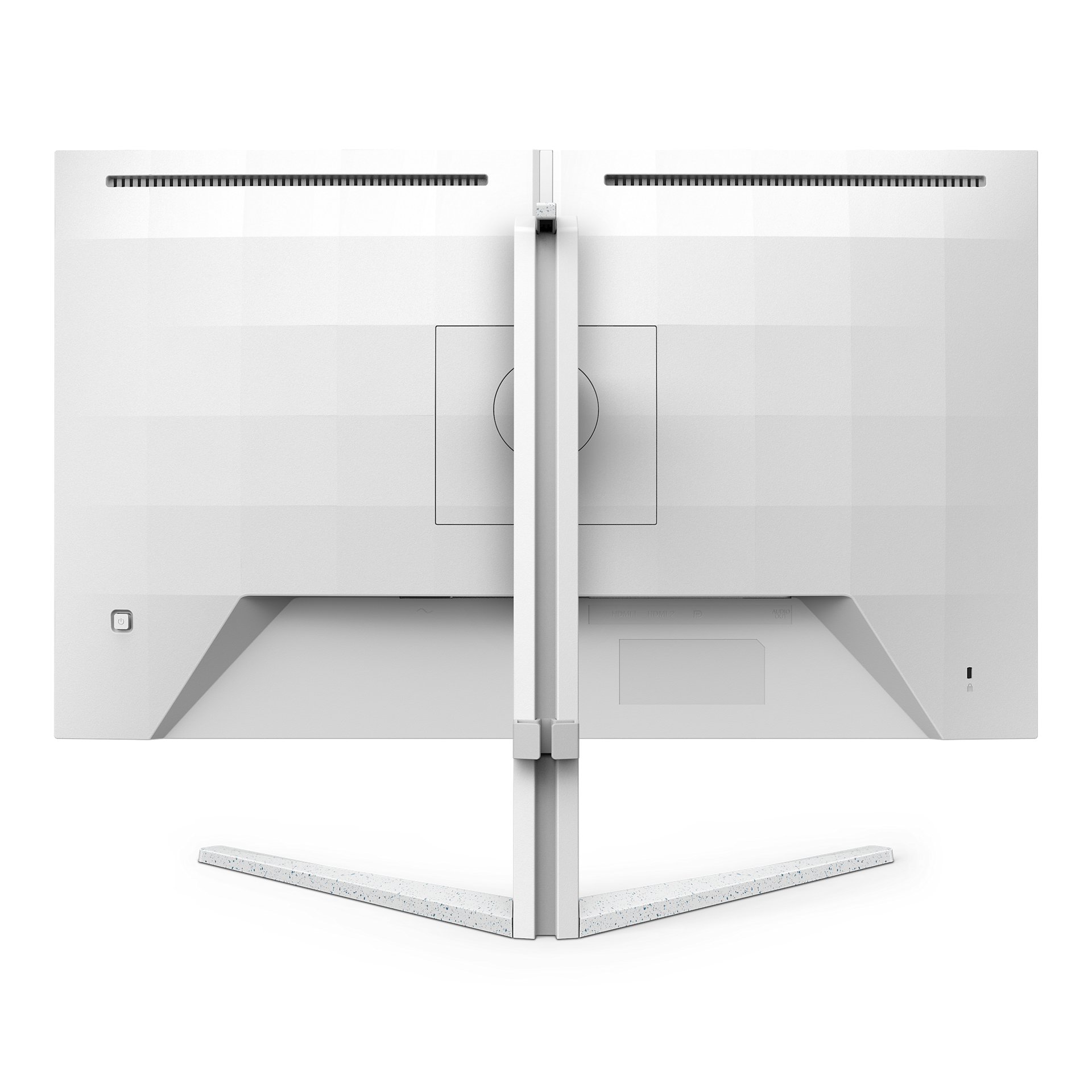
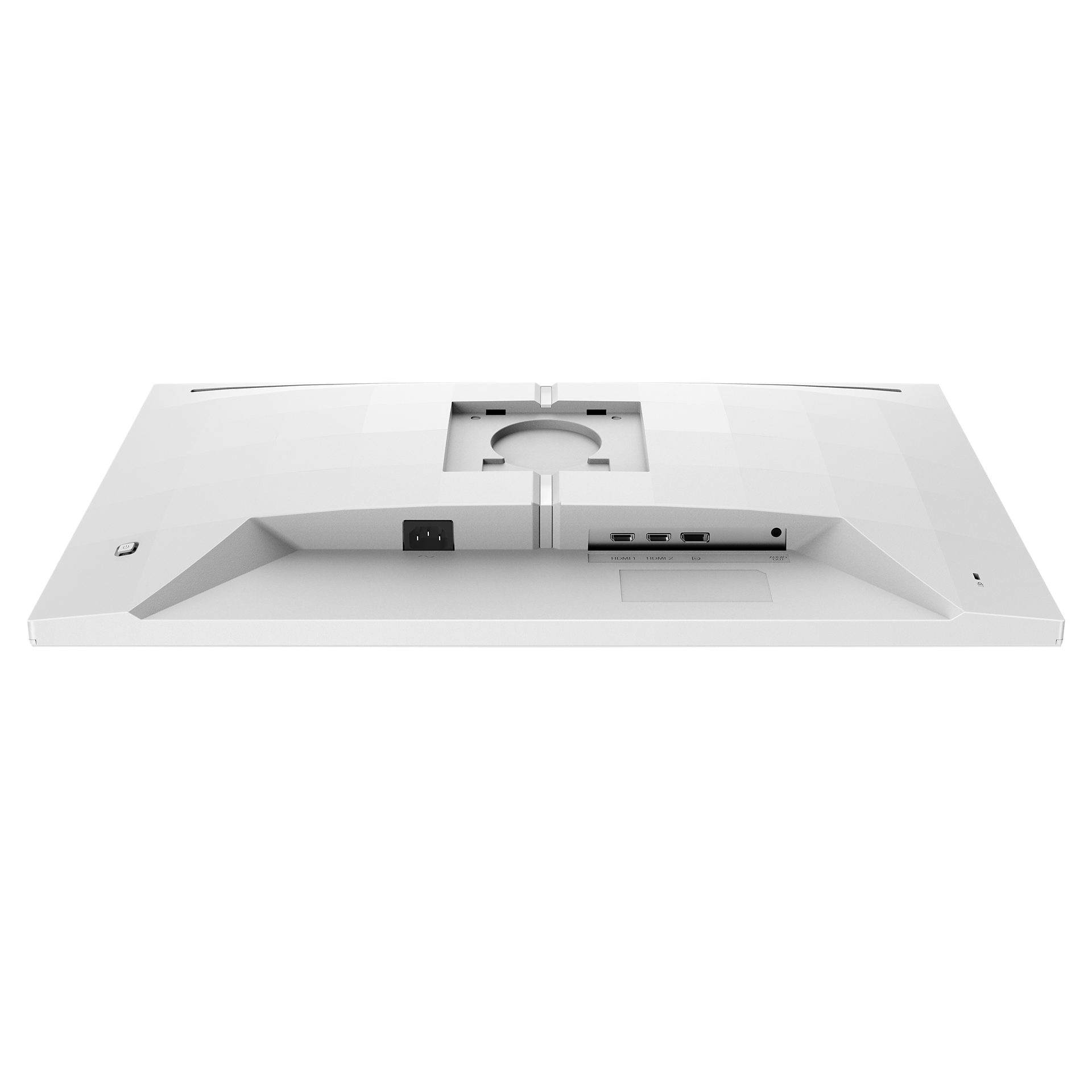
- Signal inputHDMI 2.0 x 2, DP 1.4 X1
- User conveniencePower On/Off; Menu/OK; Input/Up; Game Settings/Down; SmartImage game/Back
- OSD languagesBrazil Portuguese; Czech; Dutch; English; Finnish; French; German; Greek; Hungarian; Italian; Japanese; Korean; Polish; Portuguese; Russian; Spanish; Simplified Chinese; Swedish; Turkish; Traditional Chinese; Ukrainian
- Other convenienceKensington lock; VESA mount (100x100mm); Halolight
- Plug and Play CompatibilityDDC/CI; Mac OS X; sRGB; Windows 11 / 10
- Designed in Amsterdam, NLYes
- Product with stand (max height)613 x 518 x 247 mm
- Product without stand (mm)613 x 367 x 52 mm
- Packaging in mm ( W x H x D)731 x 467 x 191 mm
- Temperature range (operation)0°C to 40 °C
- Temperature range (storage)-20°C to 60 °C
- Relative humidity20%-80 %
- AltitudeOperation: +12,000ft (3,658m), Non-operation: +40,000ft (12,192m)
- MTBF30,000 hrs (Excluding backlight)
- LCD Panel typeIPS technology
- Panel Size27 inch / 68.5 cm
- Effective viewing area596.736 (H) x 335.664 (V)
- Display Screen CoatingAnti-Glare, 3H, Haze 25%
- Aspect ratio16:9
- Response time (typical)1 ms (Gray to Gray)*
- Brightness400 cd/m²
- Contrast ratio (typical)1000:1
- Pixel Pitch0.2331 x 0.2331 mm
- Viewing angle178º (H) / 178º (V); @ C/R > 10
- Display colors1.07B (8-bits+FRC)*
- Scanning FrequencyHDMI: 30K - 230 KHz (H) / 48 - 144 Hz (V); DP: 30K - 390 kHz (H) / 48 - 260 Hz (V)
- sRGBYes
- Picture enhancementSmartImage game
- Pixel Density108.79 PPI
- Flicker-freeYes
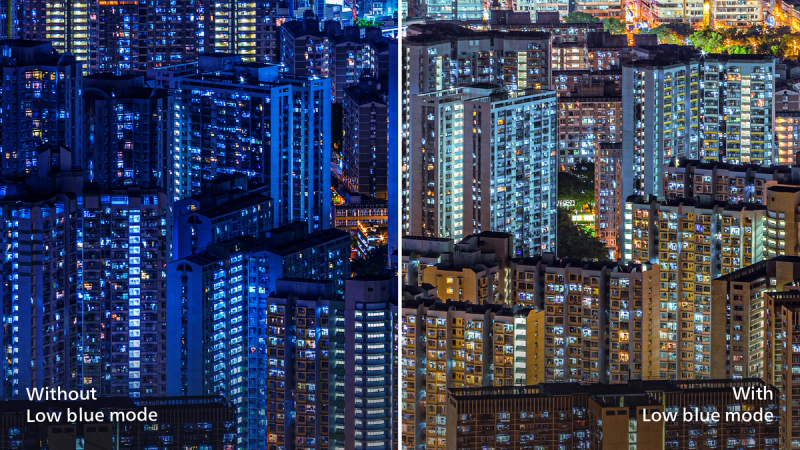
- LowBlue ModeYes
- Adaptive syncYes
- SmartUniformity93~105%
- Delta E< 2 (sRGB)
- Maximum Resolution2560 x 1440 @ 144 Hz (HDMI); 2560 x 1440 @ 260 Hz (DP Overclock*)
- Low Input LagYes
- Smart MBR0.5ms*
- Shadow BoostYes
- Smart CrosshairYes
- SmartContrastMega Infinity DCR
- Color gamut (typical)DCI-P3:95.59%, sRGB: 100.06%, NTSC 107.53%, Adobe RGB 105.69%; *
- HDRDisplay HDR 400 certified
- On mode23.5 W (typ.)
- Standy mode0.5 W (typ.)
- Off mode0.3 W (typ.)
- Power LED indicatorOperation - White; Standby mode- White (blinking)
- Power supply100-240VAC, 50-60Hz; Internal
- Environmental and energyRoHS
- Height adjustment130 mm
- Tilt-5/20 degree
- Pivot-/+ 90 degree
- Swivel-/+ 30 degree
- Product with stand (kg)5.63 kg
- Product without stand (kg)4.22 kg
- Product with packaging (kg)8.75 kg
Disclaimers
- * "IPS" word mark / trademark and related patents on technologies belong to their respective owners.
- * The maximum resolution works for DP input only.
- * For best output performance, please always ensure that your graphic card is capable of achieving the maximum resolution and refresh rate of this Philips display.
- * Response time value equal to SmartResponse
- * Smart MBR is to adjust brightness for blur reduction, so cannot adjust brightness while Smart MBR is turned on. To reduce motion blur, LED backlight will strobe synchronously with screen refresh, which may cause noticeable brightness change.
- * Smart MBR is gaming-optimized mode. Turn on Smart MBRT may cause noticeable screen flickering. It is recommended to turn off when you are not using the gaming function.
- * The ratio of display emission light in the range from 415-455 nm to the display emission of 400-500nm shall be less than 50%
- * The Overclock function increases the native refresh rate, however, it does have some associated risks along with it.If the screen is displayed abnormally after rebooting, please switch off the Overclock setting located in the monitor's OSD menu.
- * DCI-P3 Coverage based on CIE1976, sRGB Coverage based on CIE1931, NTSC Area and Adobe RGB Area based on CIE1976
- * The products and accessories listed on this leaflet may differ by country and region.
- * The monitor may look different from feature images.