Compare products to find the right fit
25M2N5200U/00
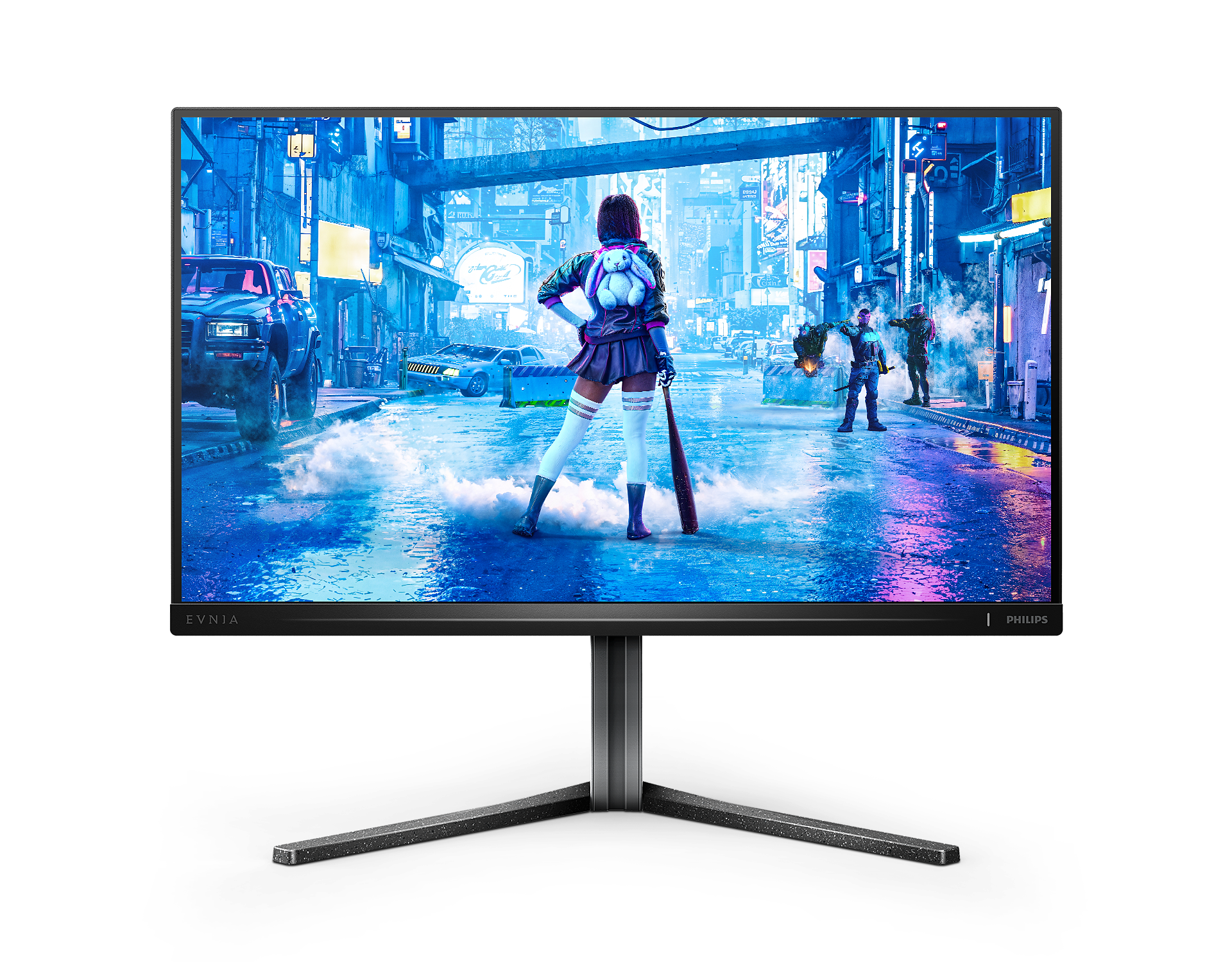
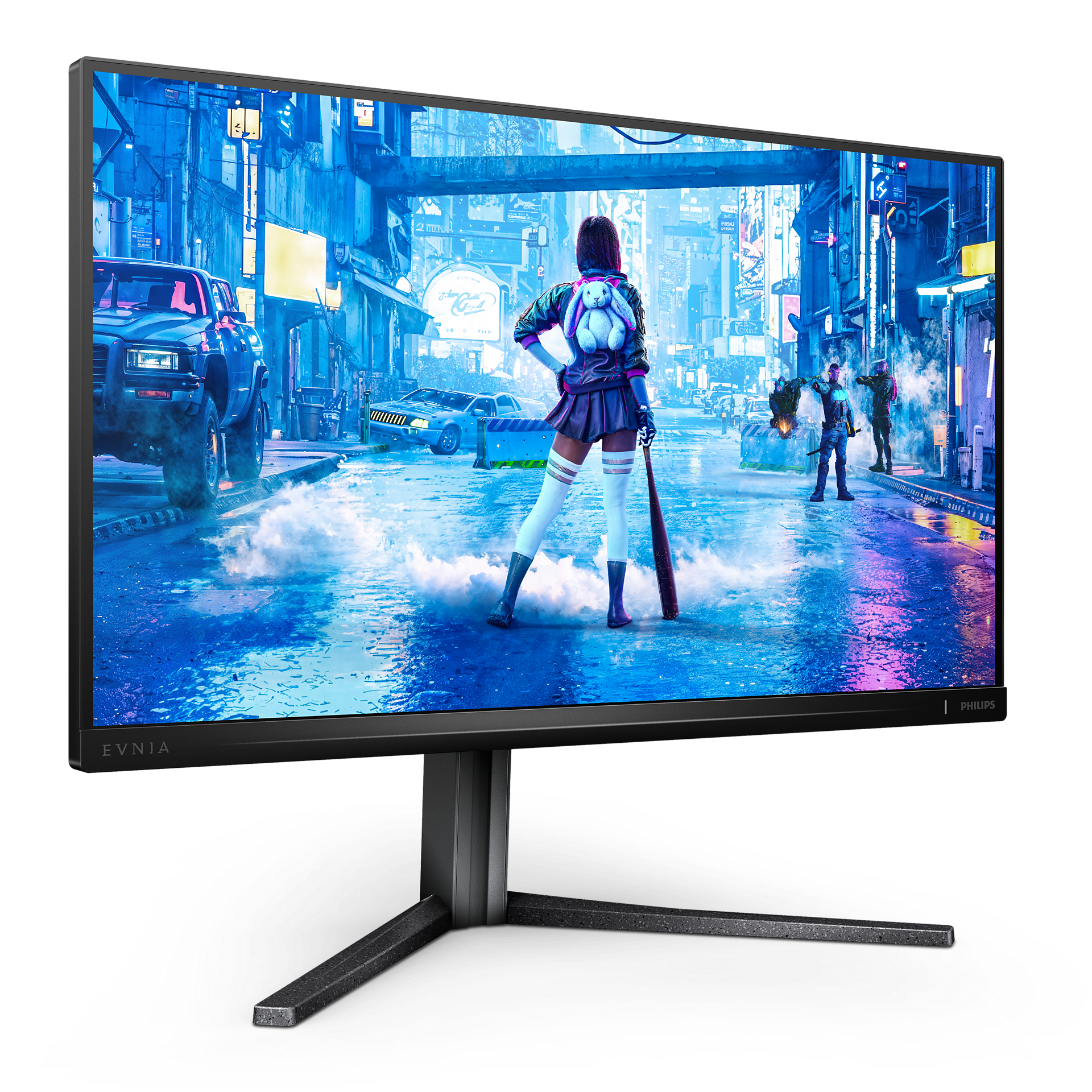
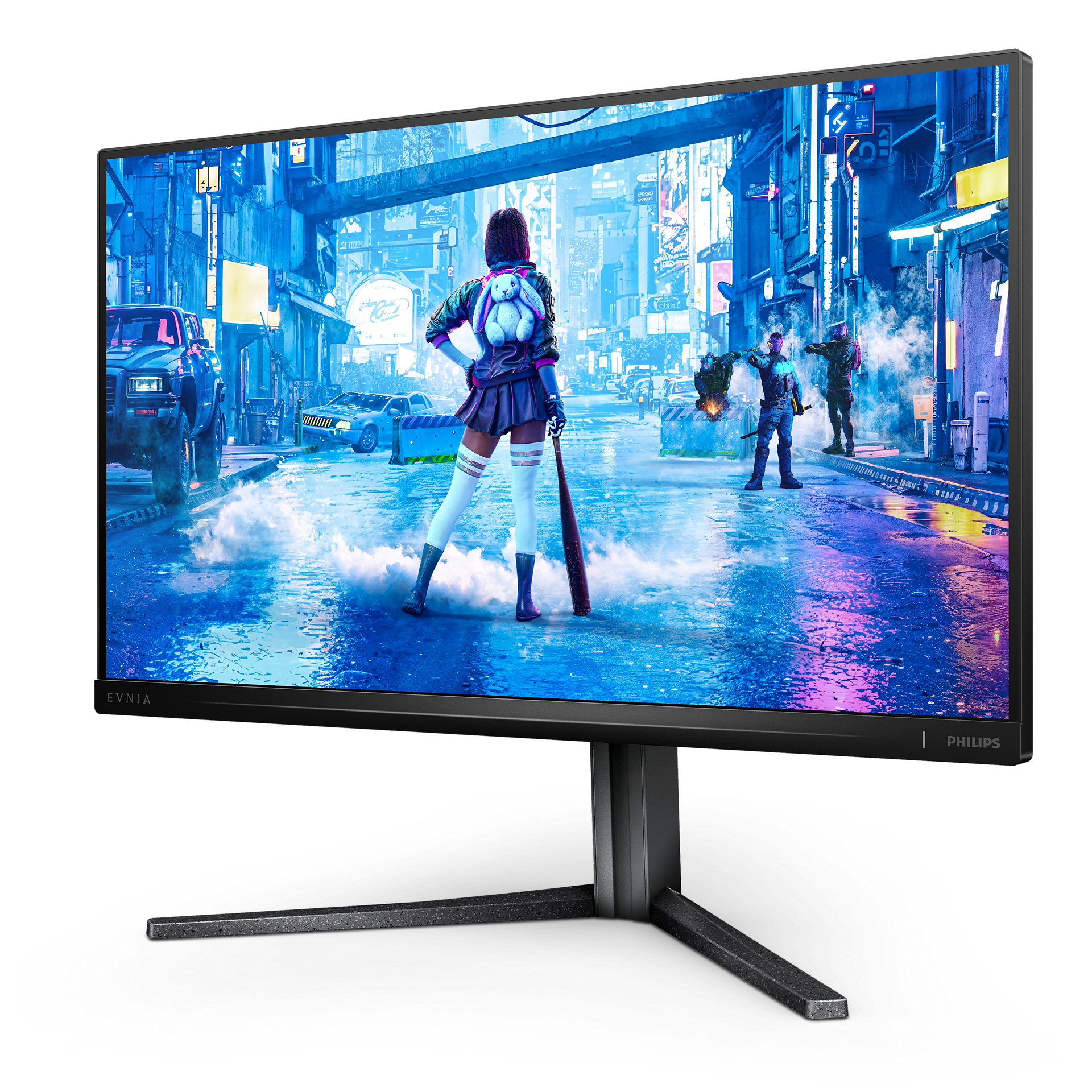
Fast IPS Gaming monitor 25M2N5200U Full HD gaming monitor
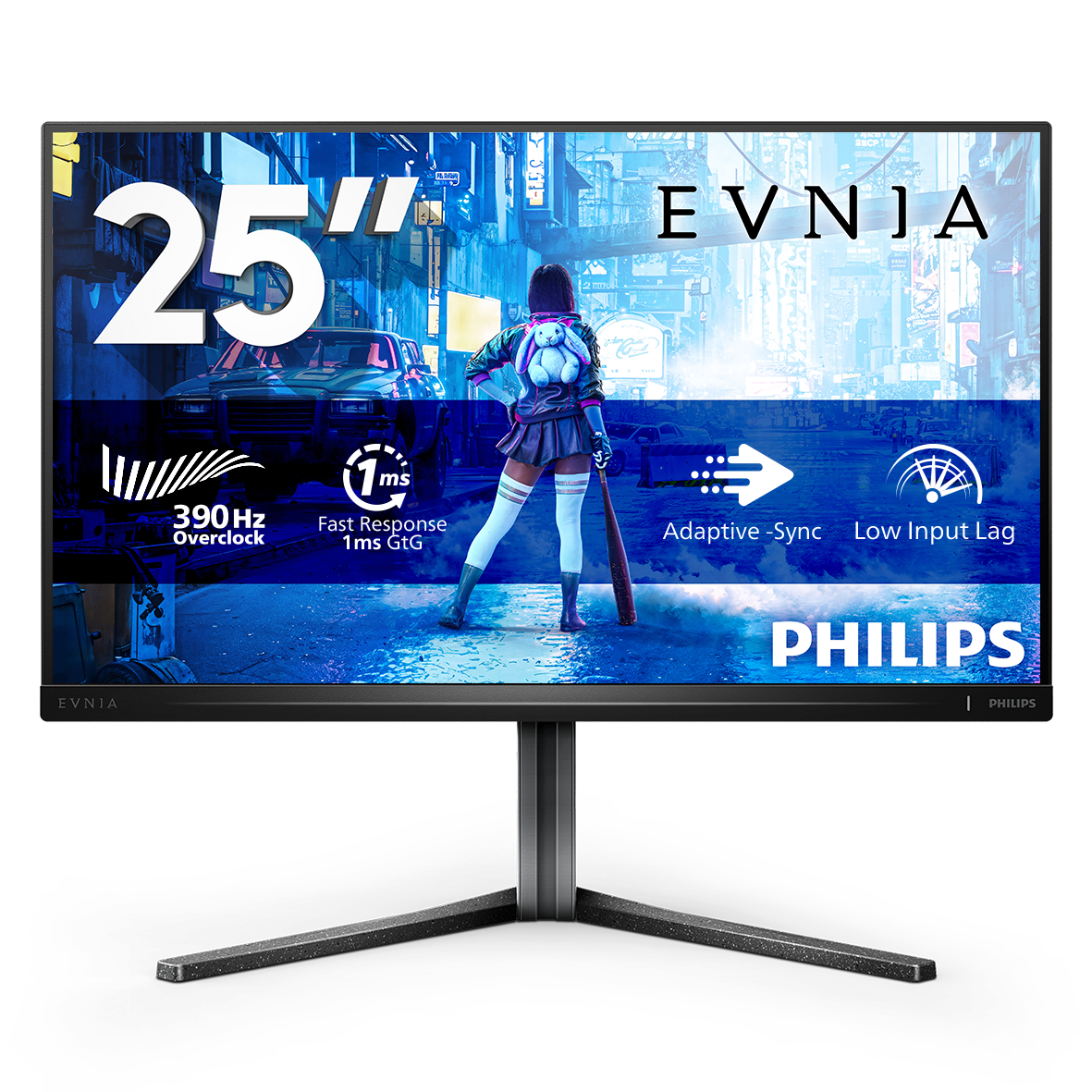
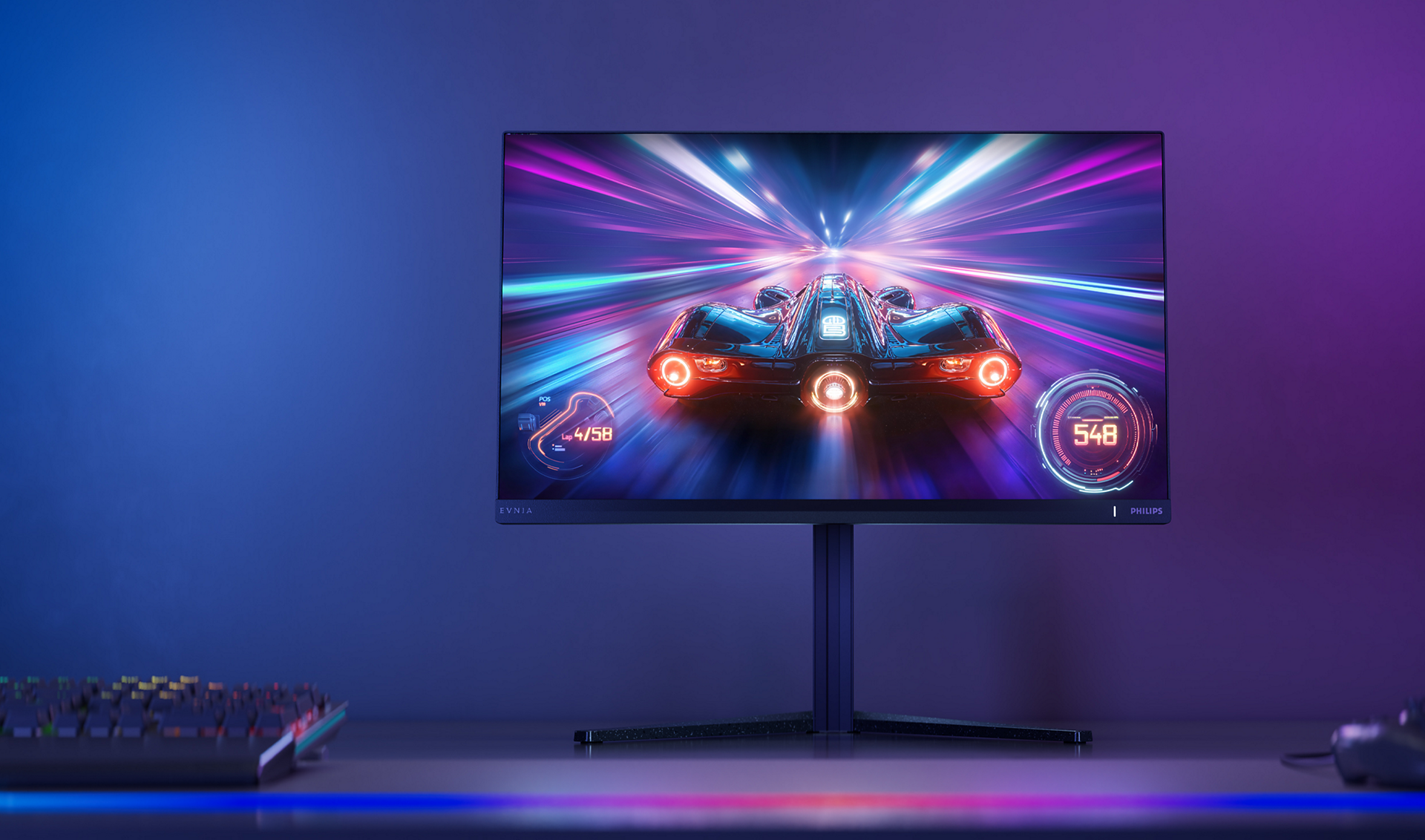
This monitor is all about speed. Ringing in at 390 Hz, gamers can successfully overclock to reach trail-blazing rates. Not to mention, this Evnia monitor maintains incredible image quality at any pace with its DisplayHDR 400 standard.
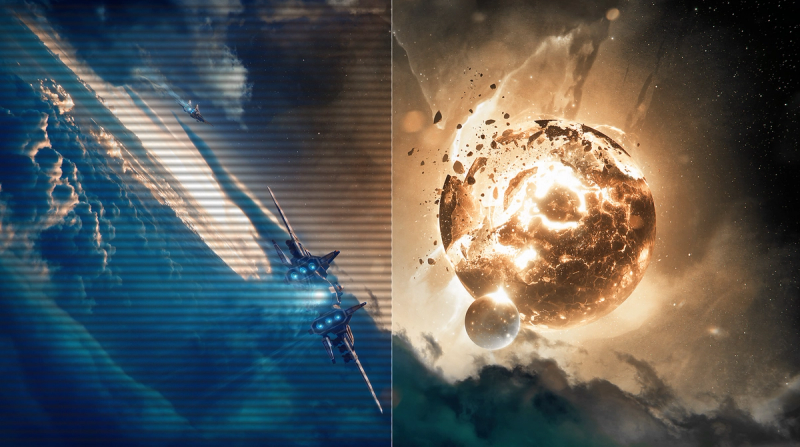
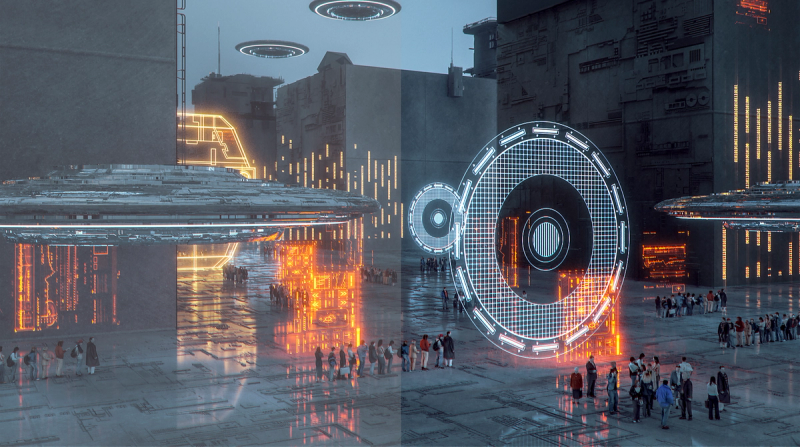
SmartImage Game Mode optimised for gamers
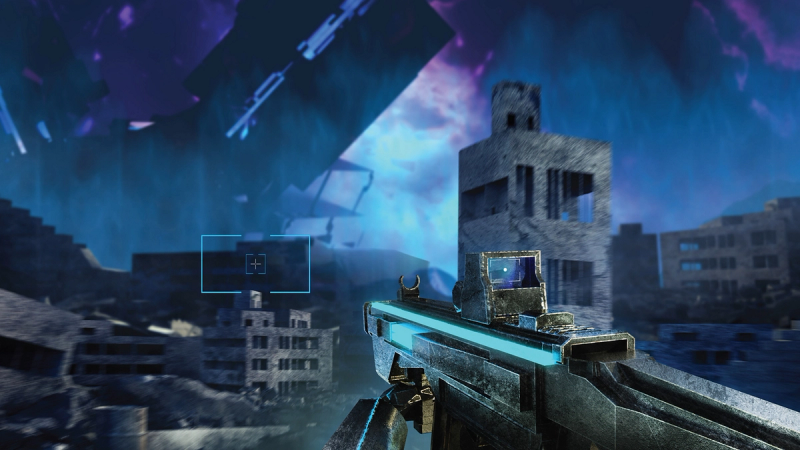
Smart Crosshair: for better aiming and more fun
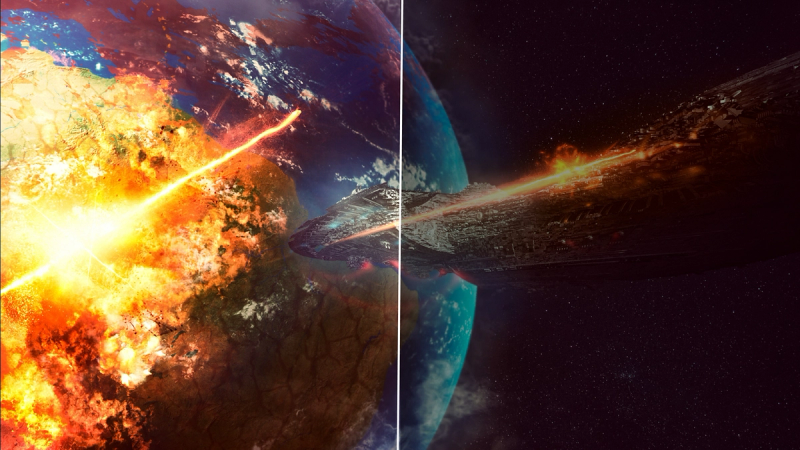
Stark ShadowBoost: for enhancing visibility in dark scenes
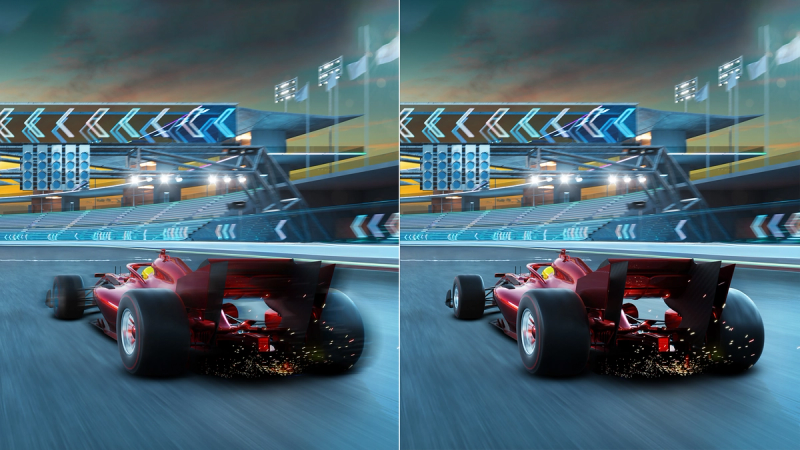
Smart MBR: for reducing motion blur.
Evnia Precision Center: Maximise Your Gaming Experience
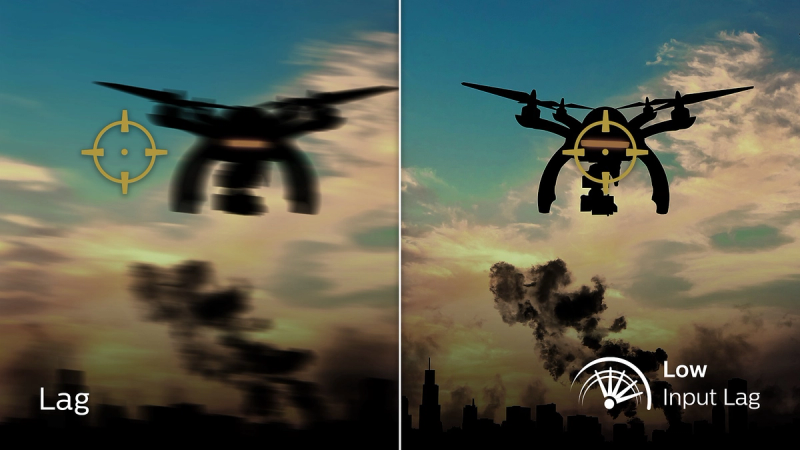
Low input lag reduces the time delay between devices and the monitor
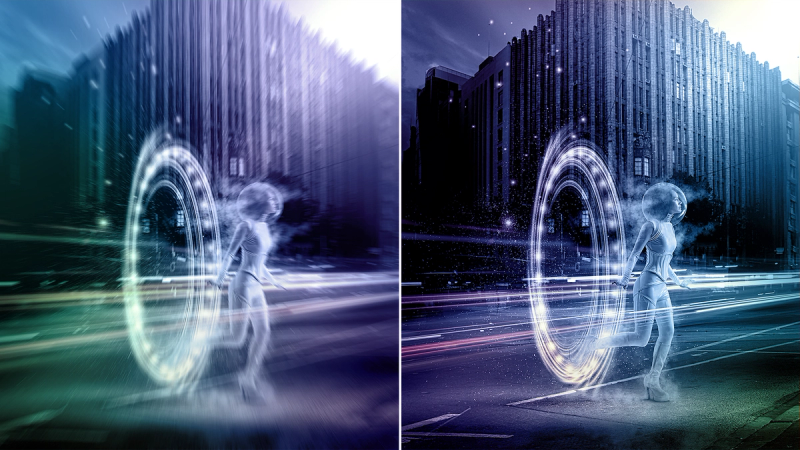
0.3 ms ultra-fast speed for crisp images and smooth gameplay
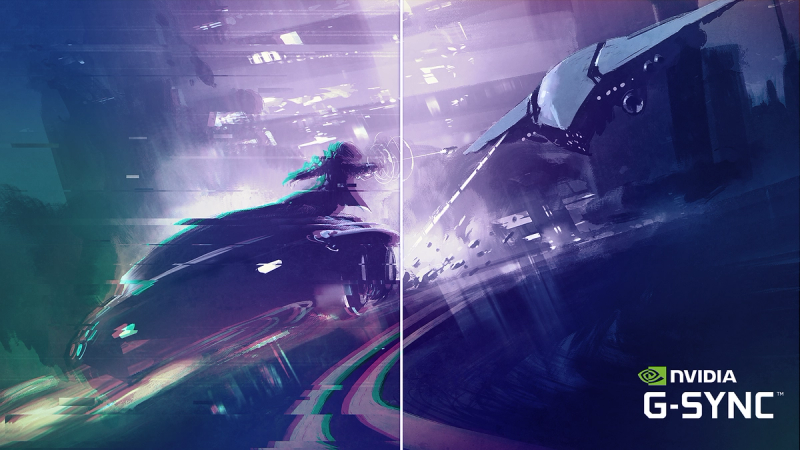
Certified NVIDIA® G-SYNC® compatible for smooth, fast gaming
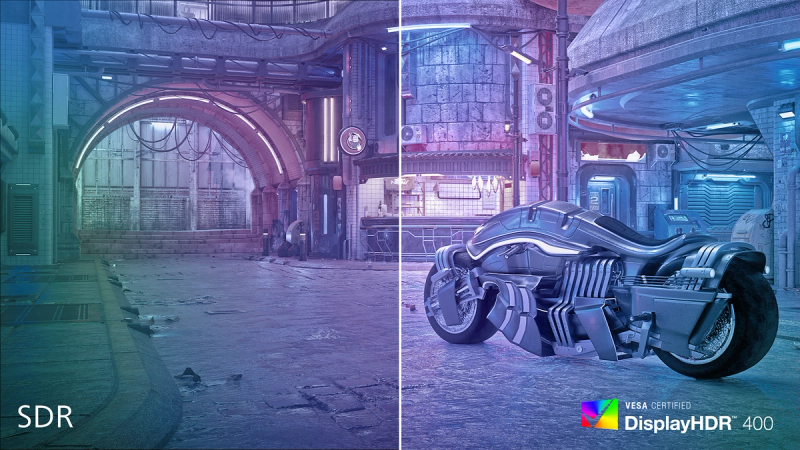
DisplayHDR 400 for more lifelike and outstanding visuals
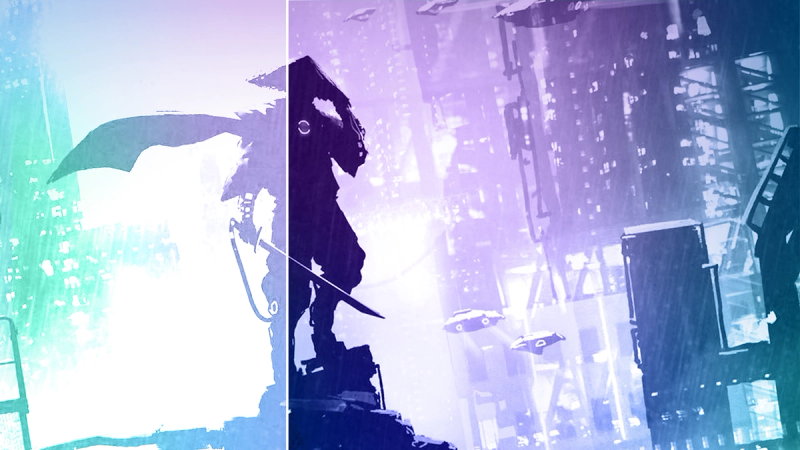
SmartContrast for rich black details
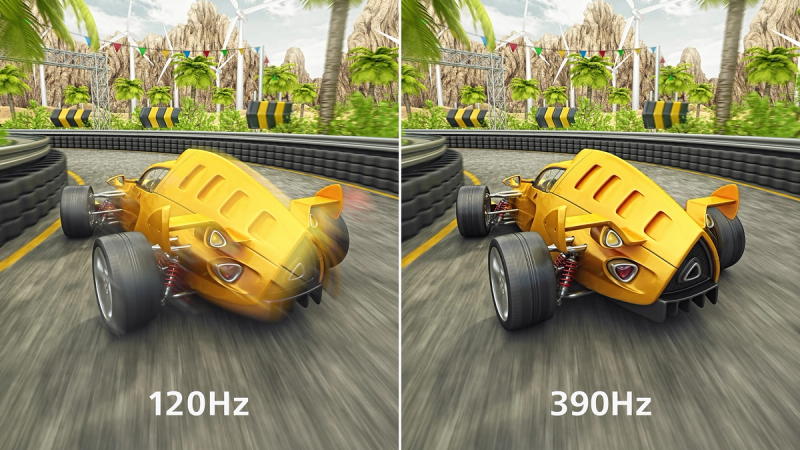
390 Hz refresh rates for silky-smooth and vivid imagery




Specifications
- ColourDark Slate
- FinishTextured
- Regulatory ApprovalsCB; CE Mark; TUV/ISO9241-307; TUV-BAUART; EAC; EAC ROHS; CEL; CCC; CECP; UKCA; EMF; FCC; ICES-003
- Sync inputSeparate Sync
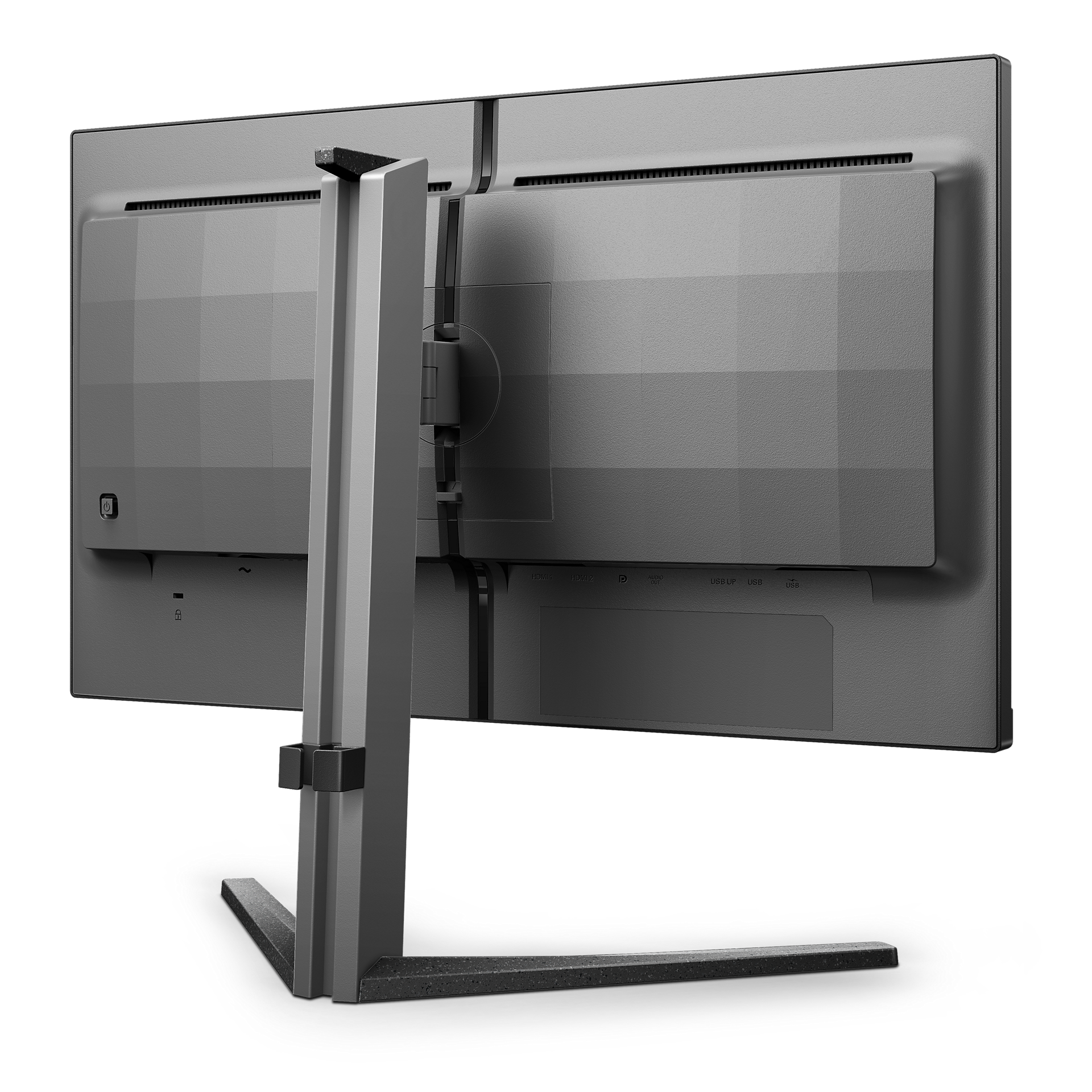
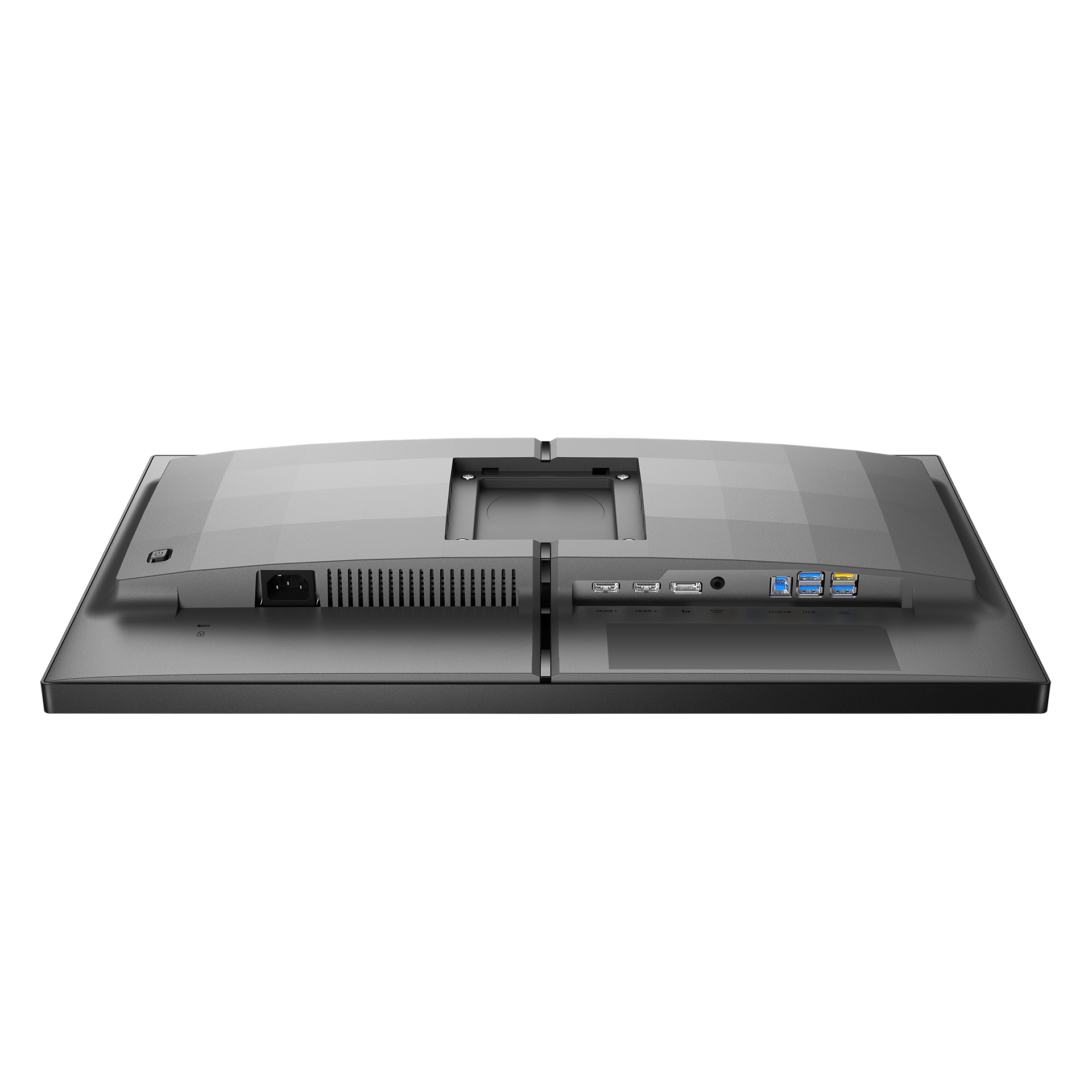
- Audio (In/Out)Headphone out
- HDCPHDCP 1.4 (HDMI/DisplayPort), HDCP 2.2 (HDMI/DisplayPort)
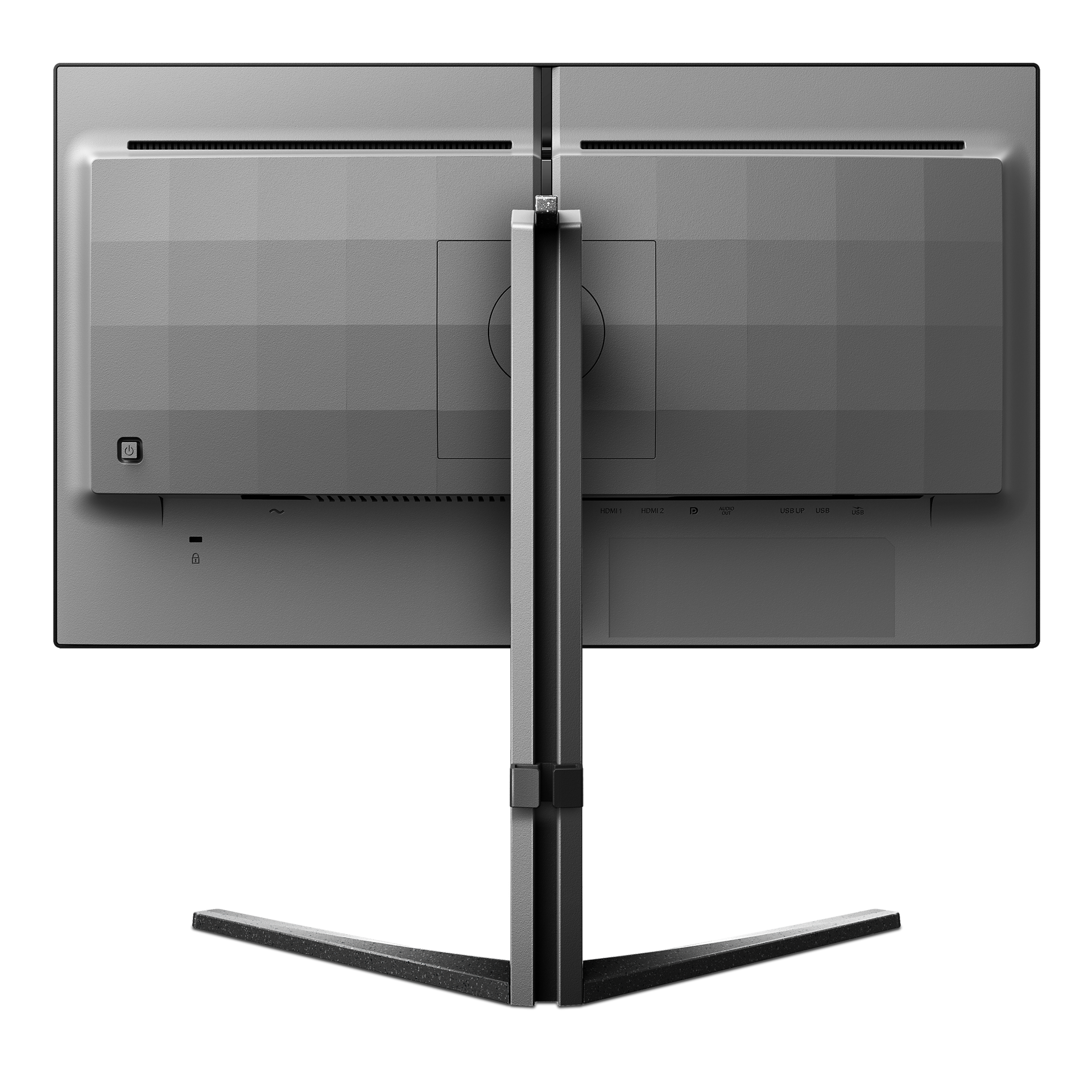
- Signal inputHDMI 2.0 x 2, DisplayPort 1.4 x 1
- User conveniencePower On/Off; Menu/OK; Input/Up; Game Settings/Down; SmartImage game/Back
- OSD languagesBrazil Portuguese; Czech; Dutch; English; Finnish; French; German; Greek; Hungarian; Italian; Japanese; Korean; Polish; Portuguese; Russian; Spanish; Simplified Chinese; Swedish; Turkish; Traditional Chinese; Ukrainian
- Other convenienceKensington lock; VESA mount (100 x 100 mm); LowBlue Mode
- Plug and Play CompatibilityDDC/CI; Mac OS; sRGB; Windows 11/10
- Product with stand (max height)557 x 508 x 239 mm
- Product without stand (mm)557 x 331 x 64 mm
- Packaging in mm ( W x H x D)730 x 420 x 186 mm
- Temperature range (operation)0°C to 40 °C
- Temperature range (storage)-20°C to 60 °C
- Relative humidity20%-80 %
- AltitudeOperation: +12,000 ft (3658 m), Non-operation: +40,000 ft (12,192 m)
- MTBF50,000 (Excluded backlight)
- LCD Panel typeFast IPS
- Backlight typeW-LED system
- Panel Size24.5 inch/62.2 cm
- Effective viewing area543.168 (H) x 302.616 (V) mm
- Display Screen coatingAnti-Glare, 3H, Haze 25%
- Aspect Ratio16:9
- Response time (typical)1 ms (Grey to Grey)*
- Brightness400 cd/m²
- Contrast ratio (typical)1000:1
- Pixel Pitch0.2829 x 0.2829mm
- Viewing Angle178º (H)/178º (V); @ C/R > 10
- Display colours16.7 M
- Scanning FrequencyHDMI: 30 - 280 kHz (H) / 48 - 240 Hz (V); DP: 30 - 440 kHz (H) / 48 - 390 Hz (V)
- sRGBYes
- Picture enhancementSmartImage game
- Pixel Density90 PPI
- Flicker-freeYes
- LowBlue ModeYes
- EasyReadYes
- Adaptive SyncYes
- SmartUniformity93 ~ 105%
- Delta E< 2 (sRGB)
- Maximum ResolutionHDMI: 1920 x 1080 @ 240 Hz; DP: 1920 x 1080 @ 390 Hz (overclock)*
- Low Input LagYes
- G-SYNCYes
- Smart MBR0.3 ms*
- Smart CrosshairYes
- SmartContrastMega Infinity DCR
- Colour Gamut (typical)Adobe RGB 86%; DCI-P3:84%, sRGB: 110%, NTSC 93%*
- HDRHDR 400
- On mode25.83 W (typ.)
- Standy mode0.5 W (typ.)
- Off mode0.3 W (typ.)
- Power LED indicatorOperation - White; Standby mode - White (flashing)
- Power supplyInternal; 100–240 VAC, 50–60 Hz
- Energy label classE
- Environmental and energyRoHS
- Recyclable packaging material100 %
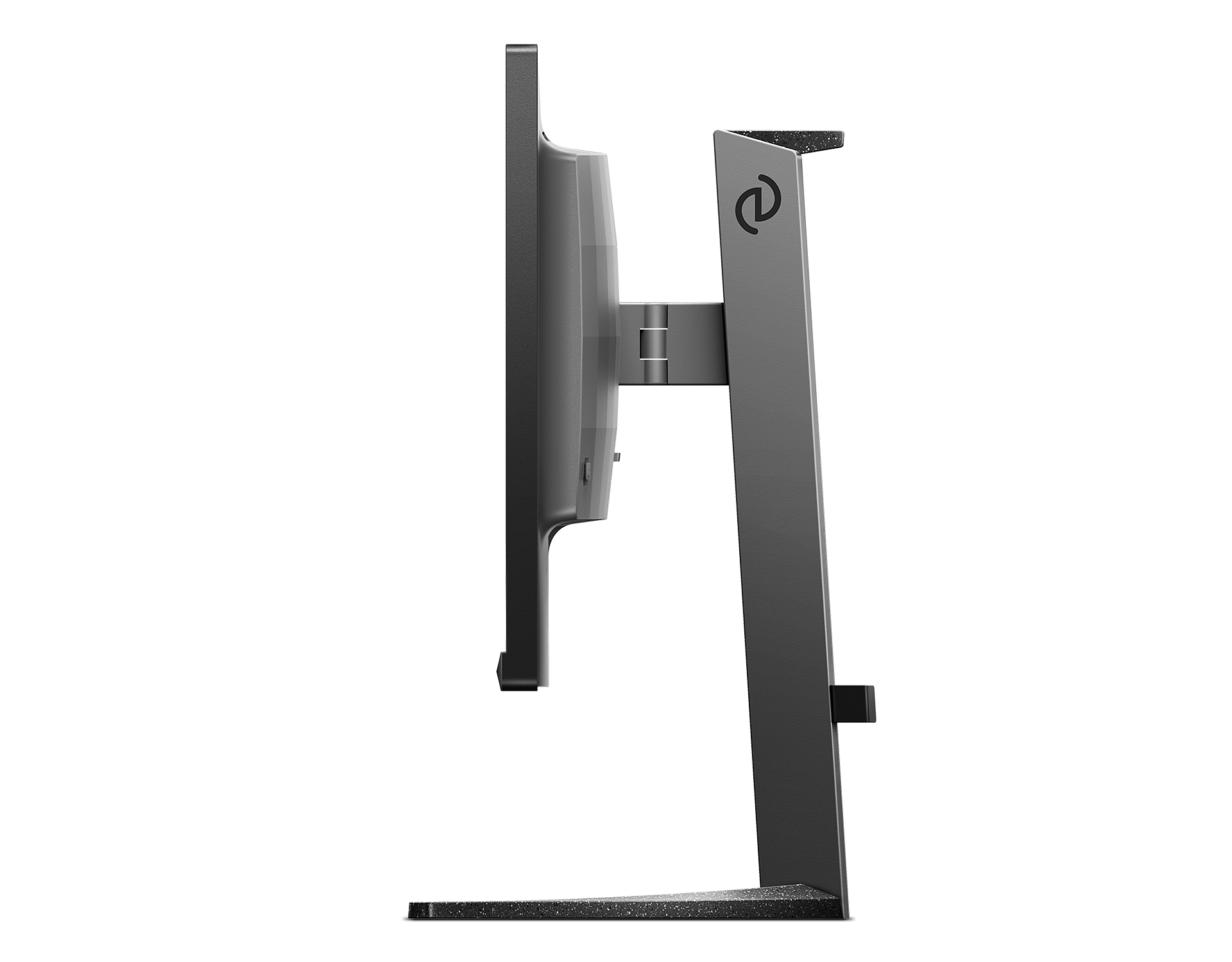
- Height adjustment130 mm
- Tilt-5/20 degree
- Pivot-/+ 90 degree
- Swivel-/+ 30 degree
- Product with stand (kg)5.09 kg
- Product without stand (kg)3.39 kg
- Product with packaging (kg)8.07 kg
- Monitor with standYes
- CablesHDMI cable, DisplayPort cable, USB upstream cable, Power cable
- User documentationYes
Disclaimers
- * "IPS" word mark / trademark and related patents on technologies belong to their respective owners.
- * The Overclock function increases the native refresh rate, however, it does have some associated risks along with it. If the screen is displayed abnormally after rebooting, please switch off the Overclock setting located in the monitor's OSD menu.
- * For best output performance, please always ensure that your graphic card is capable of achieving the maximum resolution and refresh rate of this Philips display.
- * Response time value equal to SmartResponse
- * Smart MBR adjusts the brightness for blur reduction, so you cannot adjust brightness while smart MBR is turned on. To reduce motion blur, the LED backlight will strobe synchronously with screen refresh, which may cause noticeable changes in brightness.
- * Smart MBR is a gaming-optimised mode. Turning on Smart MBR may cause noticeable screen flickering. We recommended turning it off when you are not using the gaming function.
- * Adobe RGB and DCI-P3 Coverage based on CIE1976, sRGB Area based on CIE1931, NTSC Area based on CIE1976.
- * NVIDIA® G-SYNC® support interface: DisplayPort.
- * Make sure to update NVIDIA® G-SYNC® driver to the latest version, see more information on NVIDIA website: https://www.nvidia.com/
- * Make sure that your graphic card supports NVIDIA® G-SYNC®.
- * This monitor strives for sustainability: the stand's feet and headphone holder are made with 35% recycled plastic and monitor's chassis is made up of 85% post-consumer recycled plastic.
- * The monitor may look different from feature images.
- * The products and accessories listed on this leaflet may differ by country and region.