Compare products to find the right fit
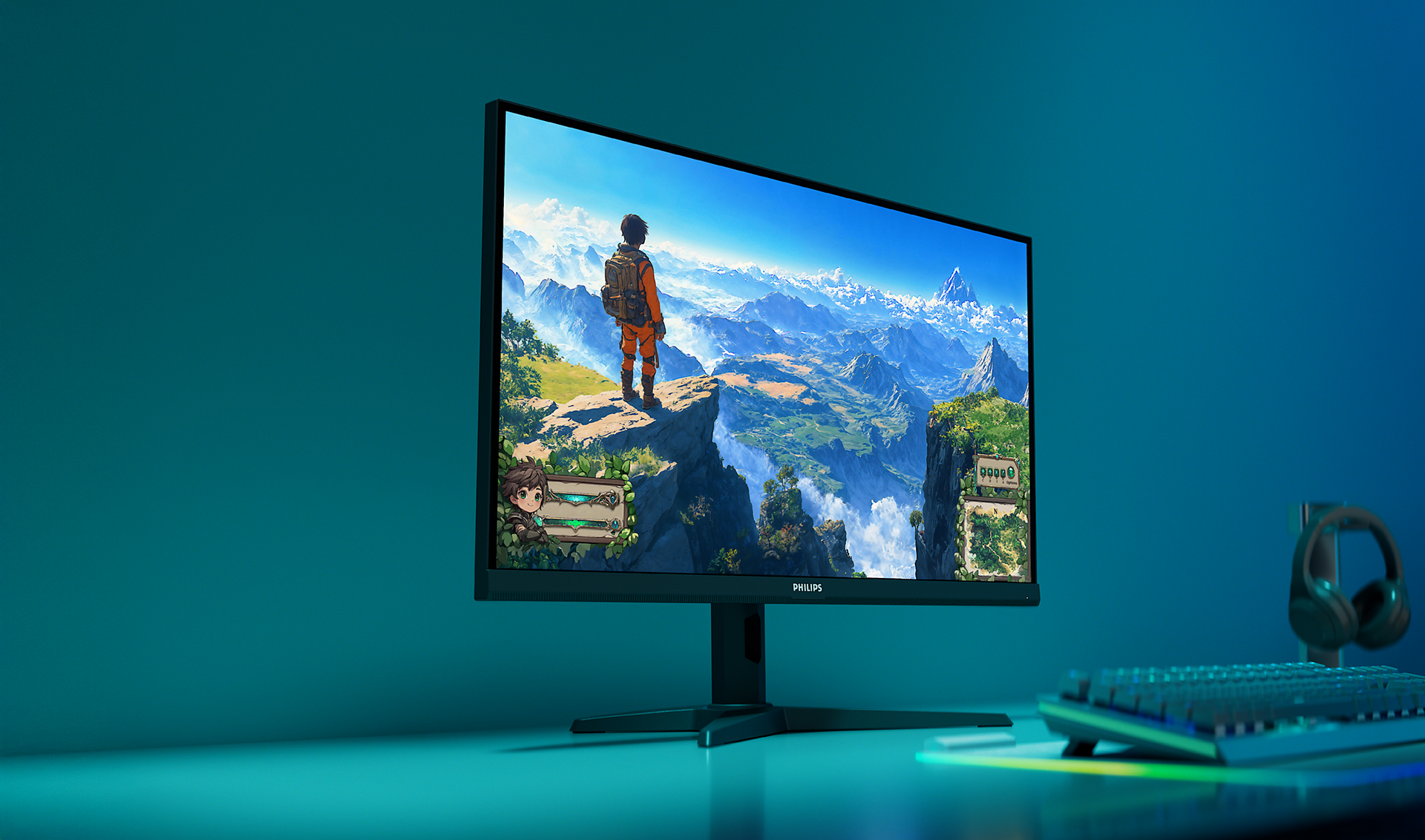
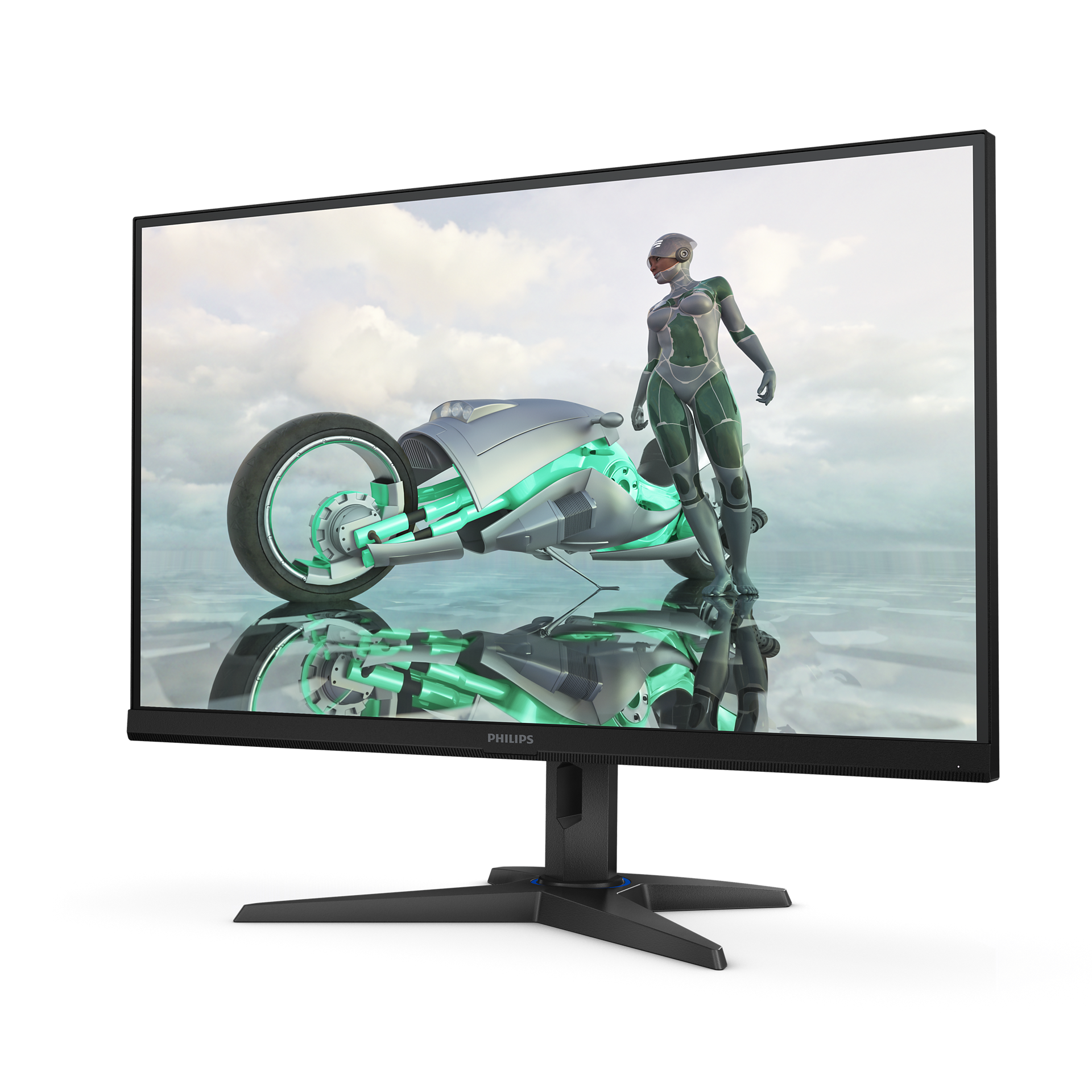
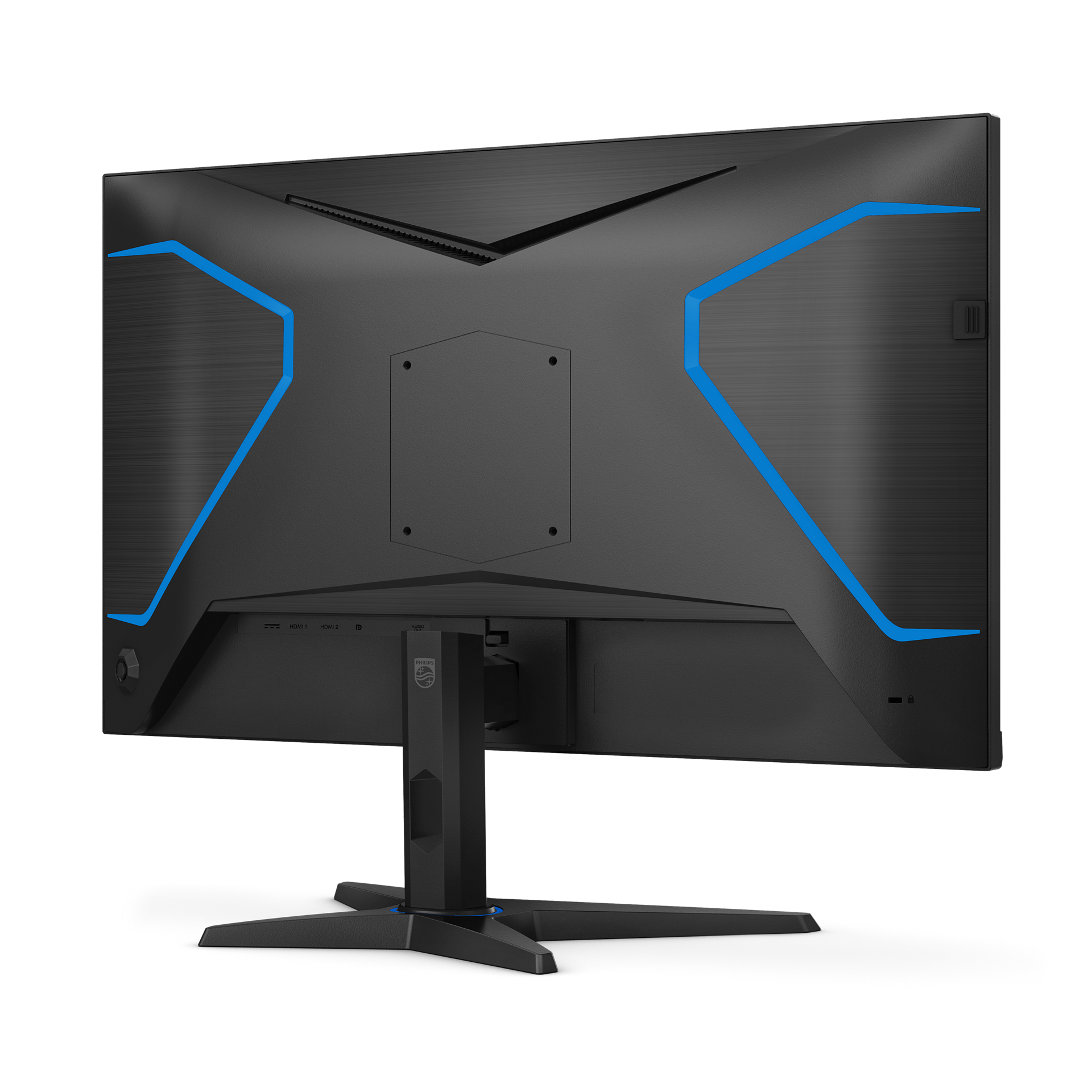
27M3N3540Q/71
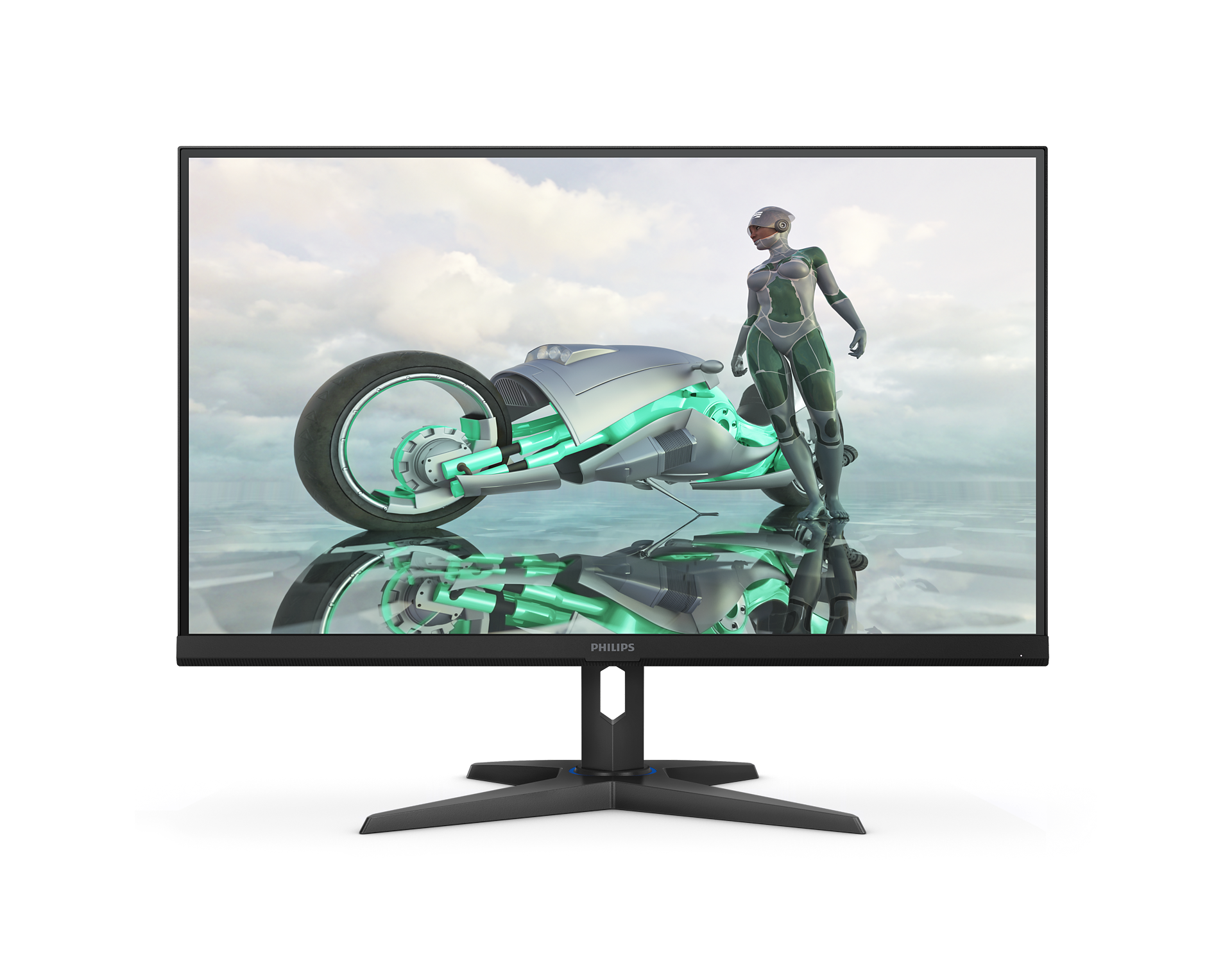
Fast IPS Gaming monitor 27M3N3540Q Quad HD gaming monitor
This Evnia Fast IPS monitor provides smooth gaming at an overclockable 210Hz refresh rates while producing high-quality. Gamers can also pinpoint targets more easily with this monitor's Smart Crosshair feature.
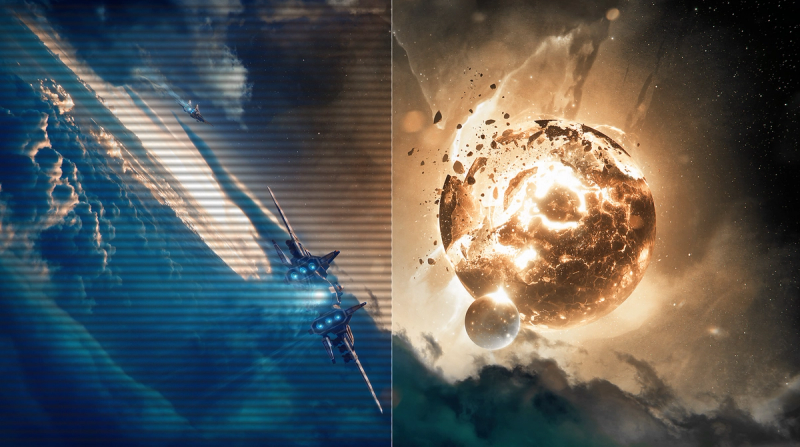
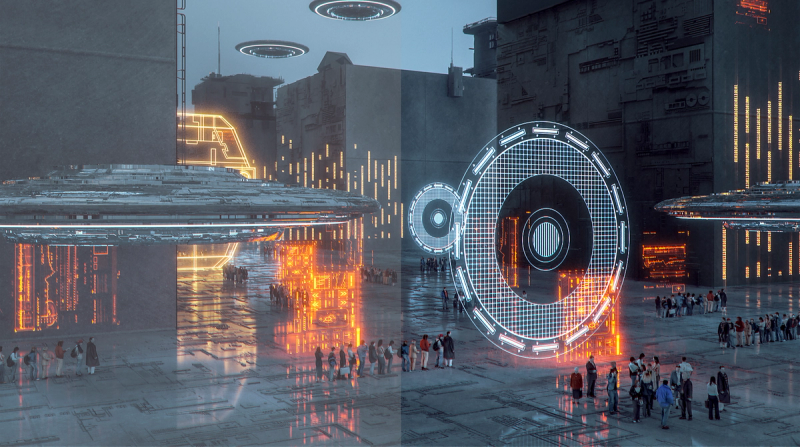
SmartImage Game Mode optimised for gamers
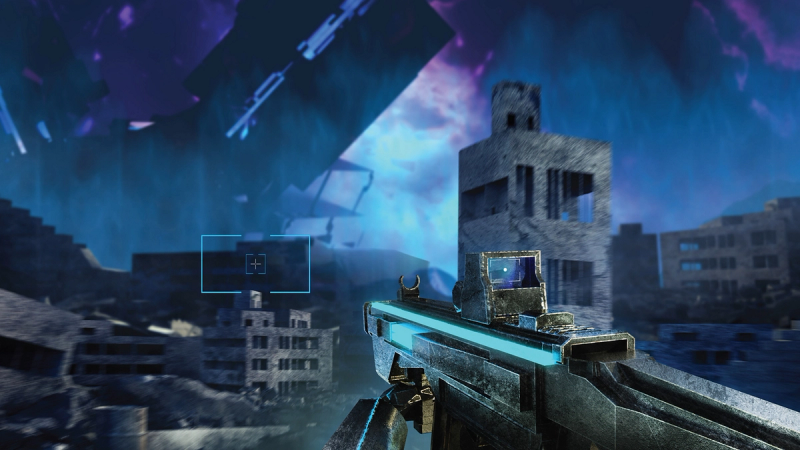
Smart Crosshair: for better aim and more fun
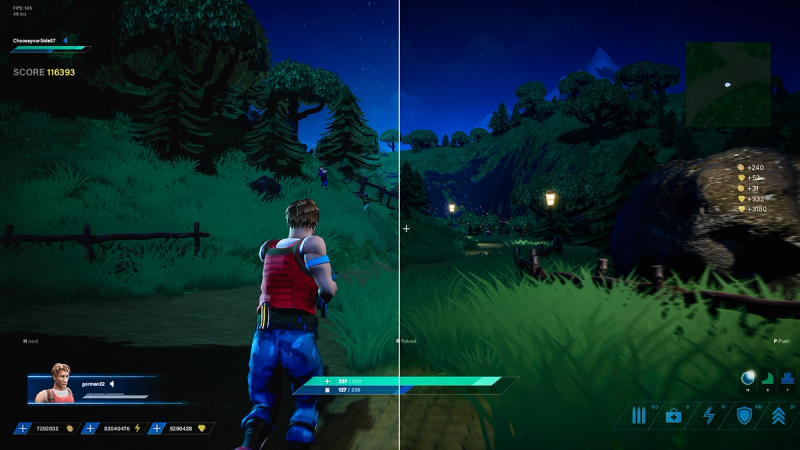
ShadowBoost: brings dark scenes to life.

Evnia Precision Center: Maximize Your Gaming Experience
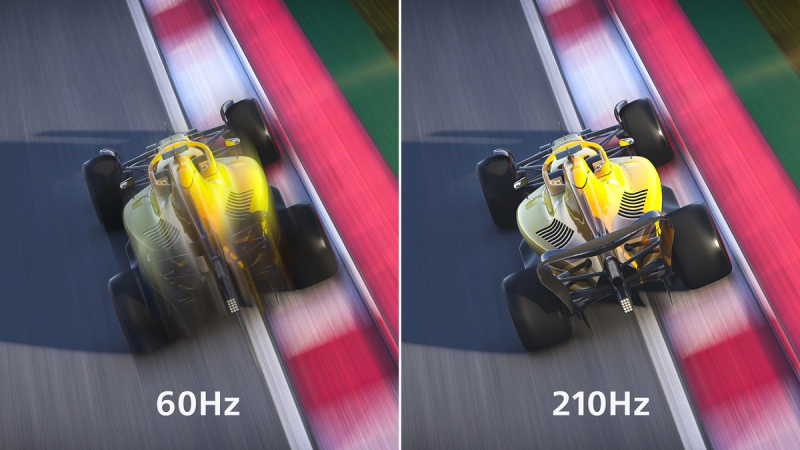
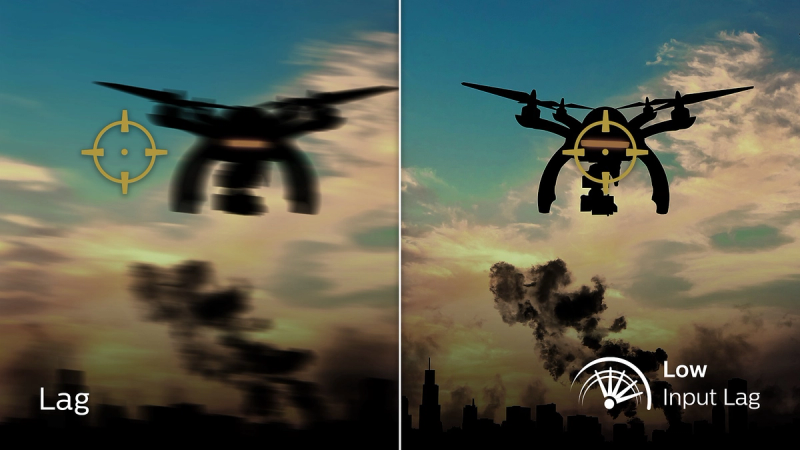
Low input lag reduces time delay between devices and the monitor
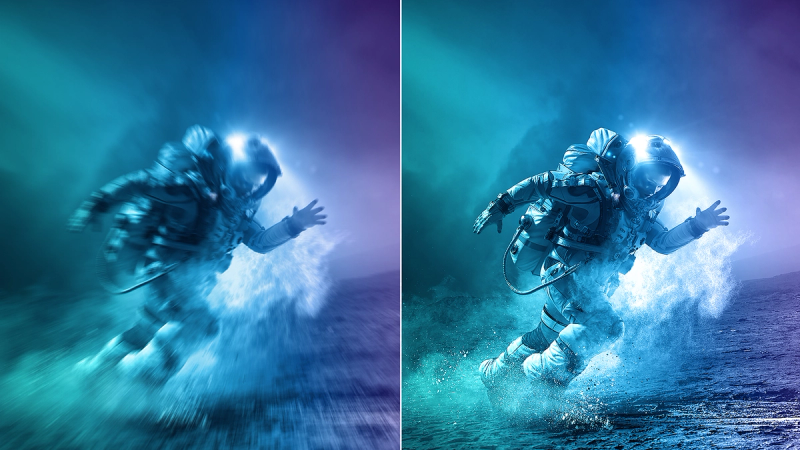
Fast IPS Panel: For rapid and crystal-clear gaming
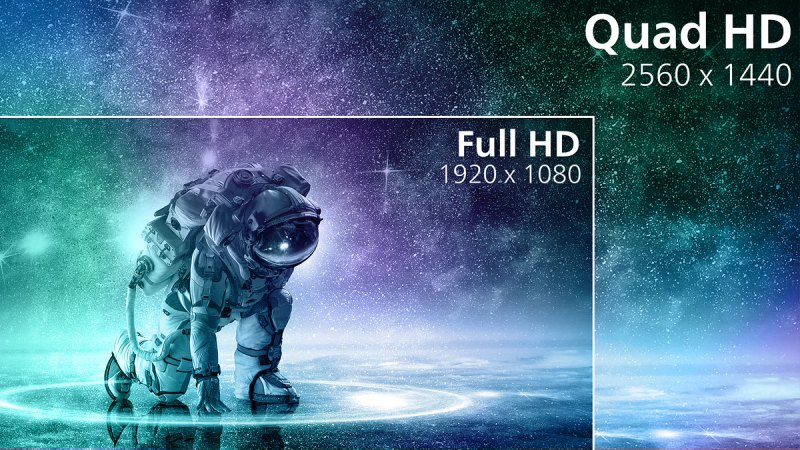
Crystal-clear images with Quad HD 2560 x 1440 pixels

SmartContrast for rich black details





Specifications
- ColorBlack
- FinishTextured
- Regulatory ApprovalsCCC; CECP; CEL
- Audio (In/Out)Headphone out
- HDCPHDCP 2.3 (HDMI / DisplayPort), HDCP 1.4 (HDMI / DisplayPort)
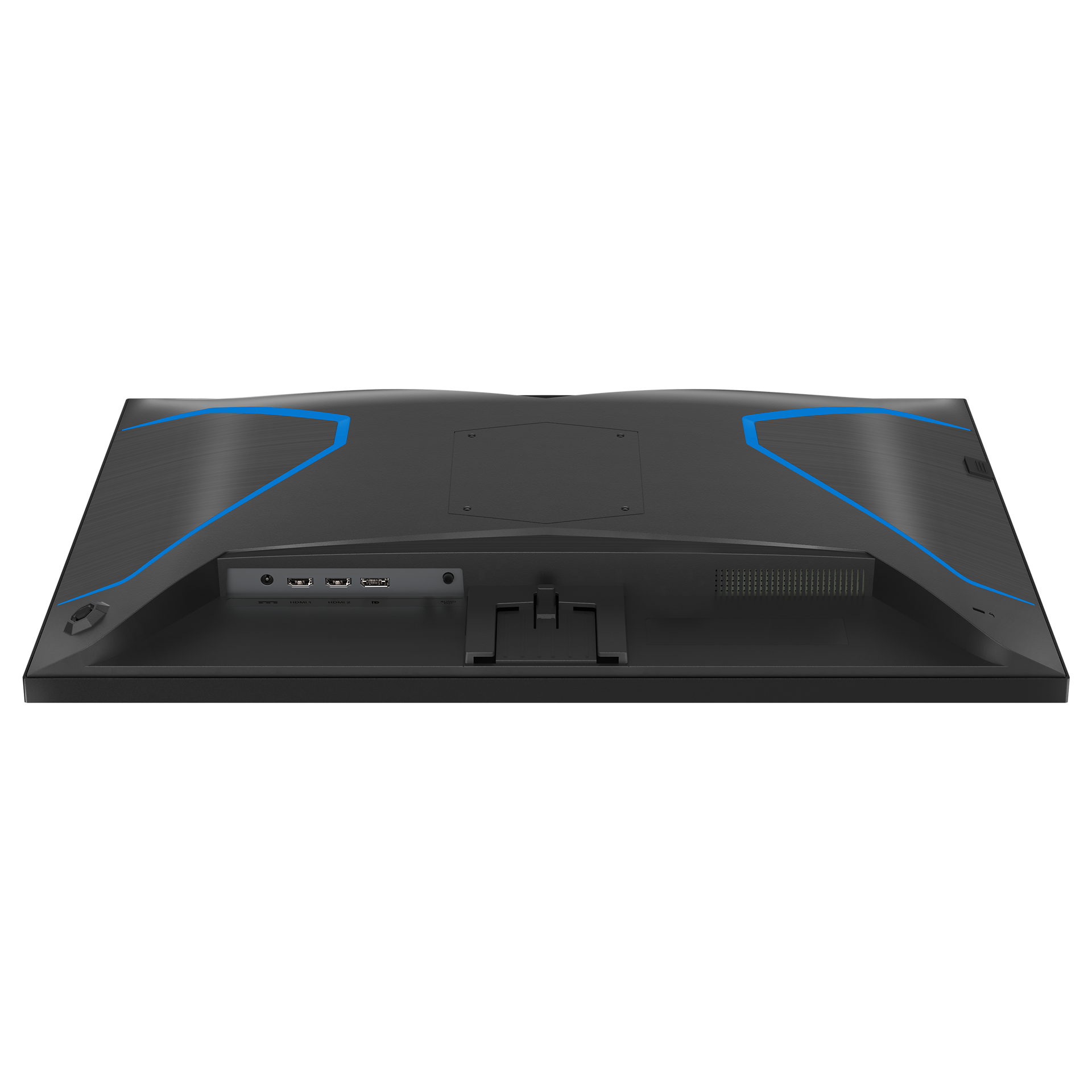
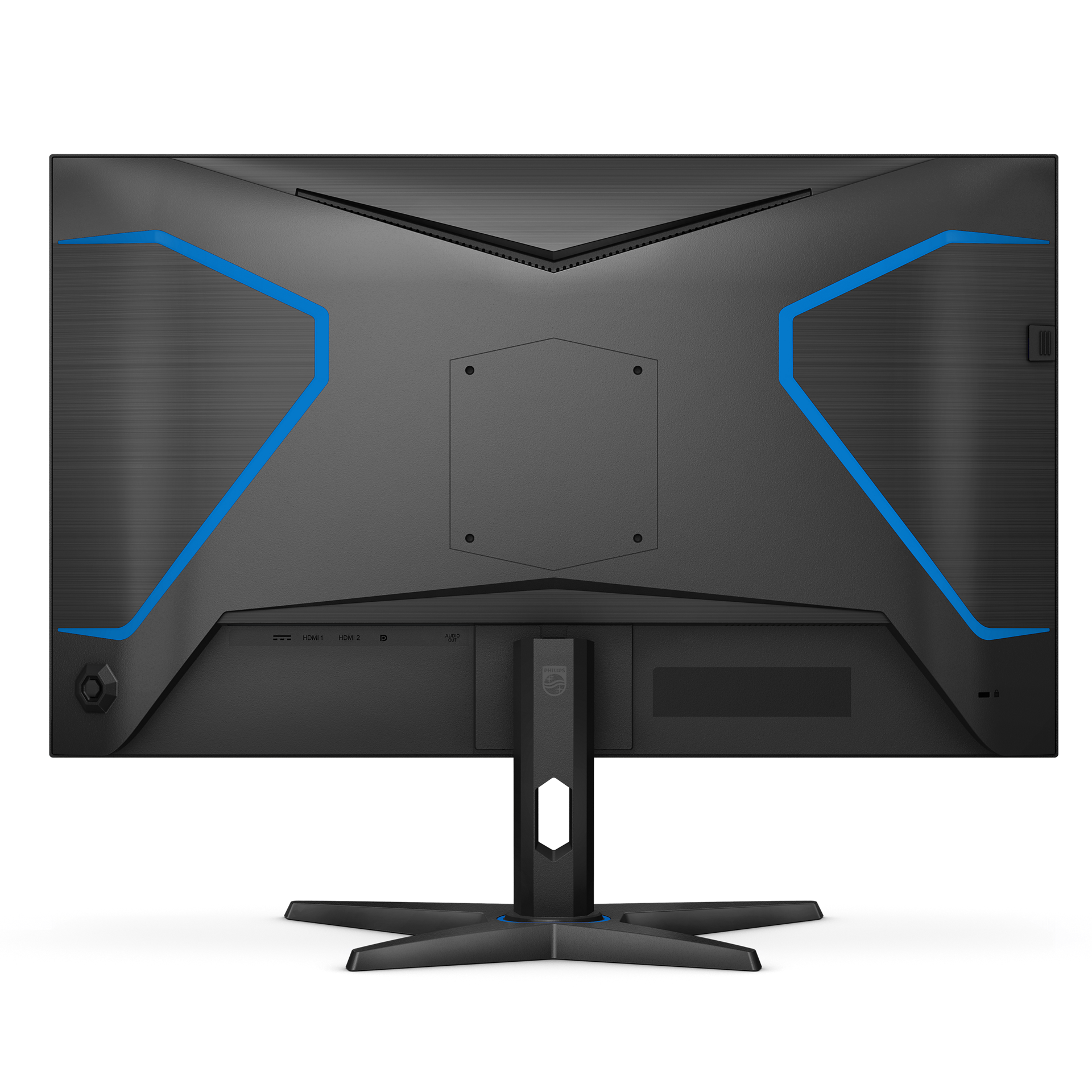
- Signal InputHDMI 2.0x 2, DisplayPort 1.4 x 1
- User conveniencePower On/Off; Menu/OK; Input/Up; Game Mode/Down; SmartImage game/Back
- OSD LanguagesBrazil Portuguese; Czech; Dutch; English; Finnish; French; German; Greek; Hungarian; Italian; Japanese; Korean; Polish; Portuguese; Russian; Spanish; Simplified Chinese; Swedish; Turkish; Traditional Chinese; Ukrainian
- Other convenienceKensington lock; VESA mount (100x100mm)
- Plug & Play CompatibilityDDC/CI; Mac OS; sRGB; Windows 11 / 10
- Control softwareEvnia Precision Center
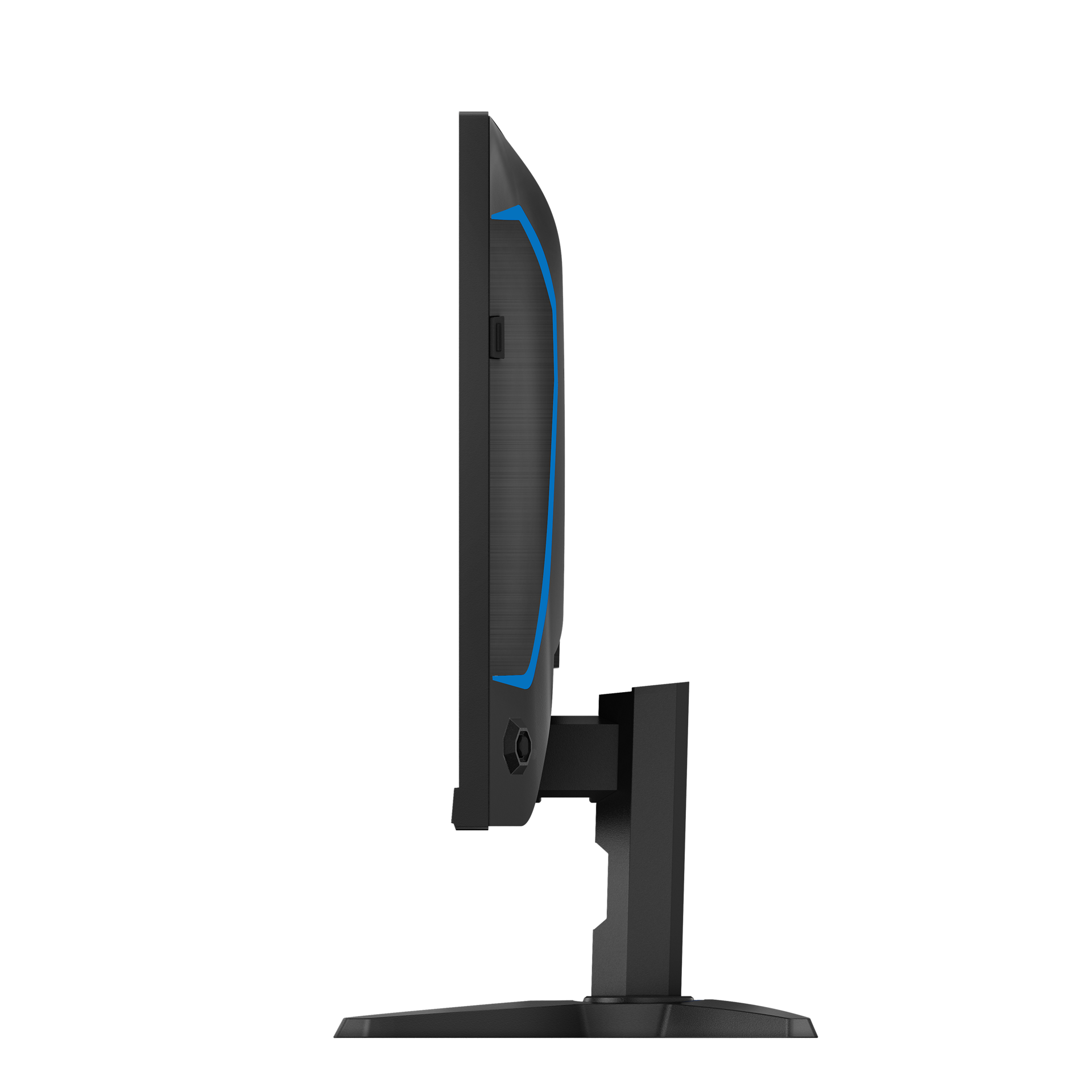
- Product with stand(max height)613 x 474 x 257 mm
- Product without stand (mm)613 x 367 x 58 mm
- Packaging in mm (WxHxD)760 x 487 x 178 mm
- Temperature range (operation)0°C to 40 °C
- Temperature range (storage)-20°C to 60 °C
- Relative humidity20%-80 %
- AltitudeOperation: +12,000ft (3,658m), Non-operation: +40,000ft (12,192m)
- MTBF30,000 (Excluded backlight)
- LCD panel typeFast IPS
- Backlight typeW-LED system
- Panel Size27 inch / 68.5 cm
- Effective viewing area596.736mm(H) x 335.664mm(V)
- Display Screen CoatingAnti-Glare, 3H, Haze 25%
- Aspect ratio16:9
- Response time (typical)1 ms (Gray to Gray)*
- Brightness300 cd/m²
- Contrast ratio (typical)1000:1
- Pixel pitch0.2331mm(H) x 0.2331mm(V)
- Viewing angle178º (H) / 178º (V); @ C/R > 10
- Display colors1.07B (8bits+FRC)
- Scanning FrequencyHDMI: 30-218 kHz(H)/ 48-144 Hz(V), DP:30- 300 kHz(H)/ 48-210 Hz(V)
- sRGBYes
- Picture enhancementSmartImage game
- Pixel Density108 PPI
- Flicker-freeYes
- LowBlue ModeYes
- Adaptive syncYes
- Delta E< 2 (sRGB)
- Maximum resolutionHDMI:2560 x 1440@ 144Hz, 2560 x 1440@ 210Hz, 10bits, RGB/444
- SmartResponse (typical)1 ms (Gray to Gray)*
- Low Input LagYes
- Shadow BoostYes
- Smart CrosshairYes
- SmartContrastMega Infinity DCR
- Colour Gamut (typical)Adobe RGB 90%, DCI-P3 92%, sRGB 97%, NTSC 100%*
- HDRHDR10
- On mode29 W (typ.)
- Standby mode0.5 W (typ.)
- Off mode0.3 W (typ.)
- Power LED indicatorOperation - White; Standby mode- White (blinking)
- Power supplyExternal; 100-240VAC, 50-60Hz
- Environmental and energyChina RoHS
- Recyclable packaging material100 %
- Tilt-5/20 degree
- Product with stand (kg)4.8 kg
- Product without stand (kg)4.1 kg
- Product with packaging (kg)8.6 kg
Disclaimers
- * "IPS" word mark / trademark and related patents on technologies belong to their respective owners.
- * For best output performance, please always ensure that your graphic card is capable of achieving the maximum resolution and refresh rate of this Philips display.
- * Response time value equal to SmartResponse
- * Adobe RGB and DCI-P3 Coverage based on CIE1976, sRGB Area based on CIE1931, NTSC Area based on CIE1976.
- * The monitor may look different from feature images.
- * The products and accessories listed on this leaflet may differ by country and region.