Compare products to find the right fit

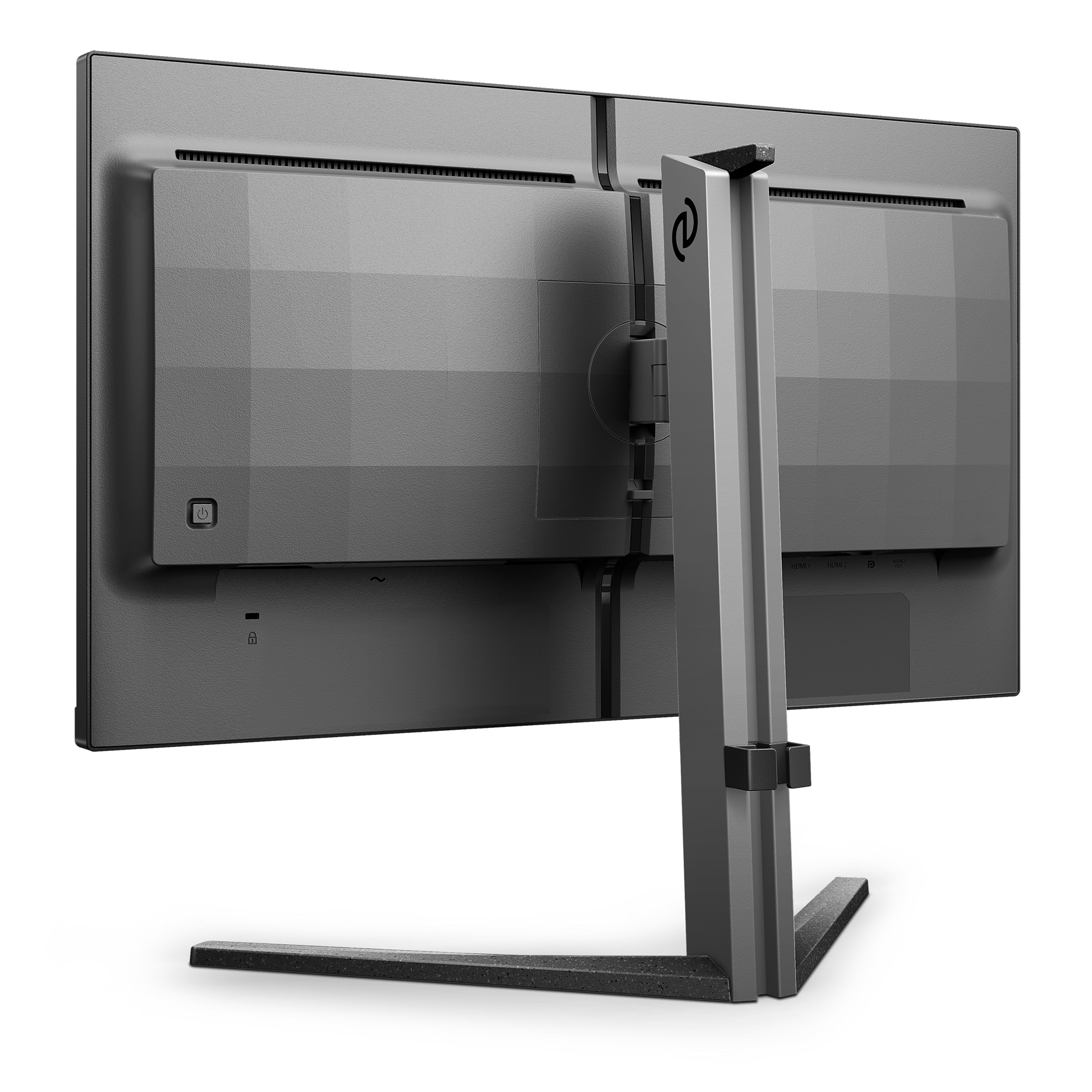
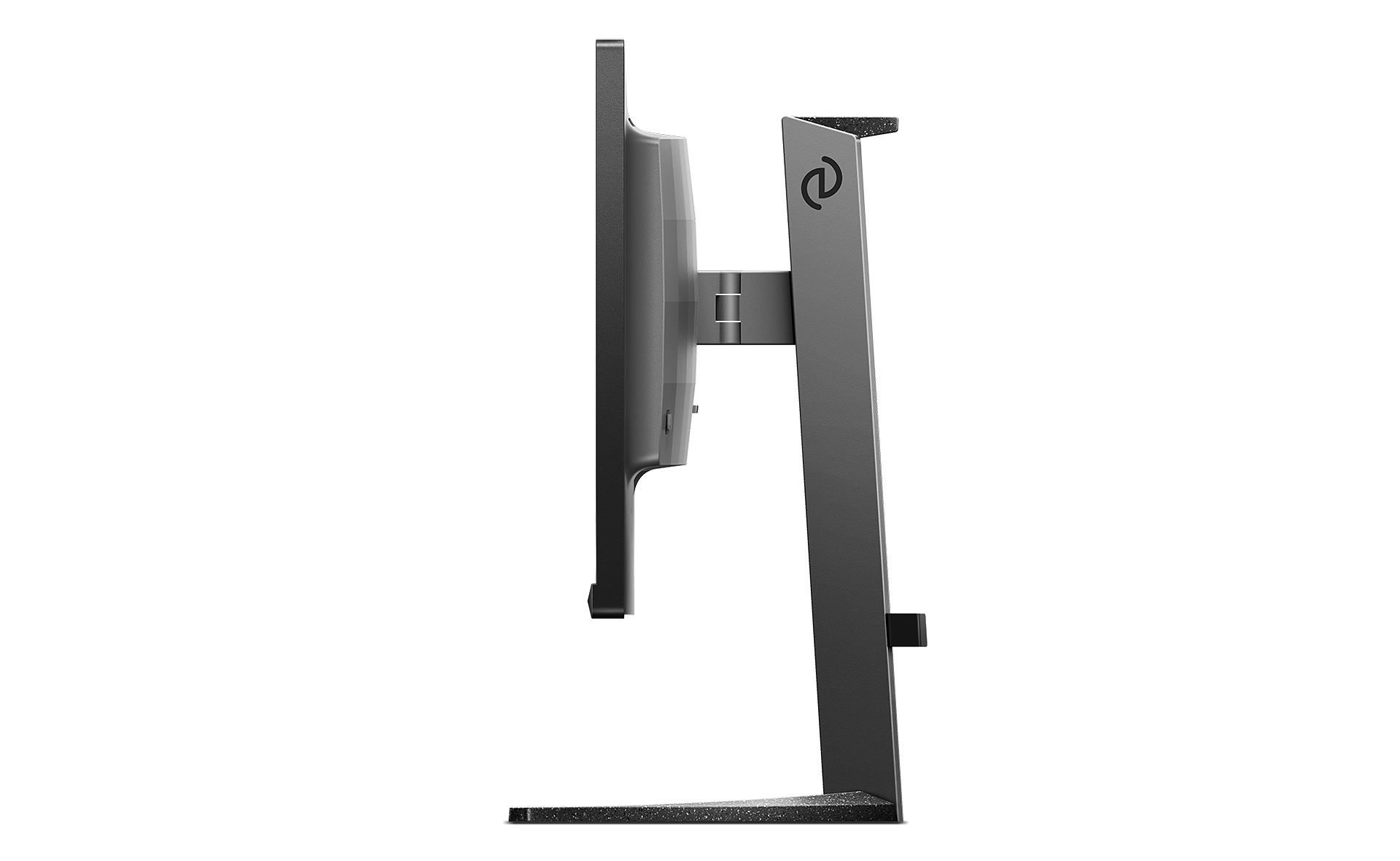
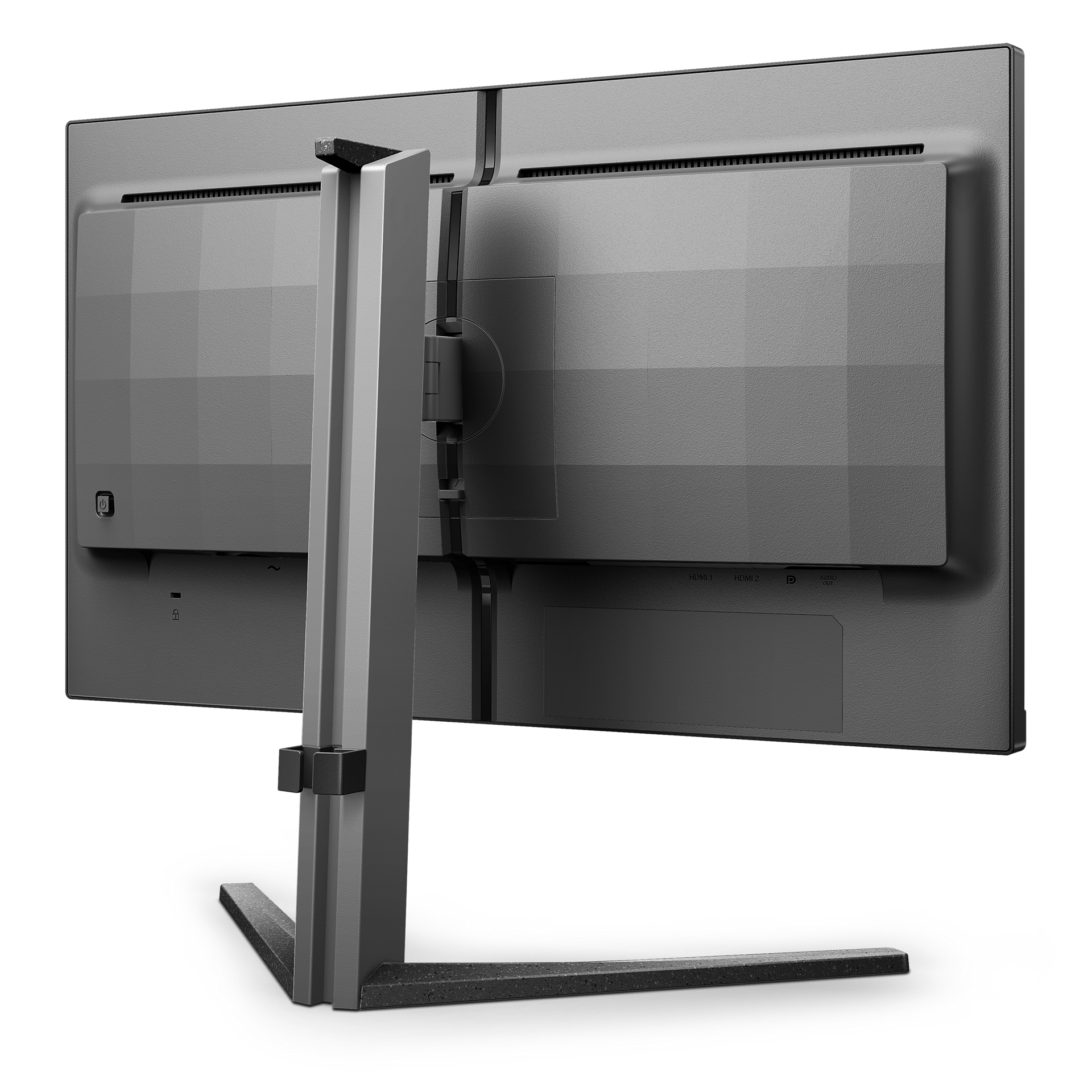
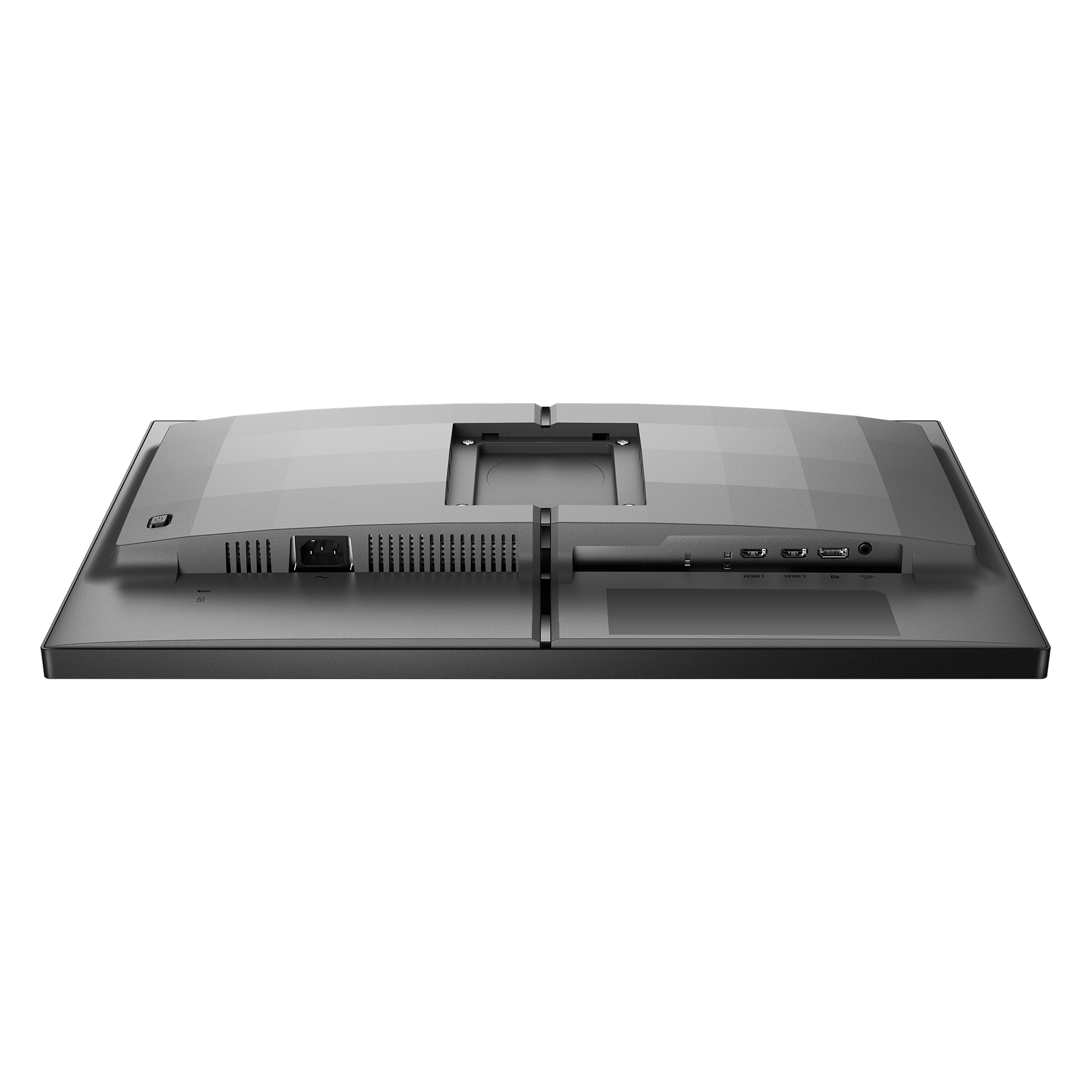
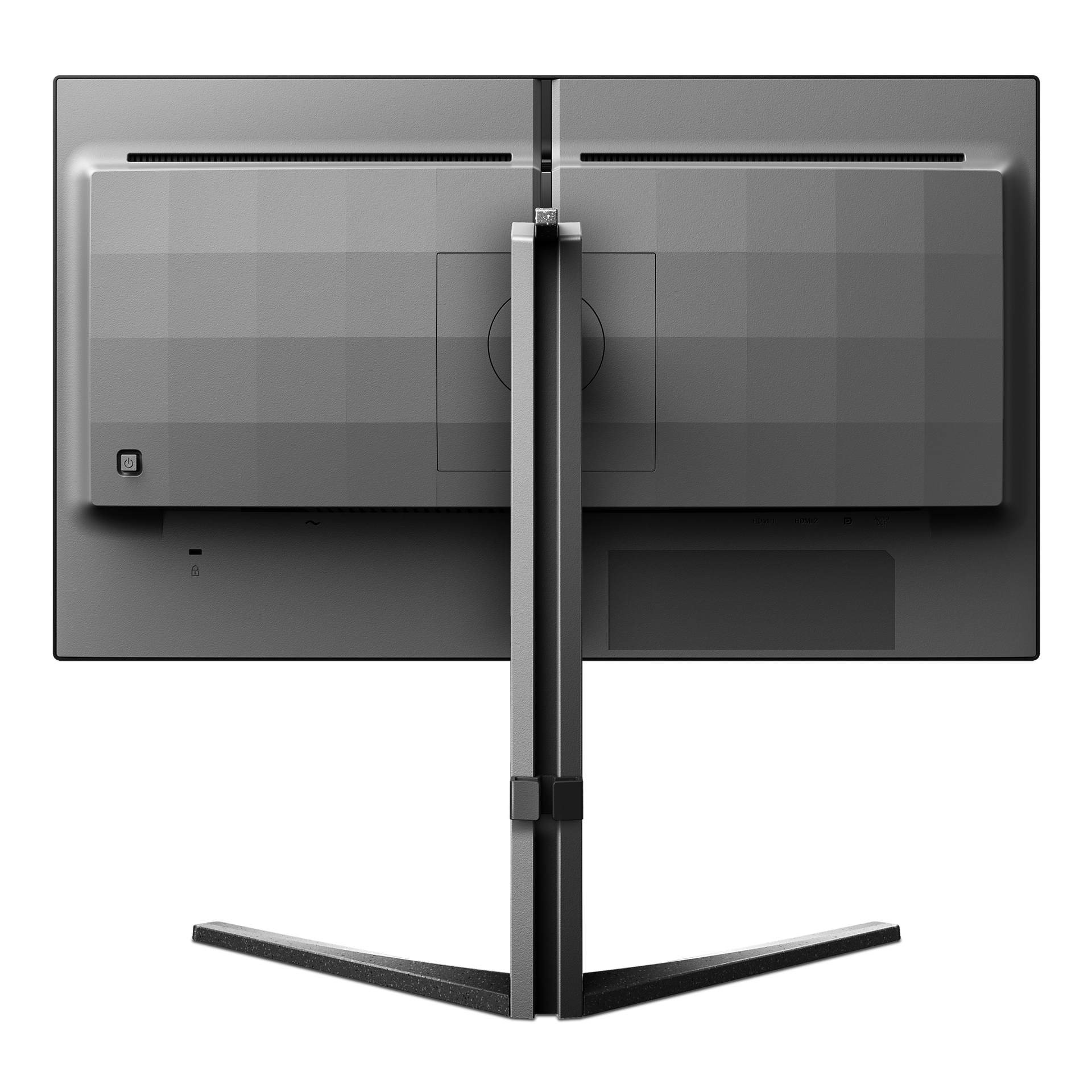
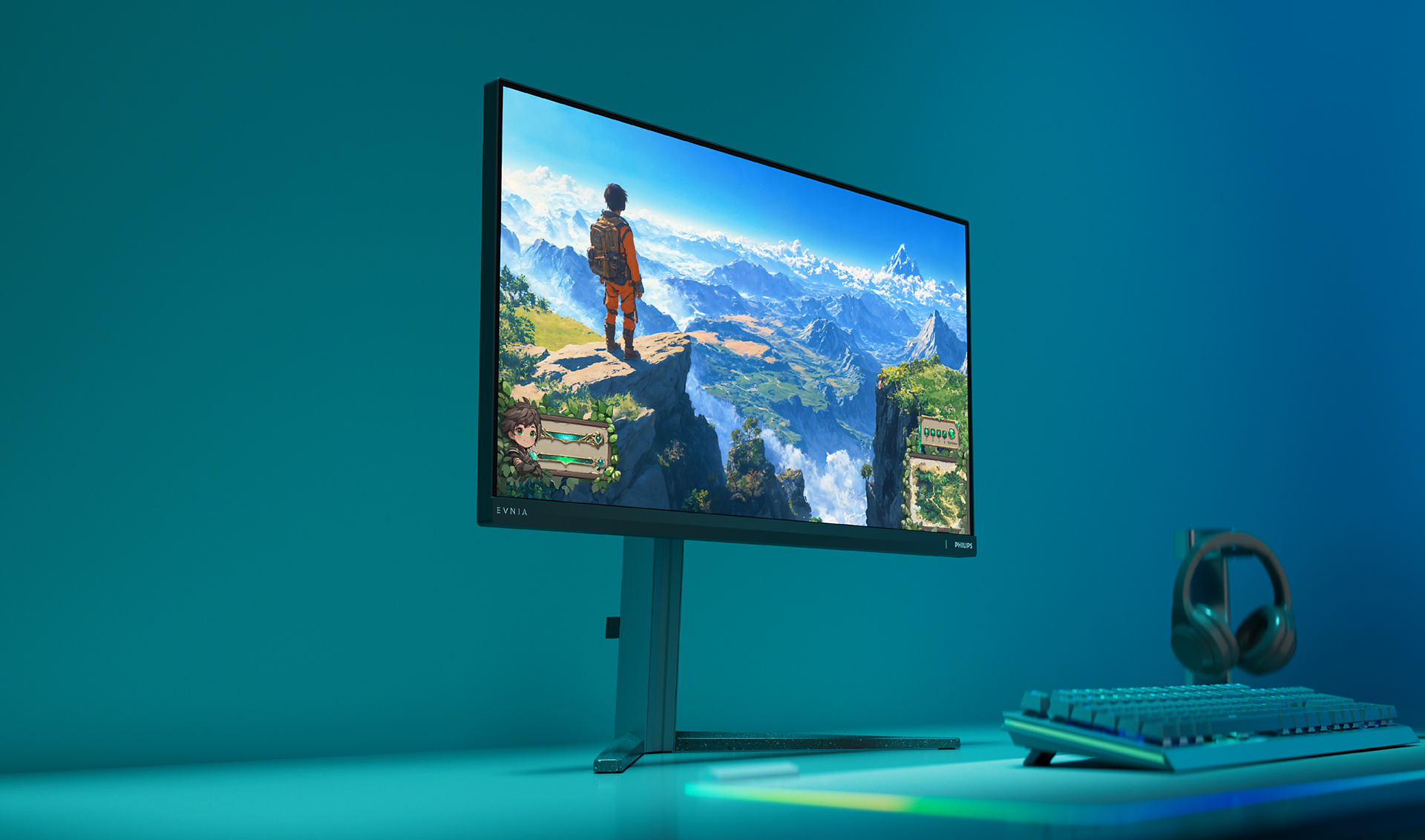


25M2N3200W/00
Gaming Monitor 25M2N3200W Full HD gaming monitor
We are all about "beautiful" speed. This monitor has a 240Hz refresh rate and a 16:9 Full HD display for so you can play your game at real-time speed accompanied with crisp and detailed imaging.
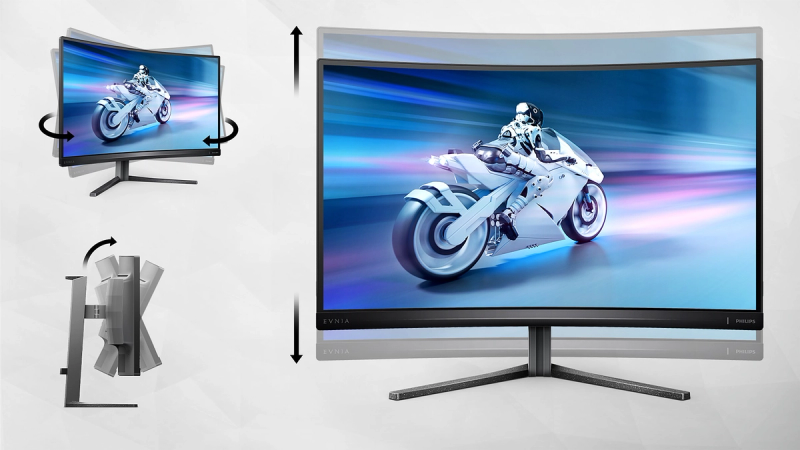
Tilt, swivel and height-adjust for an ideal viewing position
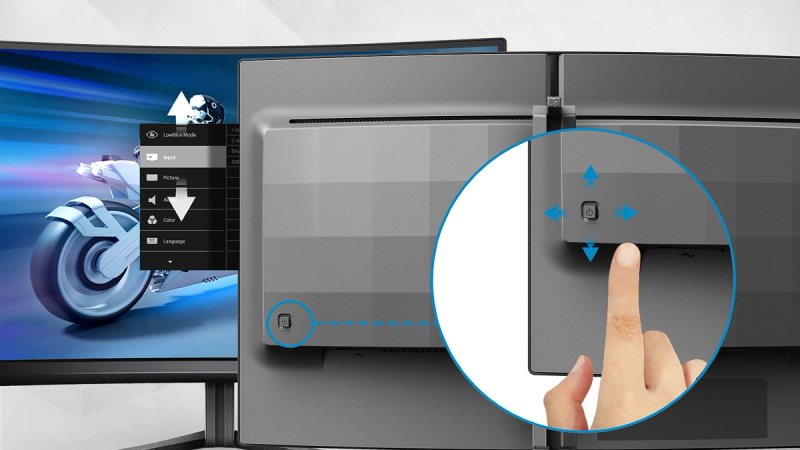
EasySelect menu toggle key for quick access to the on-screen menu
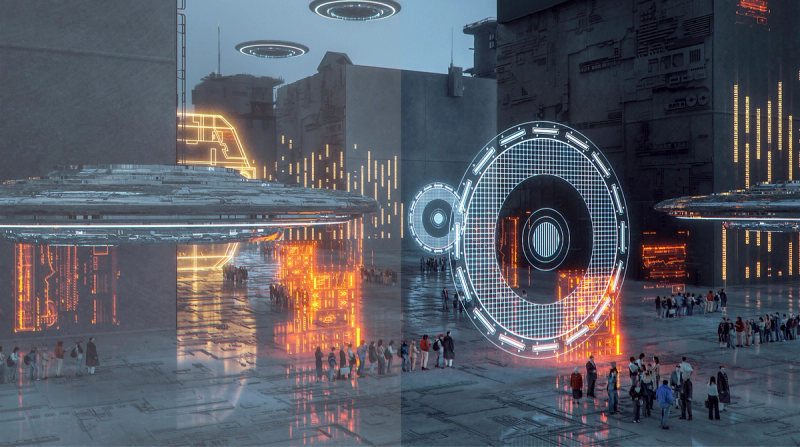
SmartImage Game Mode optimised for gamers
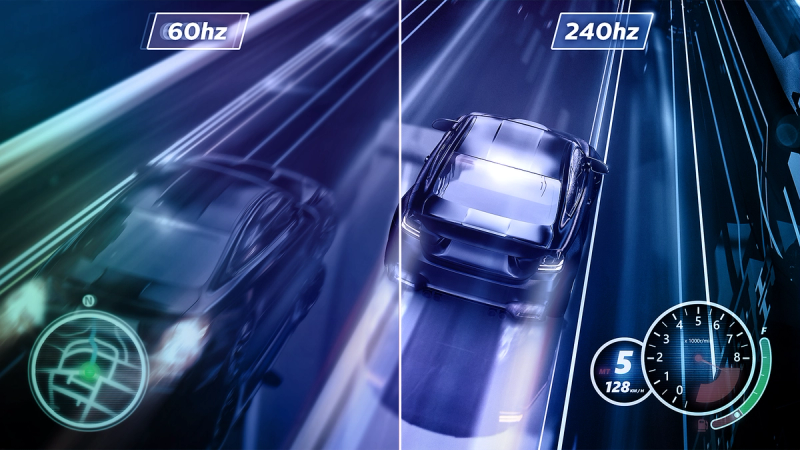
Ultra-fast 240 Hz refresh rate for virtually lag-free gaming
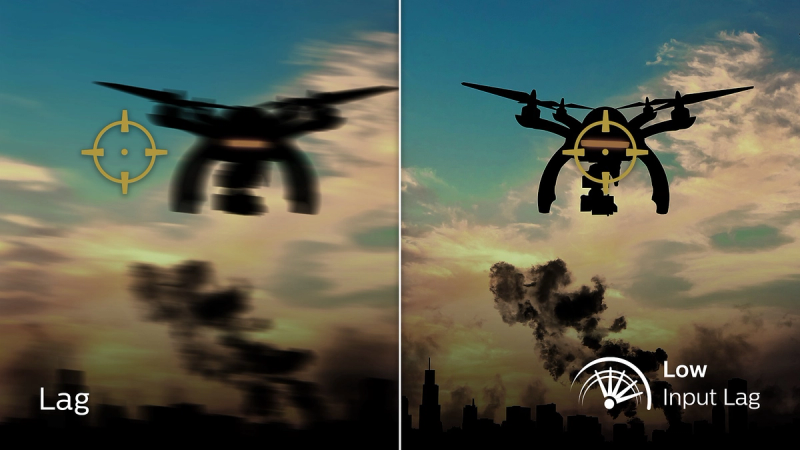
Low input lag reduces time delay between devices and the monitor
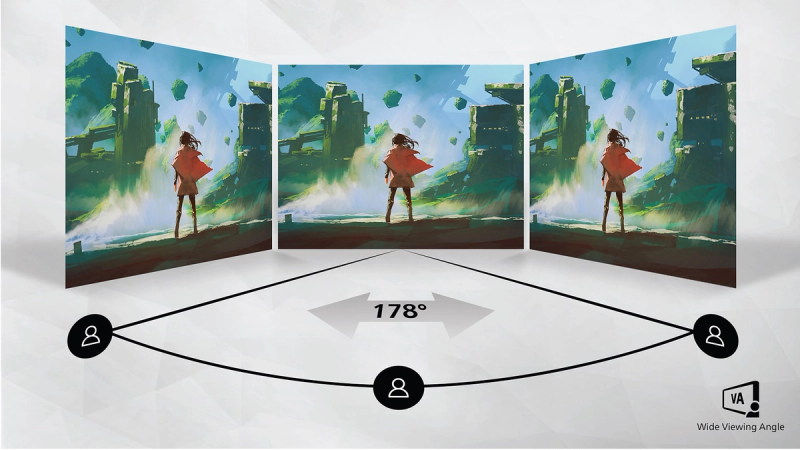
VA display delivers awesome images with wide viewing angles
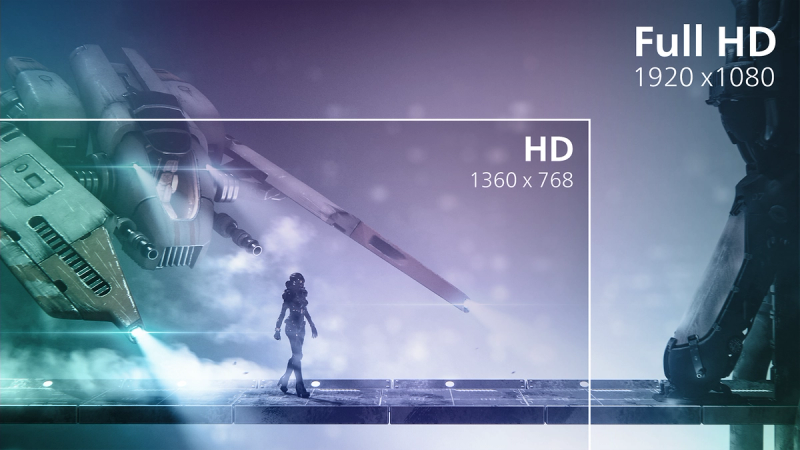
16:9 Full HD display for crisp, detailed images
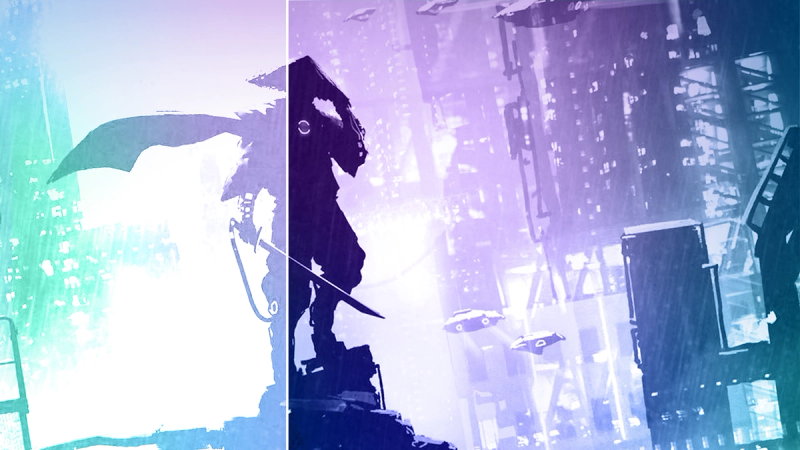
SmartContrast for rich black details
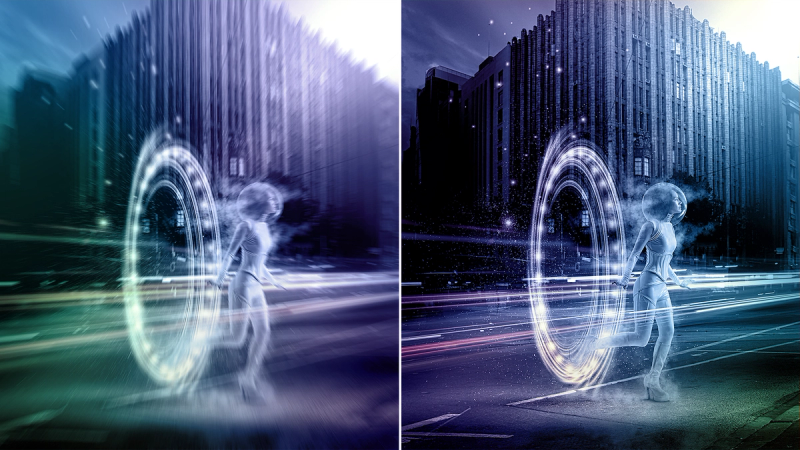
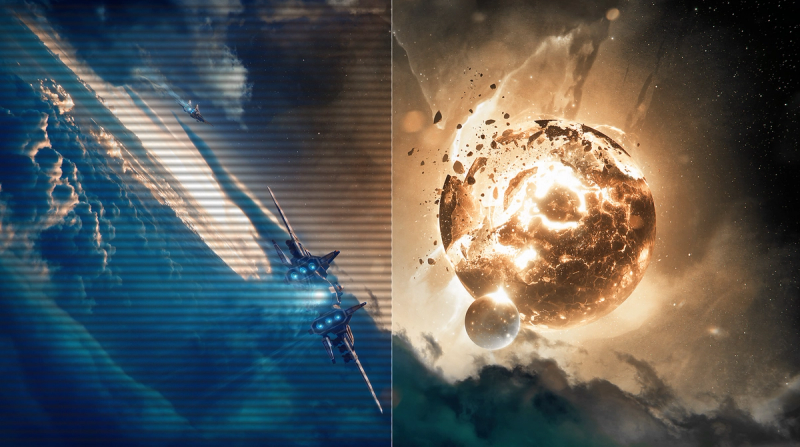
0.5 ms ultra-fast speed for crisp images and smooth gameplay





Specifications
- ColorDark Slate
- FinishTextured
- Regulatory ApprovalsCB, CE Mark, FCC Class B, ICES-003, CU-EAC, EAEU RoHS, TUV/ISO9241-307, TUV-BAUART
- Sync InputSeparate Sync
- Audio (In/Out)Audio out
- HDCPHDCP 1.4 (HDMI / DisplayPort), HDCP 2.2 (HDMI / DisplayPort)
- Signal InputHDMI 2.0 x 2, DisplayPort 1.4 x 1
- User conveniencePower On/Off, Menu/OK, Input/Up, Game Settings/Down, SmartImage game/Back
- OSD LanguagesBrazil Portuguese, Czech, Dutch, English, Finnish, French, German, Greek, Hungarian, Italian, Japanese, Korean, Polish, Portuguese, Russian, Spanish, Simplified Chinese, Swedish, Turkish, Traditional Chinese, Ukrainian
- Other convenienceKensington lock, VESA mount (100x100mm)
- Plug & Play CompatibilityDDC/CI, Mac OS X, sRGB, Windows 11 / 10 / 8.1 / 8
- Product with stand(max height)557 x 508 x 239 mm
- Product without stand (mm)557 x 331 x 64 mm
- Packaging in mm (WxHxD)730 x 420 x 188 mm
- Temperature range (operation)0°C to 40 °C
- Temperature range (storage)-20°C to 60 °C
- Relative humidity20%-80 %
- AltitudeOperation: +12,000ft (3,658m), Non-operation: +40,000ft (12,192m)
- MTBF50,000 (Excluded backlight) hour(s)
- LCD panel typeVA LCD
- Backlight typeW-LED system
- Panel Size24.5 inch / 62.2 cm
- Effective viewing area543.744 (H) x 302.62 (V)
- Display Screen CoatingAnti-Glare, 3H, Haze 25%
- Aspect ratio16:9
- Response time (typical)1 ms (Gray to Gray)*
- Brightness300 cd/m²
- Contrast ratio (typical)3000:1
- Pixel pitch0.2832 x 0.2802 mm
- Viewing angle178º (H) / 178º (V), @ C/R > 10
- Display colorsColor support 1.07 billion colors (8 bit + FRC)
- Scanning Frequency30 - 274 kHz (H) / 48 - 240 Hz (V)
- sRGBYes
- Picture enhancementSmartImage game
- Pixel Density89.91 PPI
- Flicker-freeYes
- LowBlue ModeYes
- EasyReadYes
- Adaptive syncYes
- Maximum resolution1920 x 1080 @ 240 Hz
- Low Input LagYes
- Smart MBR0.5ms*
- SmartContrastMega Infinity DCR
- Colour Gamut (typical)NTSC 101.5%*, sRGB 120%*
- On mode27.7 W (typ.)
- Standby mode0.5 W (typ.)
- Off mode0.3 W (typ.)
- Power LED indicatorOperation - White, Standby mode- White (blinking)
- Power supplyInternal, 100-240VAC, 50-60Hz
- Energy label classE
- Environmental and energyRoHS
- Recyclable packaging material100 %
- Specific SubstancesMercury free, PVC / BFR free housing
- Height adjustment130 mm
- Tilt-5/20 degree
- Pivot-/+ 90 degree
- Swivel-/+ 30 degree
- Product with stand (kg)4.64 kg
- Product without stand (kg)3.30 kg
- Product with packaging (kg)7.60 kg
- AccessoryVESA bracket
- Monitor with standYes
- CablesHDMI cable, DisplayPort cable, Power cable
- User documentationYes
Disclaimers
- * For best output performance, please always ensure that your graphic card is capable of achieving the maximum resolution and refresh rate of this Philips display.
- * Response time value equal to SmartResponse
- * Smart MBR is to adjust brightness for blur reduction, so cannot adjust brightness while Smart MBR is turned on. To reduce motion blur, LED backlight will strobe synchronously with screen refresh, which may cause noticeable brightness change.
- * Smart MBR is gaming-optimized mode. Turn on Smart MBR may cause noticeable screen flickering. It is recommended to turn off when you are not using the gaming function.
- * NTSC Area based on CIE1976
- * sRGB Area based on CIE1931
- * The monitor may look different from feature images.