Compare products to find the right fit
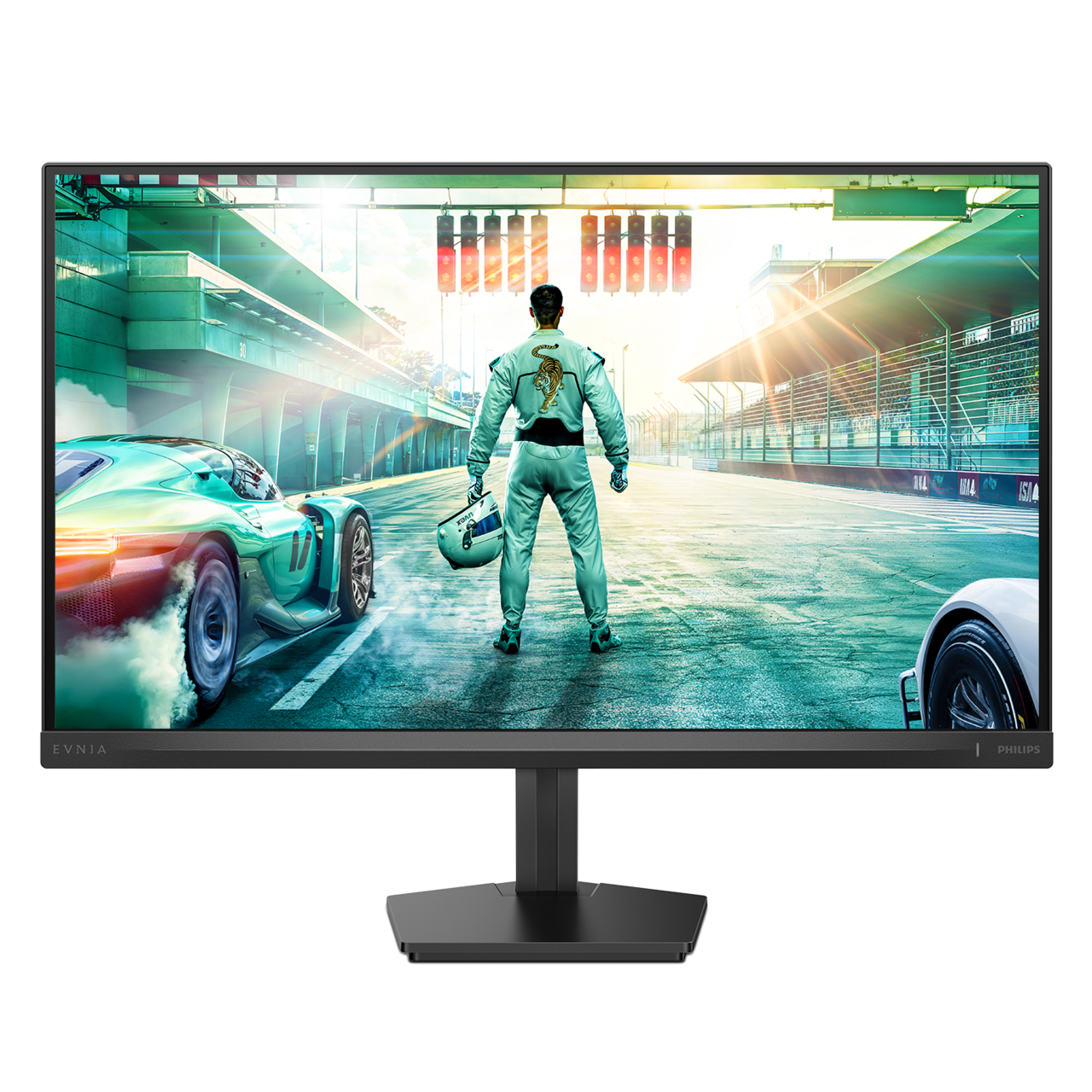
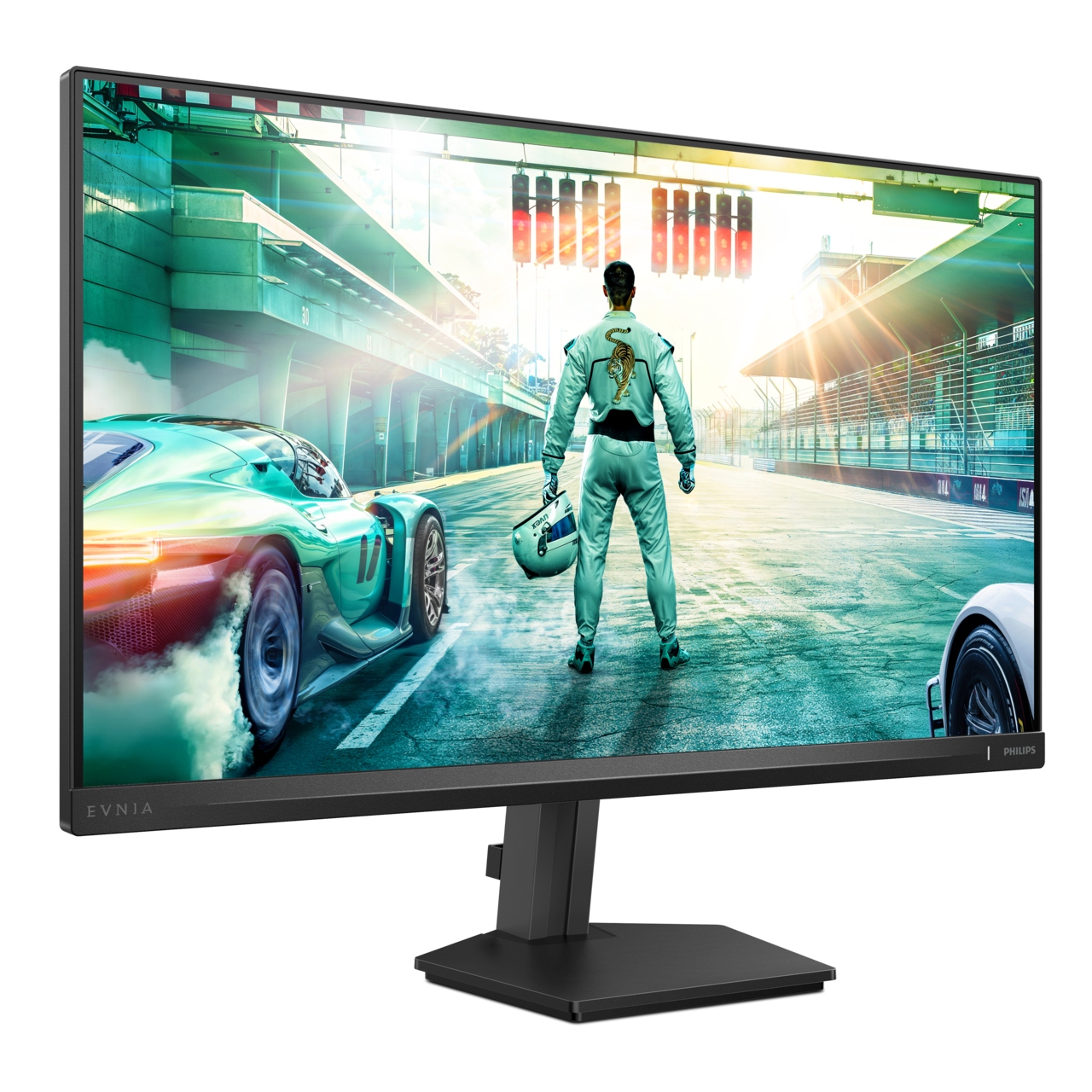
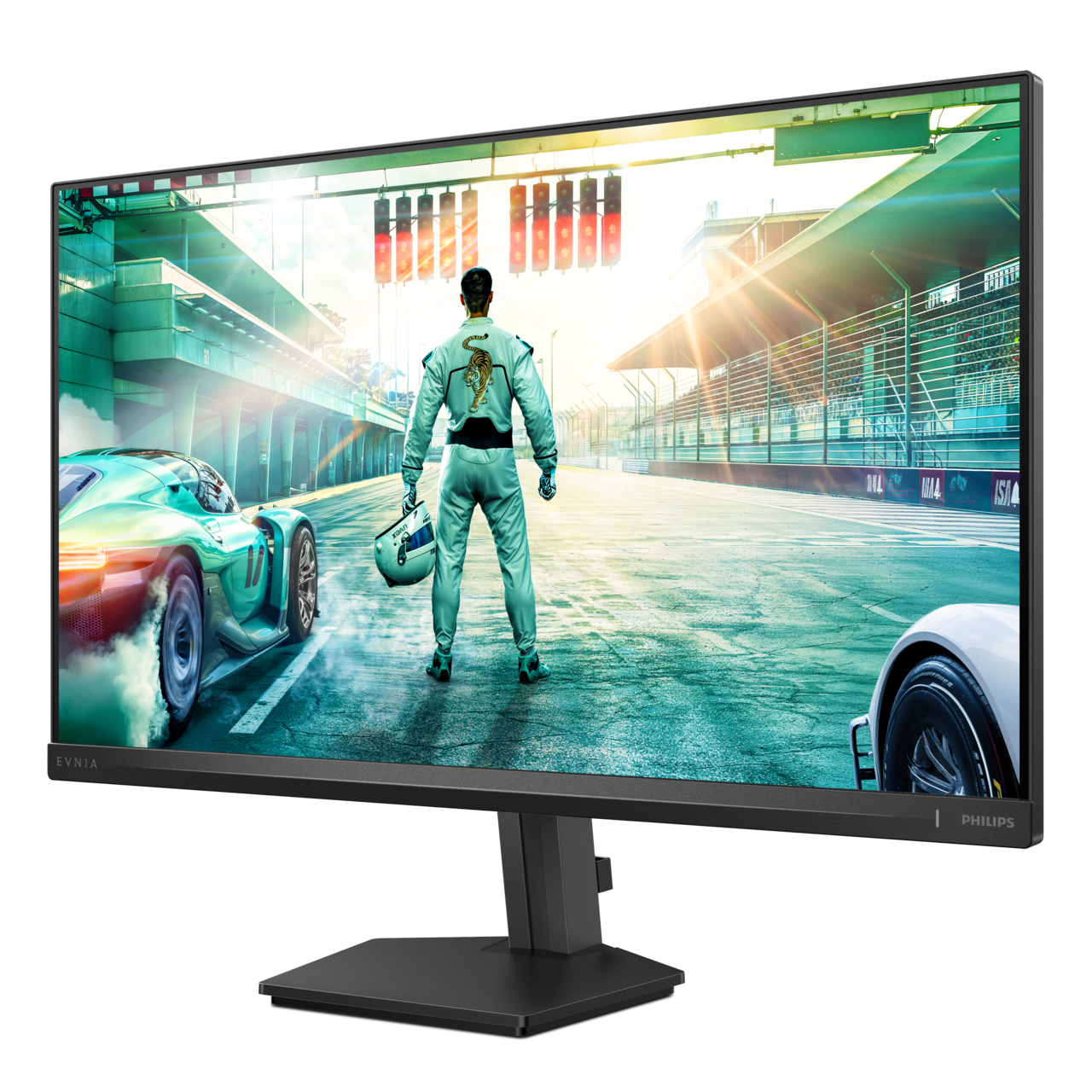
27M2N3500UF/75
Fast IPS Gaming monitor 27M2N3500UF Quad HD gaming monitor
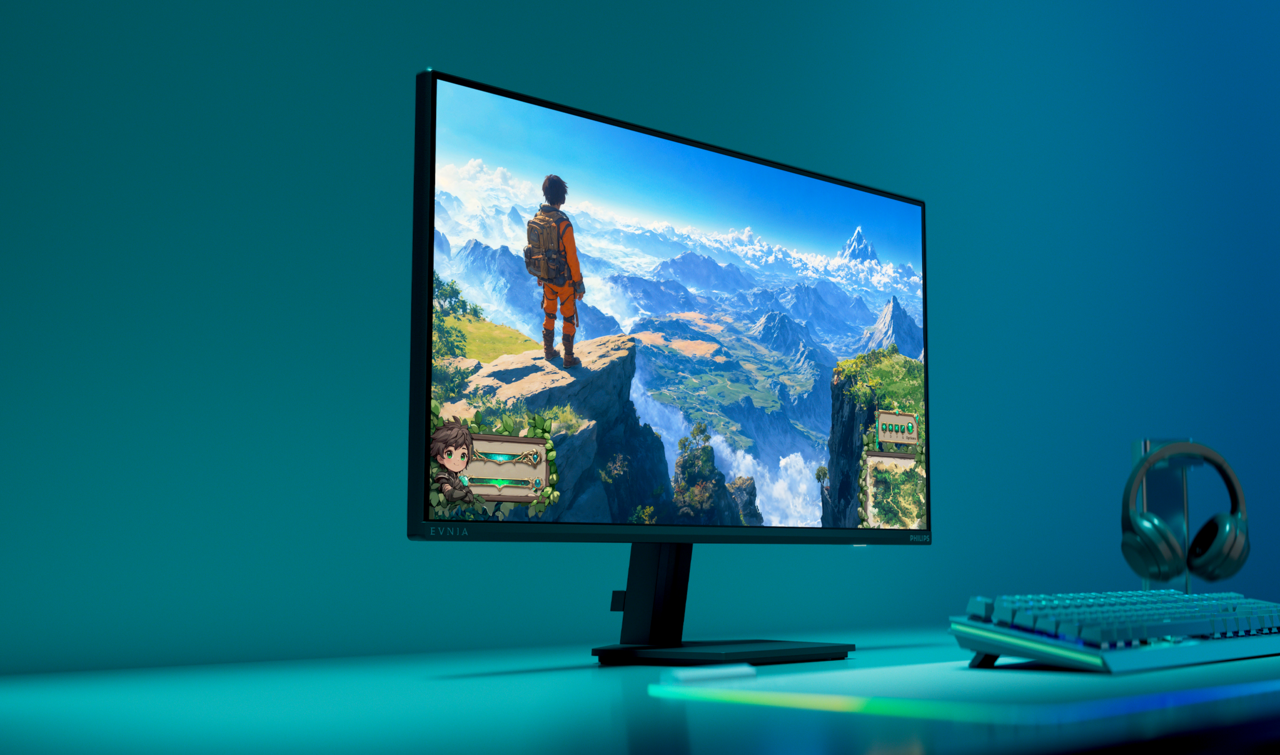
This 27-inch Fast IPS monitor brings sharp visuals to gaming. With its 320Hz refresh rate and 0.3ms Smart MBR, you can expect clear visuals and a high-quality all-around gaming experience.
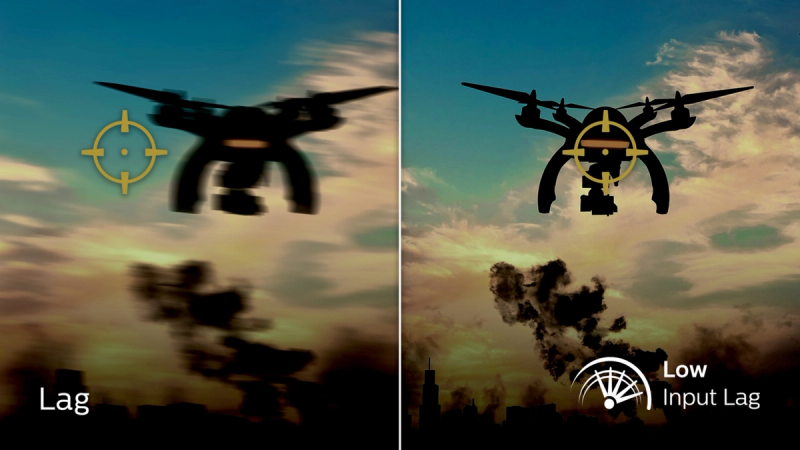
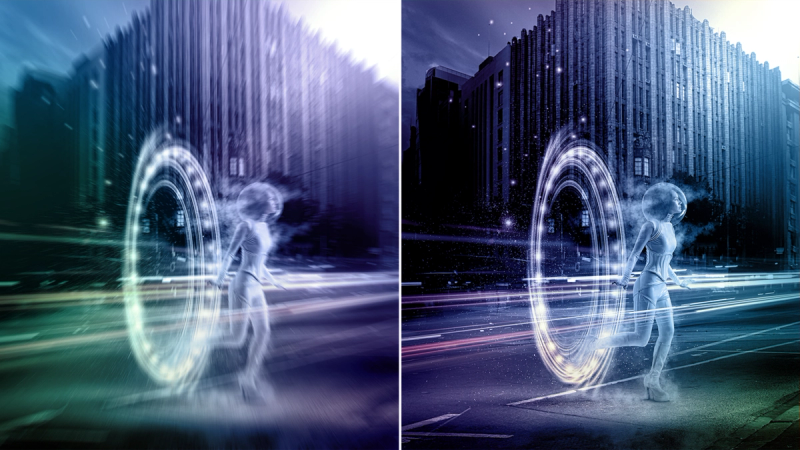
0.3 ms ultra-fast speed for a crisp image and smooth gameplay
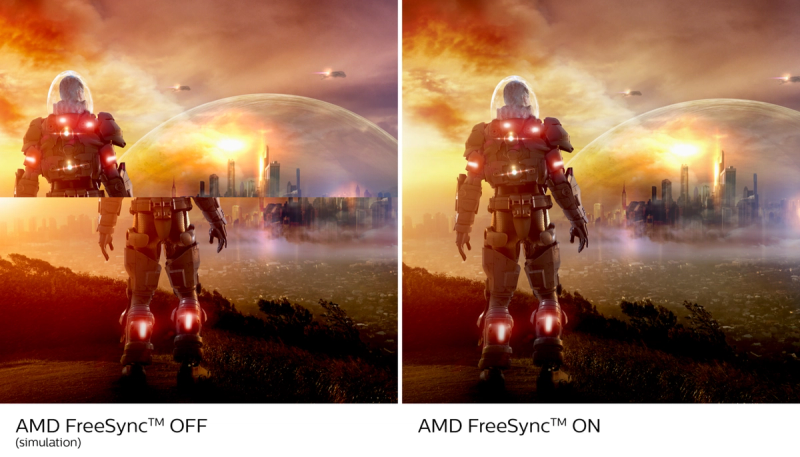
AMD FreeSync™ Premium; tear-free, stutter-free, fluid gaming
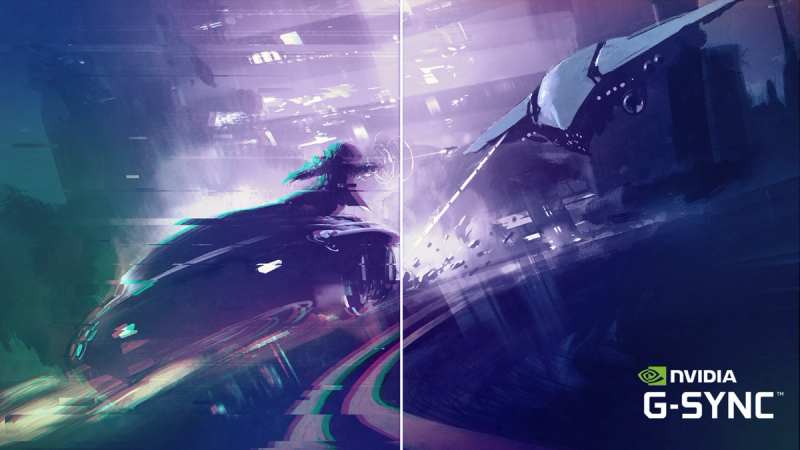
Certified NVIDIA® G-SYNC® compatible for smooth, fast gaming
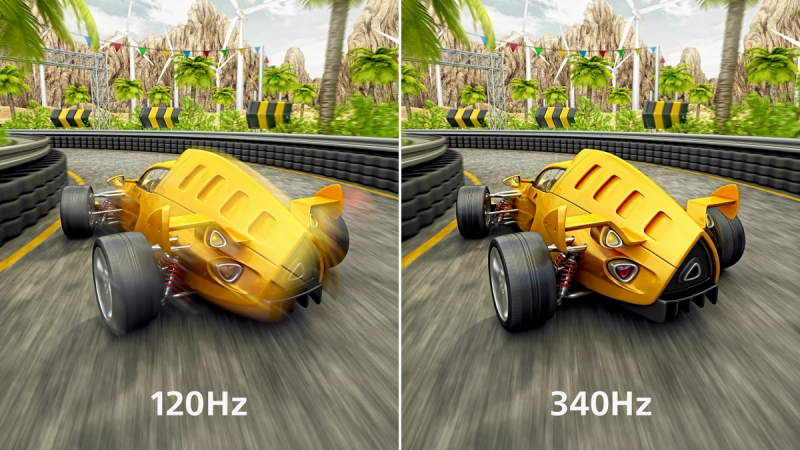
Overclockable 340Hz for ultra-smooth gaming
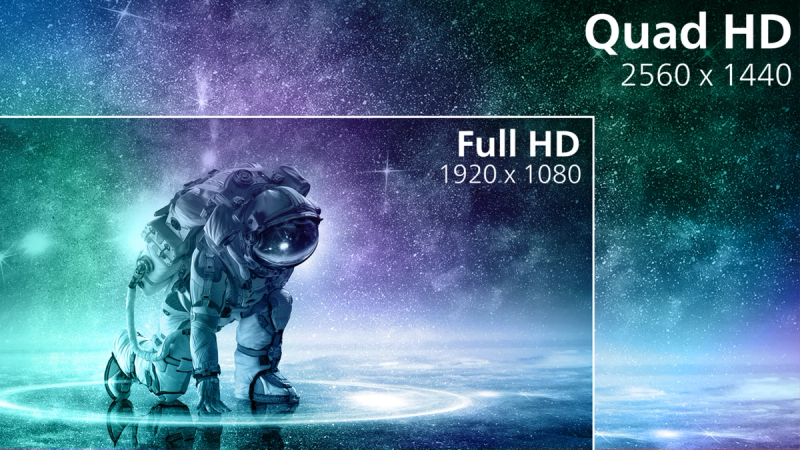
Crystal clear images with Quad HD 2560 x 1440 pixels
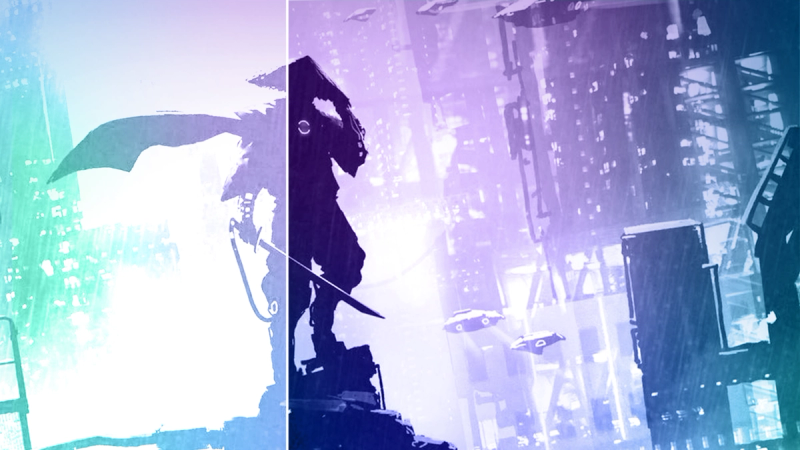
SmartContrast for rich black details
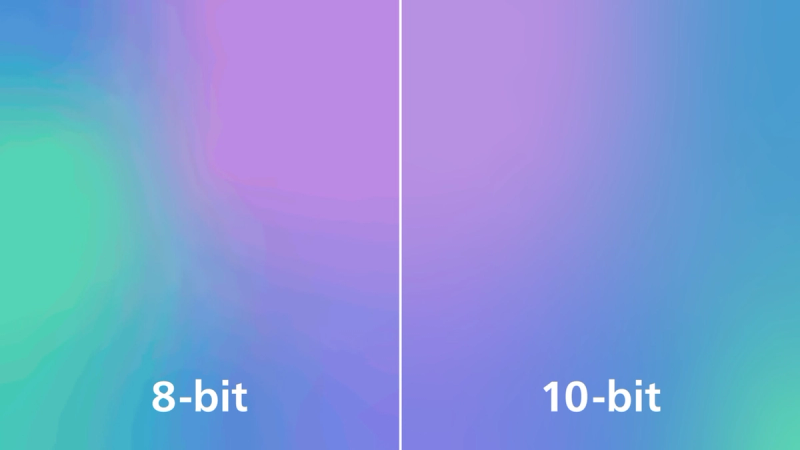
1.07 billion colours for stunning colour and the finest gradations
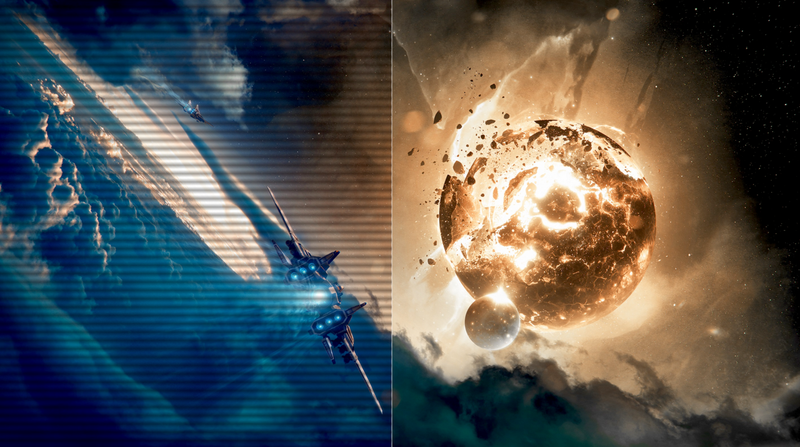
LowBlue mode and Flicker-free viewing that's easy on the eyes

MultiView enables simultaneous dual connection and viewing
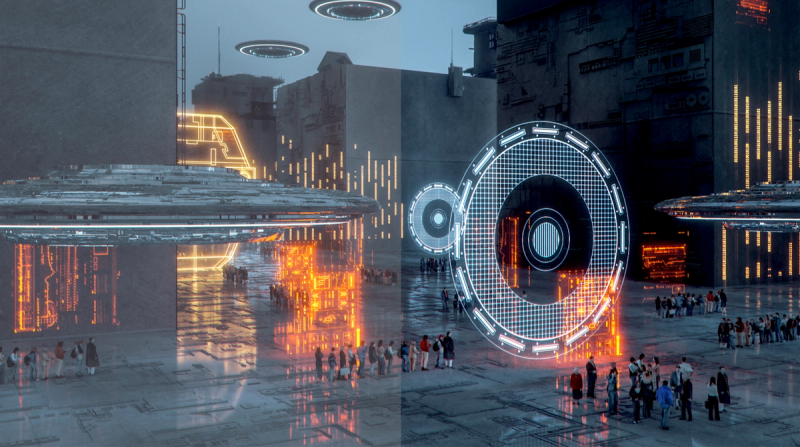
SmartImage game mode optimised for gamers
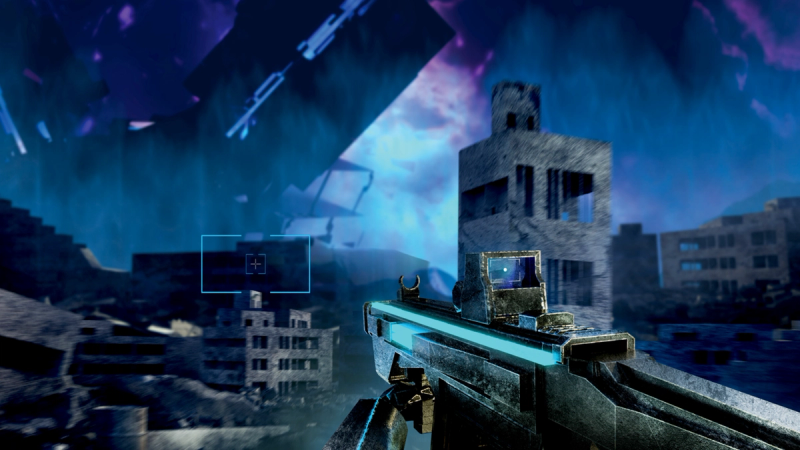
Smart Crosshair: for better aim and more fun
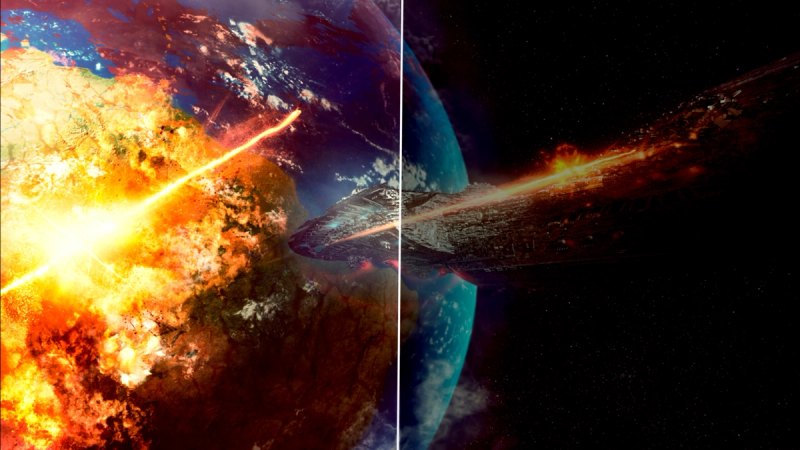
Stark ShadowBoost: for improving visibility in dark scenes
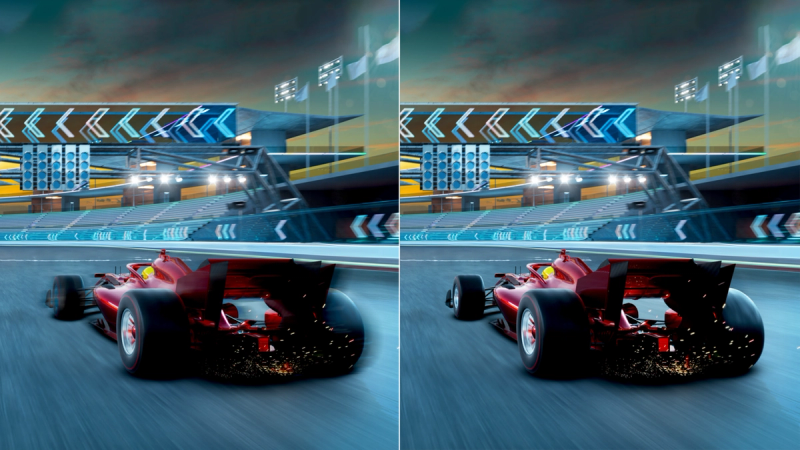
Smart MBR: for reducing motion blur.
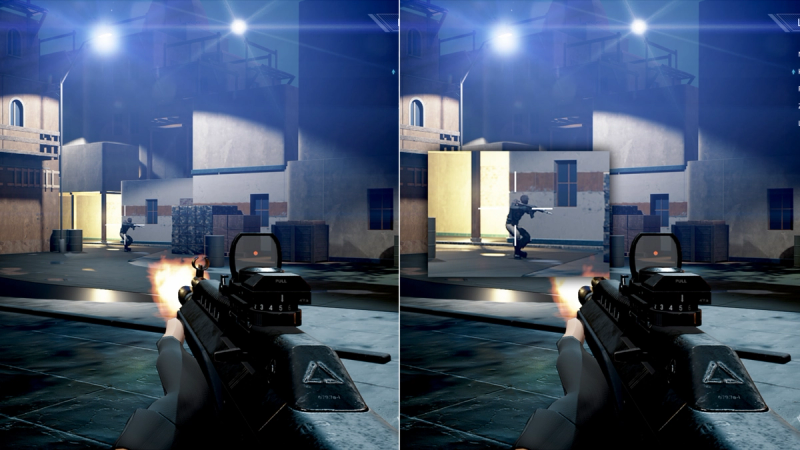
Smart Sniper: Improved control when you zoom in on targets

Evnia Precision Center: Maximise Your Gaming Experience





Specifications
- ColorCharcoal
- FinishTextured
- Regulatory ApprovalsCB, CE Mark, MEPS, CEL, CCC, CECP, UKCA, EMF, FCC, ICES-003
- Sync InputSeparate Sync
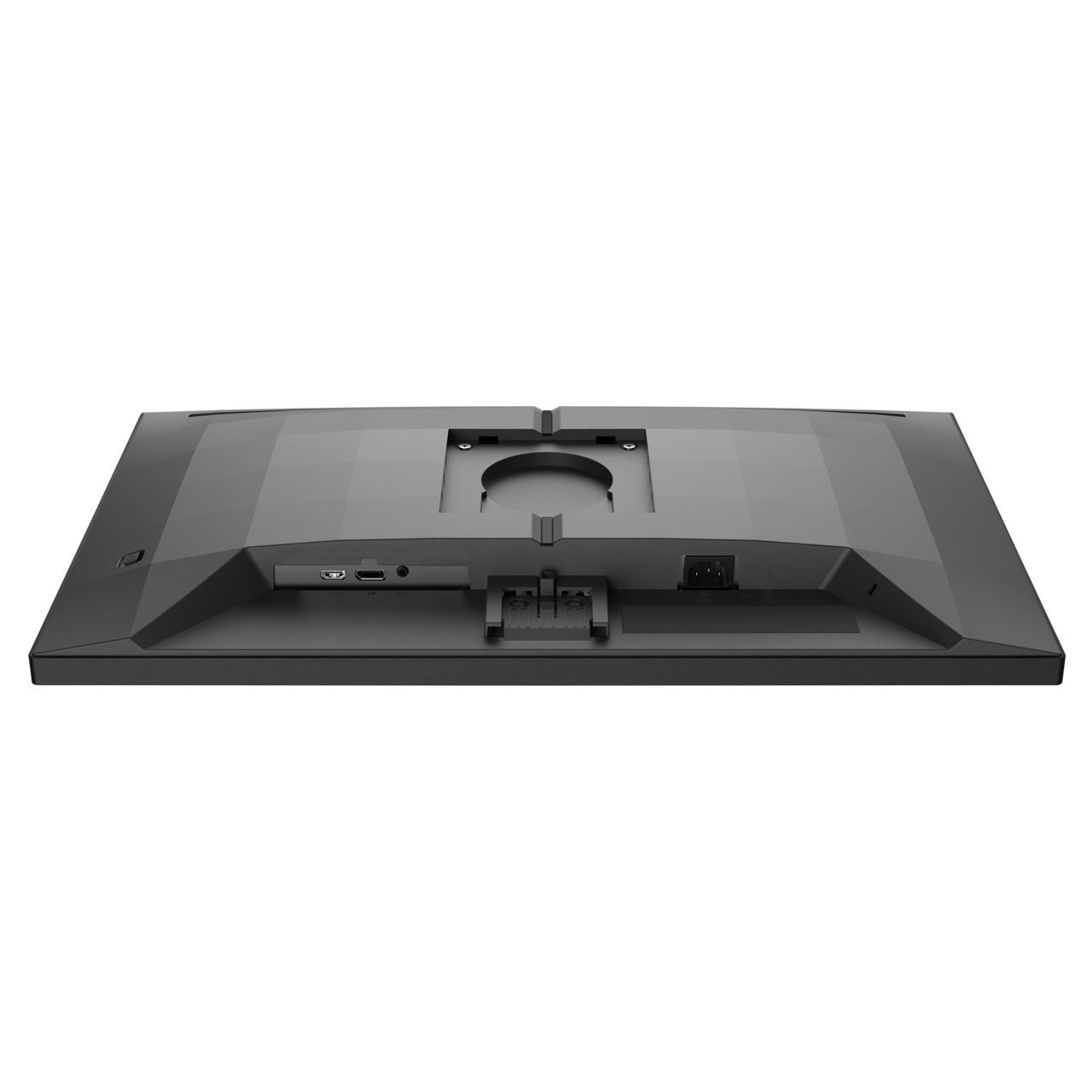
- Audio (In/Out)Headphone out
- HDCPHDCP 1.4 (HDMI / DP), HDCP 2.3 (HDMI / DP)
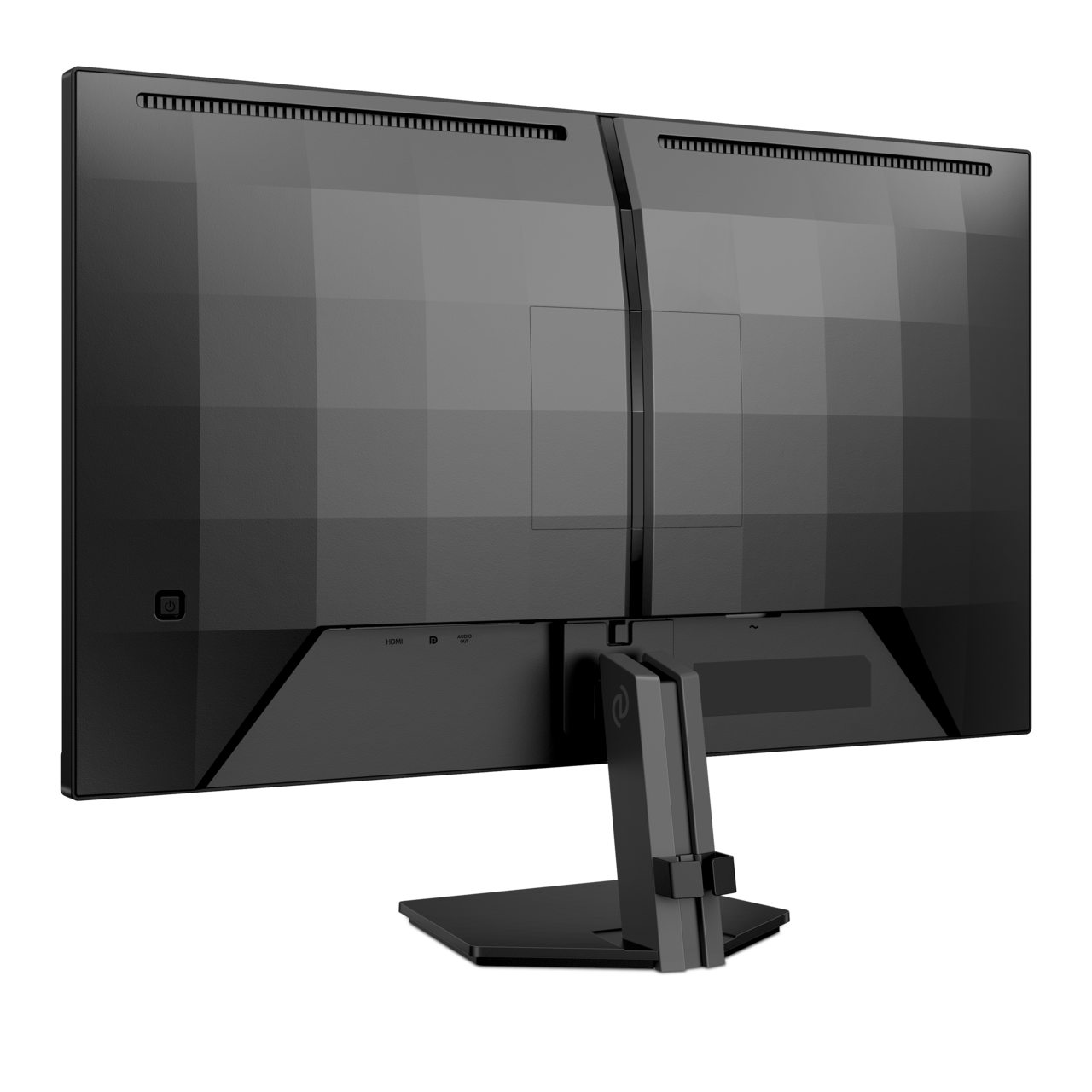
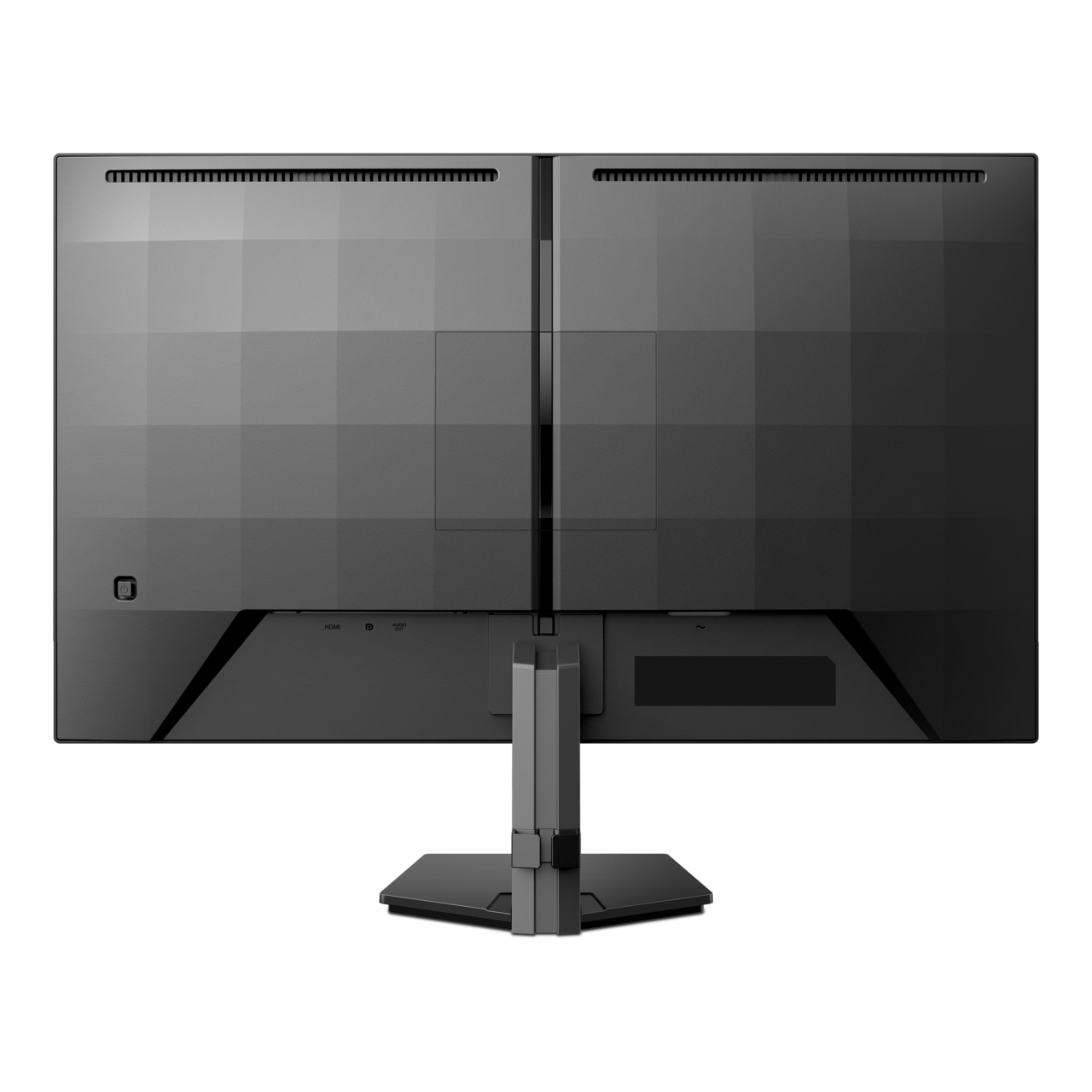
- Signal InputHDMI 2.1 x 1, DisplayPort 1.4 x 1
- User conveniencePower On/Off, Menu/OK, Input/Up, Game Settings/Down, SmartImage game/Back
- OSD LanguagesBrazil Portuguese, Czech, Dutch, English, Finnish, French, German, Greek, Hungarian, Italian, Japanese, Korean, Polish, Portuguese, Russian, Spanish, Simplified Chinese, Swedish, Turkish, Traditional Chinese, Ukrainian
- Other convenienceKensington lock, VESA mount (100x100mm), LowBlue Mode
- Plug & Play CompatibilityDDC/CI, Mac OS, sRGB, Windows 11 / 10
- MultiView2x Devices, PIP/PBP mode
- Low blue lightYes*
- Designed in Amsterdam, NLYes
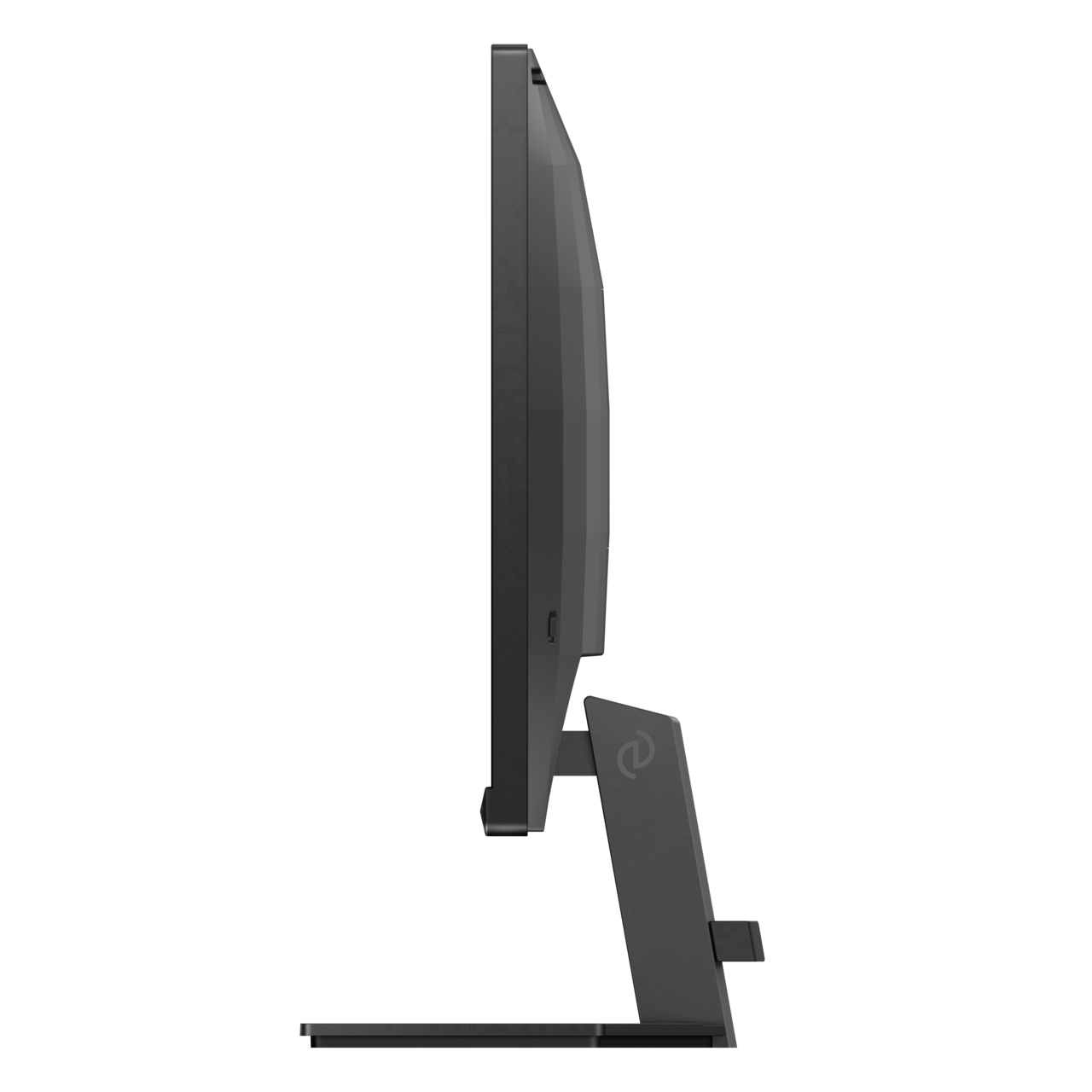
- Product with stand(max height)614 x 463 x 216 mm
- Product without stand (mm)614 x 368 x 60 mm
- Packaging in mm (WxHxD)690 x 480 x 141 mm
- Temperature range (operation)0°C to 40 °C
- Temperature range (storage)-20°C to 60 °C
- Relative humidity20%-80 %
- AltitudeOperation: +12,000ft (3,658m), Non-operation: +40,000ft (12,192m)
- MTBF50,000 (Excluded backlight) hour(s)
- LCD panel typeFast IPS
- Backlight typeW-LED system
- Panel Size27 inch / 68.5 cm
- Effective viewing area596.736(H) x 335.664(V)mm
- Display Screen CoatingAnti-Glare, 3H, Haze 25%
- Aspect ratio16:9
- Brightness350 cd/m²
- Contrast ratio (typical)1000:1
- Pixel pitch0.2331 x 0.2331 mm
- Viewing Angle178º (H) / 178º (V), @ C/R > 10
- Display colors1.07G (8bits+FRC)
- Scanning Frequency30-480kHz(H)/ 48-320Hz(V)
- sRGBYes
- Picture enhancementSmartImage game
- Pixel Density109 PPI
- Flicker-freeYes
- LowBlue ModeYes
- EasyReadYes
- SmartUniformity93-105%
- AMD FreeSync™ technologyYes
- Delta E<2 (sRGB)
- Maximum resolution2560x 1440Hz @320Hz (DP/HDMI, 10bits, 444)
- SmartResponse (typical)1 ms (Gray to Gray)*
- Low Input LagYes
- G-SYNCYes
- Smart MBR0.3ms*
- Shadow BoostYes
- Smart CrosshairYes
- Stark Shadow BoostYes
- Smart MBR SyncYes
- Smart SniperYes
- SmartContrastMega Infinity DCR
- Color gamut (typical)Adobe RGB 94%; DCI-P3:95%, sRGB: 133%, NTSC 105%.*
- HDRHDR 10 supported
- On mode25.9 W (typ.)
- Standby mode0.5 W (typ.)
- Off mode0.3 W (typ.)
- Power LED indicatorOperation - White, Standby mode- White (blinking)
- Power supplyInternal, 100-240VAC, 50-60Hz
- Environmental and energyRoHS
- Recyclable packaging material100 %
- Tilt-5/20 degree
- Product with stand (kg)4.39 kg
- Product without stand (kg)3.84 kg
- Product with packaging (kg)7.11 kg
Disclaimers
- * For best output performance, please always ensure that your graphic card is capable of achieving the maximum resolution and refresh rate of this Philips display.
- * Response time value equal to SmartResponse
- * DCI-P3 Coverage based on CIE1976, sRGB Coverage based on CIE1931, NTSC Area and Adobe RGB Area based on CIE1976.
- * NVIDIA® G-SYNC® support interface: DisplayPort.
- * Make sure to update NVIDIA® G-SYNC® driver to the latest version, see more information on NVIDIA website: https://www.nvidia.com/<br>
- * Make sure your graphic card supports NVIDIA® G-SYNC®.
- * 2020 Advanced Micro Devices, Inc. All rights reserved. AMD, the AMD Arrow logo, AMD FreeSync™ and combinations thereof are trademarks of Advanced Micro Devices, Inc. Other product names used in this publication are for identification purposes only and may be trademarks of their respective companies.
- * Low blue light compliance: The ratio of display emission light in the range from 415 - 455 nm to the display emission of 400 - 500 nm shall be less than 50%.
- * Smart MBR is to adjust brightness for blur reduction, so cannot adjust brightness while Smart MBR is turned on. To reduce motion blur, LED backlight will strobe synchronously with screen refresh, which may cause noticeable brightness change.
- * Smart MBR is gaming-optimized mode. Turn on Smart MBR may cause noticeable screen flickering. It is recommended to turn off when you are not using the gaming function.
- * This monitor strives for sustainability: the monitor’s chassis is made up of 85% post-consumer recycled plastic.
- * The monitor may look different from feature images.
- * The products and accessories listed on this leaflet may differ by country and region.