Compare products to find the right fit
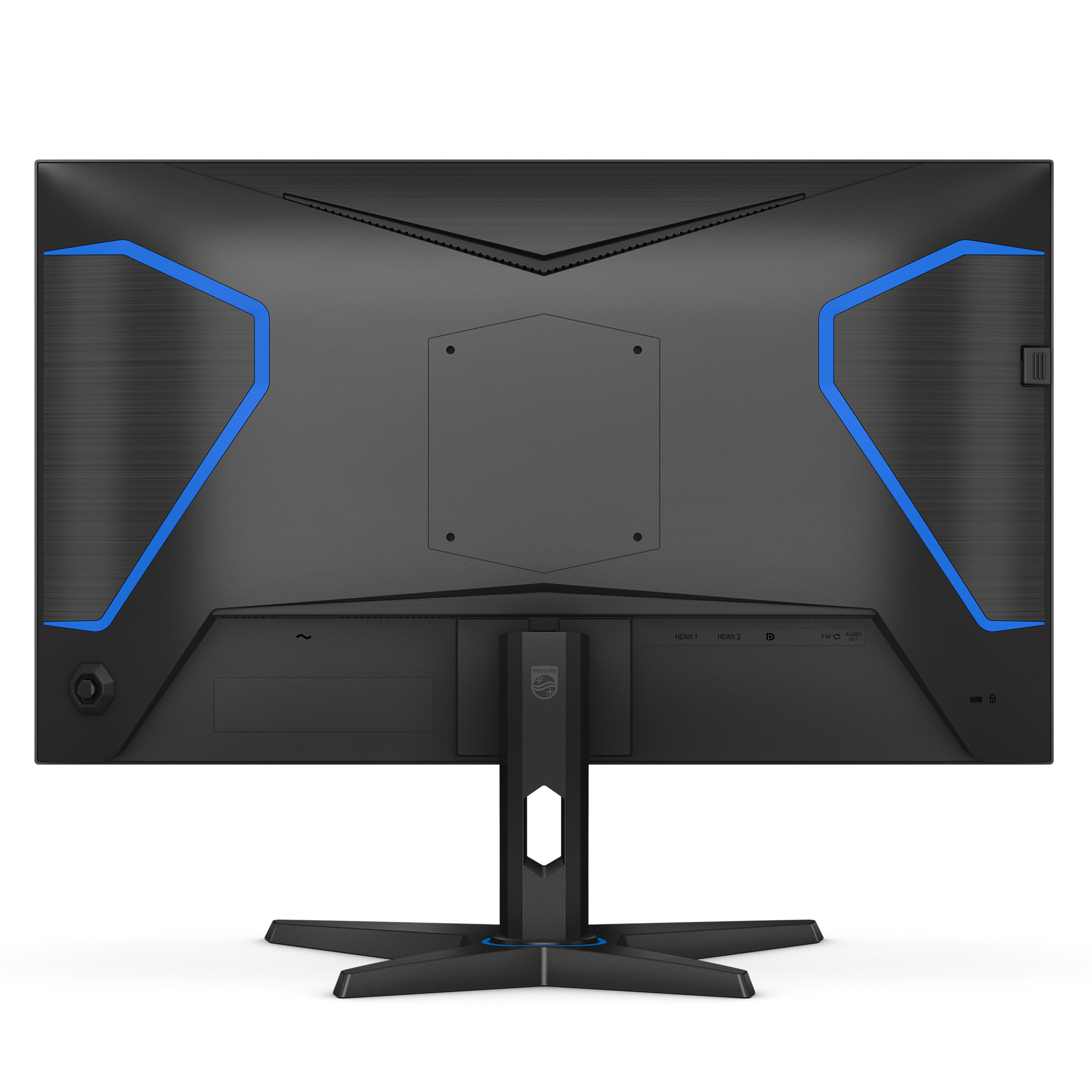
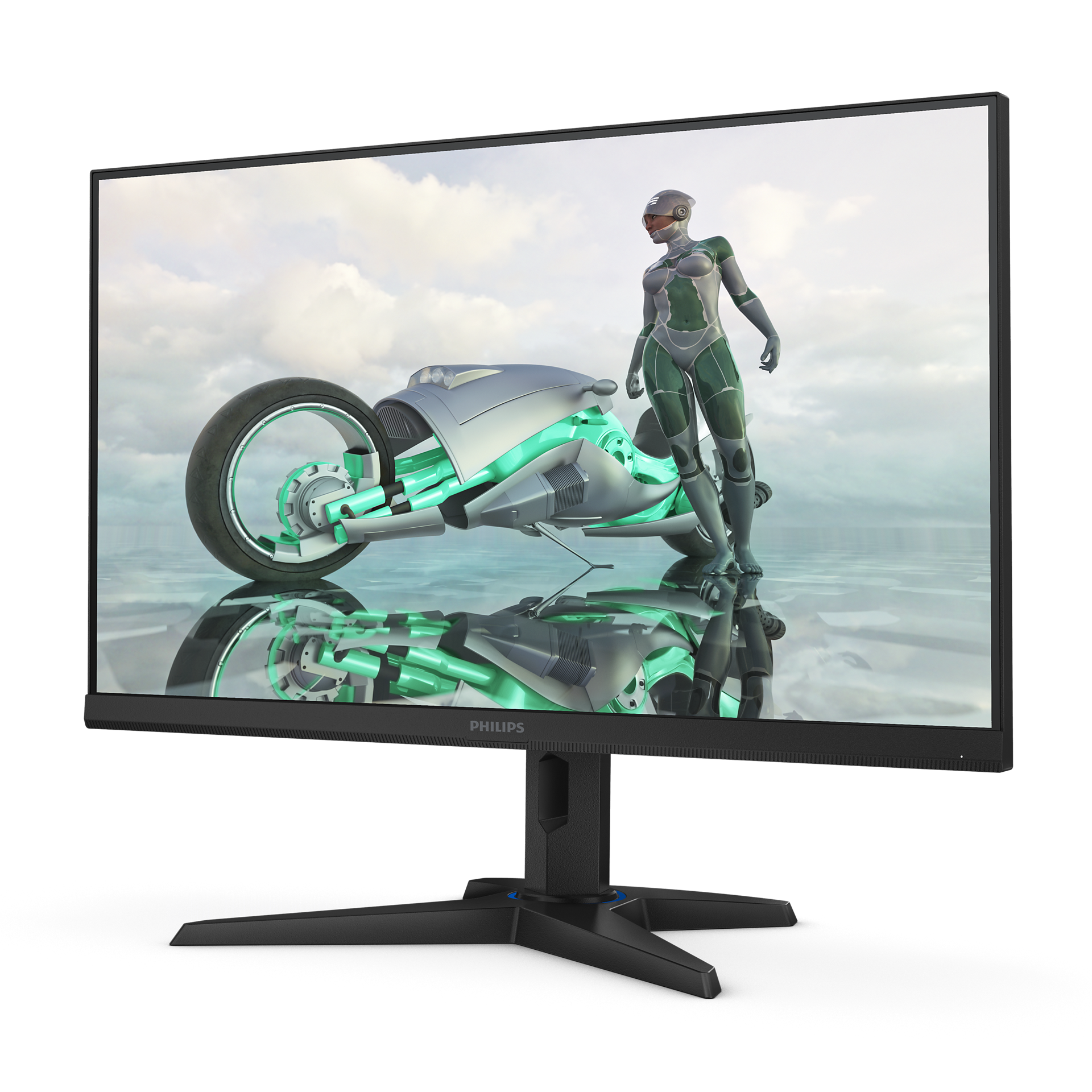
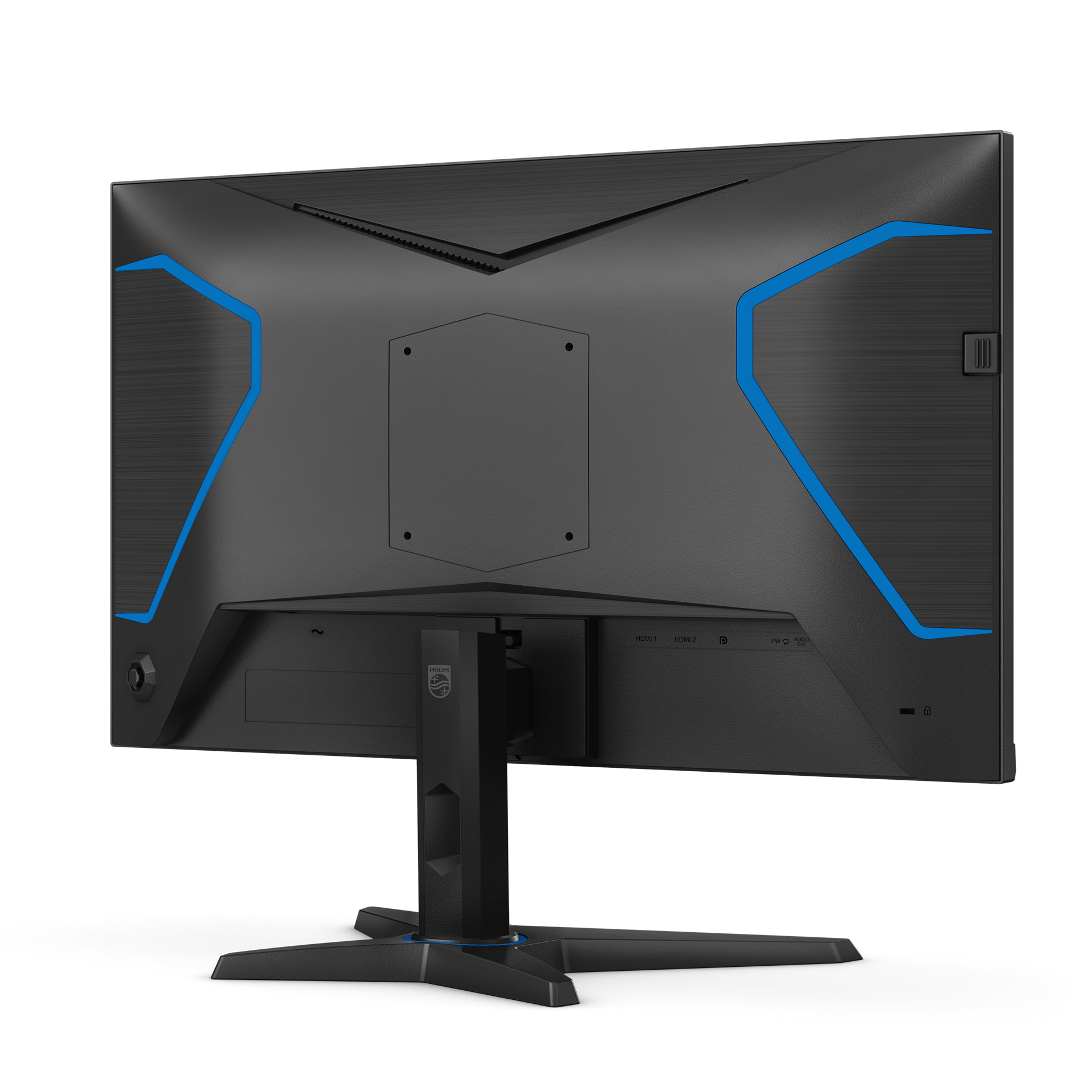
25M3N3240P/69
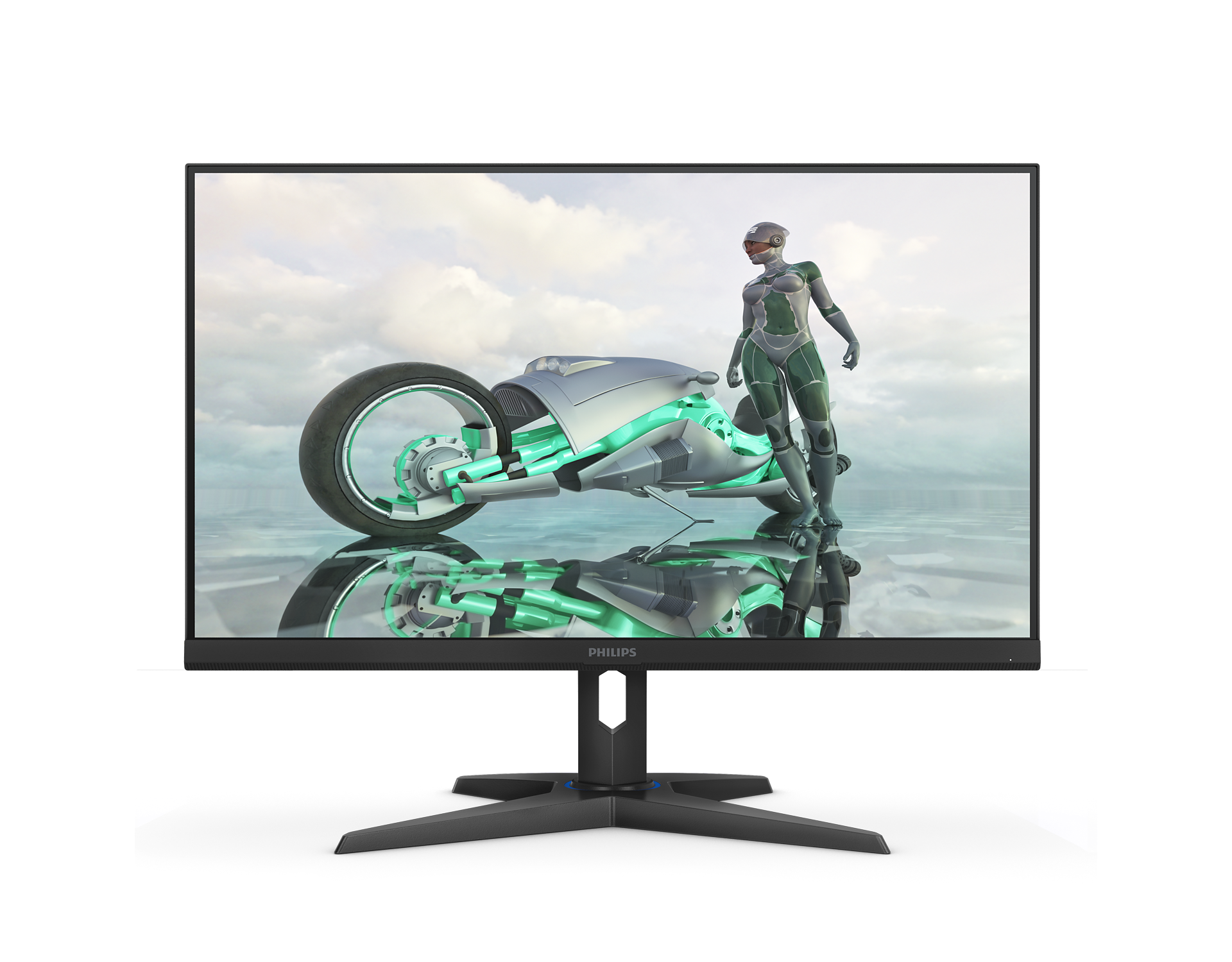
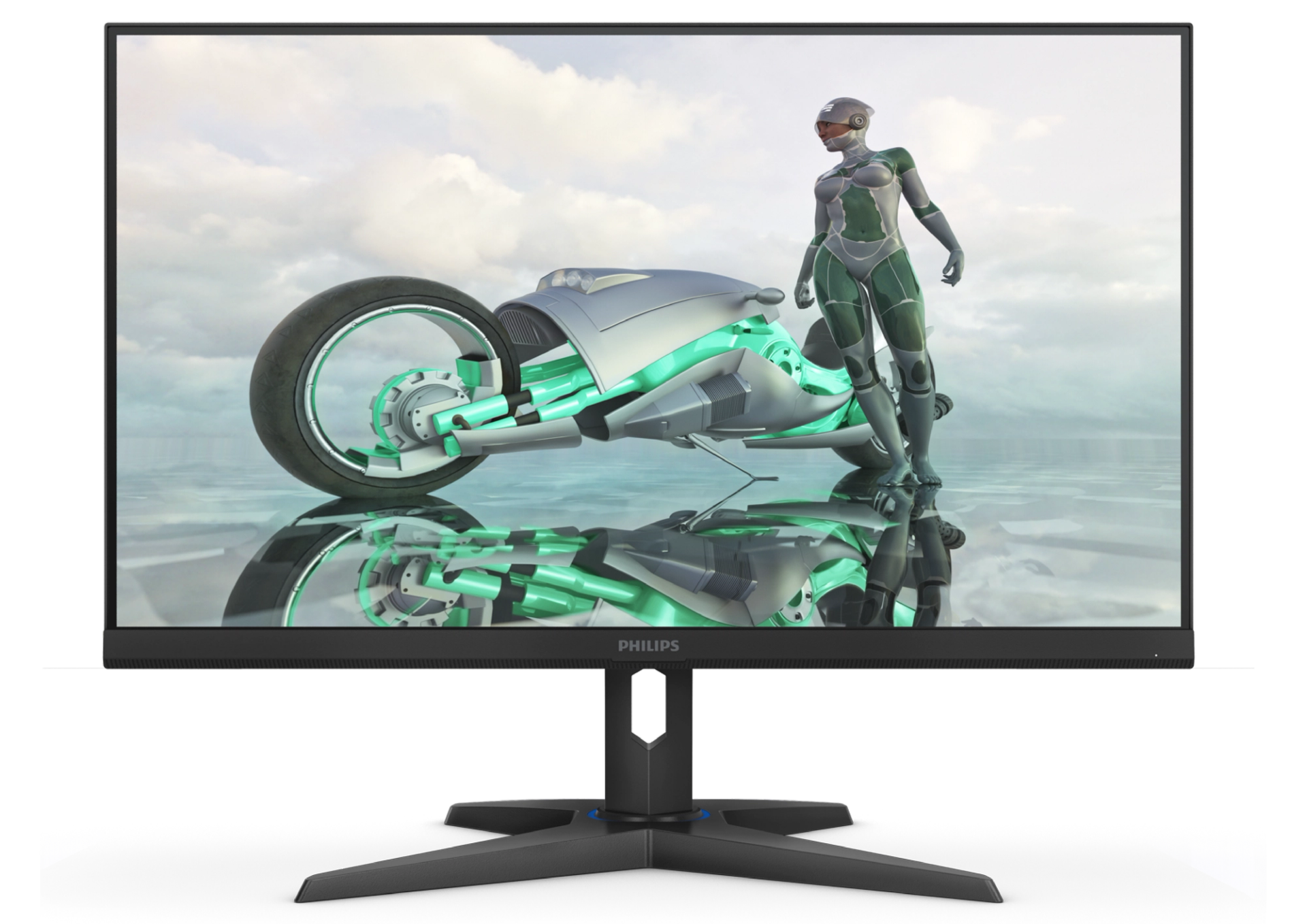
Fast IPS Gaming monitor 25M3N3240P Full HD gaming monitor
This Evnia Fast IPS monitor delivers smooth gaming at an astonishing overclockable 280Hz refresh rate while producing high-quality HDR 400 images. Gamers can also pinpoint targets more easily with the monitor's Smart Crosshair feature.
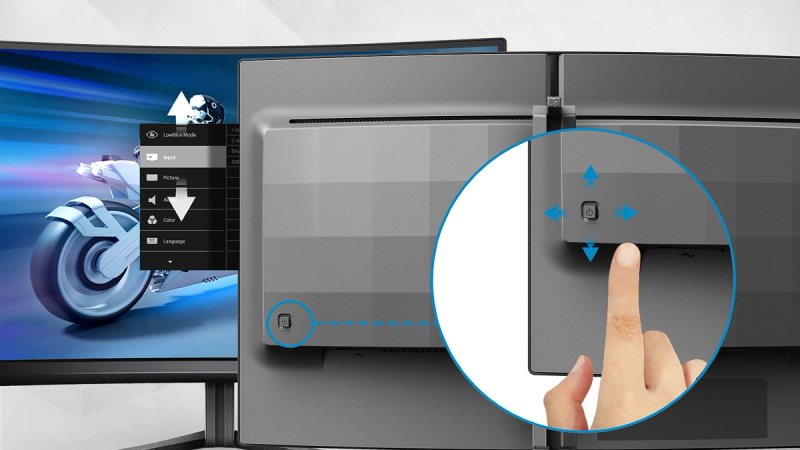
EasySelect menu toggle key for quick on-screen menu access
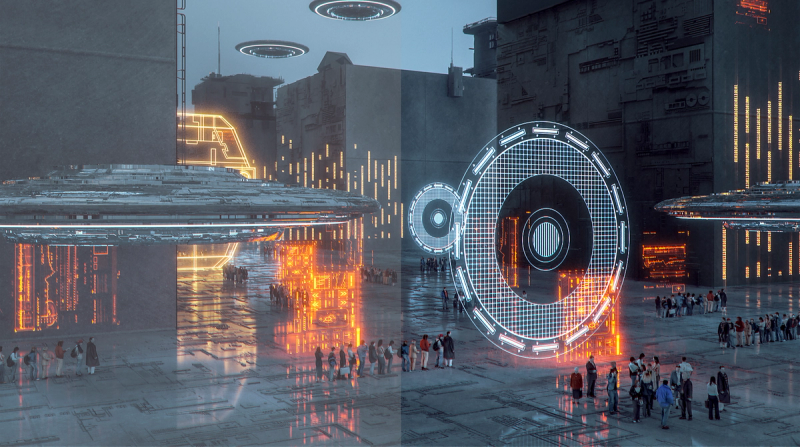
SmartImage game mode optimized for gamers
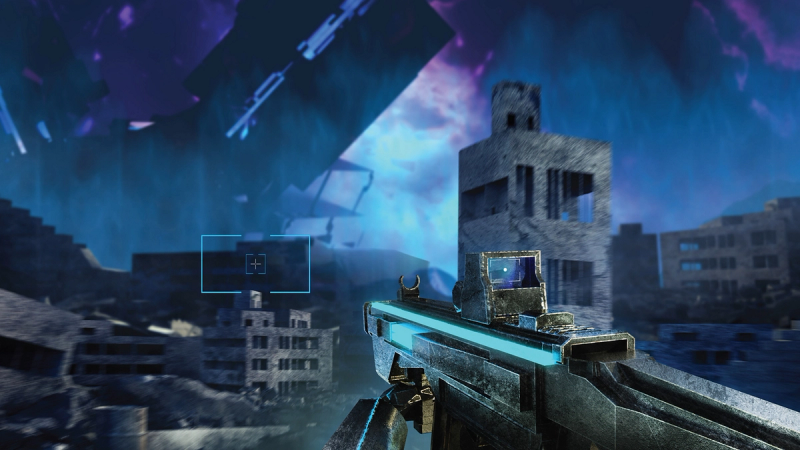
Smart Crosshair: for better aim and more fun
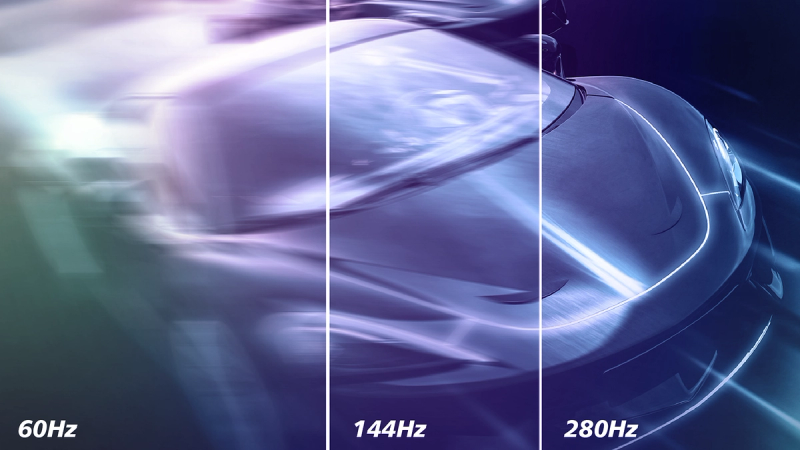
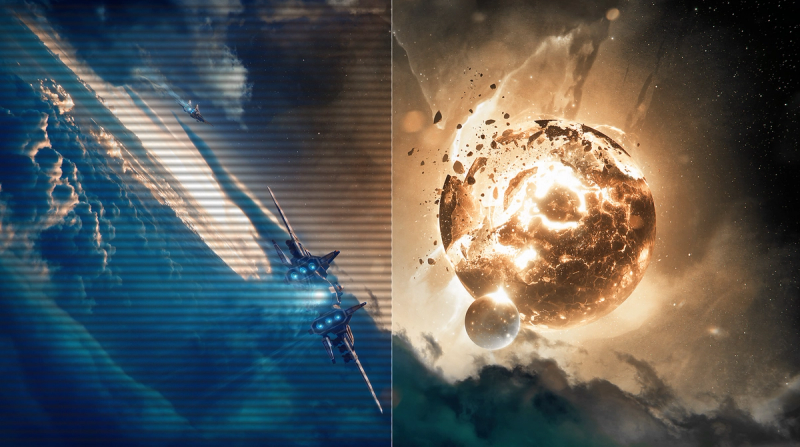
280Hz trail-blazing refresh rate for smoothest gameplay
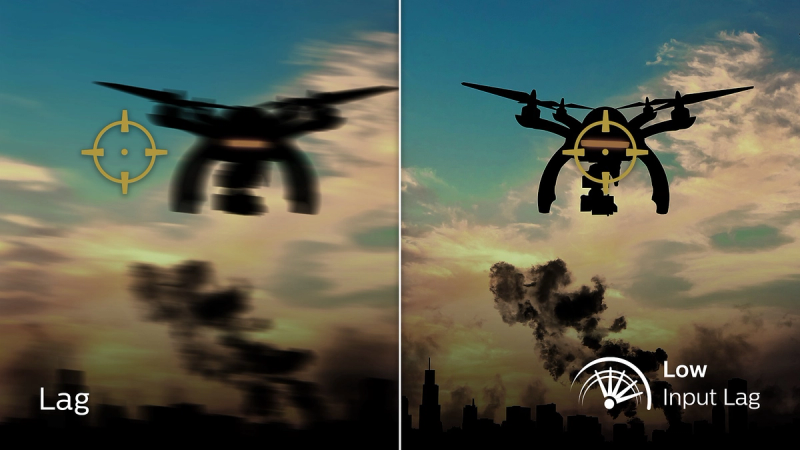
Low input lag reduces the delay between devices and the monitor
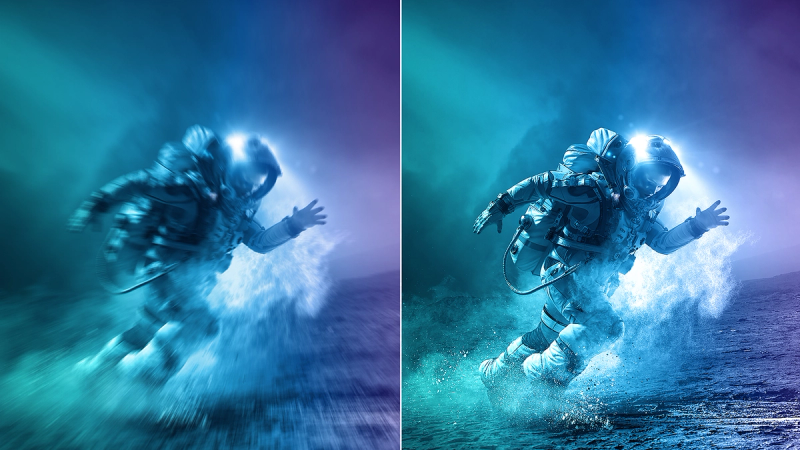
Fast IPS Panel: For rapid and crystal-clear gaming
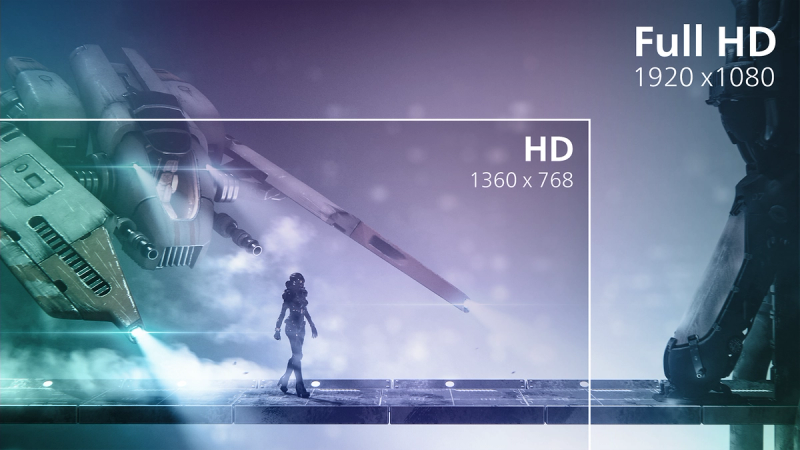
16:9 Full HD display for crisp, detailed images

SmartContrast for rich black details
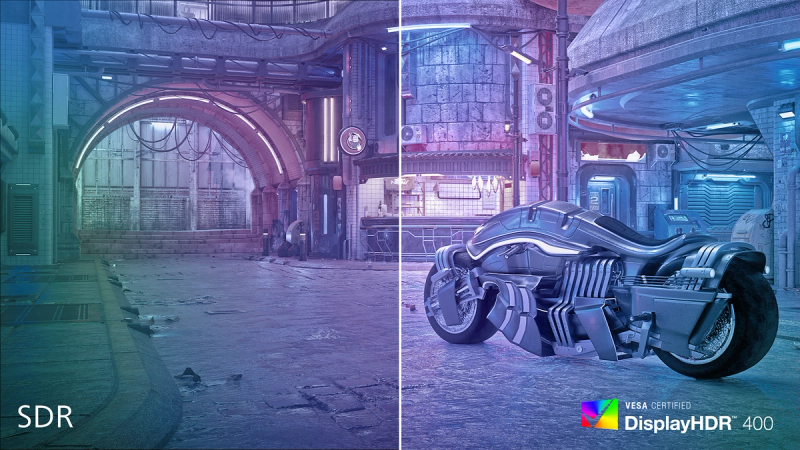
DisplayHDR 400 for more lifelike and outstanding visuals





Specifications
- ColorBlack
- FinishTextured
- Regulatory ApprovalsCCC, CECP, CEL
- Sync InputSeparate Sync
- Audio (In/Out)Headphone out
- HDCPHDCP 1.4 (HDMI / DisplayPort), HDCP 2.2 (HDMI / DisplayPort)
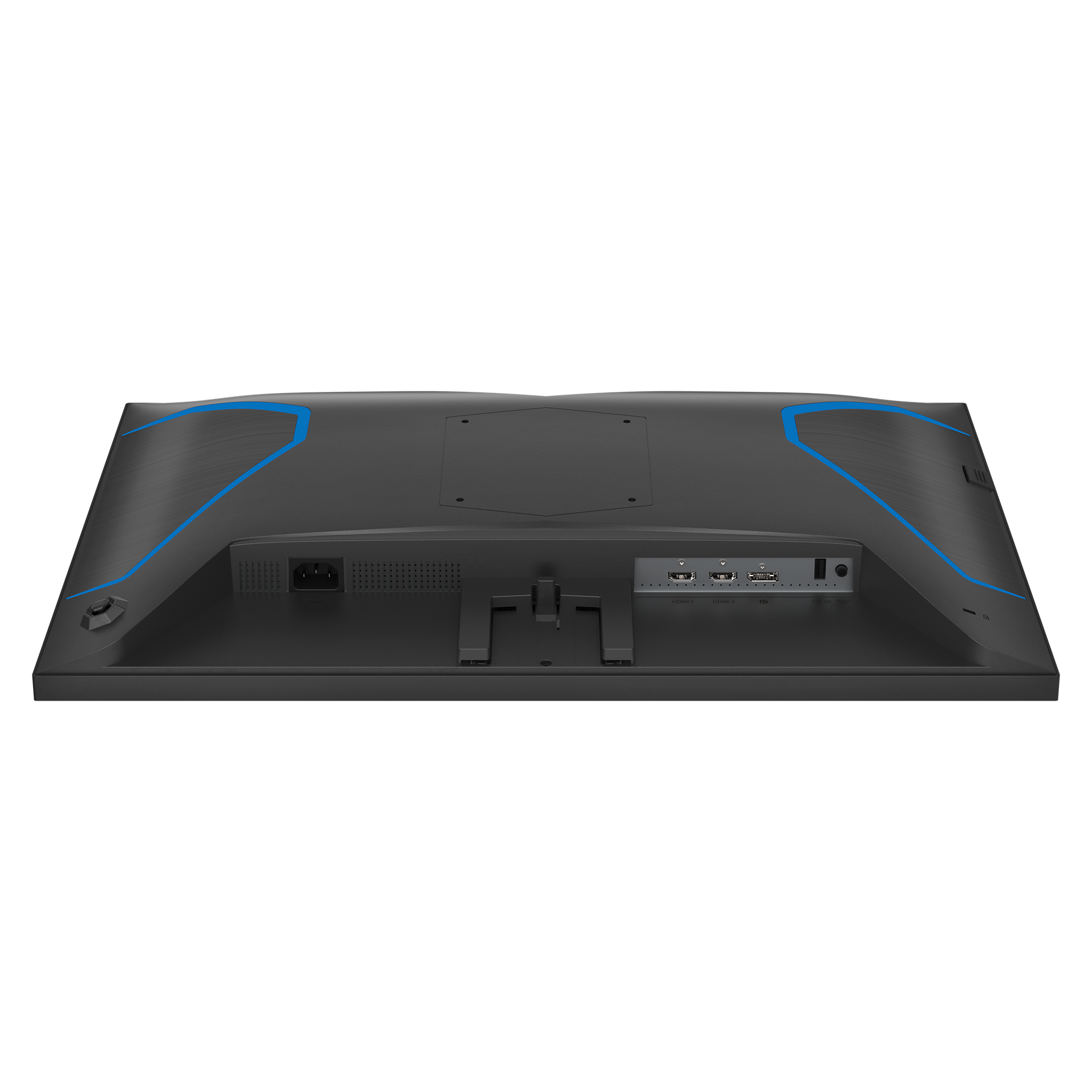
- USB HubUSB-A only for the FW update
- Signal InputHDMI 2.0 x 2, DisplayPort 1.4 x 1
- User conveniencePower On/Off, Menu/OK, Input/Up, Game Settings/Down, SmartImage game/Back
- OSD LanguagesBrazil Portuguese, Czech, Dutch, English, Finnish, French, German, Greek, Hungarian, Italian, Japanese, Korean, Polish, Portuguese, Russian, Spanish, Simplified Chinese, Swedish, Turkish, Traditional Chinese, Ukrainian
- Other convenienceKensington lock, VESA mount (100x100mm)
- Plug & Play CompatibilityDDC/CI, Mac OS X, sRGB, Windows 11 / 10
- Control softwareEvnia Precision Center
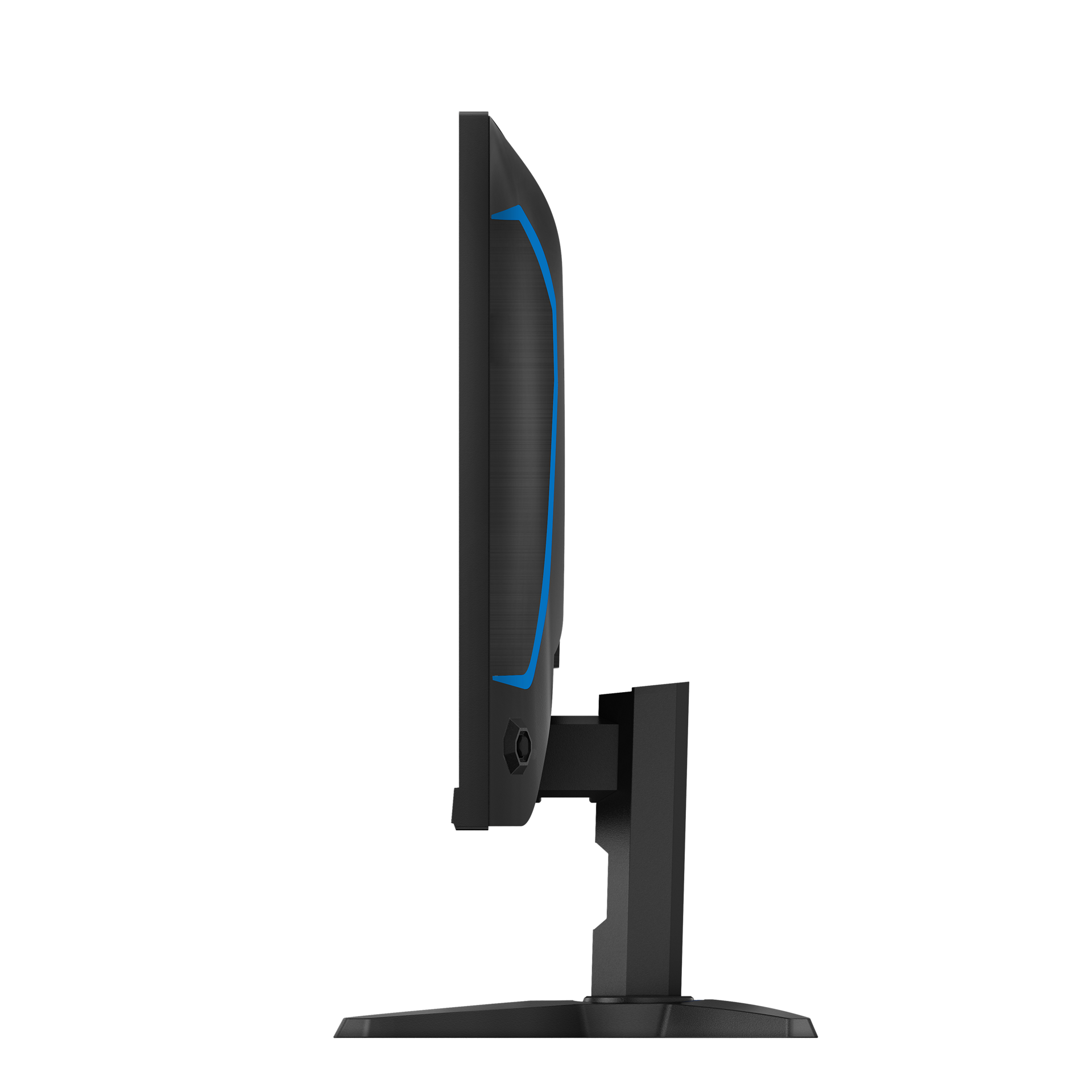
- Product with stand(max height)556.39 x 438.03 x 244.8 mm
- Product without stand (mm)556.39 x 330.33 x 57.9 mm
- Packaging in mm (WxHxD)696 x 444 x 177 mm
- Temperature range (operation)0°C to 40 °C
- Temperature range (storage)-20°C to 60 °C
- Relative humidity20%-80 %
- AltitudeOperating: +12,000ft (3,658m), Non-operating: +40,000ft (12,192m)
- MTBF30,000 (Excluding backlight)
- LCD panel typeFast IPS
- Backlight typeW-LED system
- Panel Size24.5 inch / 62.23 cm
- Effective viewing area543.744mm(H) x 302.616mm(V)
- Display Screen CoatingAnti-glare, 3H, Haze 25%
- Aspect ratio16:9
- Response time (typical)1 ms (Grey to Grey)*
- Brightness350 cd/m²
- Contrast ratio (typical)1000:1
- Pixel pitch0.2832mm (H) X 0.2802mm (V)
- Viewing angle178º (H) / 178º (V), @ C/R > 10
- Display colors16.7 M (RGB 8 bit)
- Scanning FrequencyHDMI: 30 - 270 kHz (H) / 23 - 240 Hz (V); DP: 30 - 270 kHz (H) / 48 - 280 Hz (V)
- sRGBYes
- Picture enhancementSmartImage game
- Pixel Density89 PPI
- Flicker-freeYes
- LowBlue ModeYes
- EasyReadYes
- Adaptive syncYes
- Delta E< 2 (sRGB)
- Maximum resolutionHDMI: 1920 x 1080 @ 240 Hz; DP: 1920 x 1080 @ 280 Hz (Overclock)*, 8bits, RGB/444
- Low Input LagYes
- Shadow BoostYes
- Smart CrosshairYes
- SmartContrastMega Infinity DCR
- Colour Gamut (typical)DCI-P3 92%, AdobeRGB 89%, sRGB 120%, NTSC 100% *
- HDRHDR 400
- On mode27.5 W (typ.)
- Standby mode0.5 W (typ.)
- Off mode0.3 W (typ.)
- Power LED indicatorOperation - White, Standby mode- White (blinking)
- Power supplyInternal, 100-240VAC, 50-60Hz
- Environmental and energyChina RoHS
- Recyclable packaging material100 %
- Specific SubstancesPVC / BFR free housing
- Tilt-5/20 degree
- Product with stand (kg)4.41 kg
- Product without stand (kg)3.72 kg
- Product with packaging (kg)7.6 kg
Disclaimers
- * The "IPS" word mark / trademark and related technology patents belong to their respective owners.
- * The maximum resolution is available for DP input only.
- * For the best output performance, please always ensure that your graphics card is capable of achieving the maximum resolution and refresh rate of this Philips display.
- * Response time value is equal to SmartResponse
- * Adobe RGB and DCI-P3 coverage based on CIE1976, sRGB area based on CIE1931, and NTSC area based on CIE1976.
- * The Overclock function increases the native refresh rate; however, it also carries some associated risks. If the screen displays abnormally after rebooting, please switch off the Overclock setting in the monitor's OSD menu.
- * The products and accessories listed in this leaflet may vary by country and region.
- * The monitor may look different from the feature images.