Compare products to find the right fit
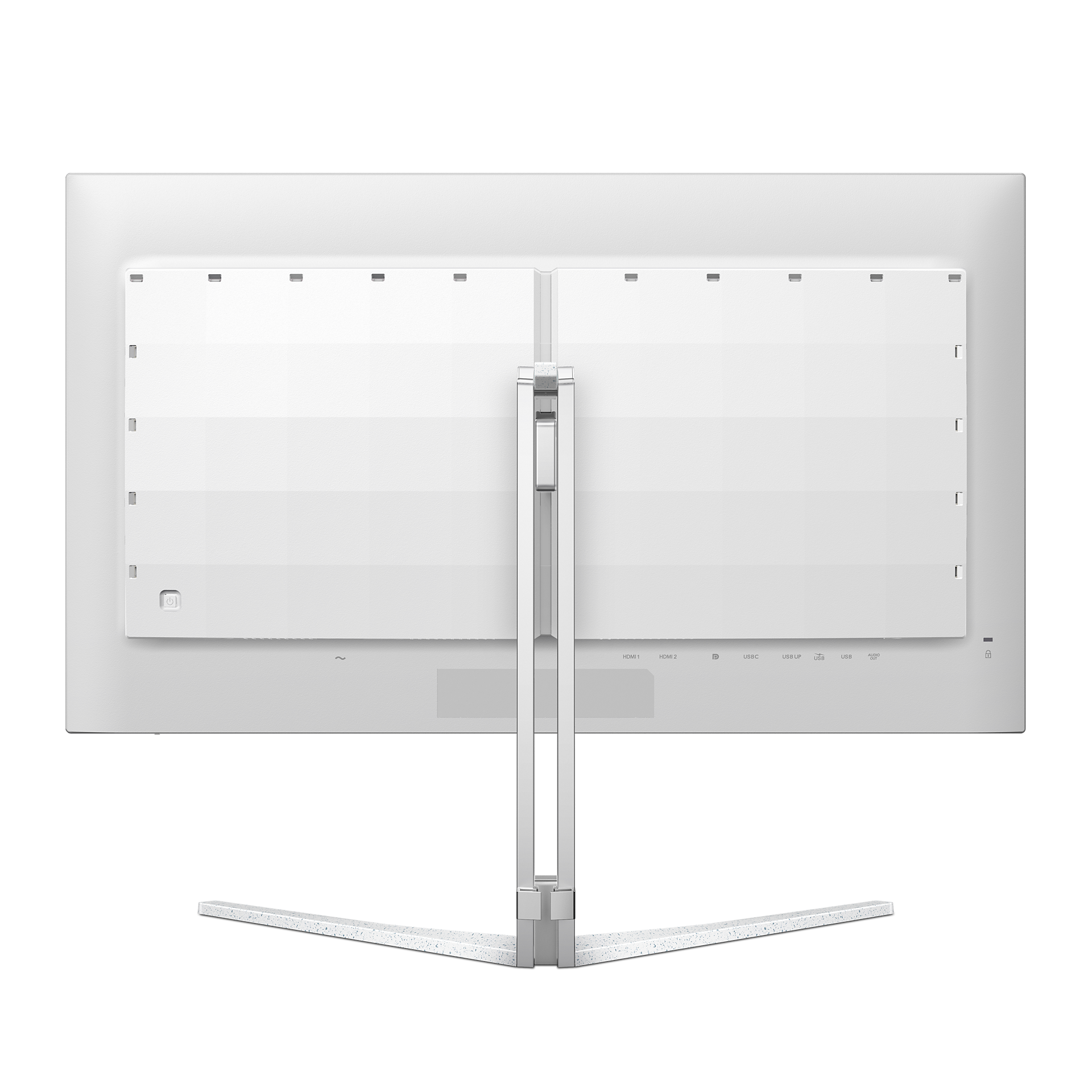
32M2N8900/00
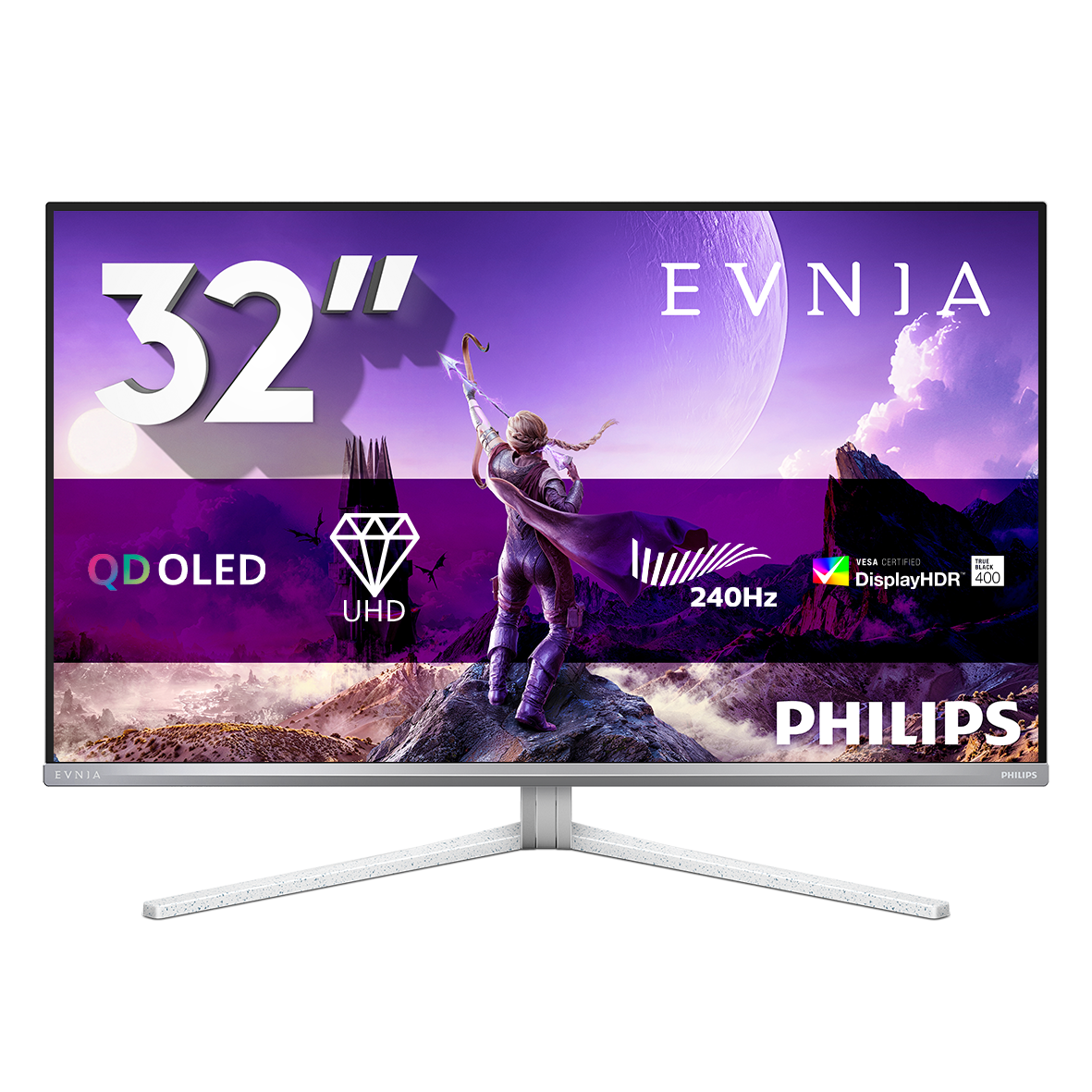
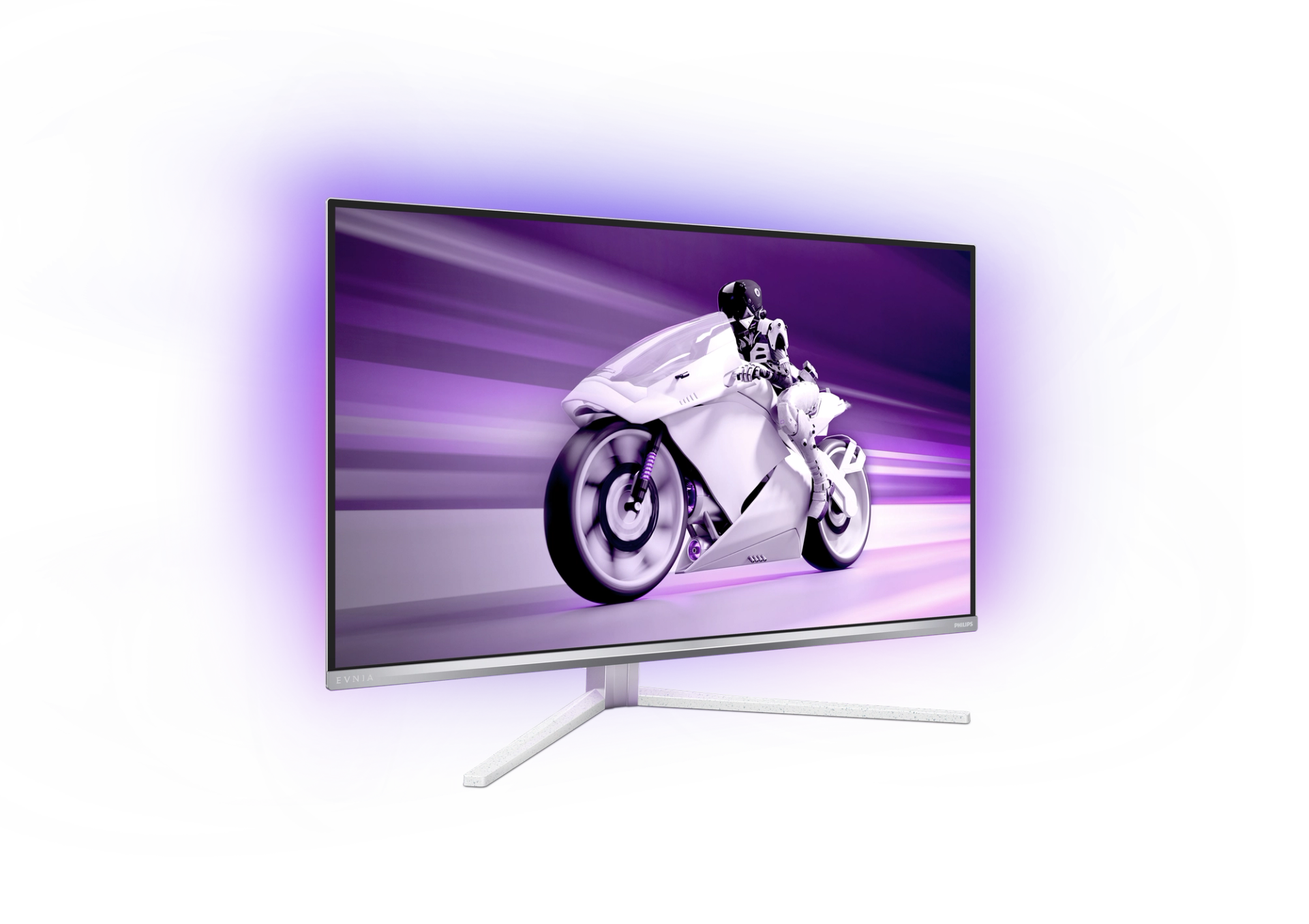
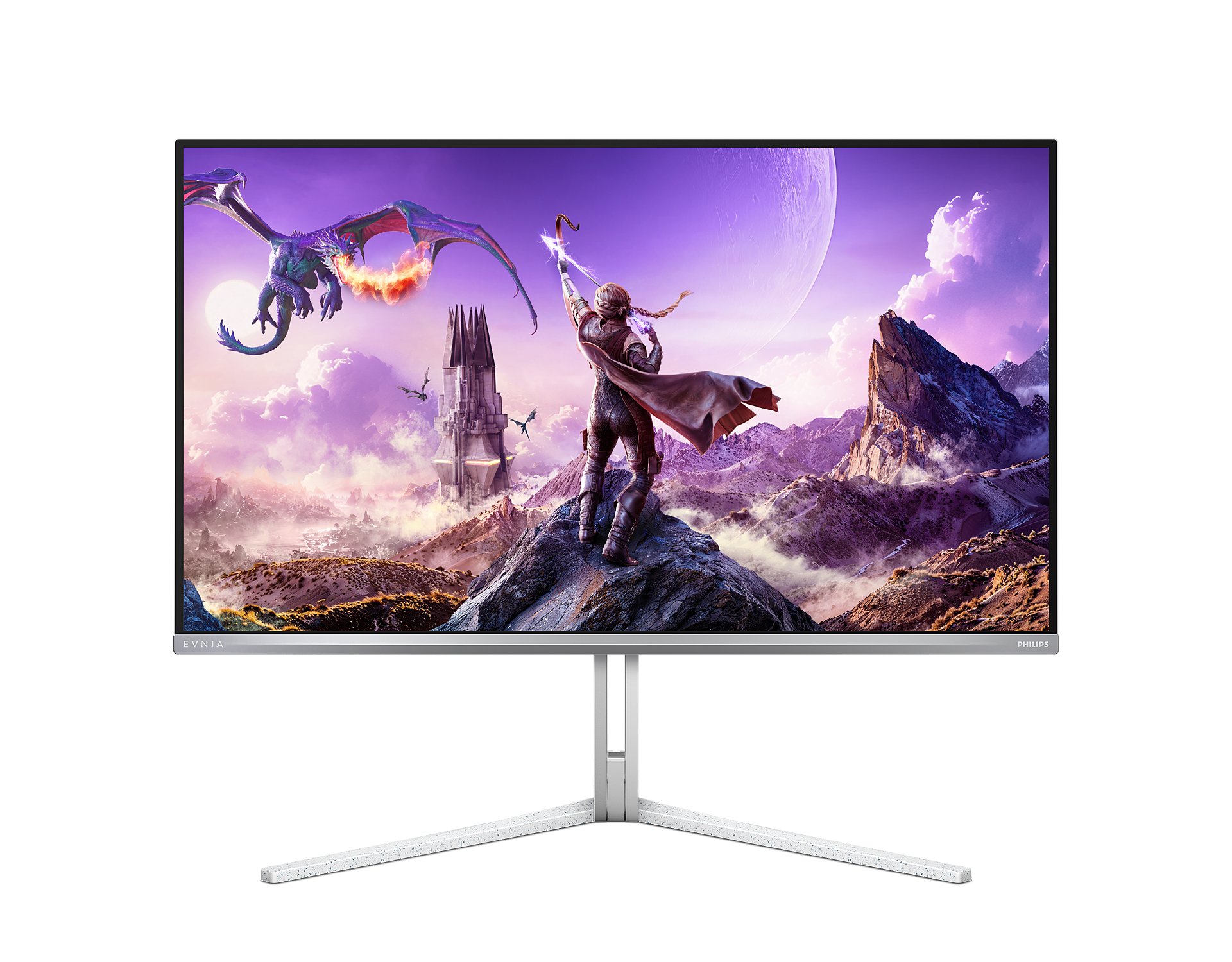
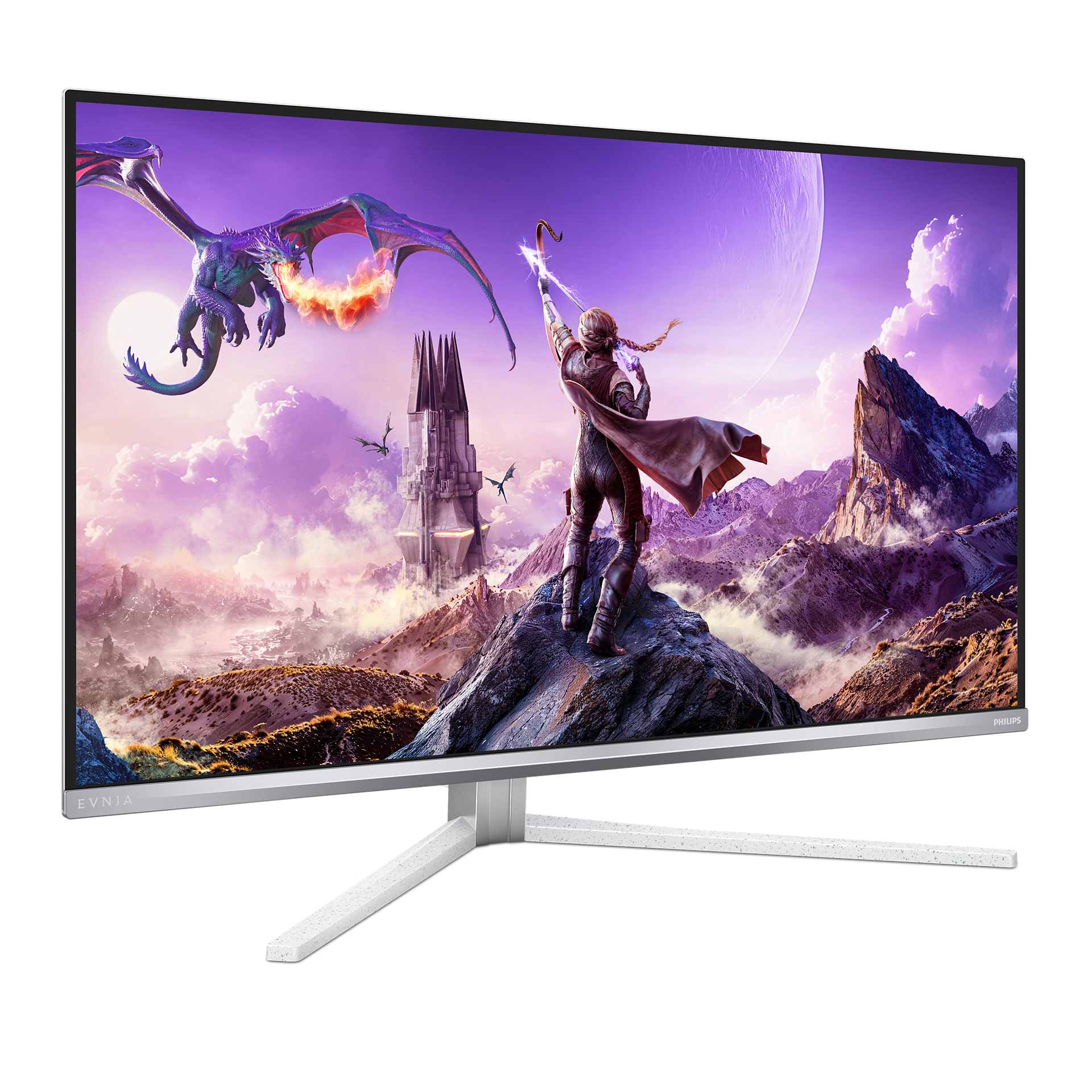
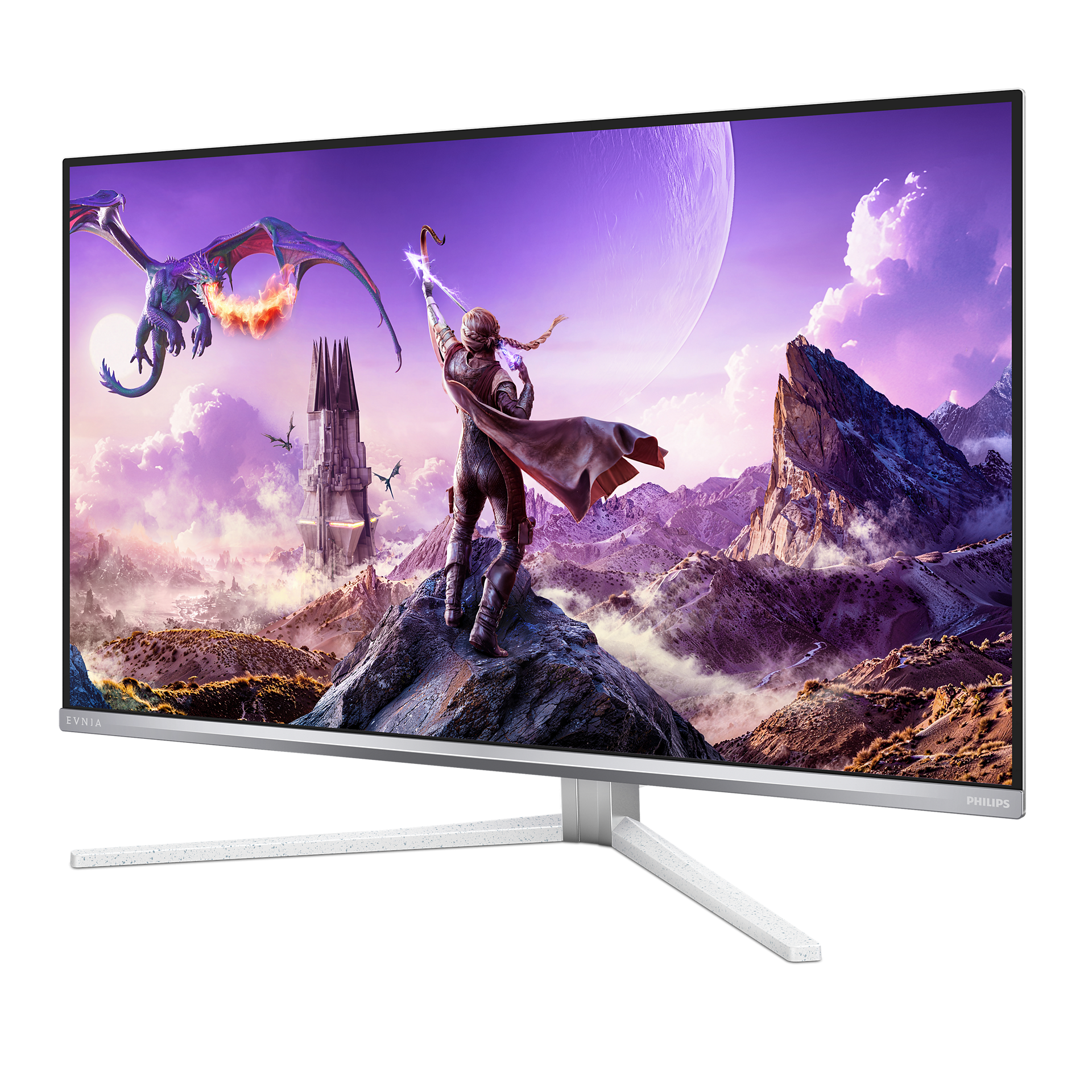
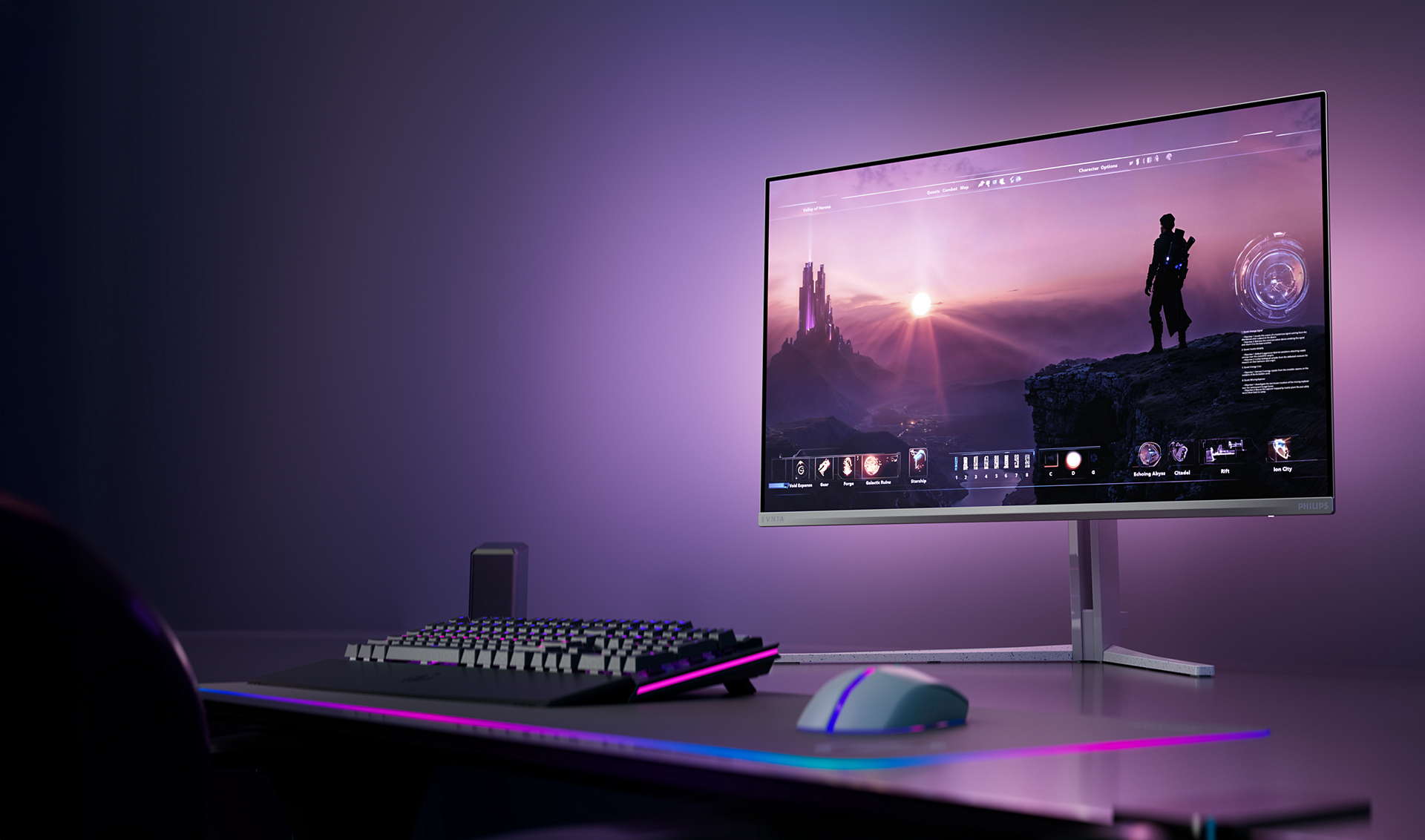
4K UHD gaming monitor 32M2N8900 QD OLED gaming monitor
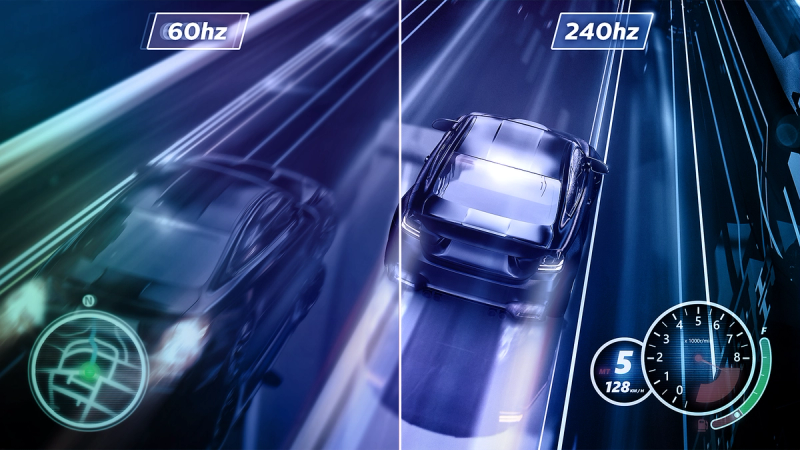
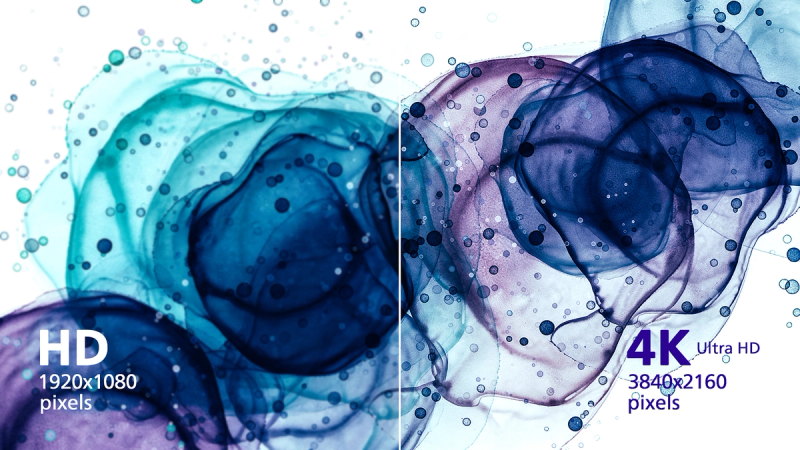
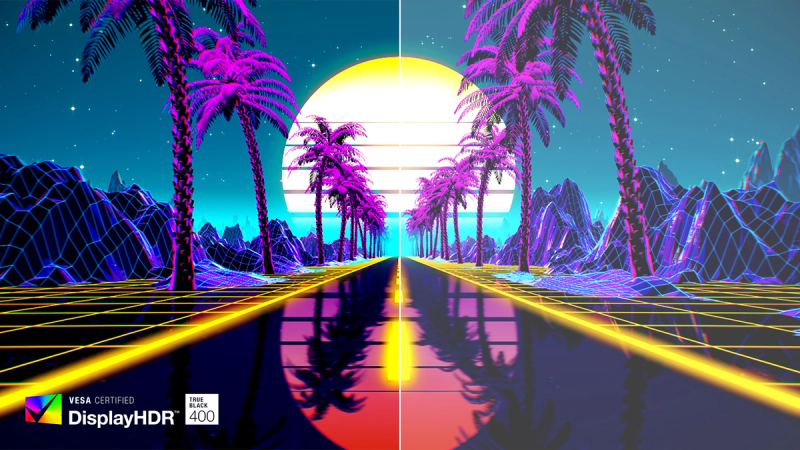
This monitor produces incredible visuals. Its QD OLED panel is matched with 4K UHD resolution and Display HDR TrueBlack 400 certification, which makes it an absolute powerhouse of visual quality, even at 240 Hz.







Specifications
- ColourWhite
- FinishTextured
- Regulatory ApprovalsCB; CE Mark; ETL; TUV/ISO9241-307; PSB; EAC; EAEU RoHS; TUV-BAUART; BSMI; UKCA; EMF; FCC; ICES-003
- Sync inputSeparate Sync
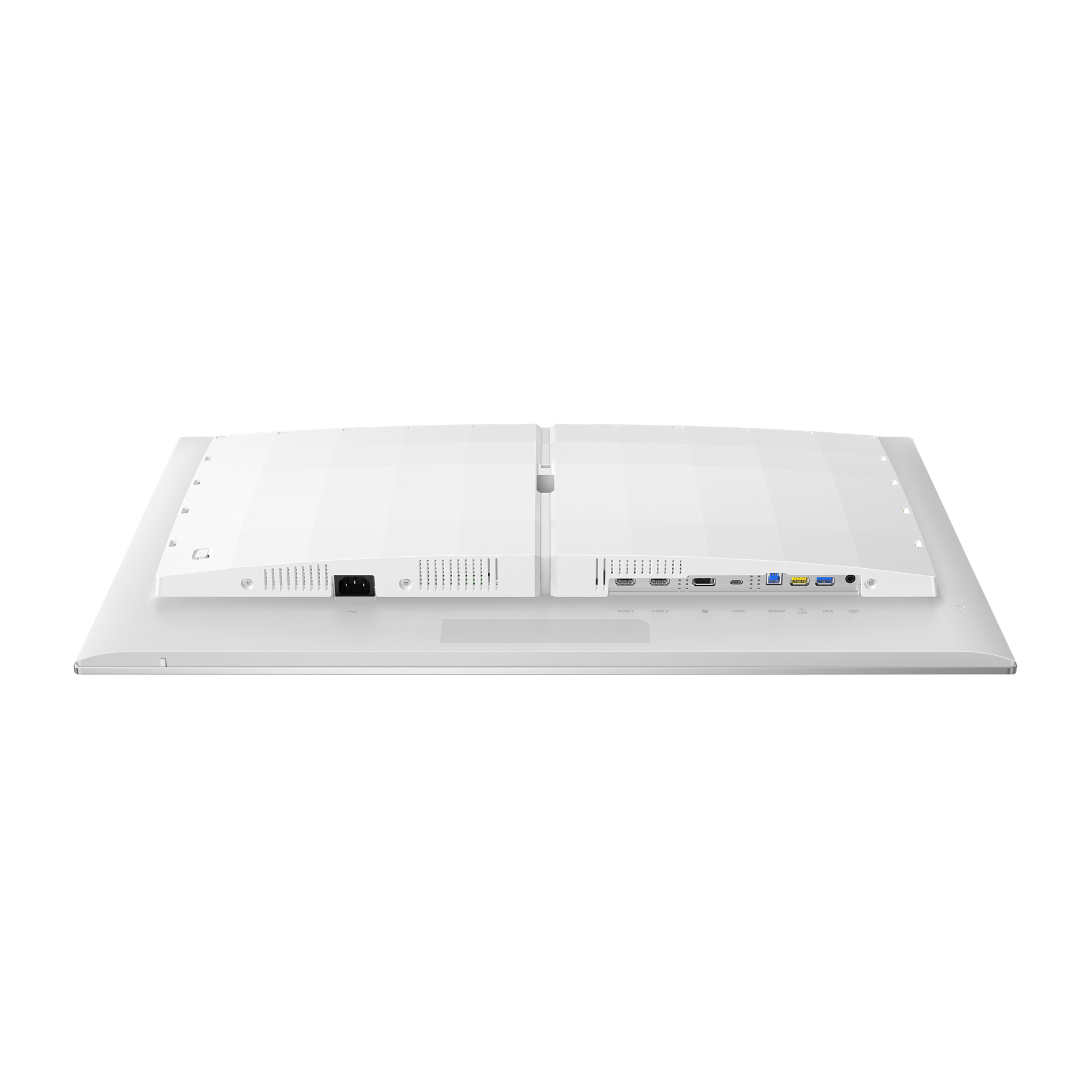
- Audio (In/Out)Audio out
- HDCPHDCP 1.4 (HDMI/DisplayPort), HDCP 2.2 (HDMI/DisplayPort), HDCP 2.3 (HDMI/DisplayPort)
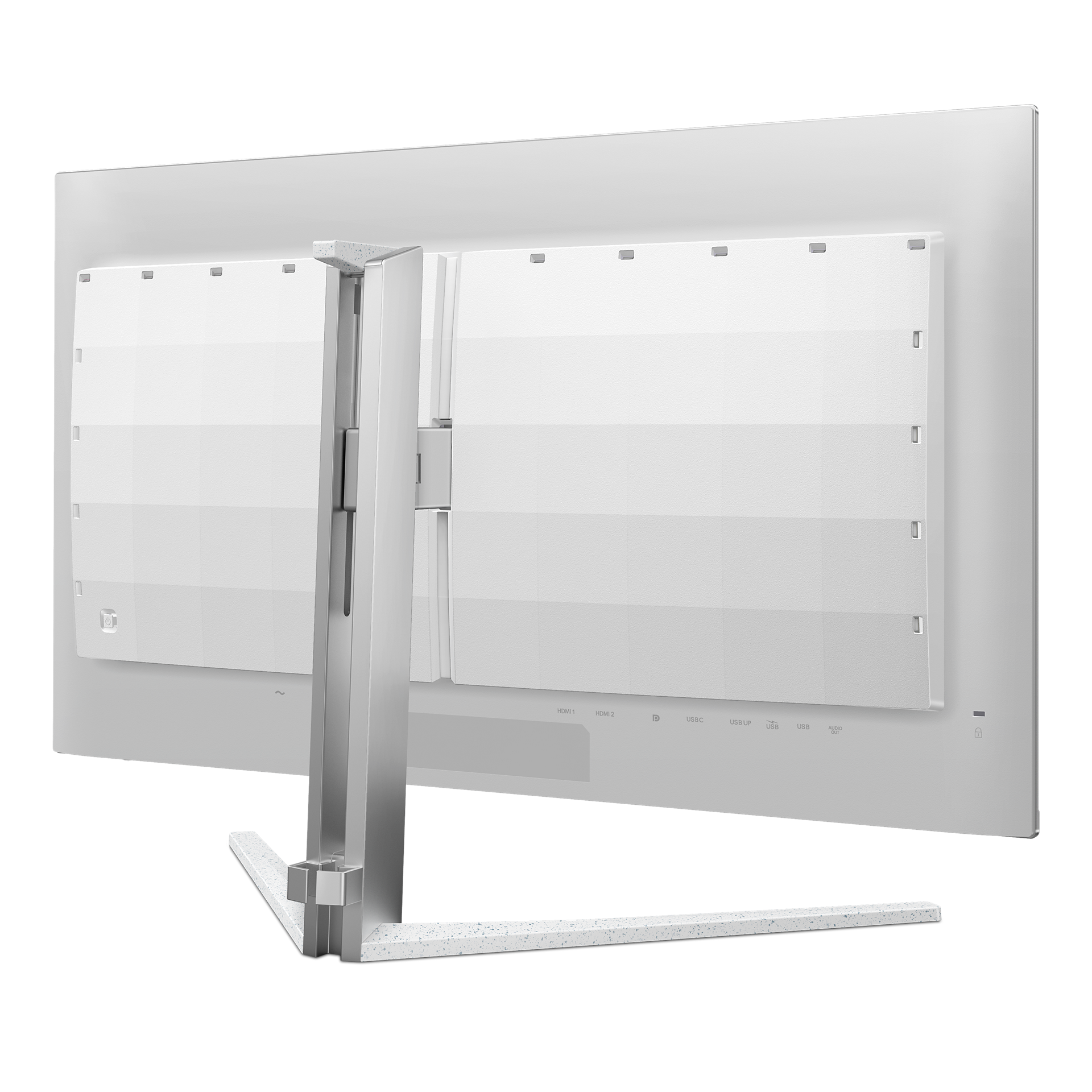
- USB HubUSB 3.2 Gen1, 5 Gbps; USB UP, USB-C upstream x 1 (DP Alt mode) , USB-A downstream x 2 (with 1 for fast charge B.C 1.2)
- Signal inputHDMI 2.1 x 2, DisplayPort 1.4 x 1, USB-C x 1 (DP Alt mode, Video, Data)
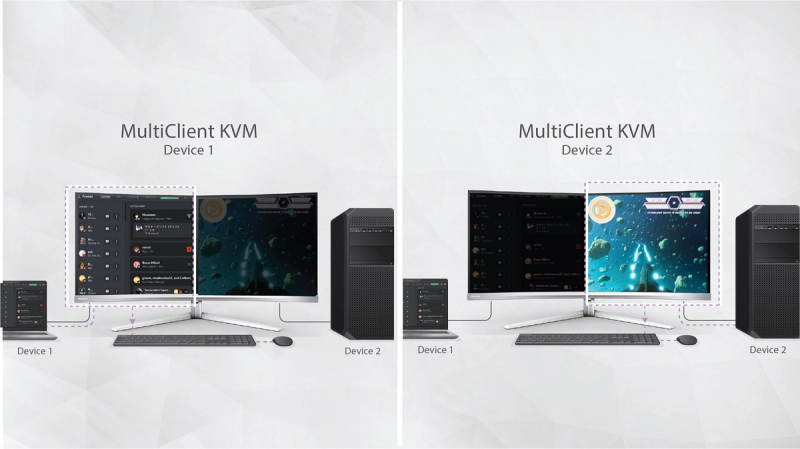
- KVMYes
- Built-in Speakers5 W x 2, DTS
- User conveniencePower On/Off; Menu/OK; Input/Up; Game Settings/Down; SmartImage game/Back
- OSD languagesBrazil Portuguese; Czech; Dutch; English; Finnish; French; German; Greek; Hungarian; Italian; Japanese; Korean; Polish; Portuguese; Russian; Spanish; Simplified Chinese; Swedish; Turkish; Traditional Chinese; Ukrainian
- Other convenienceKensington lock; VESA mount (100 x 100 mm); VESA bracket
- Plug and Play CompatibilityDDC/CI; Mac OS X; sRGB; Windows 11/10
- MultiviewPIP/PBP mode; 2 x devices
- Low blue lightLow blue light compliance*
- Product with stand (max height)717 x 572 x 311 mm
- Product without stand (mm)717 X 419 X 92 mm
- Packaging in mm ( W x H x D)840 X 510 X 160 mm
- Temperature range (operation)0°C to 40 °C
- Temperature range (storage)-20°C to 60 °C
- Relative humidity20%-80 %
- AltitudeOperation: +12,000 ft (3658 m), Non-operation: +40,000 ft (12,192 m)
- MTBF30,000
- Panel Size31.5"/80 cm
- Effective viewing area699.48 (H) x 394.73 (V) mm
- Display Screen coatingAnti-reflection, 2H
- Aspect Ratio16:9
- Response time (typical)0.03 ms (Grey to Grey)*
- Contrast ratio (typical)1,500,000:1
- Pixel Pitch0.1814 x 0.1814 mm
- Viewing Angle178º (H)/178º (V); @ C/R > 10000
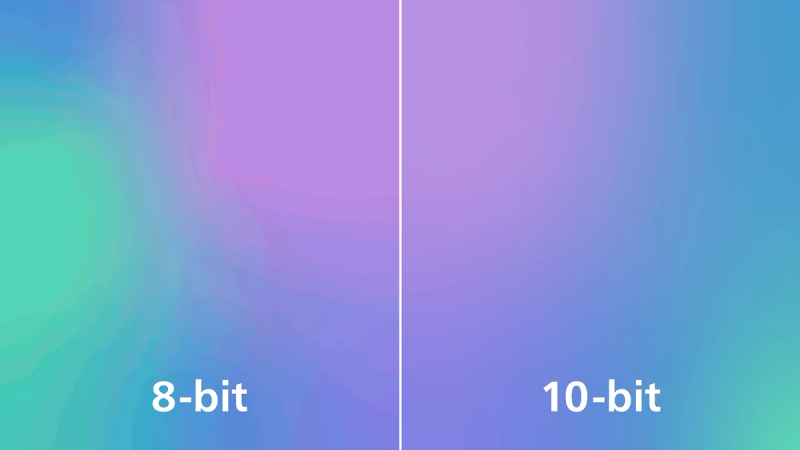
- Display coloursColour support 1.07 billion colours (10-bit)
- Scanning Frequency30k-510k Hz (H)/ 48-240 Hz (V)
- sRGBYes
- Picture enhancementSmartImage game
- Pixel Density139.87 PPI
- Flicker-freeYes
- LowBlue ModeYes
- EasyReadYes
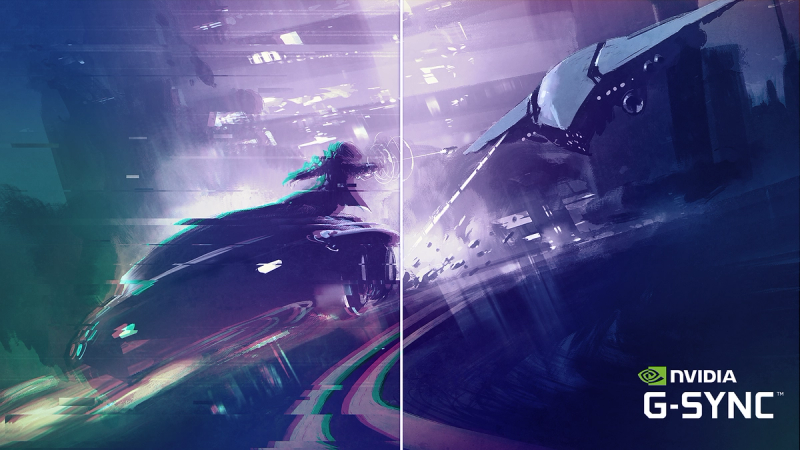
- Adaptive SyncYes
- Delta E<2 (sRGB)
- Maximum Resolution3840 x 2160 @ 240 Hz (HDMI/DP)
- Low Input LagYes
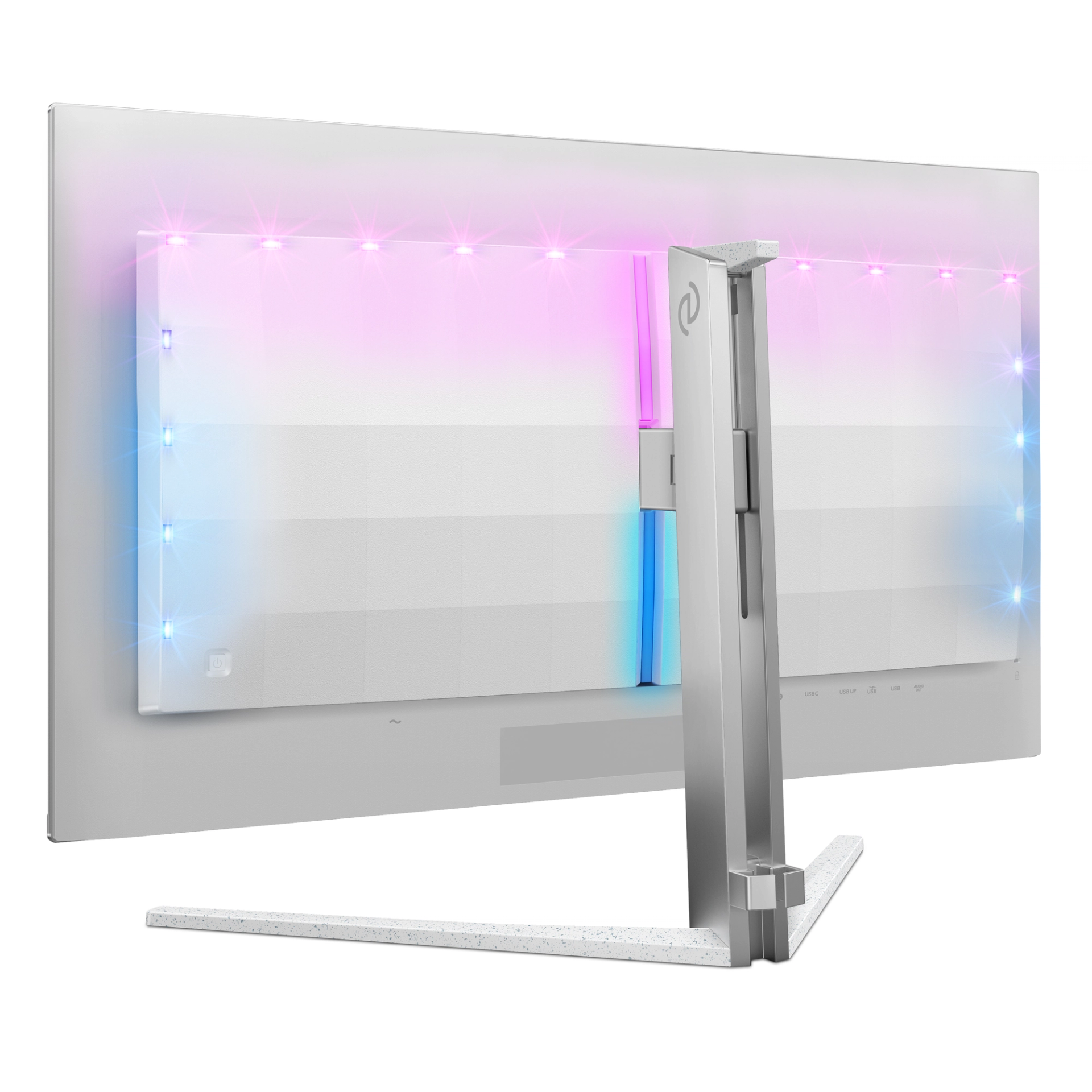
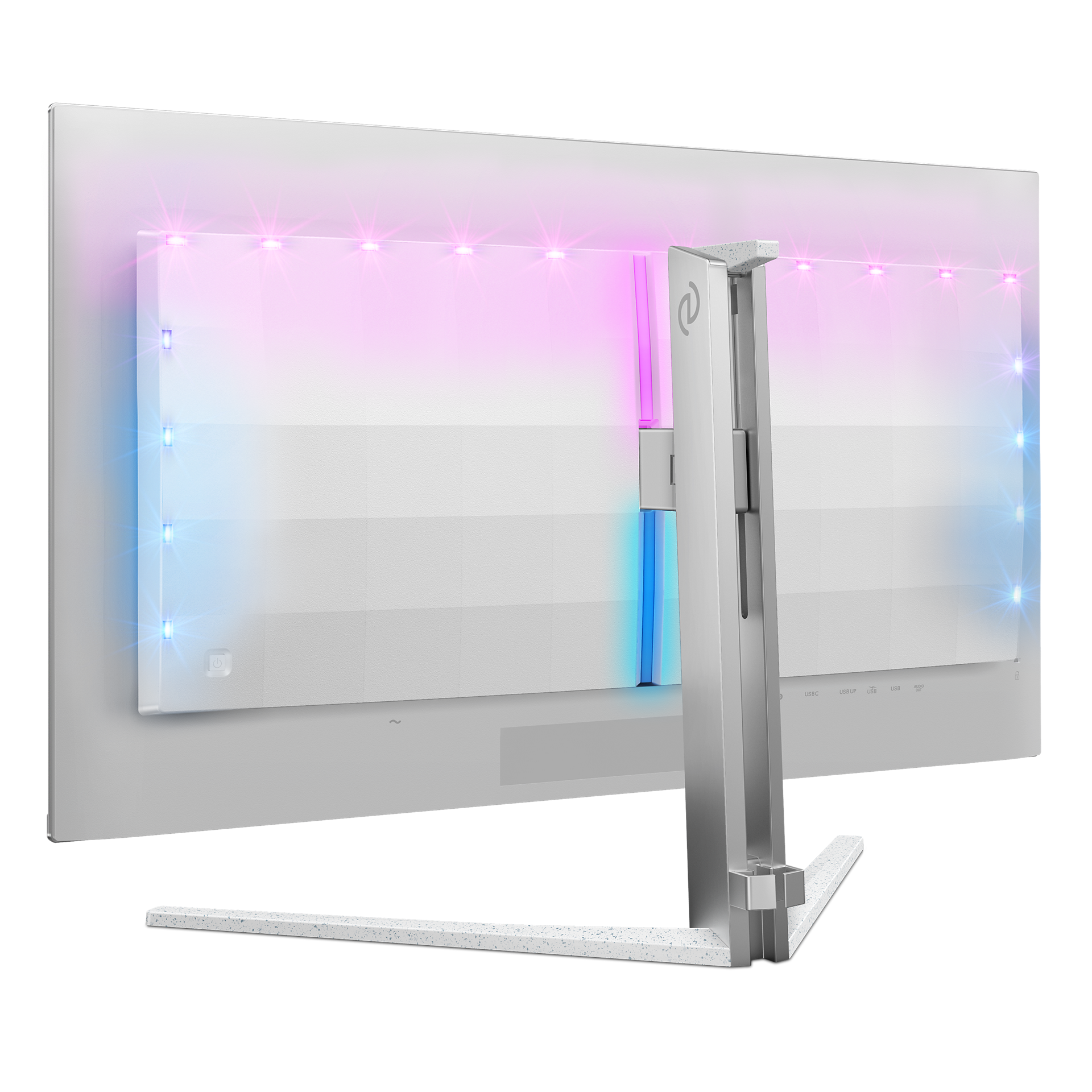
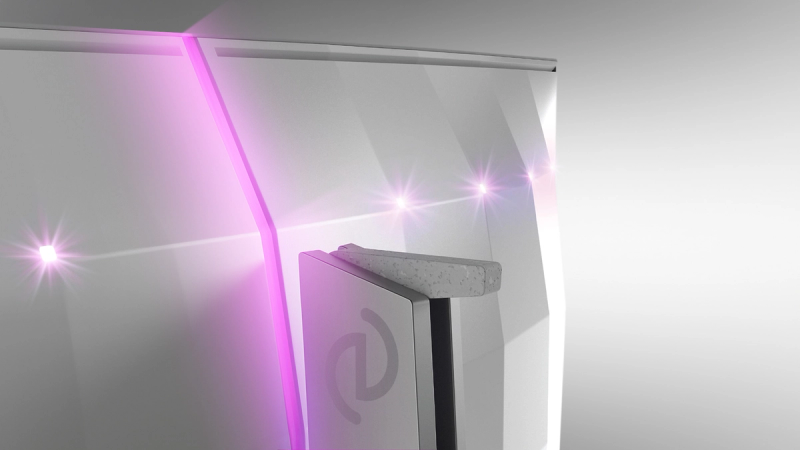
- Ambiglow3 sided
- Monitor panel typeQD OLED
- Pixel formatRGB Q-Stripe*
- Brightness (nits)SDR: 250nits (APL 100%) nit,HDR: 450 (APL 10%) nit, HDR E/P: 1000 (APL 3%)
- Smart CrosshairYes
- Stark Shadow BoostYes
- Smart SniperYes
- Clear MR Tier13,000
- Windows Dynamic LightingYes
- SmartContrastMega Infinity DCR
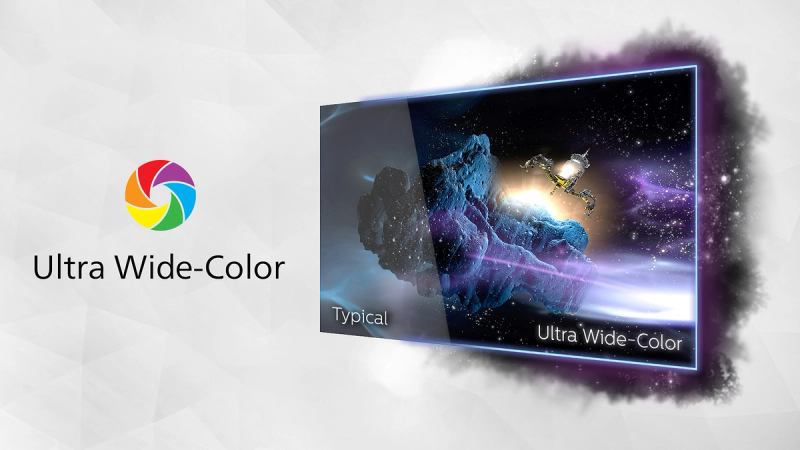
- Colour Gamut (typical)DCI-P3:99%, sRGB: 147.5%, NTSC 120%, Adobe RGB 118%*
- HDRDisplayHDR True Black 400 certified
- On mode130.9 W (typ.)
- Standy mode0.5 W (typ.)
- Off mode0.3 W (typ.)
- Power LED indicatorOperation - White; Standby mode - White (flashing)
- Power supplyInternal; 100–240 VAC, 50–60 Hz
- Energy label classG
- VersionUSB PD version 3.0
- Max power deliveryUSB-C up to 65 W (5 V/3 A, 7 V/3 A, 9 V/3 A, 10 V/3 A, 12 V/3 A, 15 V/3 A, 20 V/3.25 A)
- Environmental and energyRoHS
- Recyclable packaging material100 %
- Specific SubstancesMercury free; PVC/BFR free housing
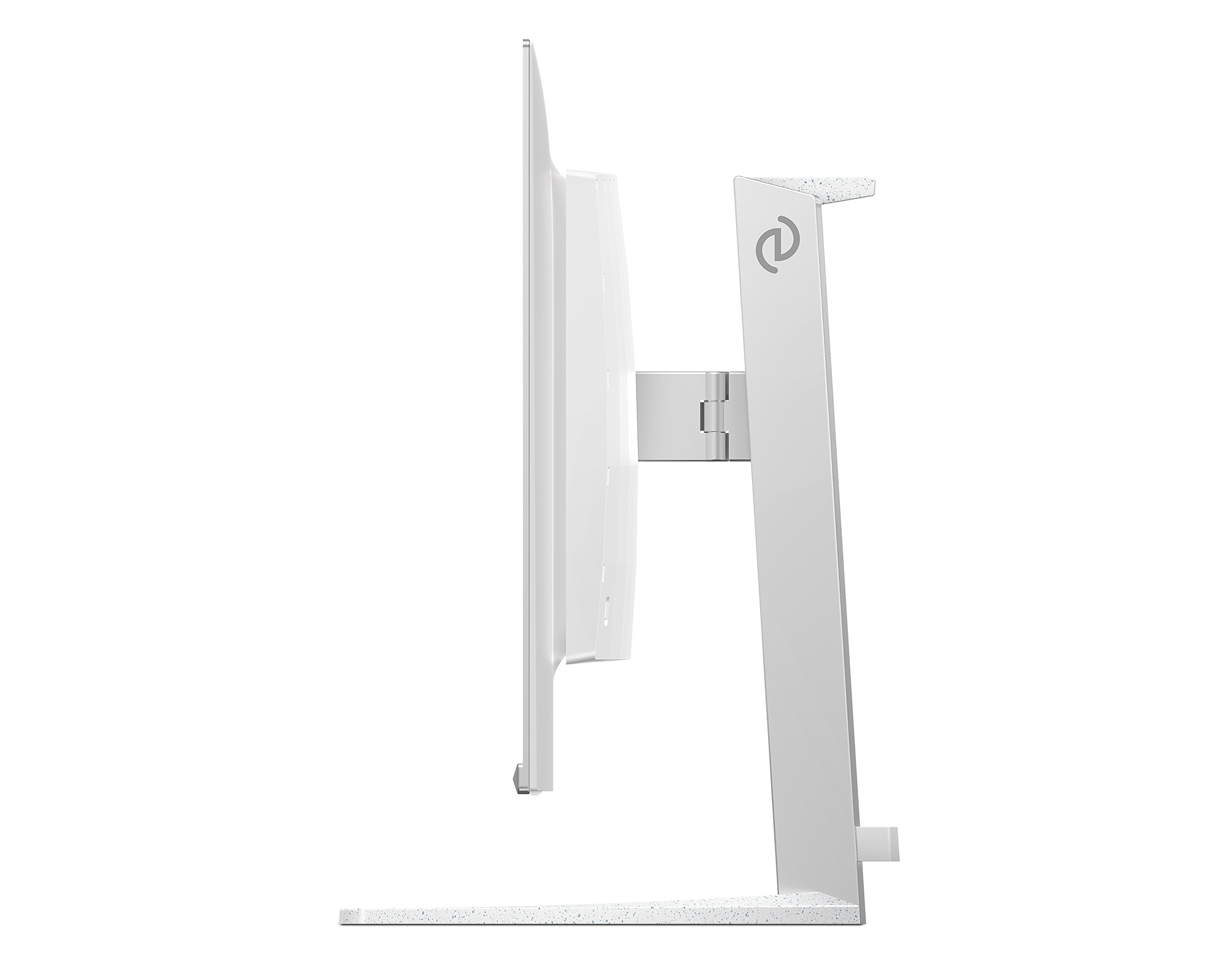
- Height adjustment130 mm
- Tilt-5/20 degree
- Swivel-/+ 30 degree
- Product with stand (kg)9.65 kg
- Product without stand (kg)8.18 kg
- Product with packaging (kg)13.67 kg
- Monitor with standYes
- CablesHDMI cable, DisplayPort cable, USB upstream cable, USB-C to USB-C cable, Power cable, VESA bracket
- User documentationYes
Disclaimers
- * Active pixels: 3840 (H) x 2160 (V). Number of total pixels: 3856 (H) x 2176 (V); extra pixels on each side, space reserved for pixel orbiting.
- * Response time value equal to SmartResponse. The measurement pattern is 1 horizontal line.
- * For best output performance, please always ensure that your graphic card is capable of achieving the maximum resolution and refresh rate of this Philips display.
- * DCI-P3 Coverage based on CIE1976, sRGB Area based on CIE1931, NTSC Area and Adobe RGB Area based on CIE1976
- * The ratio of display emission light in the range from 415 - 455 nm to the display emission of 400 - 500 nm shall be less than 50%.
- * This monitor strives for sustainability: the base cover and headphone holder are made with 35% recycled plastic.
- * The products and accessories listed on this leaflet may differ by country and region.
- * The monitor may look different from feature images.
- * NVIDIA® G-SYNC® support interface: DisplayPort
- * Make sure to update NVIDIA® G-SYNC® driver to the latest version, see more information on NVIDIA website: https://www.nvidia.com/
- * Make sure that your graphic card supports NVIDIA® G-SYNC®