Compare products to find the right fit
24M2N3200NF/00
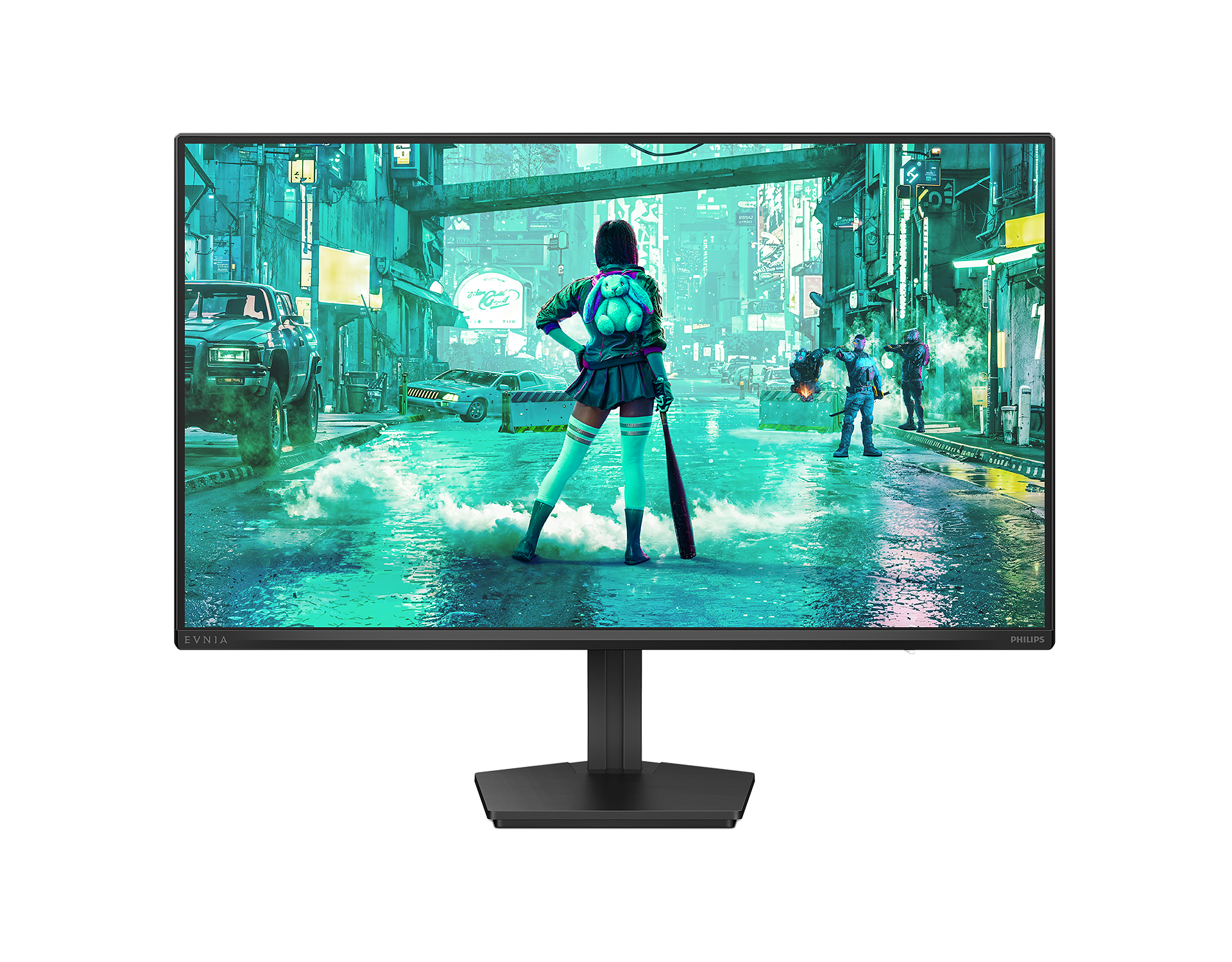
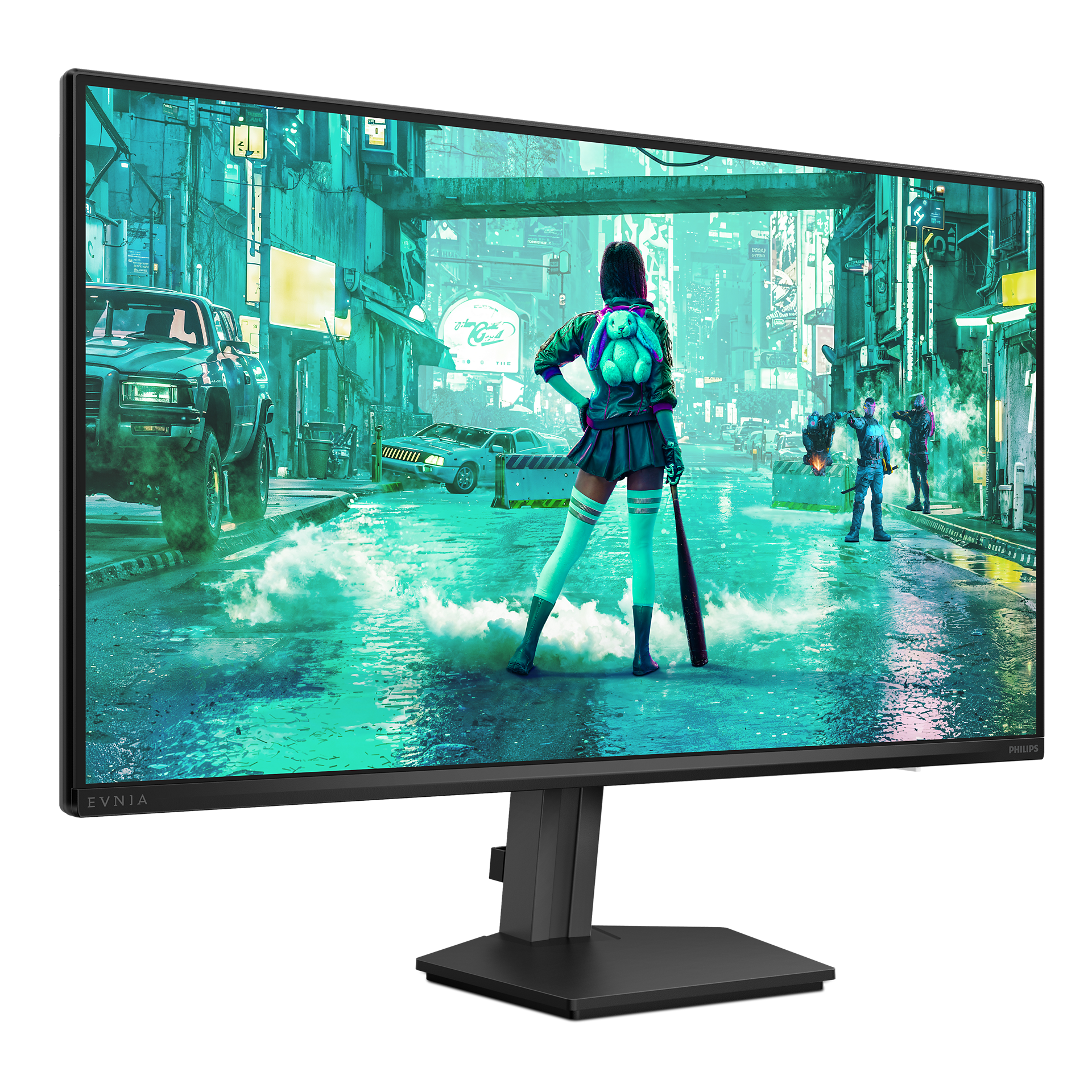
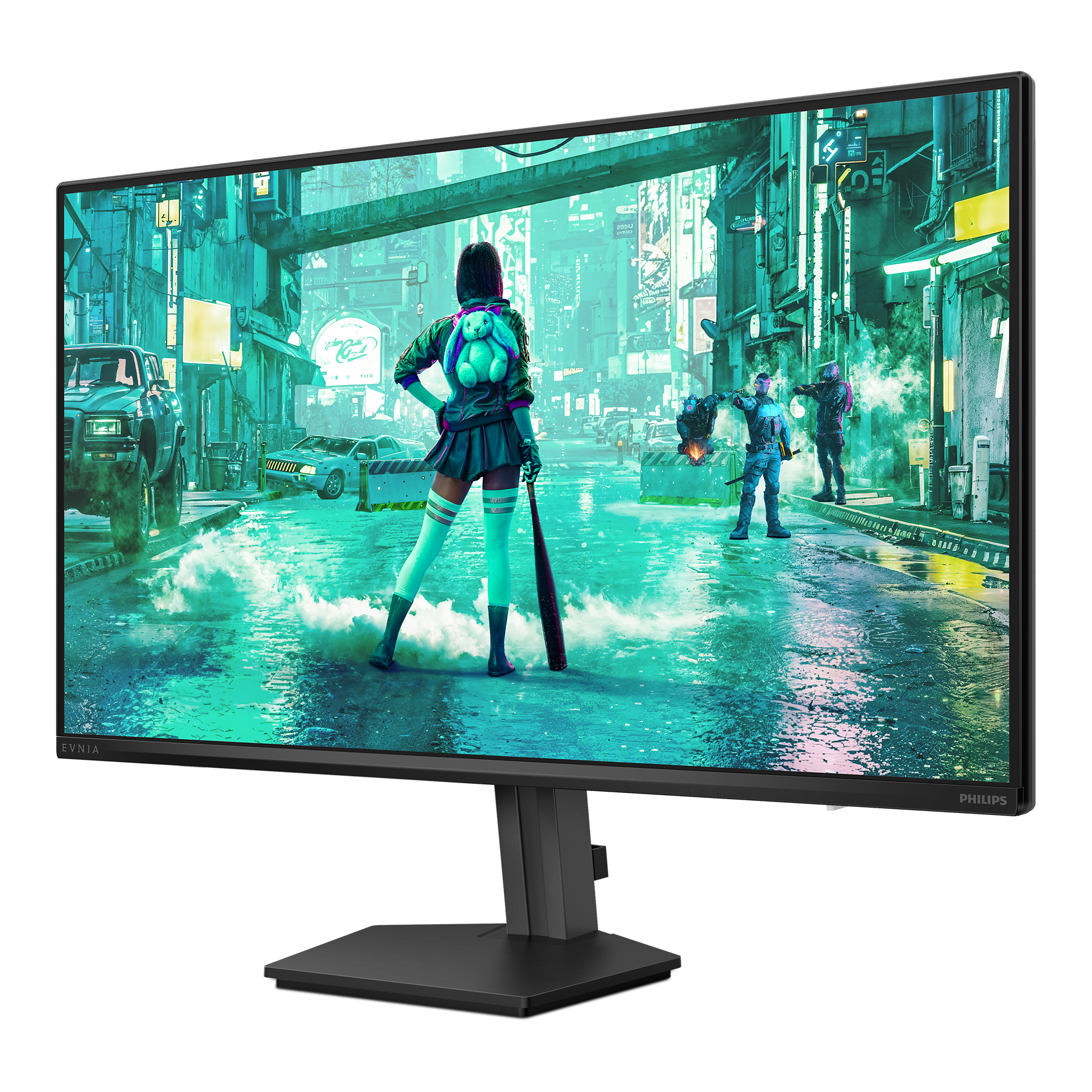
Gaming monitor 24M2N3200NF Full HD gaming monitor
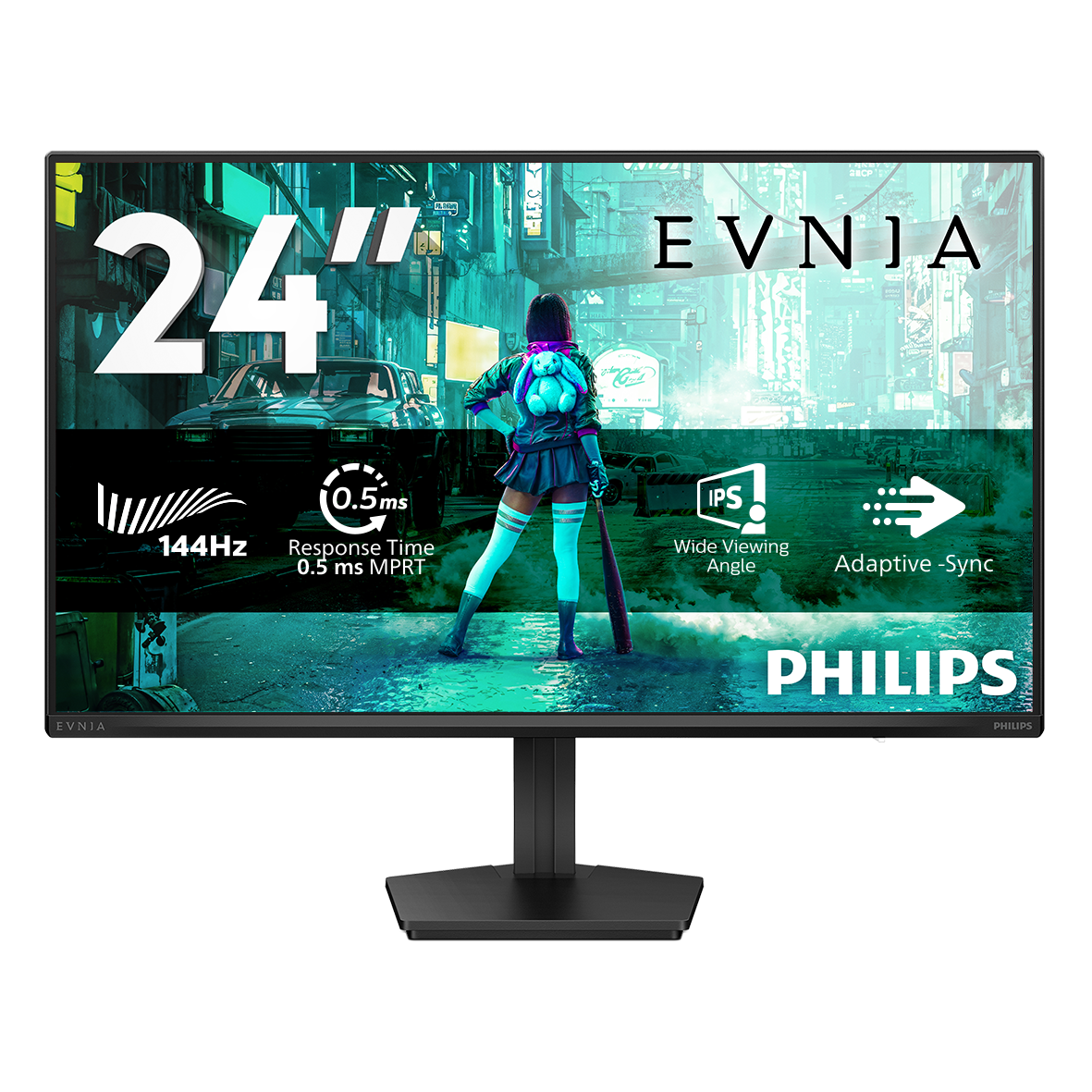
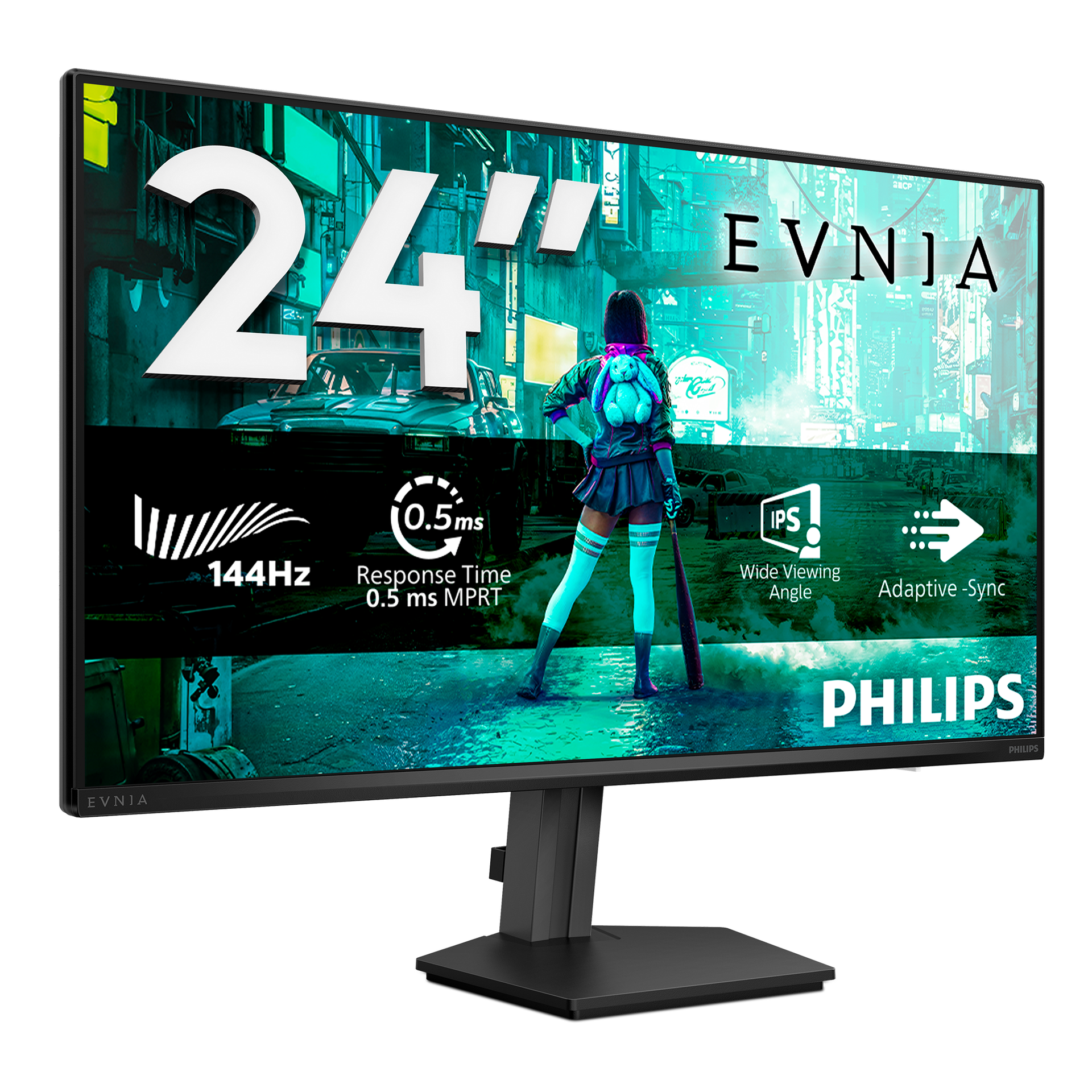
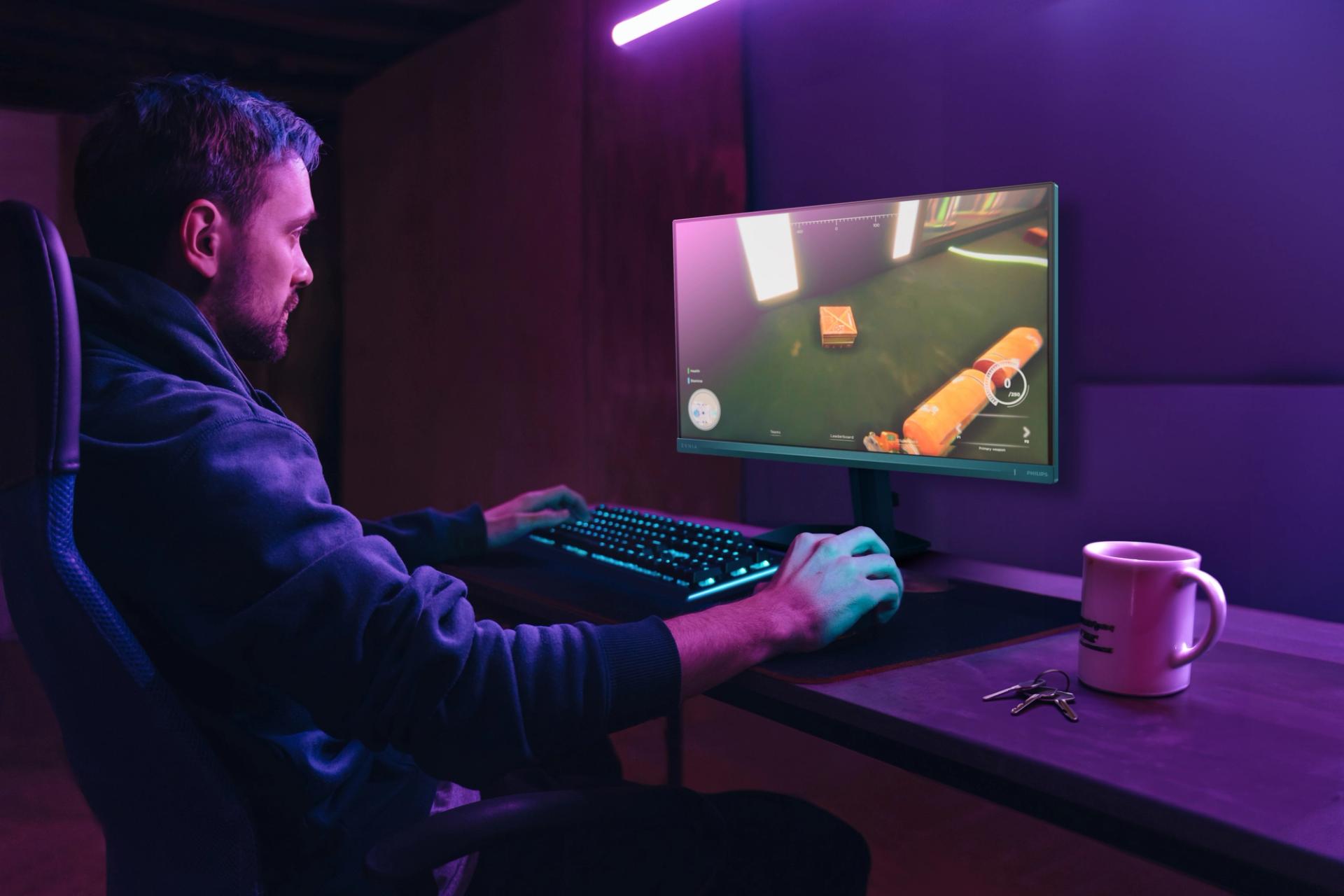
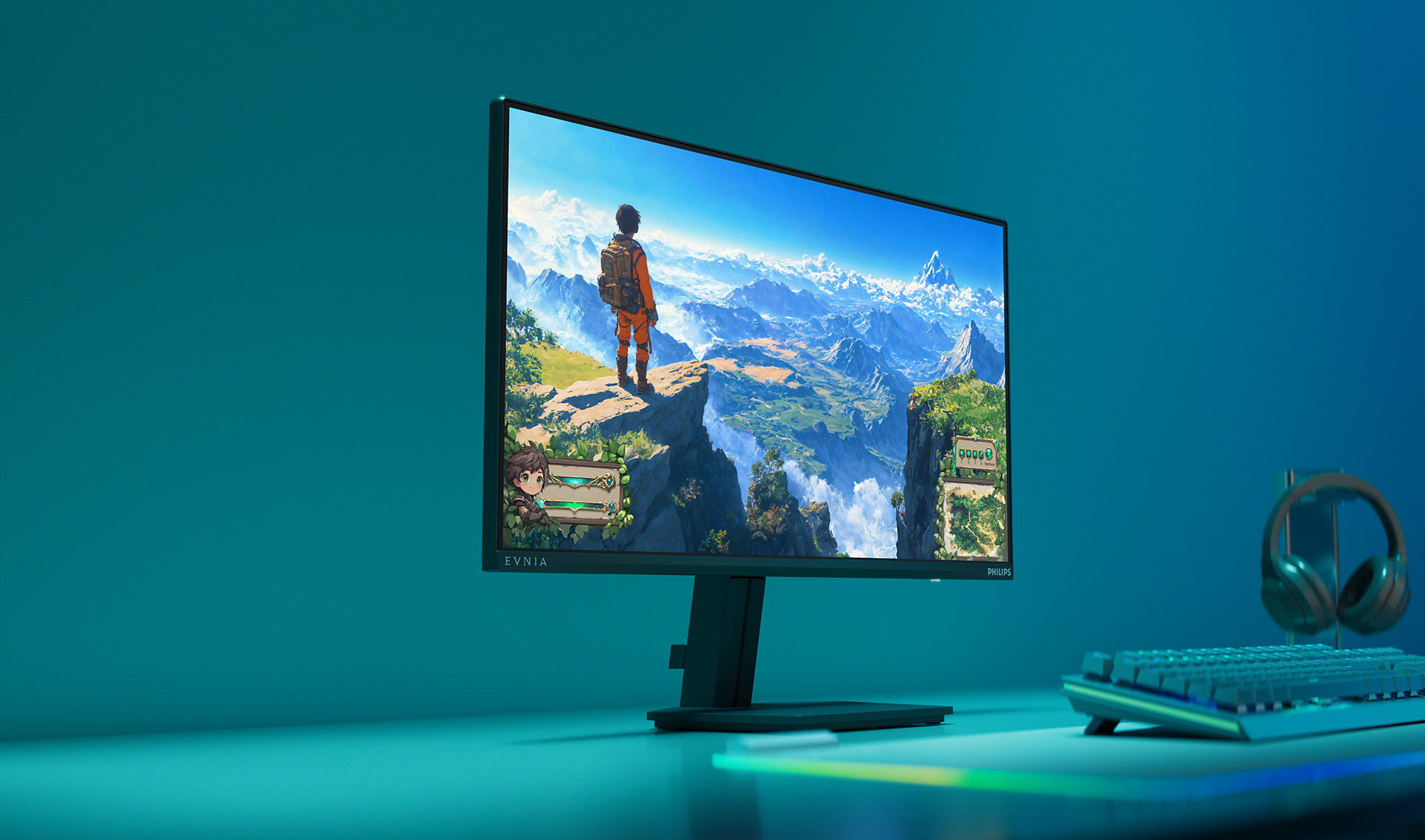
This 24-inch IPS monitor brings sharp visuals to gaming. With its 144Hz refresh rate and 0.5ms Smart MBR, you can expect clear visuals and a high-quality all-around gaming experience.
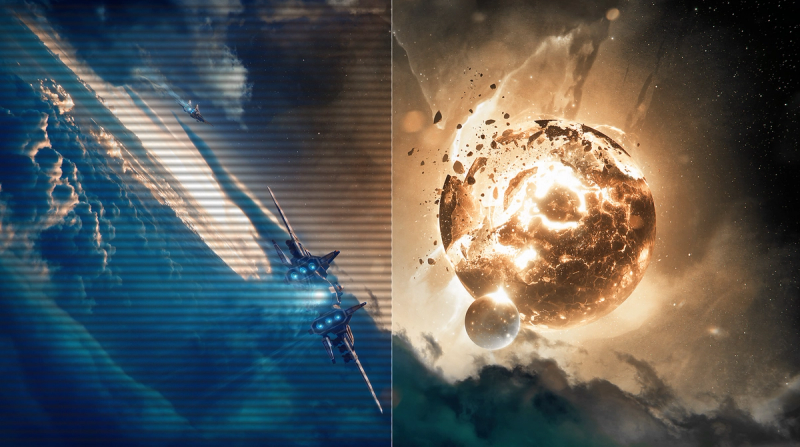
SmartImage Game Mode optimised for gamers
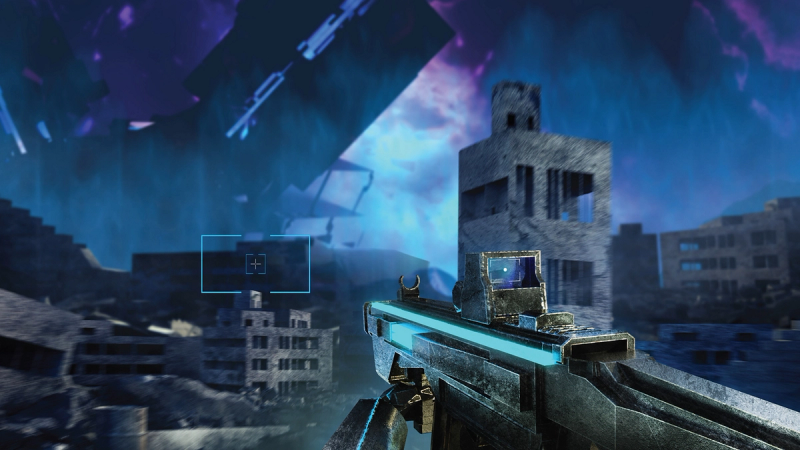
Smart Crosshair: for better aim and more fun
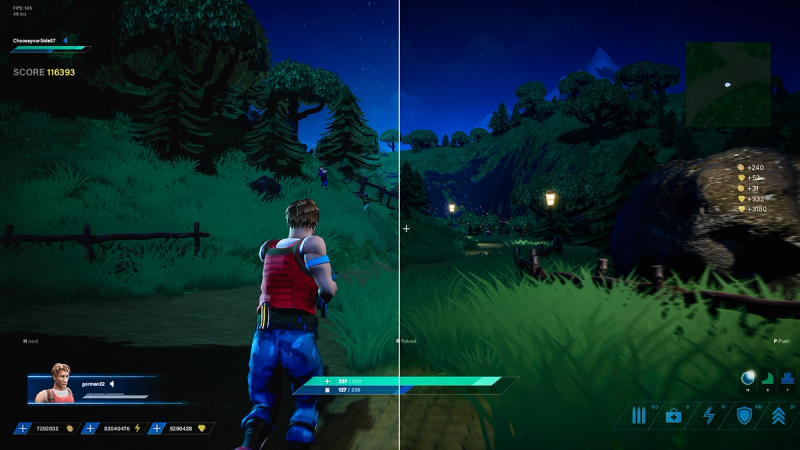
ShadowBoost: for bringing dark scenes to life.
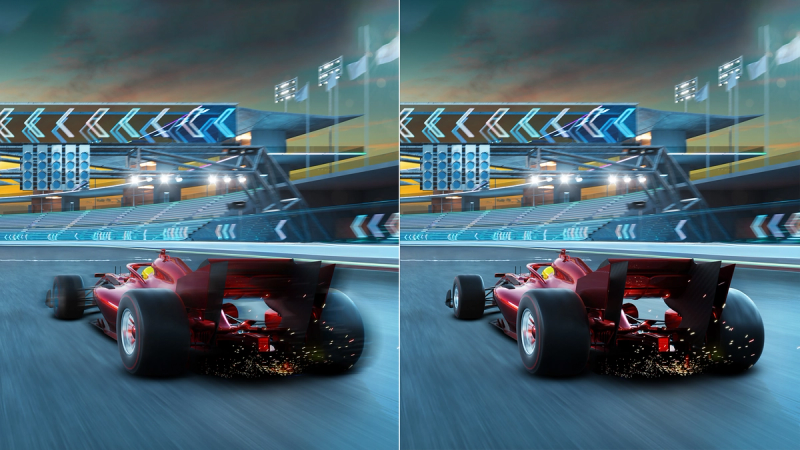
Smart MBR: for reducing motion blur.

Evnia Precision Center: Maximise Your Gaming Experience
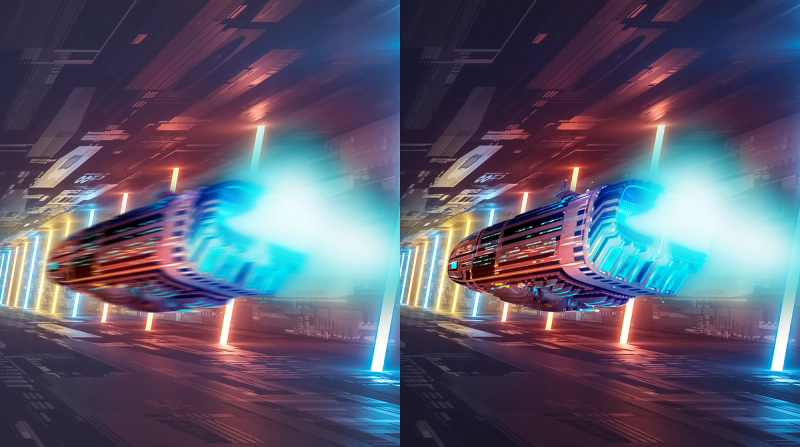
144Hz refresh rates for ultra-smooth, brilliant images
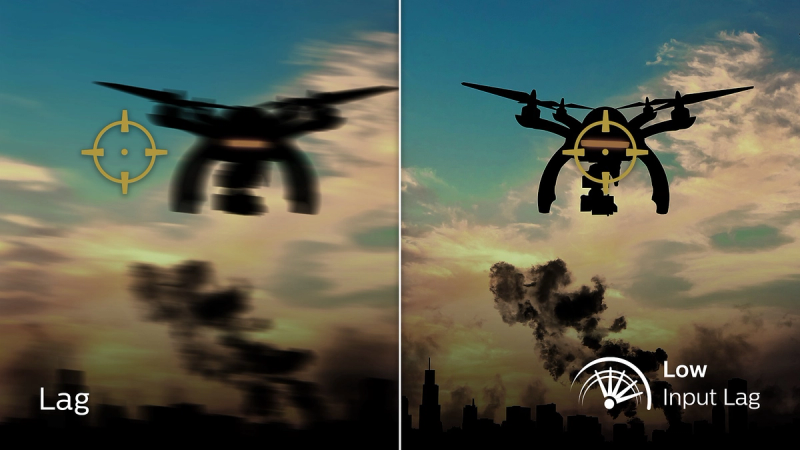
Low input lag reduces the time delay between devices and the monitor
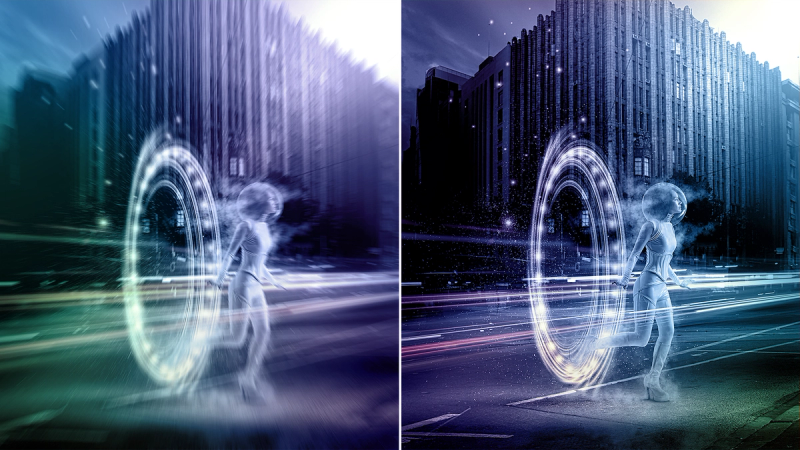
0.5 ms ultra-fast speed for crisp image and smooth gameplay
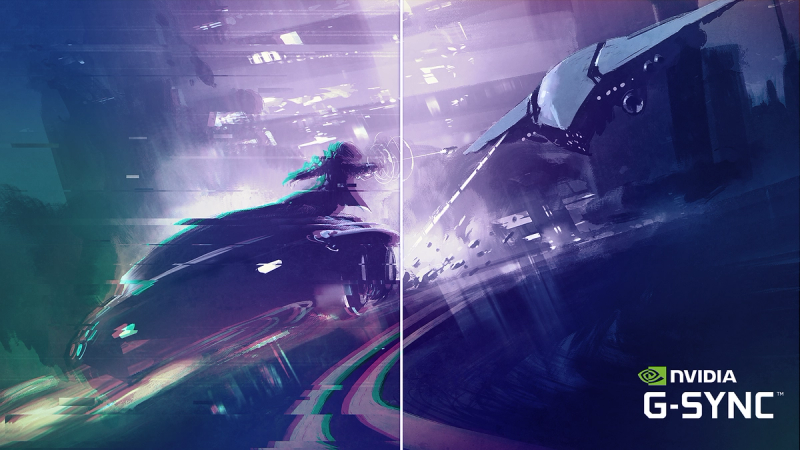
Certified NVIDIA® G-SYNC® compatible for smooth, fast gaming
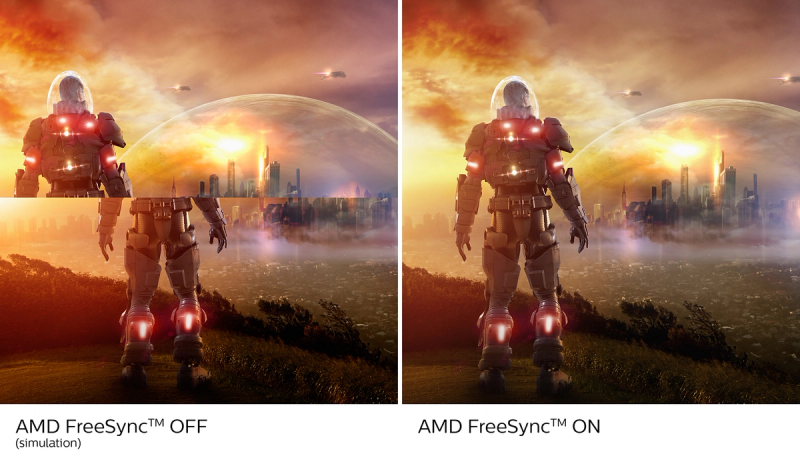
Effortlessly smooth gameplay with AMD FreeSync™ technology
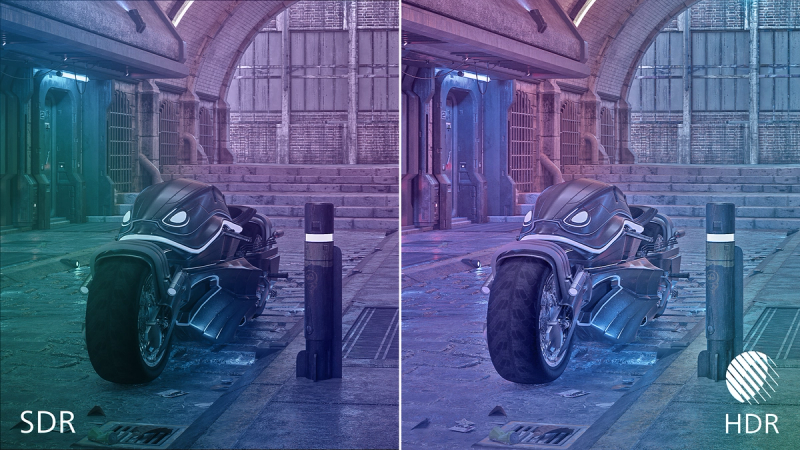
High Dynamic Range (HDR) for more lifelike, colourful visuals
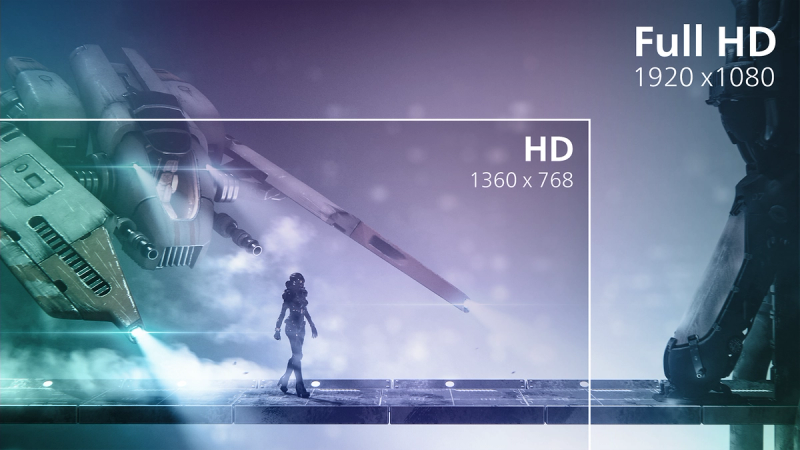
16:9 Full HD display for crisp detailed images
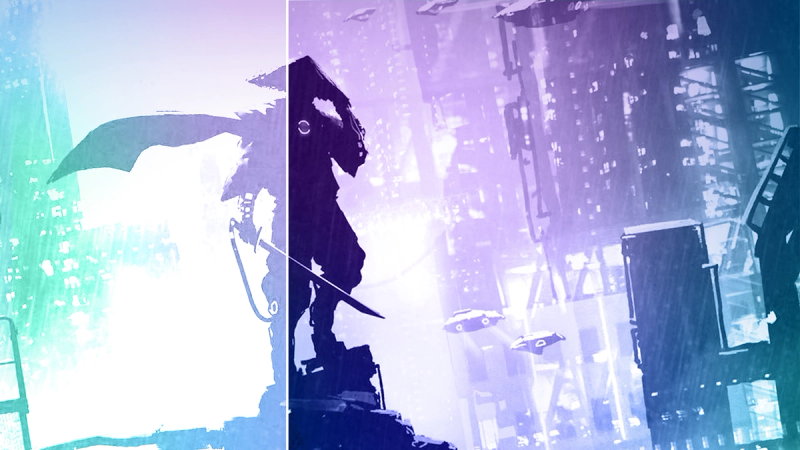
SmartContrast for rich black details





Specifications
- ColourCharcoal
- FinishTextured
- Regulatory ApprovalsCB; CE Mark; INMETRO; ETL; CEC; TUV/ISO9241-307; TUV-BAUART; EAC; EAC ROHS; MEPS; PSB; UKCA; EMF; FCC; ICES-003
- Sync inputSeparate Sync
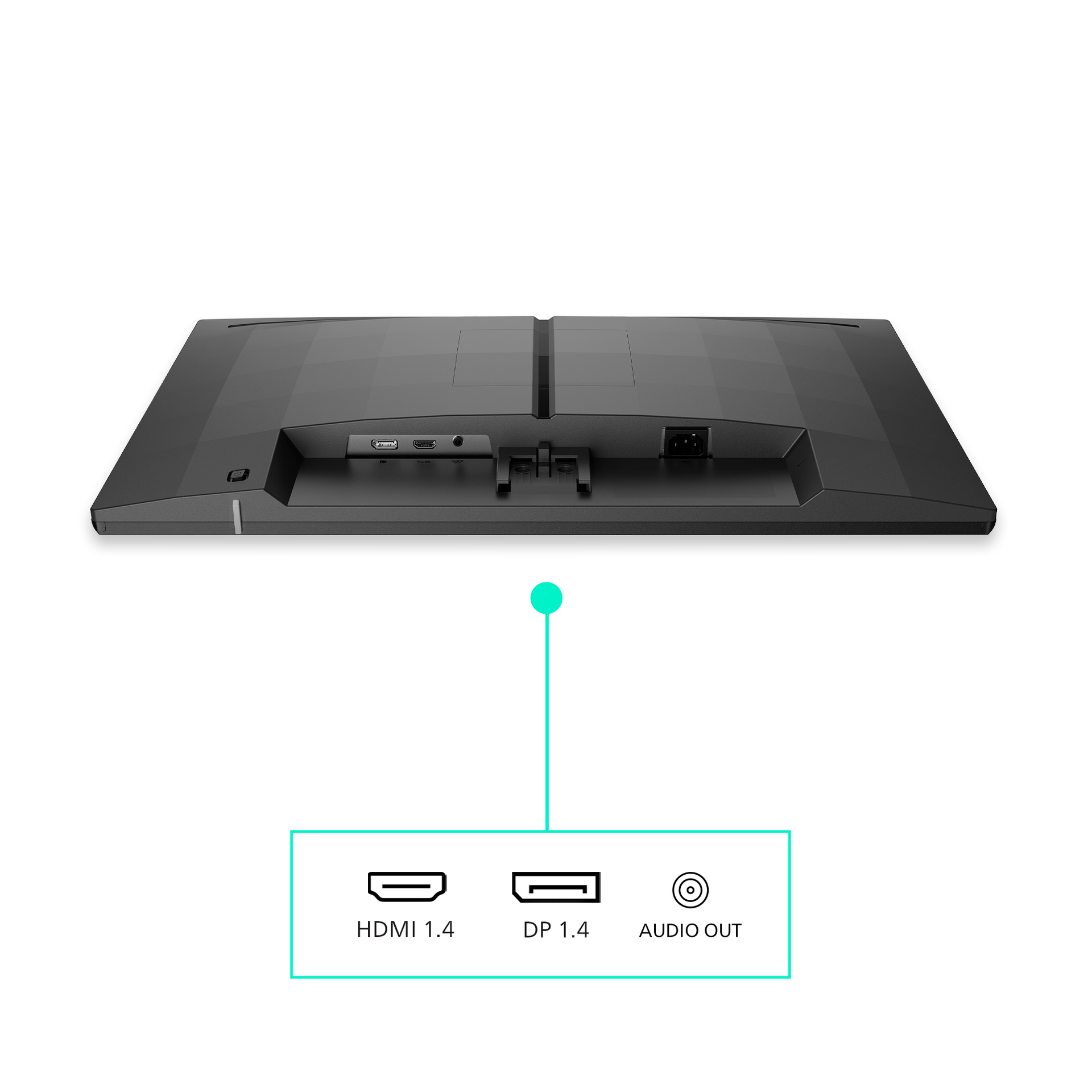
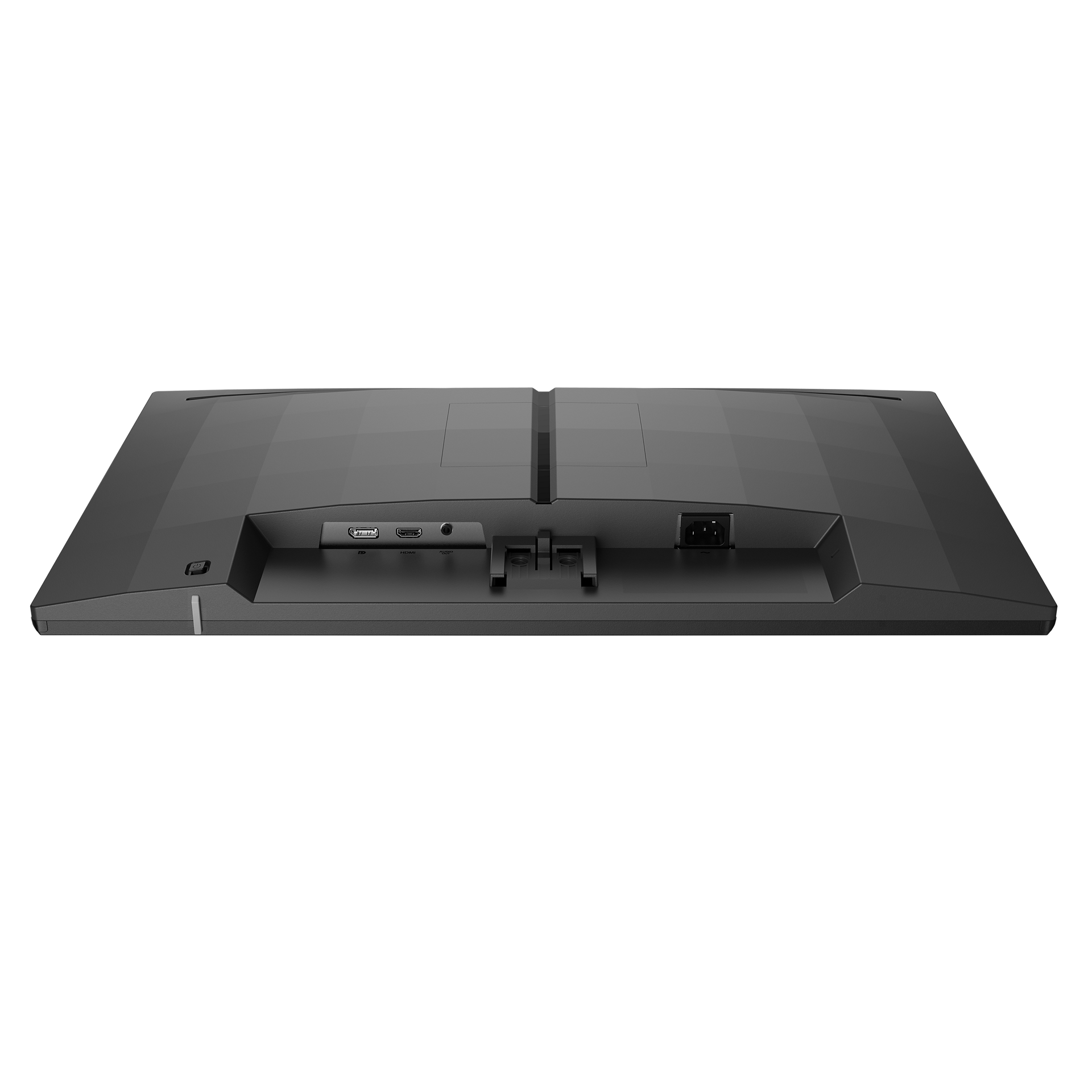
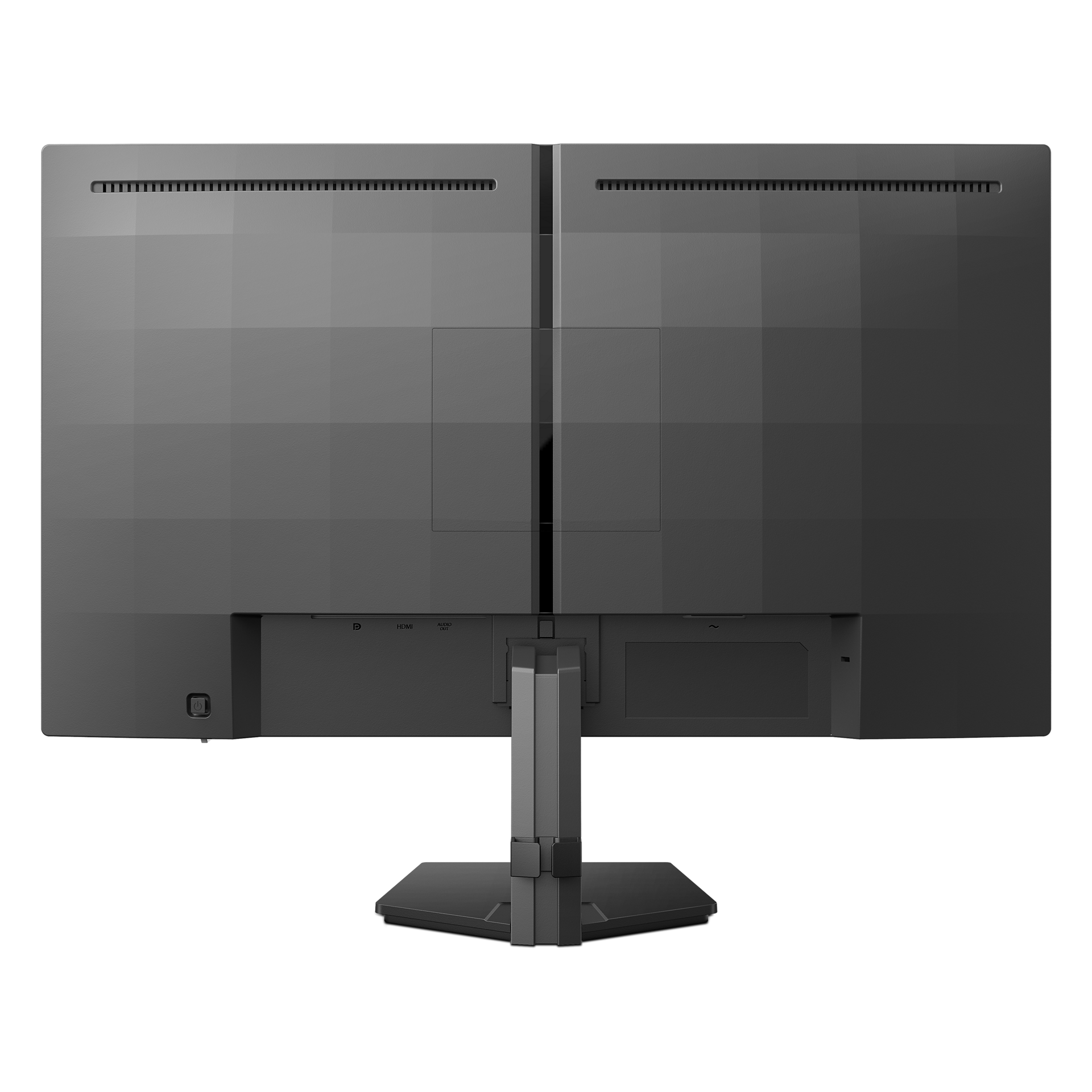
- Audio (In/Out)Headphone out
- HDCPHDCP 1.4 (HDMI/DP)
- Signal inputHDMI 1.4 x 1, DisplayPort 1.4 x 1
- User conveniencePower On/Off; Menu/OK; Input/Up; Game Settings/Down; SmartImage game/Back
- OSD languagesBrazil Portuguese; Czech; Dutch; English; Finnish; French; German; Greek; Hungarian; Italian; Japanese; Korean; Polish; Portuguese; Russian; Spanish; Simplified Chinese; Swedish; Turkish; Traditional Chinese; Ukrainian
- Other convenienceKensington lock; VESA mount (100 x 100 mm); LowBlue Mode
- Plug and Play CompatibilityDDC/CI; Mac OS; sRGB; Windows 11/10
- Control softwareEvnia Precision Centre
- Low blue lightYes
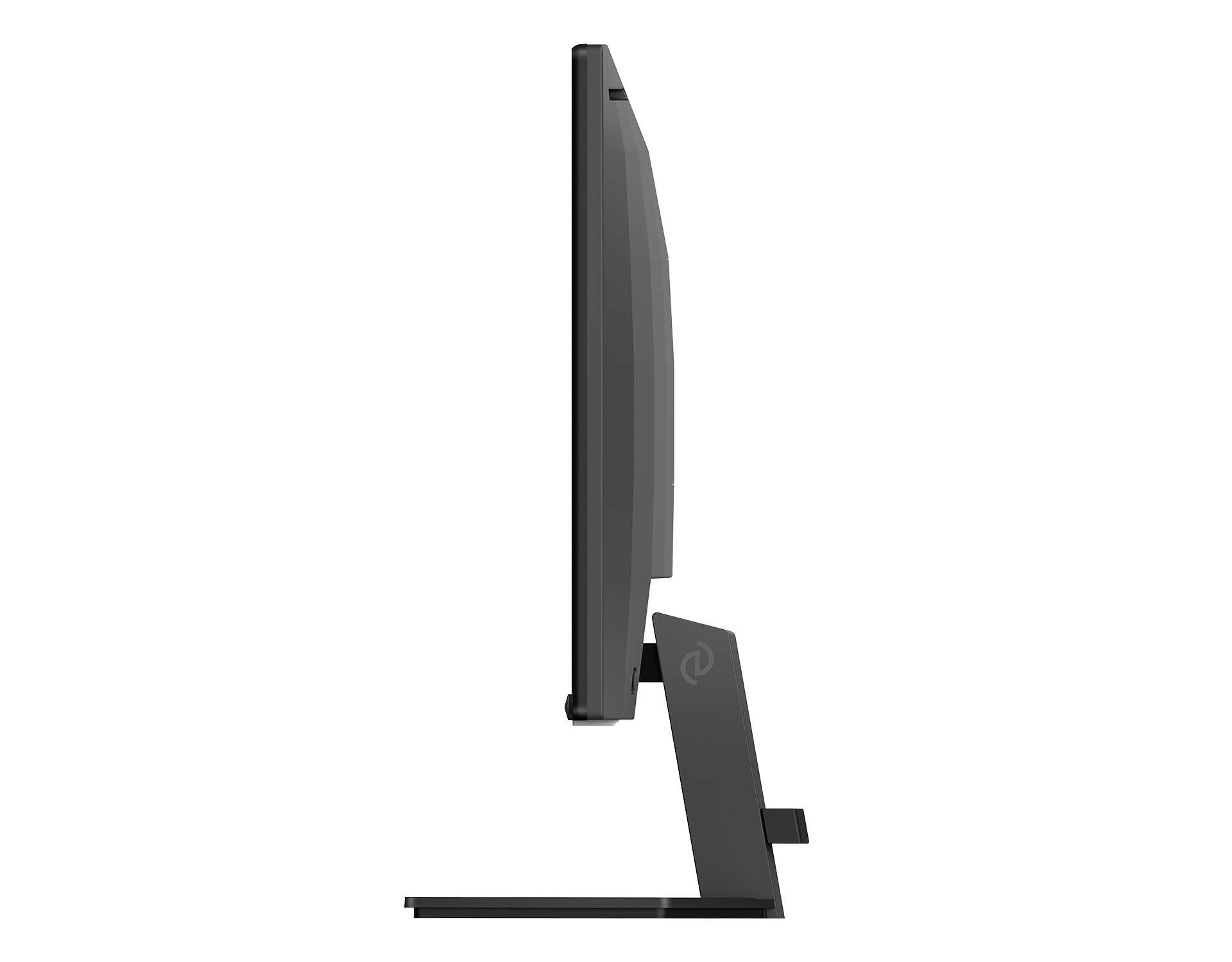
- Product with stand (max height)544 x 433 x 216 mm
- Product without stand (mm)544 x 321 x 50 mm
- Packaging in mm ( W x H x D)690 x 420 x 124 mm
- Temperature range (operation)0°C to 40 °C
- Temperature range (storage)-20°C to 60 °C
- Relative humidity20%-80 %
- AltitudeOperation: +12,000 ft (3658 m), Non-operation: +40,000 ft (12,192 m)
- MTBF50,000 (Excluded backlight)
- LCD Panel typeIPS technology
- Backlight typeW-LED system
- Panel Size23.8 inch/60.5 cm
- Effective viewing area527.04 (H) x 296.46 (V) mm
- Display Screen coatingAnti-Glare, 3H, Haze 25%
- Aspect Ratio16:9
- Response time (typical)4 ms (Grey to Grey)*
- Brightness300 cd/m²
- Contrast ratio (typical)1500:1
- Pixel Pitch0.2745 x 0.2745 mm
- Viewing Angle178º (H)/178º (V); @ C/R > 10
- Display colours16.7 M
- Scanning Frequency30 kHz-160 kHz (H)/48-144 Hz (V)
- sRGBYes
- Picture enhancementSmartImage game
- Pixel Density93 PPI
- Flicker-freeYes
- LowBlue ModeYes
- EasyReadYes
- AMD FreeSync™ technologyYes
- Maximum Resolution1920 x 1080 @ 144 Hz (HDMI/DP)
- G-SYNCYes
- Smart MBR0.5 ms*
- Shadow BoostYes
- Smart CrosshairYes
- Smart MBR SyncYes
- SmartContrastMega Infinity DCR
- Colour Gamut (typical)Adobe RGB 89%; DCI-P3:93%, sRGB: 125%, NTSC 105%*
- HDRHDR 10 supported
- On mode17.8 W (typ.)
- Standy mode0.5 W (typ.)
- Off mode0.3 W (typ.)
- Power LED indicatorOperation - White; Standby mode - White (flashing)
- Power supplyInternal; 100–240 VAC, 50–60 Hz
- Environmental and energyRoHS
- Recyclable packaging material100 %
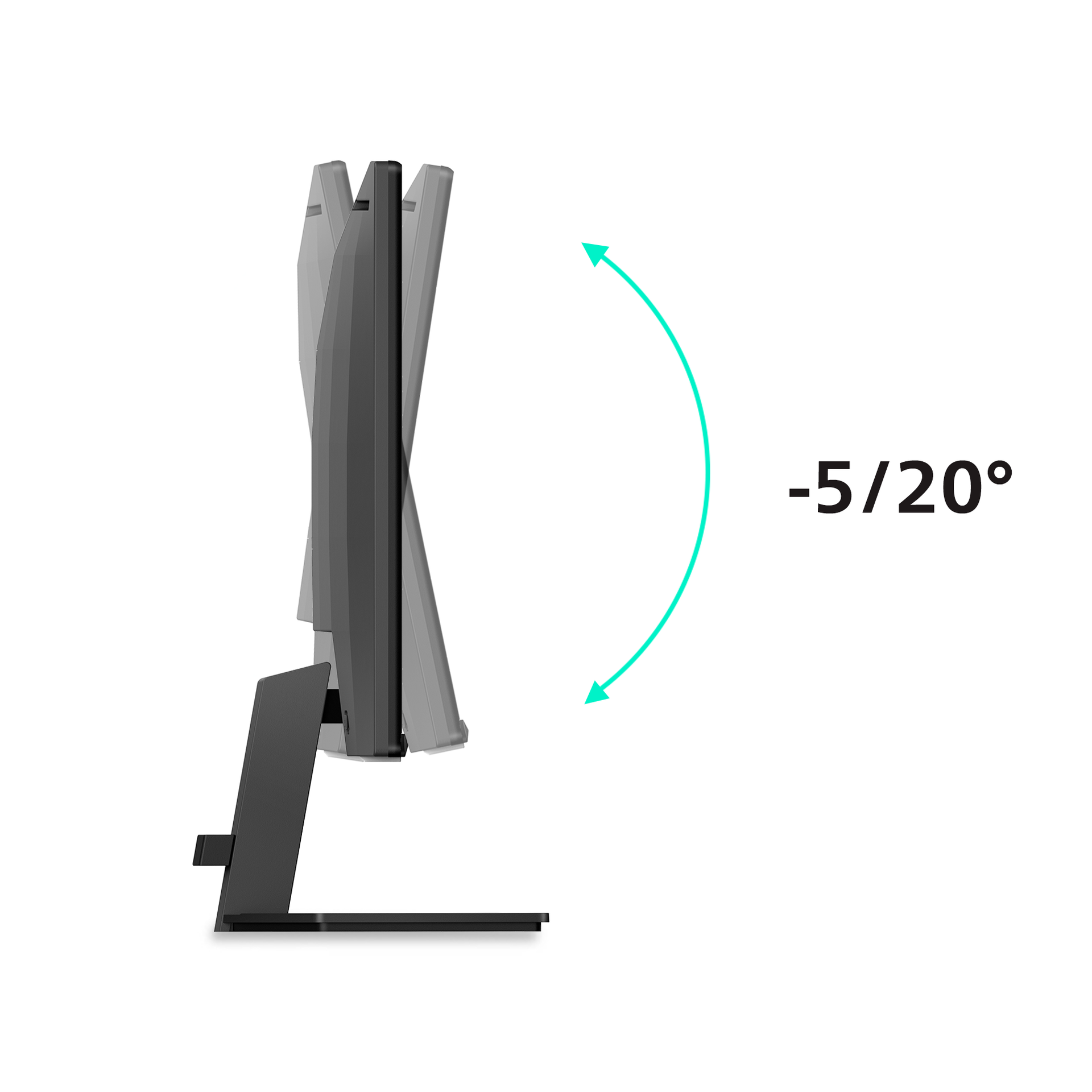
- Tilt-5/20 degree
- Product with stand (kg)3.04 kg
- Product without stand (kg)2.5 kg
- Product with packaging (kg)5.36 kg
- Monitor with standYes
- CablesHDMI cable and power cable
- User documentationYes
Disclaimers
- * For best output performance, please always ensure that your graphic card is capable of achieving the maximum resolution and refresh rate of this Philips display.
- * Response time value equal to SmartResponse
- * Adobe RGB and DCI-P3 Coverage based on CIE1976, sRGB Area based on CIE1931, NTSC Area based on CIE1976.
- * Smart MBR is to adjust brightness for blur reduction, so cannot adjust brightness while Smart MBR is turned on. To reduce motion blur, LED backlight will strobe synchronously with screen refresh, which may cause noticeable brightness change.
- * Smart MBR is gaming-optimized mode. Turn on Smart MBR may cause noticeable screen flickering. It is recommended to turn off when you are not using the gaming function.
- * This monitor strives for sustainability: the monitor’s chassis is made up of 85% post-consumer recycled plastic.
- * 2020 Advanced Micro Devices, Inc. All rights reserved. AMD, the AMD Arrow logo, AMD FreeSync™ and combinations thereof are trademarks of Advanced Micro Devices, Inc. Other product names used in this publication are for identification purposes only and may be trademarks of their respective companies.
- * NVIDIA® G-SYNC® support interface: DisplayPort
- * Make sure to update NVIDIA® G-SYNC® driver to the latest version, see more information on NVIDIA website: https://www.nvidia.com/
- * Make sure your graphic card supports NVIDIA® G-SYNC®
- * The monitor may look different from feature images.
- * The products and accessories listed on this leaflet may differ by country and region.