Compare products to find the right fit
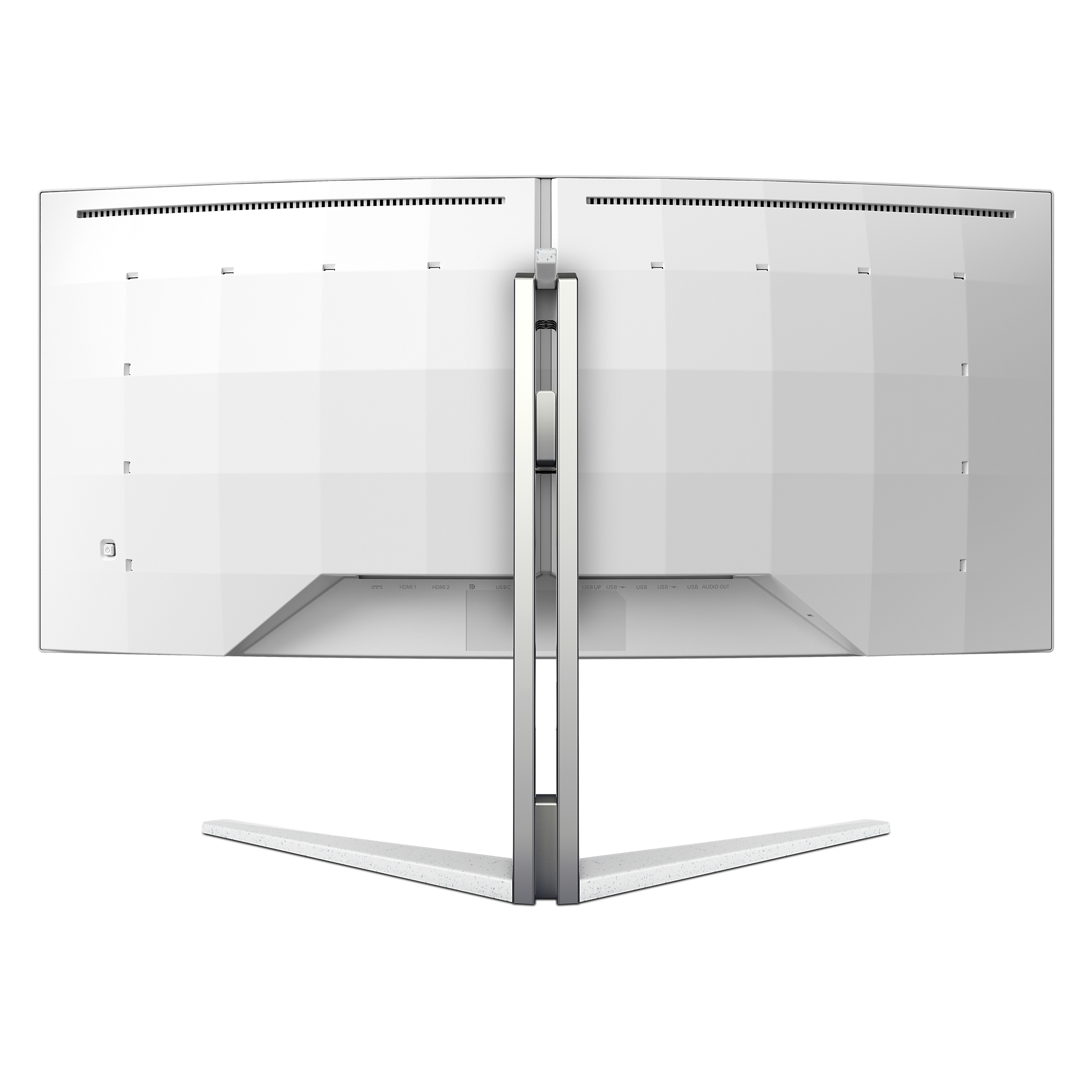

34M2C7600MV/69
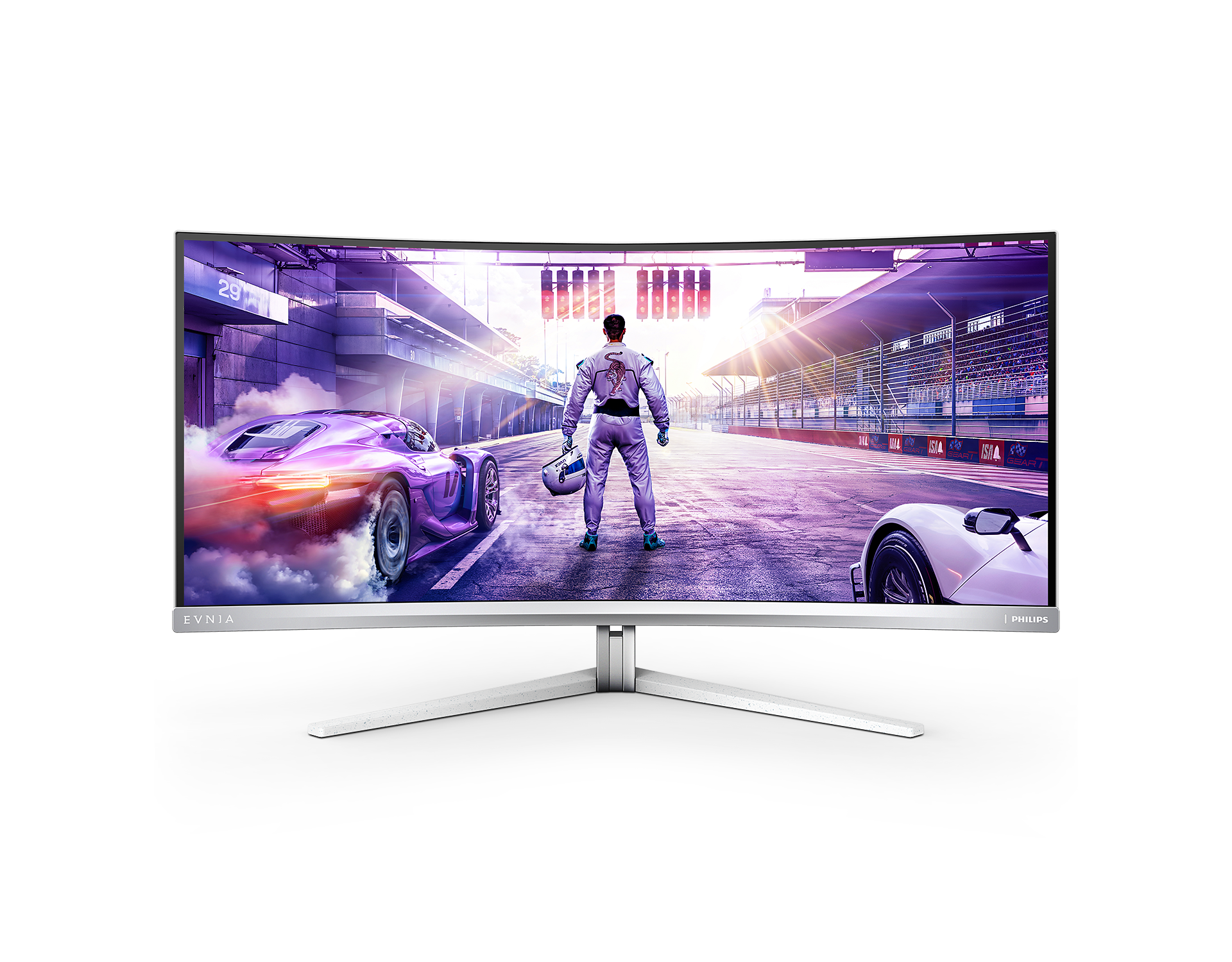
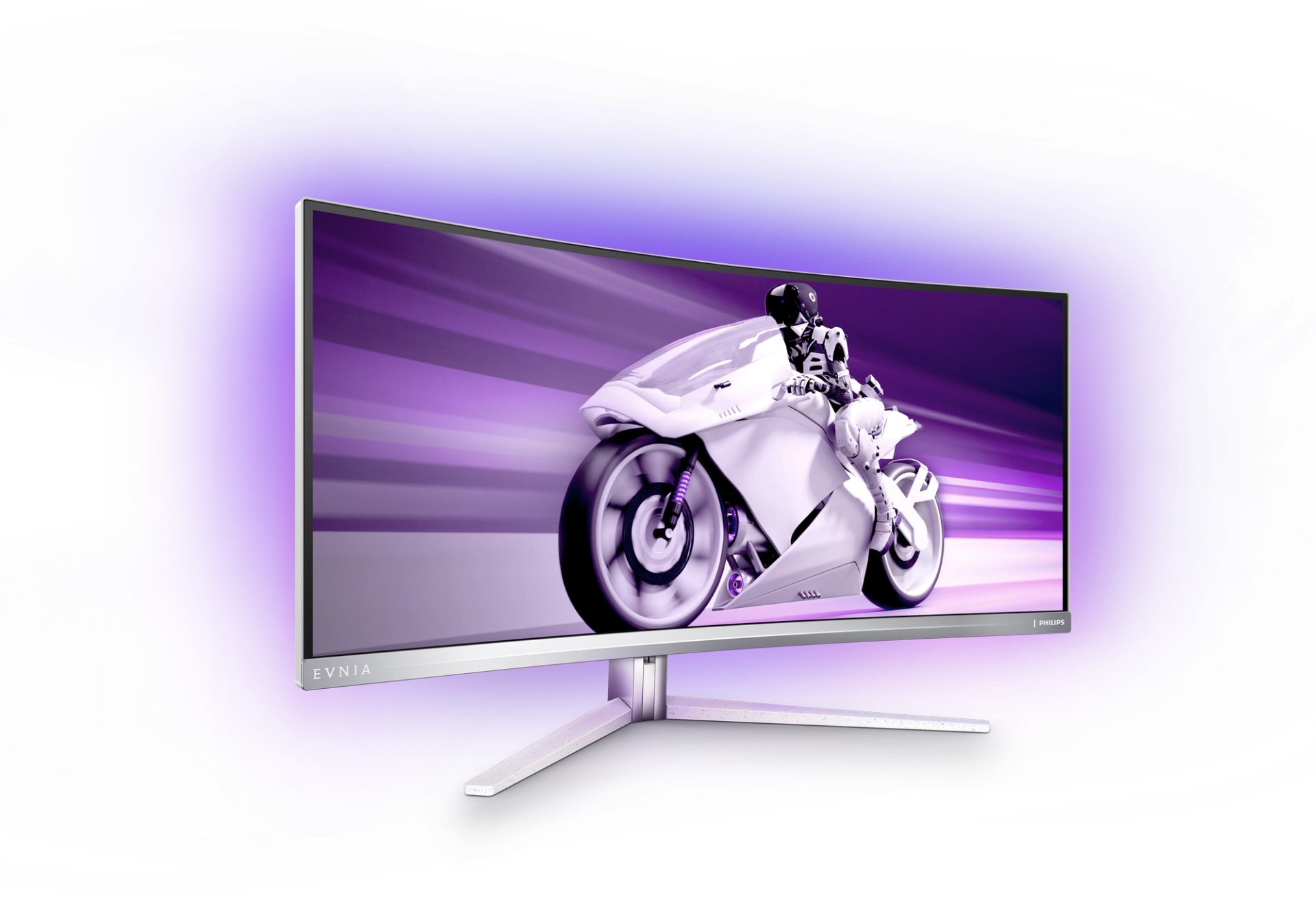
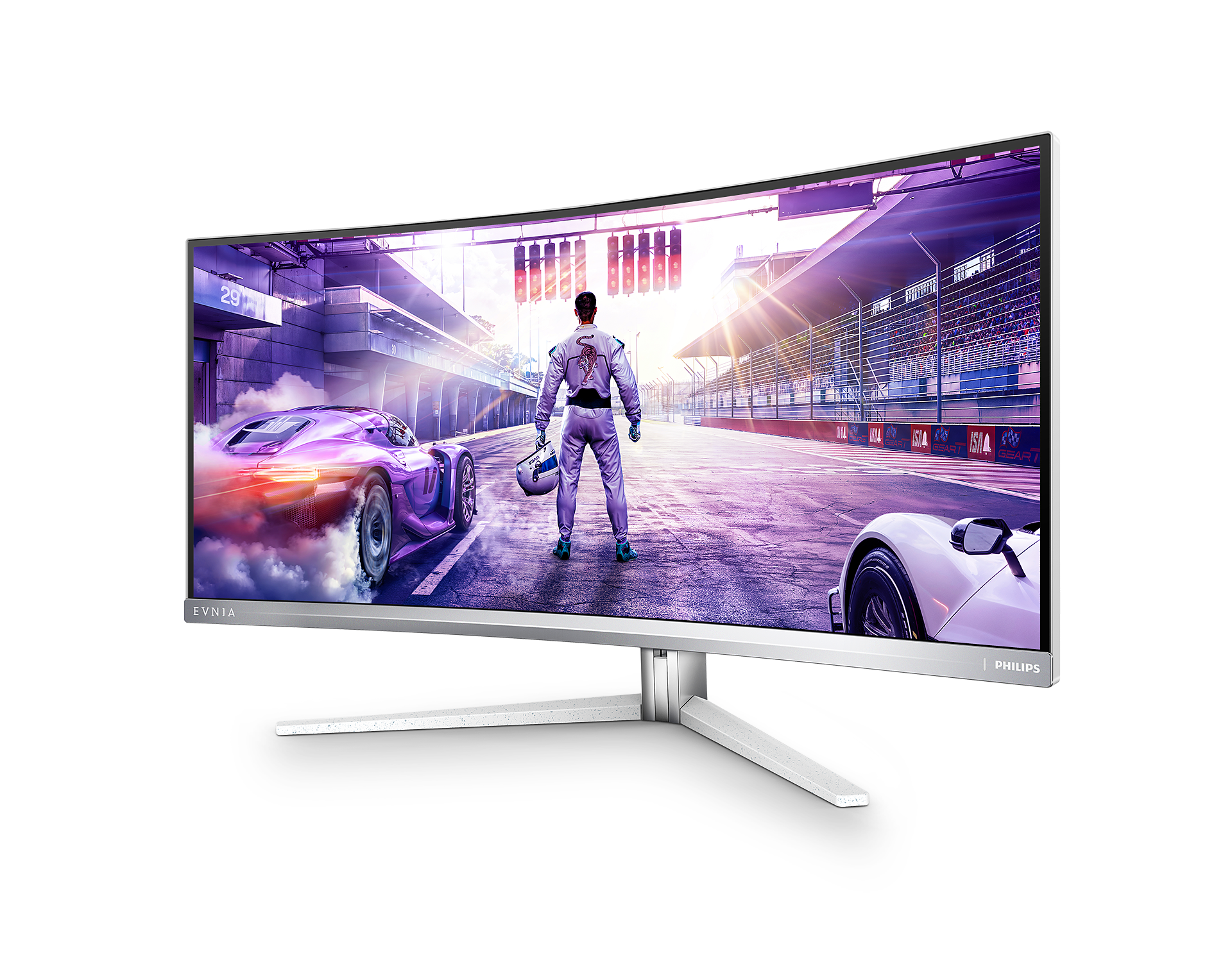
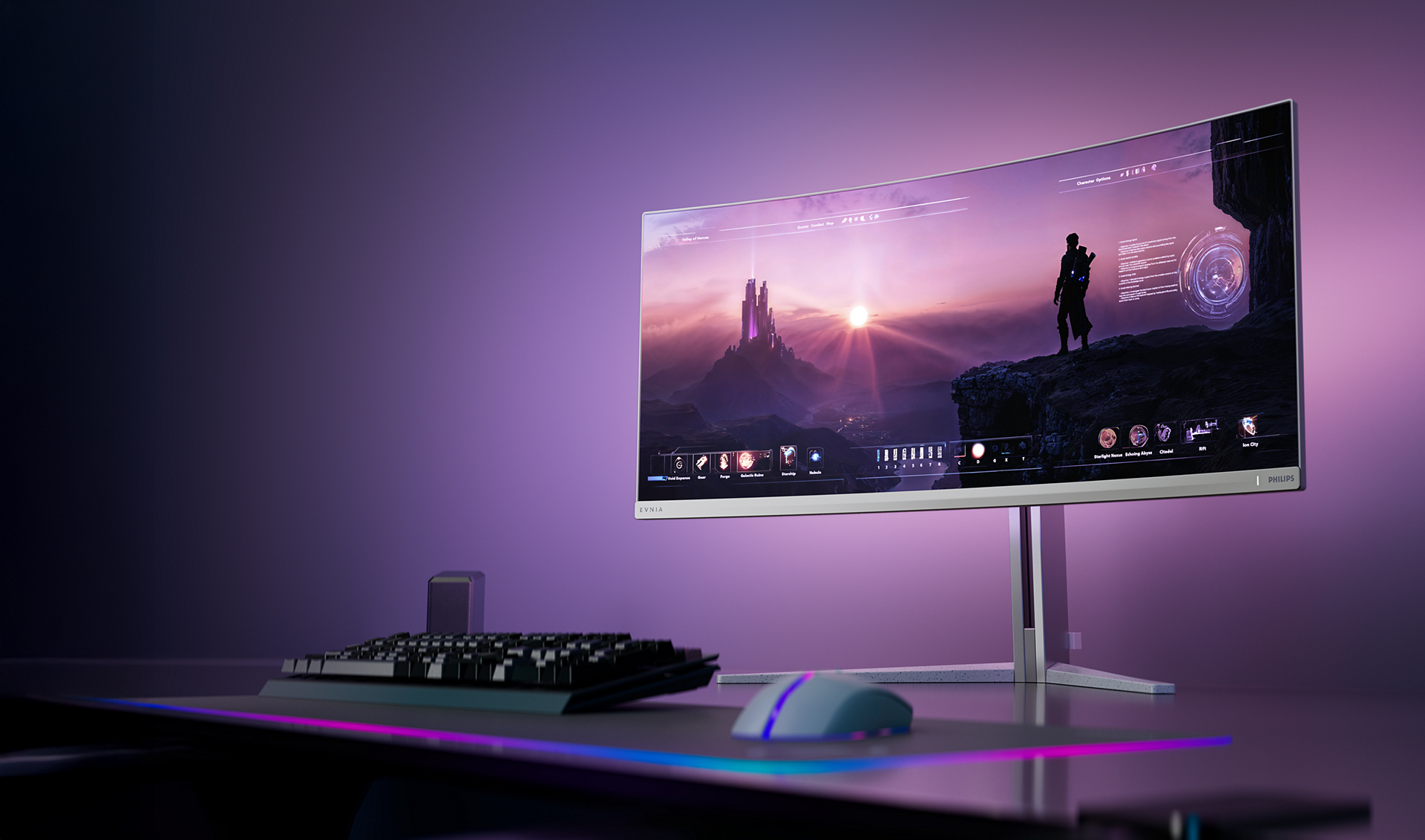
Curved Gaming Monitor 34M2C7600MV WQHD gaming monitor
Enjoy the precision and accuracy brought by Evnia WQHD VA gaming monitor. Get fully immersed in the outstanding visuals with rich colors and high contrast, alongside the new dimension to your viewing experience with the innovative Ambiglow.

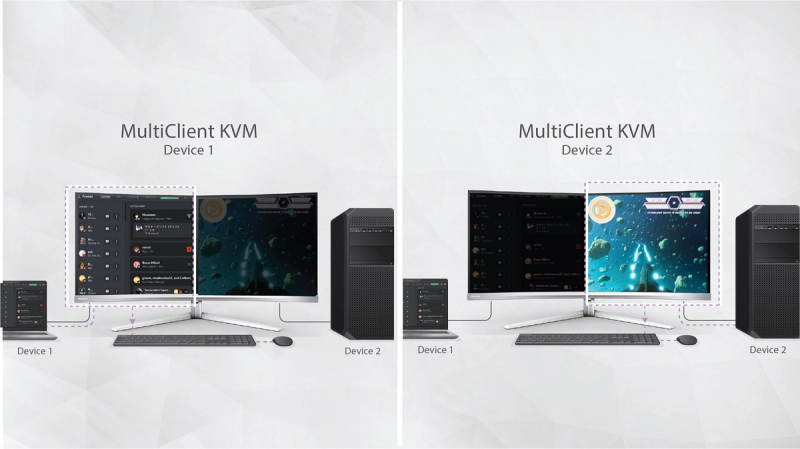
Access and display multiple sources on two devices
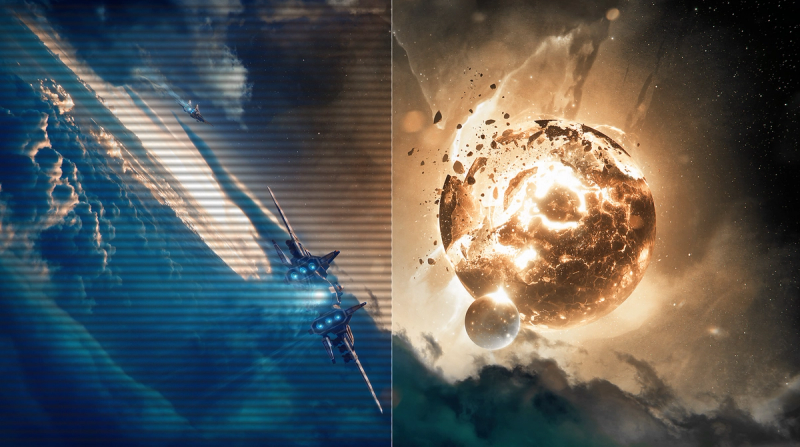
LowBlue Mode and Flicker-free viewing that's easy on the eyes
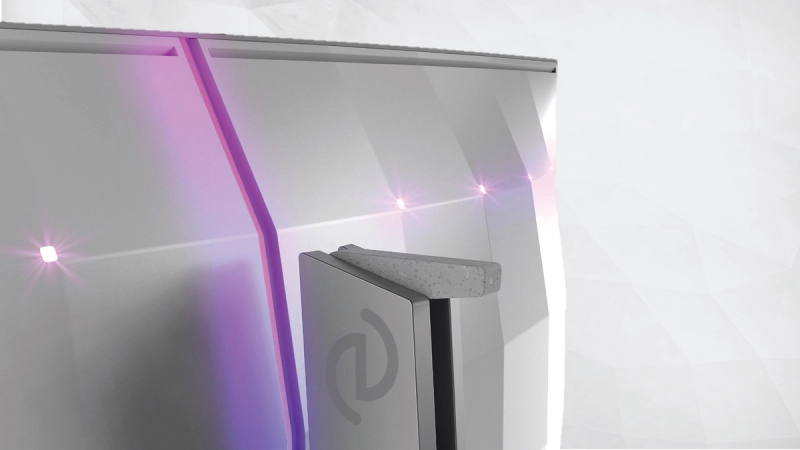
Evnia Precision Center: Maximise Your Gaming Experience
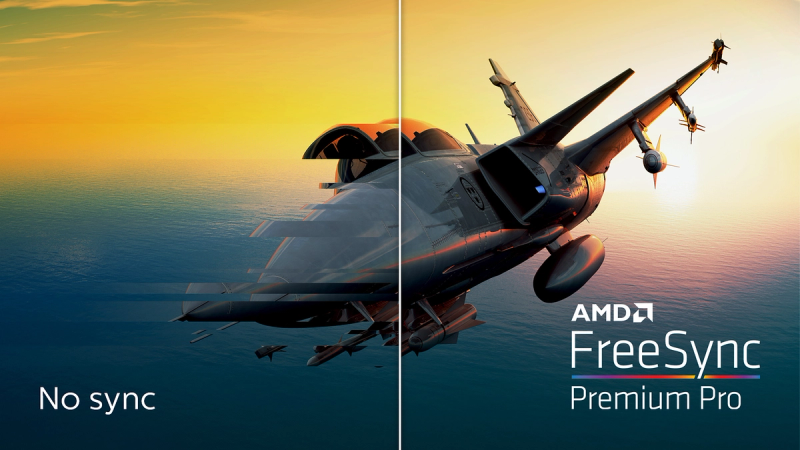
AMD FreeSync™ Premium Pro; smooth, low-latency HDR gaming
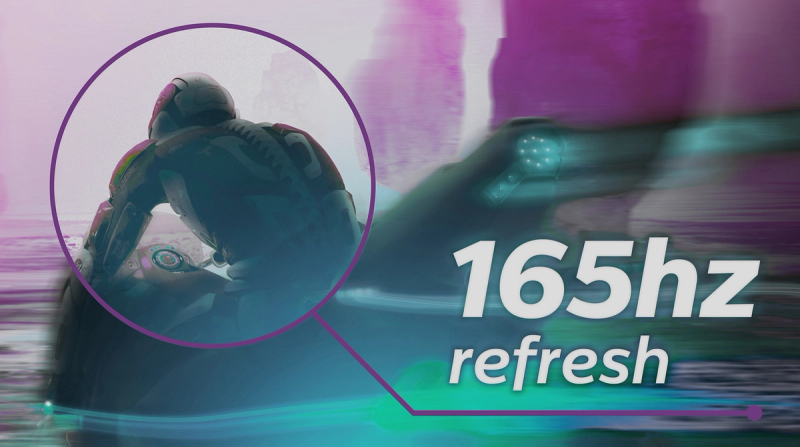
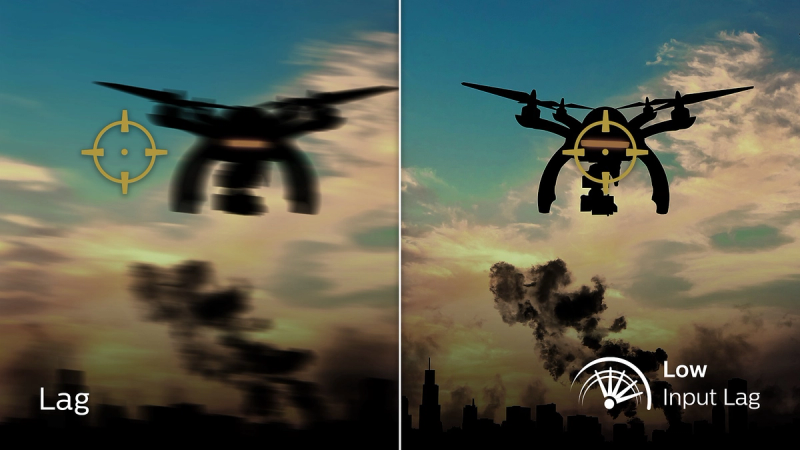
Low input lag reduces the delay between devices and the monitor
SmartImage game mode optimised for gamers





Specifications
- ColorWhite
- FinishTextured
- Regulatory ApprovalsCB, CE Mark, FCC Class B, ICES-003, CU-EAC, EAEU RoHS, TUV/ISO9241-307, TUV-BAUART, PSB
- Sync InputSeparate Sync
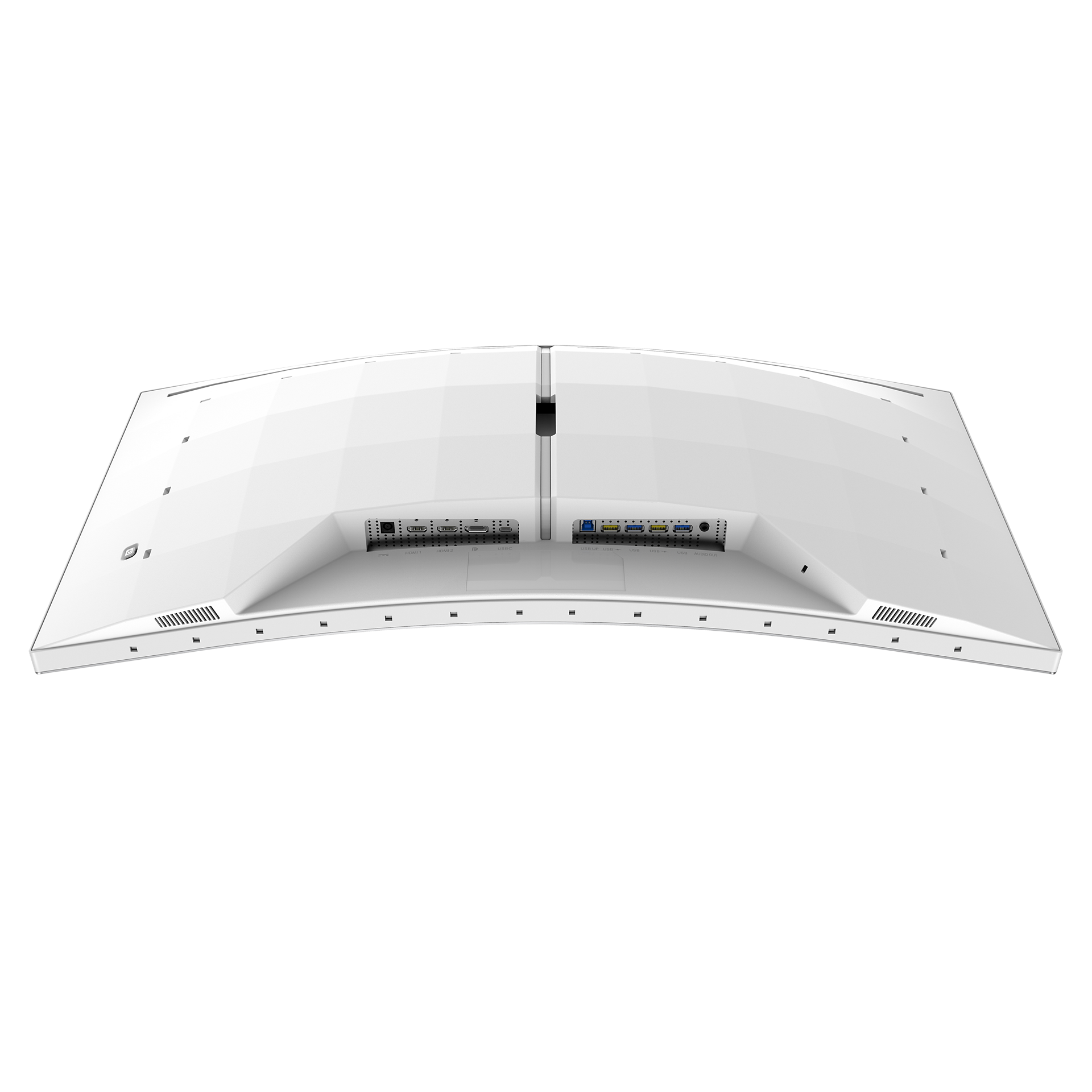
- Audio (In/Out)Audio out
- HDCPHDCP 1.4 (HDMI / DisplayPort / USB-C); HDCP 2.3 (HDMI / DisplayPort / USB-C)
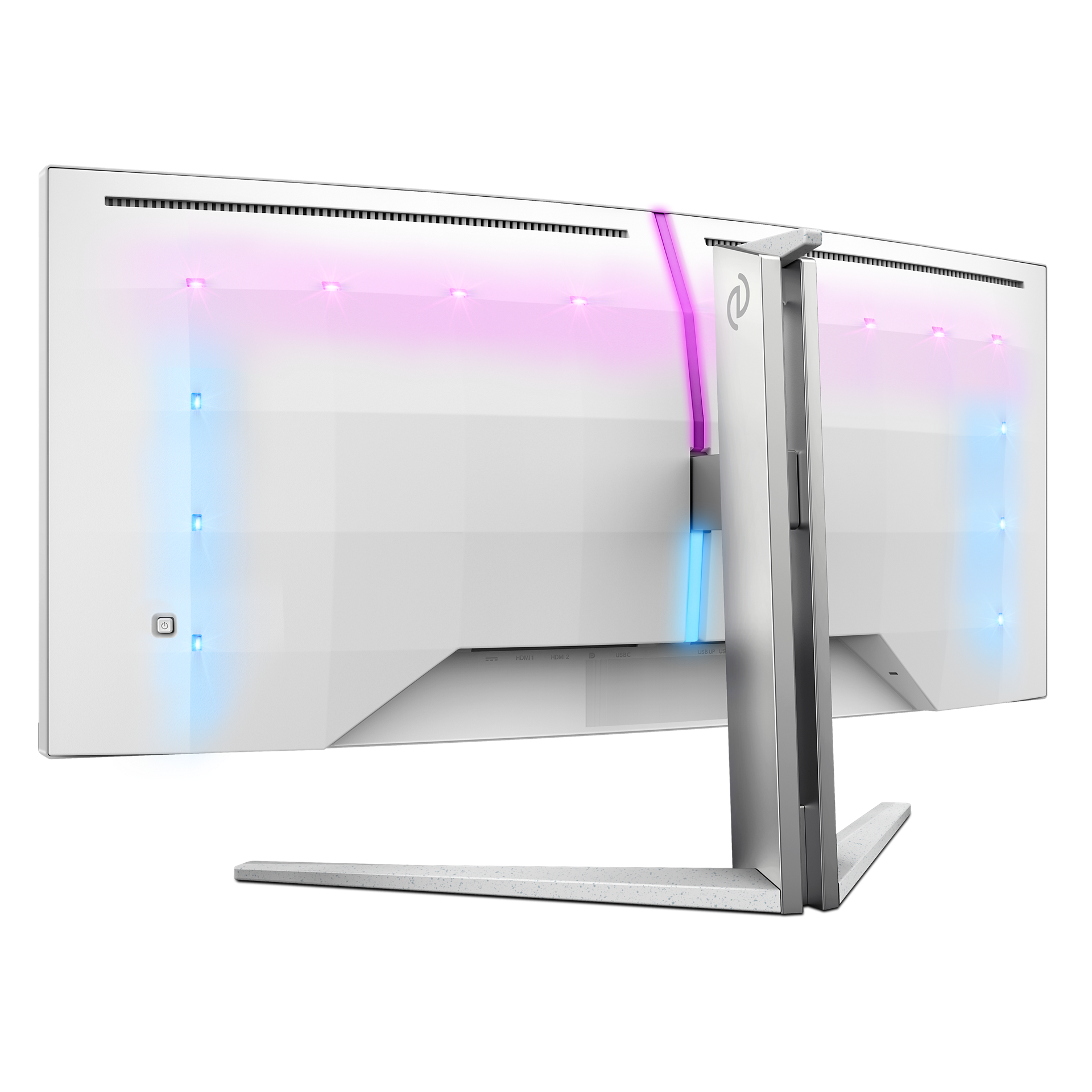
- USB HubUSB 3.2 Gen 1 / 5 Gbps, USB-B upstream x 1, USB-A downstream x 4 (with 2 for fast charge B.C 1.2)
- Signal InputHDMI 2.1 x 2, DisplayPort 1.4 x 1, USB-C x 1 (DP Alt mode, Video, Data and Power Delivery)
- KVMYes
- Built-in Speakers5 W x 2, DTS
- User conveniencePower On/Off, Menu/OK, Input/Up, Game Settings/Down, SmartImage game/Back
- OSD LanguagesBrazil Portuguese, Czech, Dutch, English, Finnish, French, German, Greek, Hungarian, Italian, Japanese, Korean, Polish, Portuguese, Russian, Spanish, Simplified Chinese, Swedish, Turkish, Traditional Chinese, Ukrainian
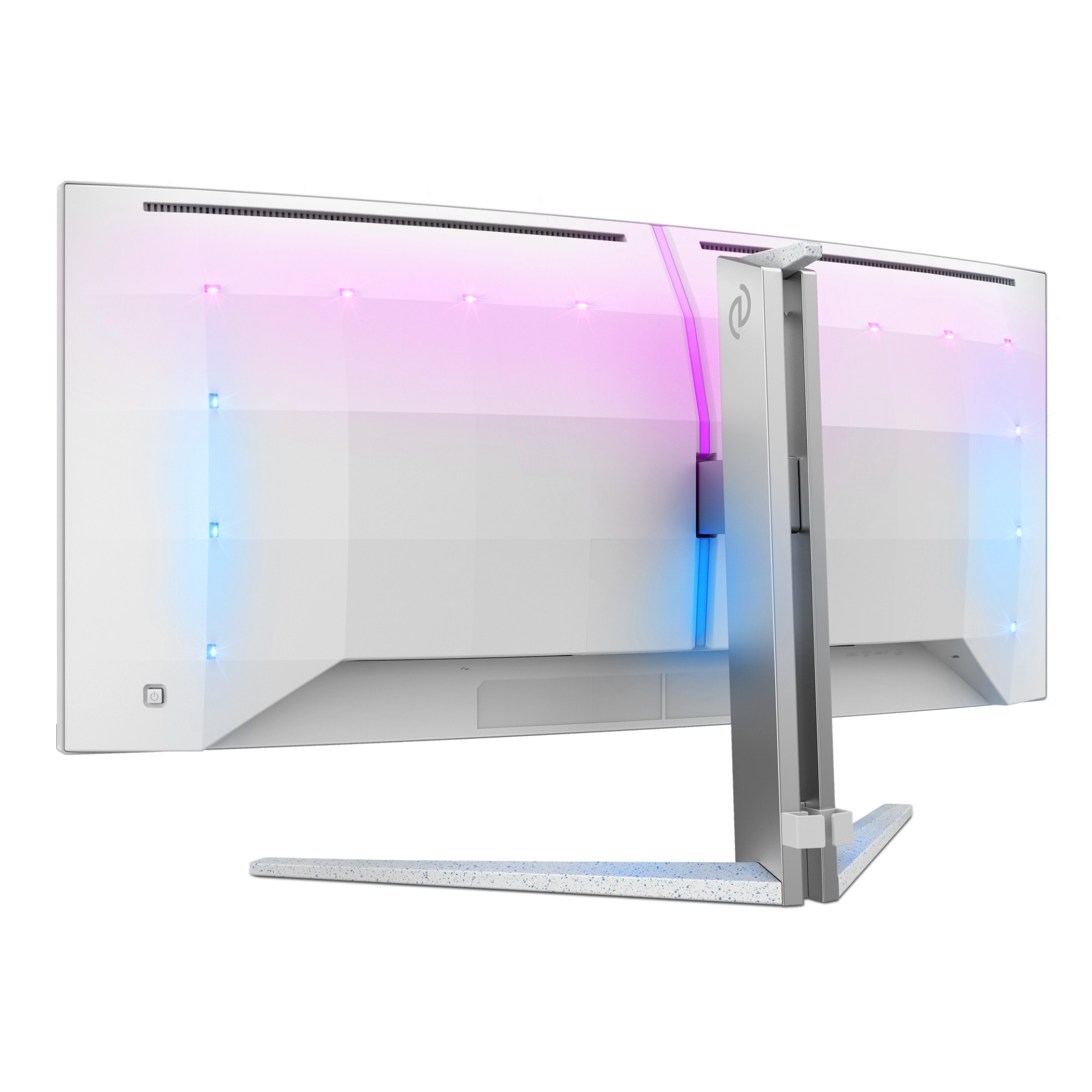
- Other convenienceKensington lock, VESA mount (100x100mm), VESA bracket
- Plug & Play CompatibilityDDC/CI, Mac OS X, sRGB, Windows 11 / 10 / 8.1 / 8 / 7
- MultiViewPIP/PBP mode, 2x devices
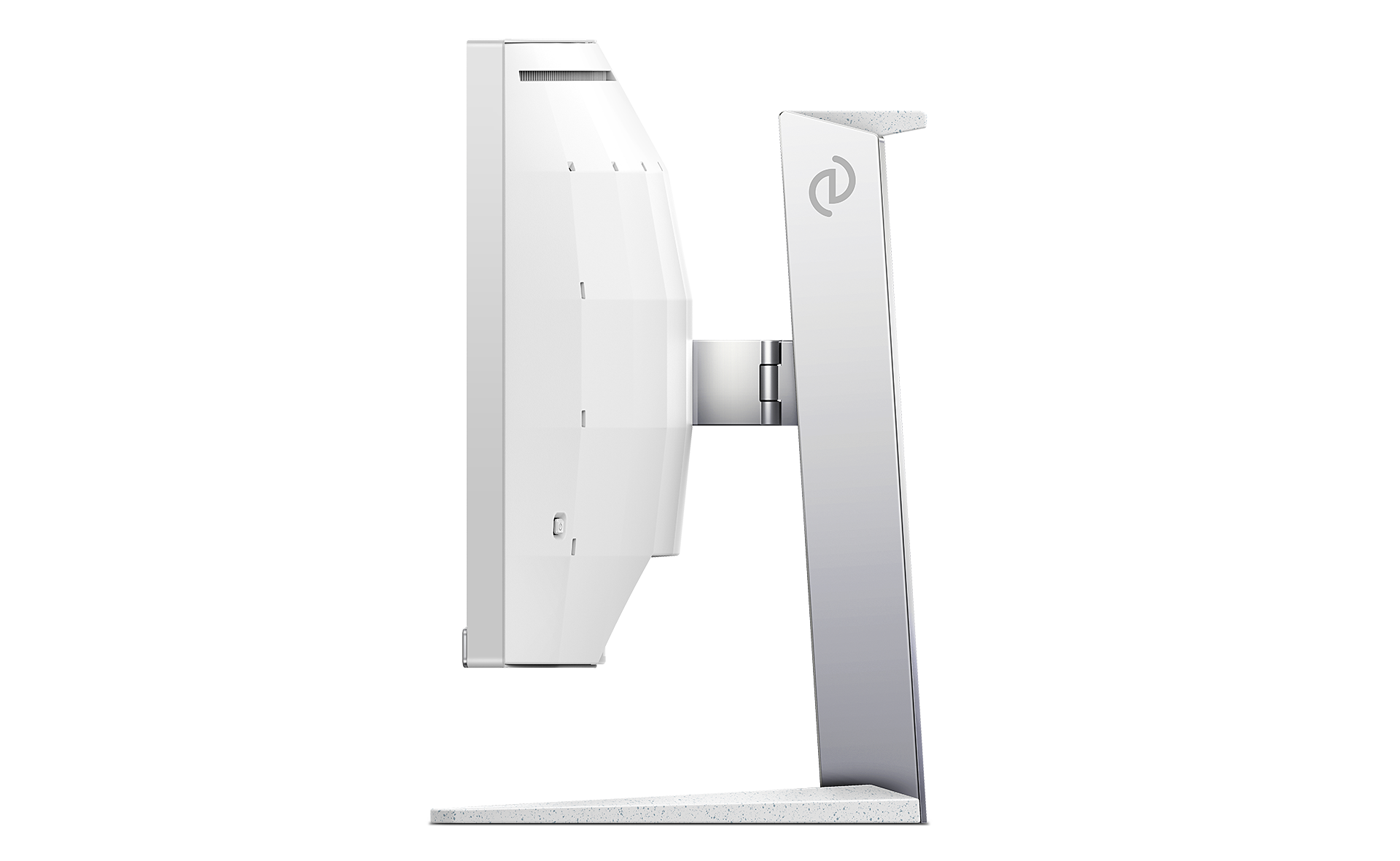
- Product with stand(max height)807 x 549 x 290 mm
- Product without stand (mm)807 x 367 x 132 mm
- Packaging in mm (WxHxD)930 x 525 x 282 mm
- Temperature range (operation)0°C to 40 °C
- Temperature range (storage)-20°C to 60 °C
- Relative humidity20%-80 %
- AltitudeOperation: +12,000ft (3,658m), Non-operation: +40,000ft (12,192m)
- MTBF50,000 (Excluded backlight) hour(s)
- LCD panel typeVA LCD
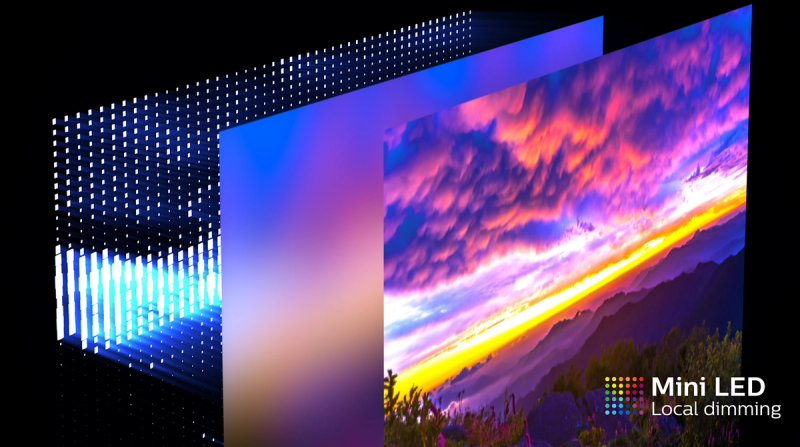
- Backlight typeMini LED with local dimming 1152 zones
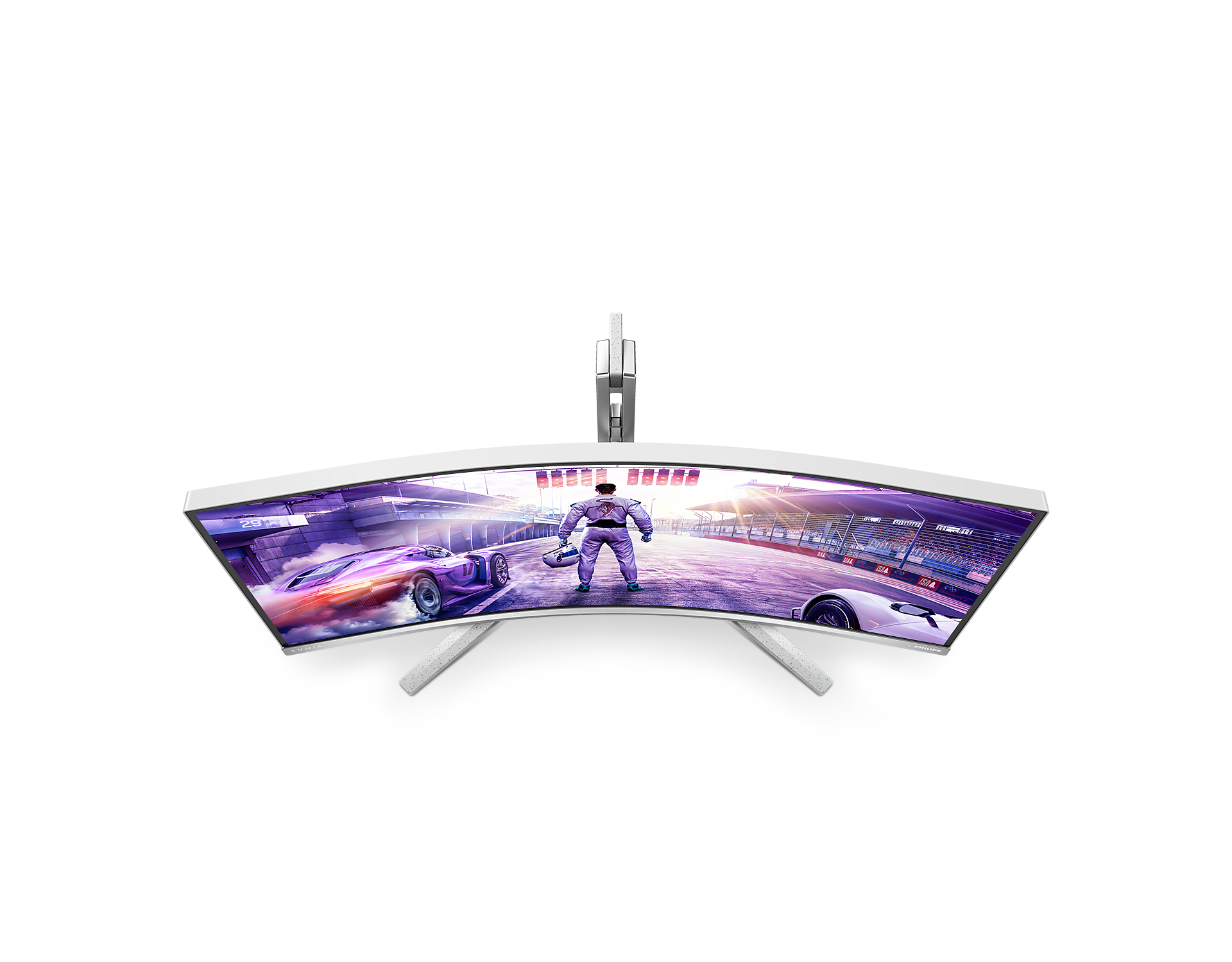
- Panel Size34 inch / 86.36 cm
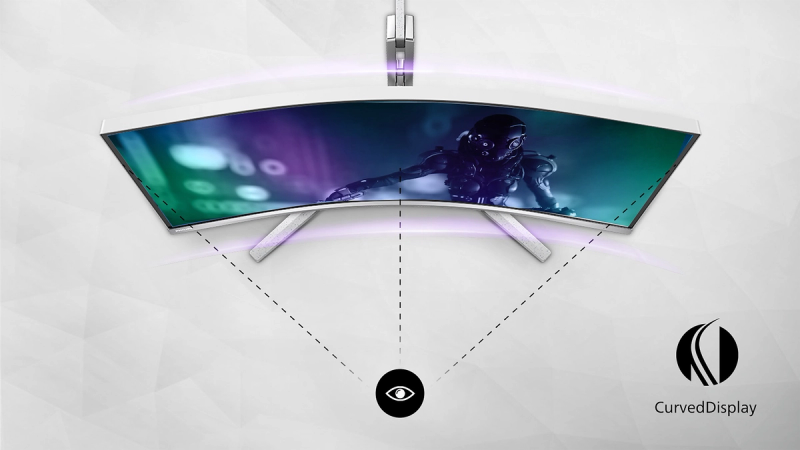
- Effective viewing area797.22 (H) x 333.72 (V) - at a 1500R curvature*
- Display Screen CoatingAnti-Glare, 3H, Haze 25%
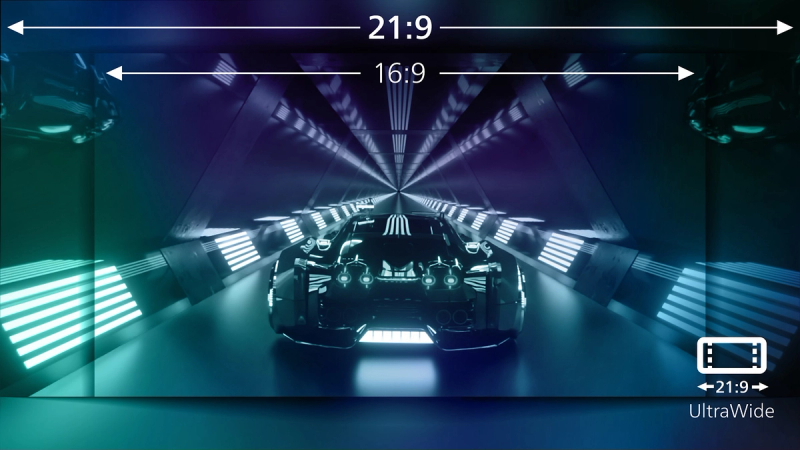
- Aspect ratio21:9
- Response time (typical)2.5 ms (Gray to Gray)*
- Brightness720 cd/m²
- Contrast ratio (typical)3000:1
- Pixel pitch0.23715 x 0.23715 mm
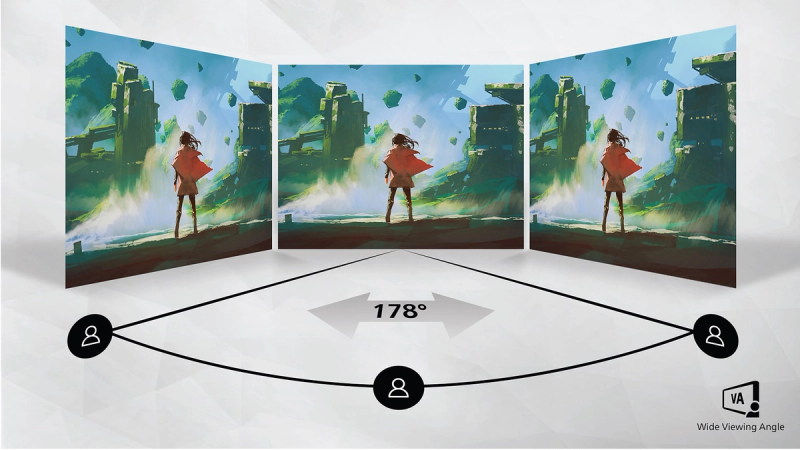
- Viewing angle178º (H) / 178º (V), @ C/R > 10
- Display colors1.07 Billion (8 bit + FRC)
- Scanning Frequency30 - 250 kHz (H) / 48 - 165 Hz (V)
- sRGBYes
- Picture enhancementSmartImage game
- Pixel Density109.68 PPI
- Flicker-freeYes
- LowBlue ModeYes
- EasyReadYes
- Adaptive syncYes
- SmartUniformity93 ~ 105%
- Delta E< 2 (sRGB)
- Maximum resolution3440 x 1440 @ 165 Hz*
- Low Input LagYes
- Ambiglow4-sided
- SmartContrastMega Infinity DCR
- Color gamut (typical)NTSC 119.7%*, sRGB 140%*, Adobe RGB 92.9%*
- Color gamut (min.)DCI-P3: 97%*
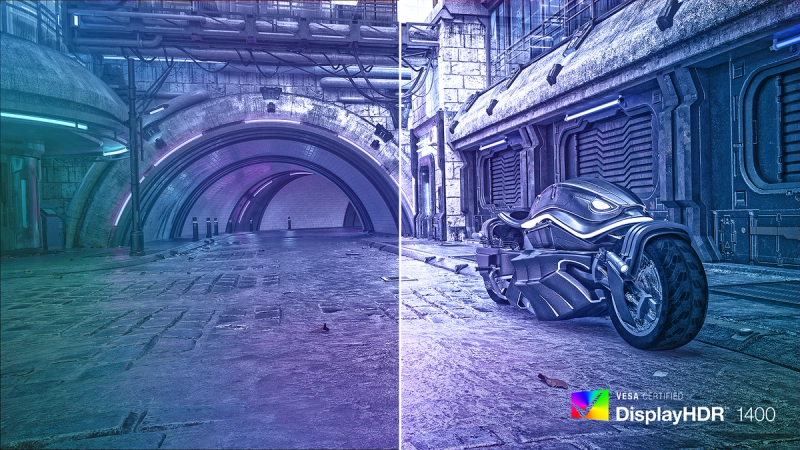
- HDRDisplayHDR 1400 certified
- On mode64.9 W (typ.)
- Standby mode0.5 W (typ.)
- Off mode0.3 W (typ.)
- Power LED indicatorOperation - White, Standby mode- White (blinking)
- Power supplyExternal, 100-240VAC, 50-60Hz
- VersionUSB PD version 3.0
- Max power deliveryUSB-C up to 90 W (5V/3A, 7V/3A, 9V/3A, 10V/3A, 12V/3A, 15V/3A, 20V/4.5A)
- Environmental and energyRoHS
- Recyclable packaging material100 %
- Specific SubstancesMercury free, PVC / BFR free housing
- Height adjustment150 mm
- Tilt-5/20 degree
- Swivel-/+ 20 degree
- Product with stand (kg)10.35 kg
- Product without stand (kg)8.58 kg
- Product with packaging (kg)14.89 kg
Disclaimers
- * Radius of the arc of the display curvature in mm
- * For best output performance, please always ensure that your graphic card is capable of achieving the maximum resolution and refresh rate of this Philips display.
- * Response time value equal to SmartResponse
- * DCI-P3 Coverage based on CIE1976
- * NTSC Area based on CIE1976
- * sRGB Area based on CIE1931
- * Adobe RGB Coverage based on CIE1976
- * For USB-C power and charging function, your Notebook/device must support USB-C standard Power Delivery specifications. Please check with your Notebook user manual or manufacturer for more details.
- * For Video transmission via USB-C, your Notebook/device must support USB-C DP Alt mode
- * The monitor may look different from feature images.