Compare products to find the right fit
34M2C3500L/69
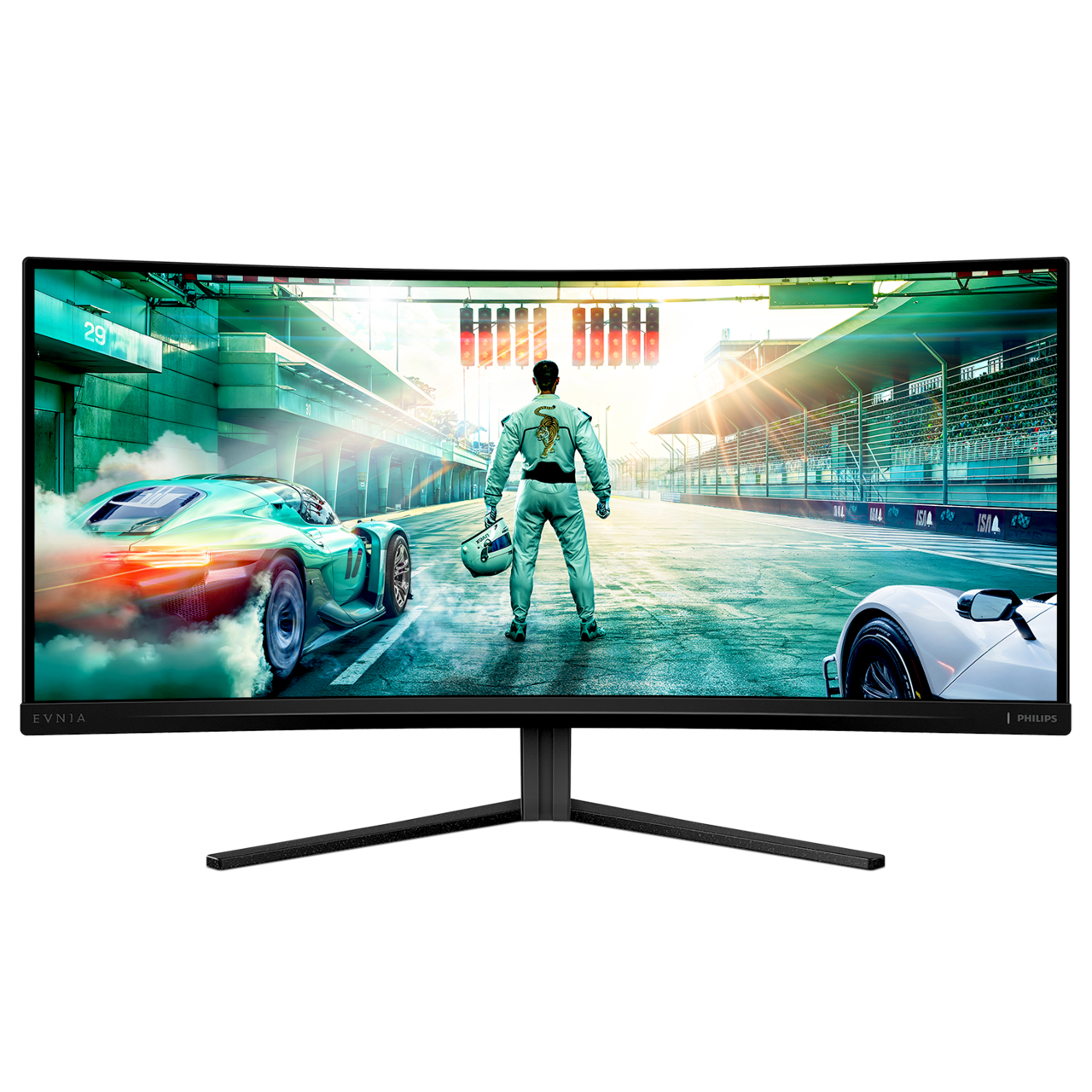
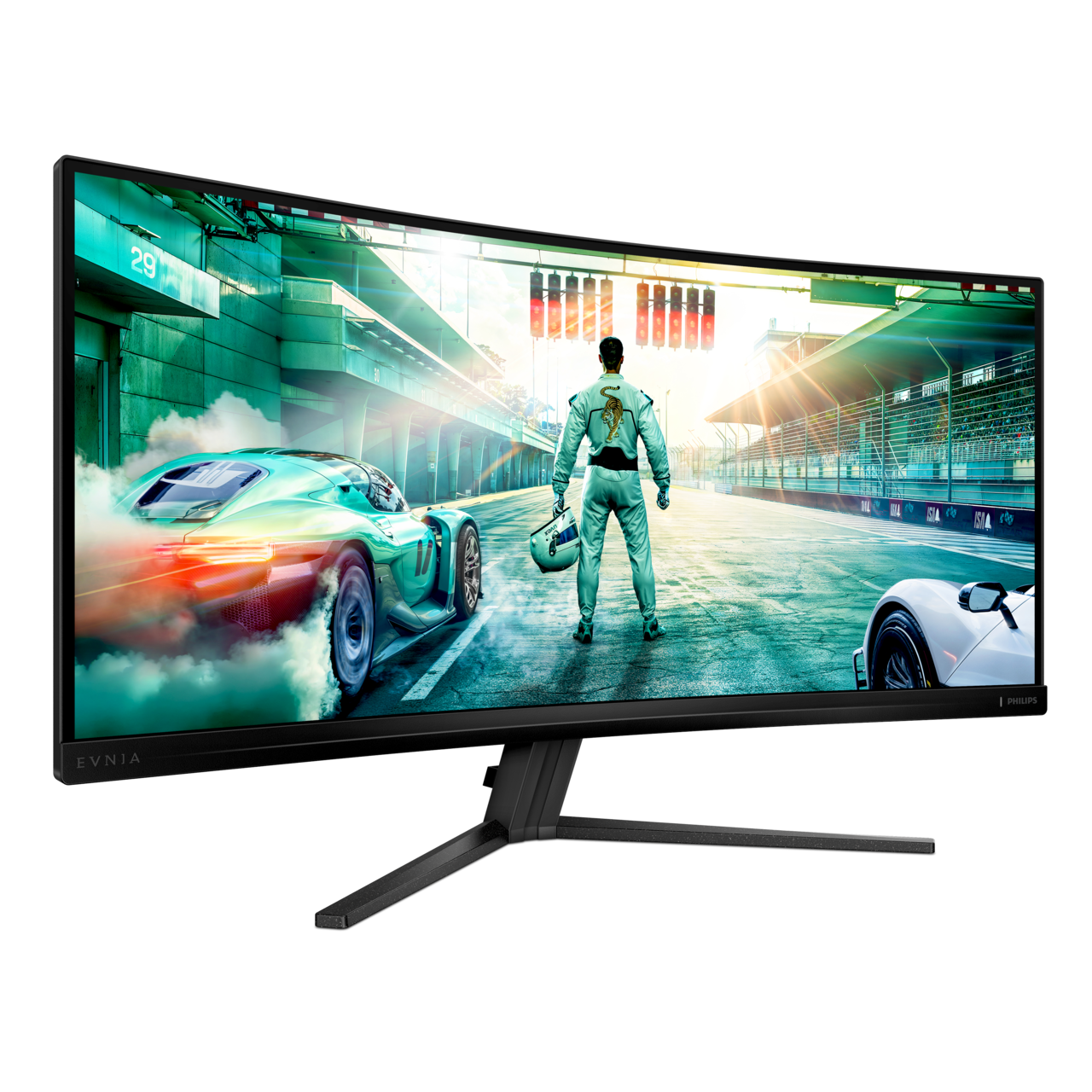
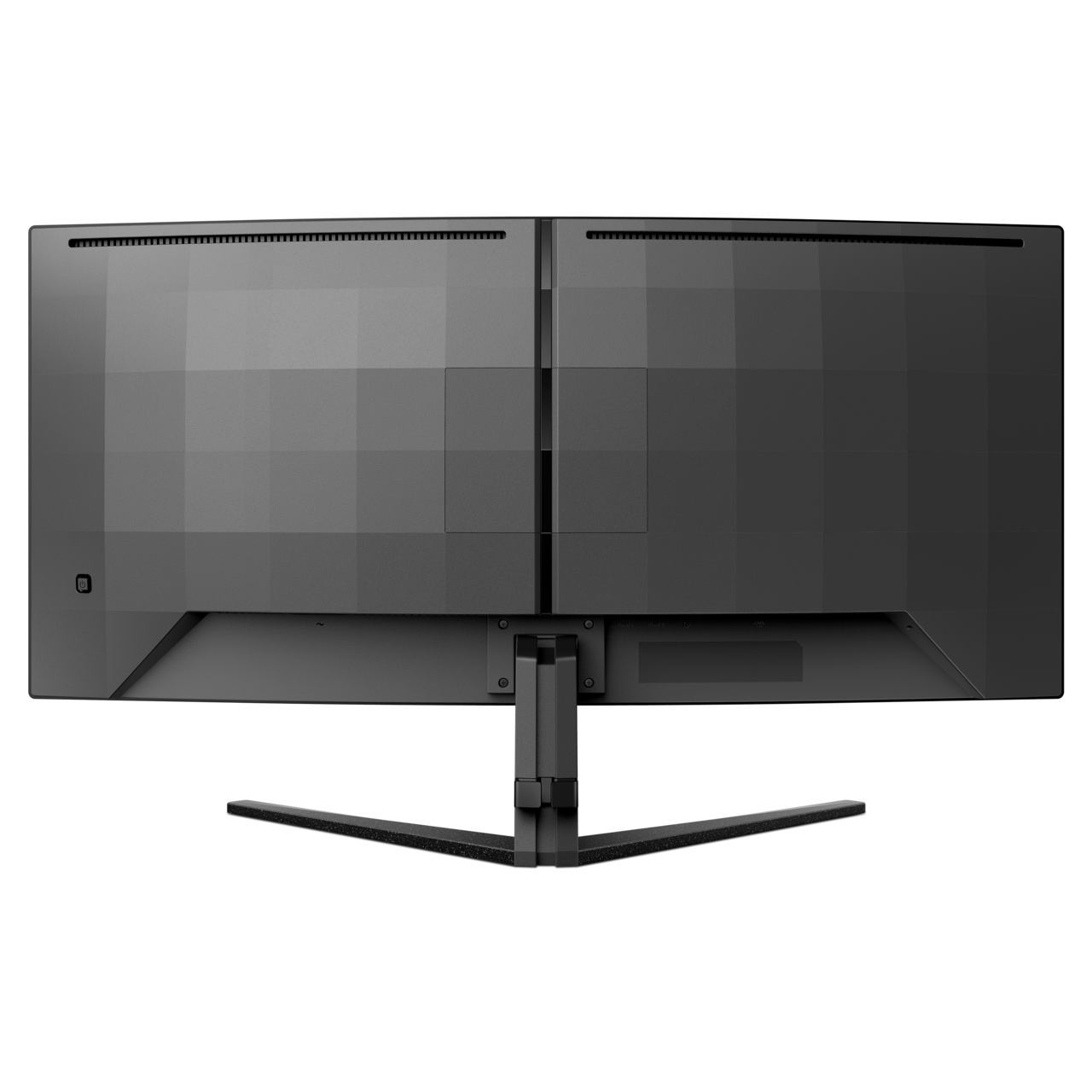
Curved Fast VA Gaming monitor 34M2C3500L WQHD gaming monitor
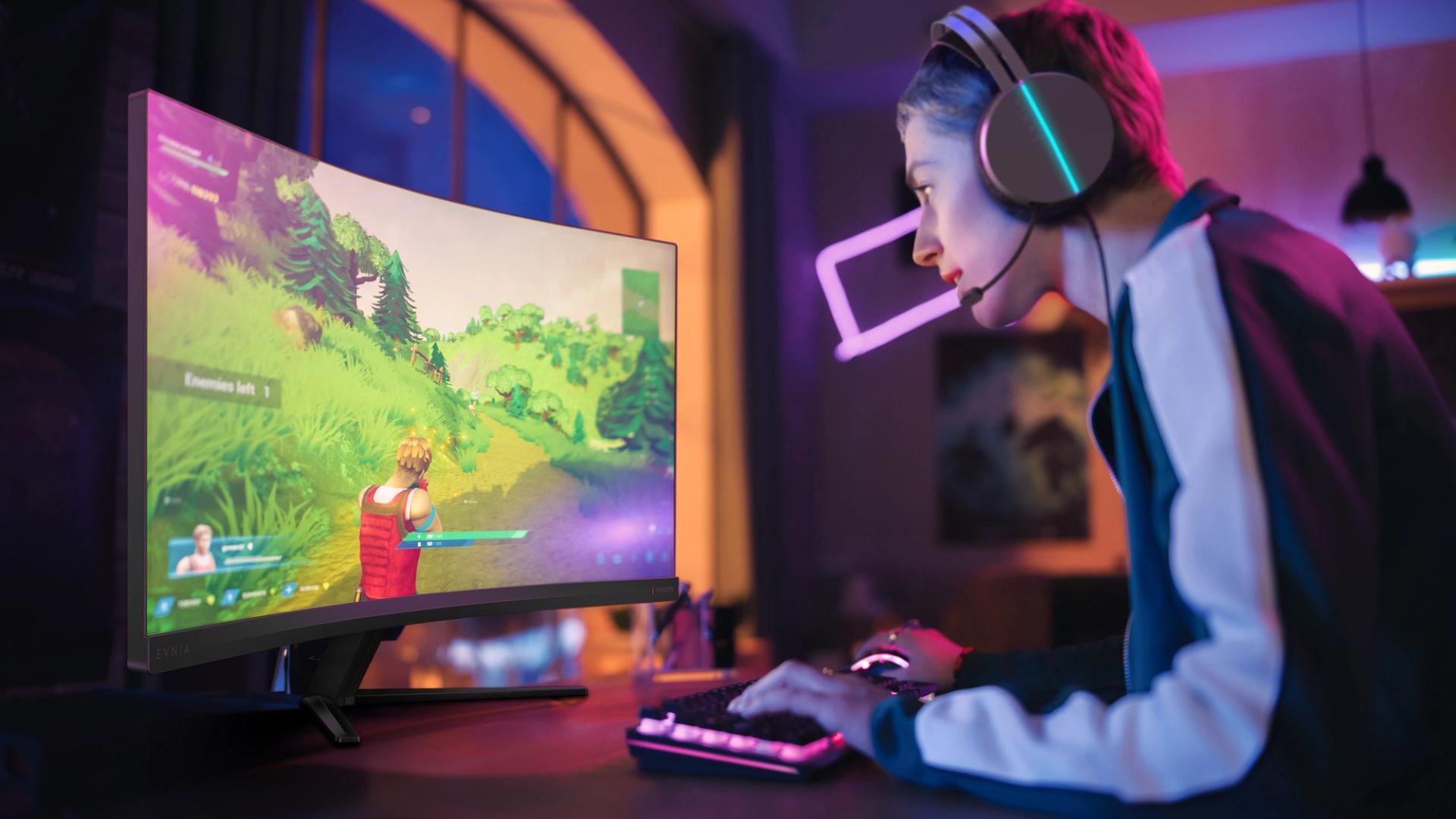
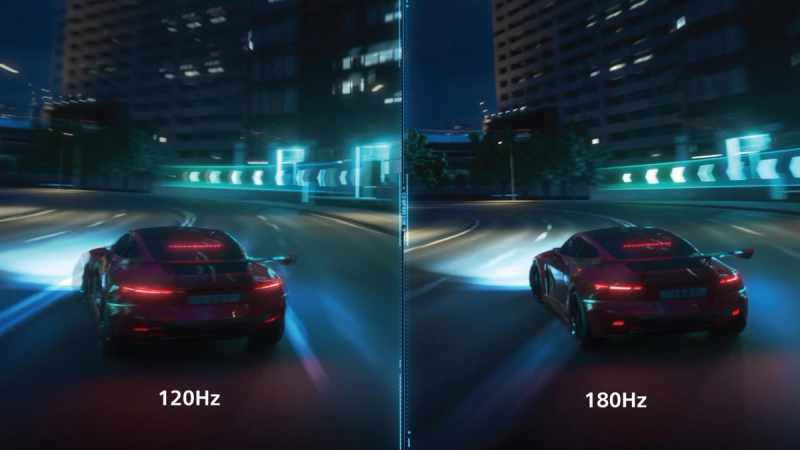
This Fast VA monitor lets you game with ultimate precision and speed at 180Hz. With sharp HDR imagery, a curved frame and guaranteed WQHD resolution, this monitor delivers an excellent all-round gaming experience.
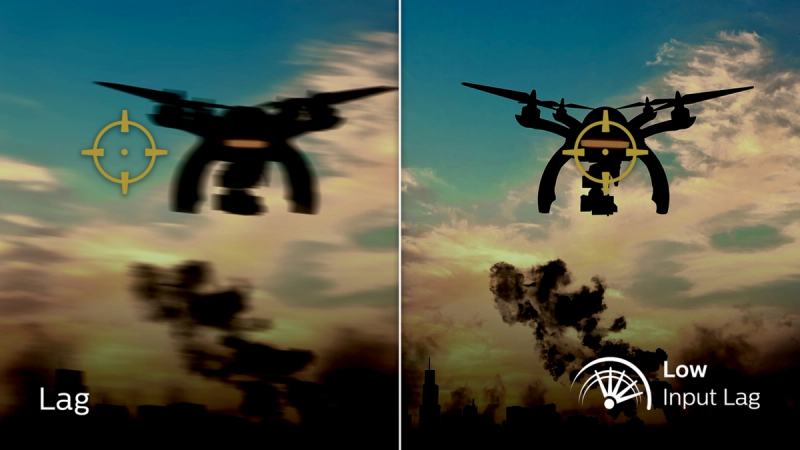
Low input lag reduces the delay between devices and the monitor
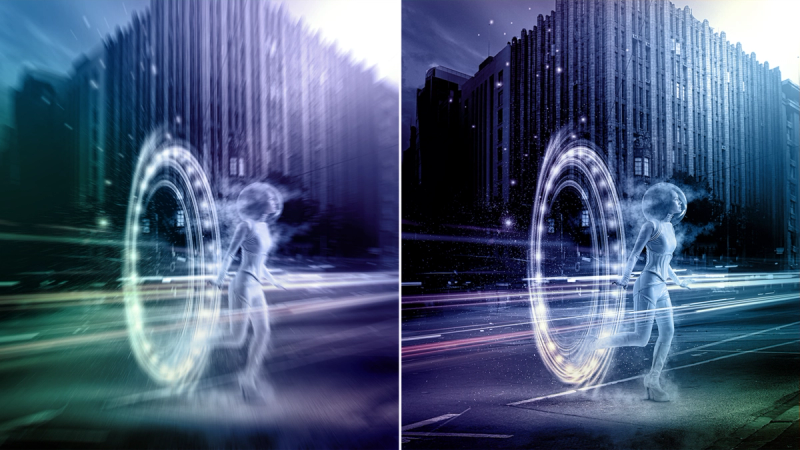
Ultra-fast 0.5 ms speed for crisp images and smooth gameplay
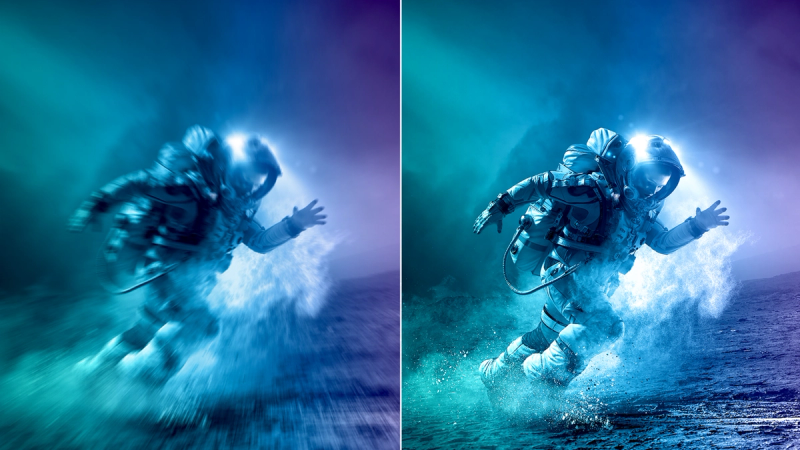
Fast VA Panel: For sharp imagery at high frame rates
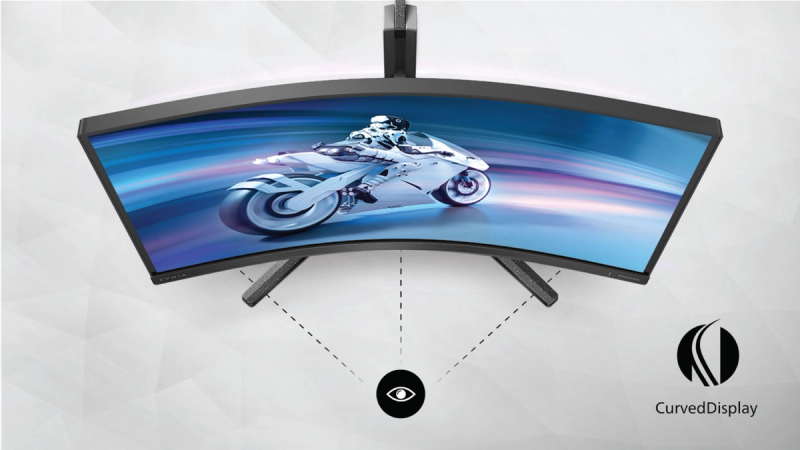
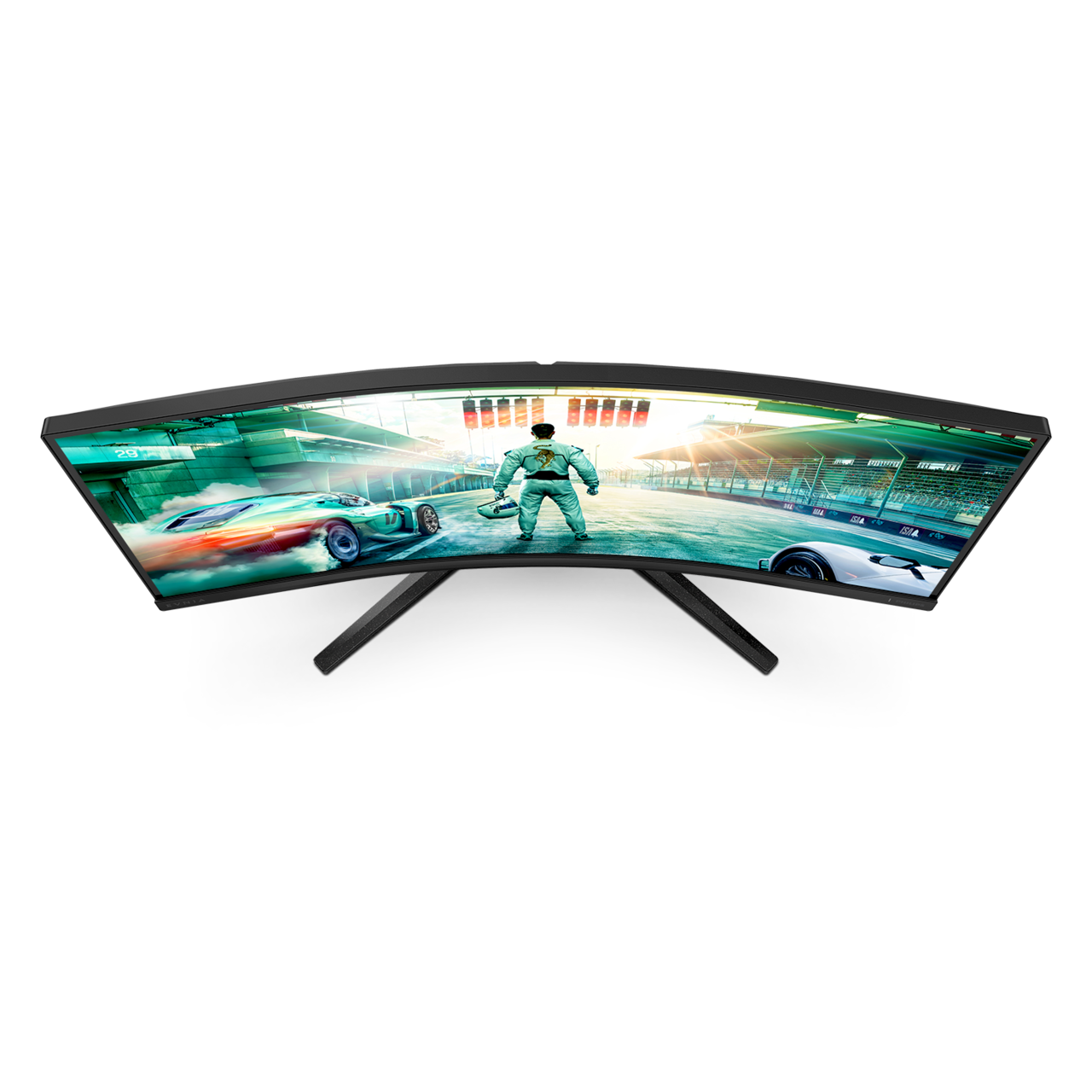
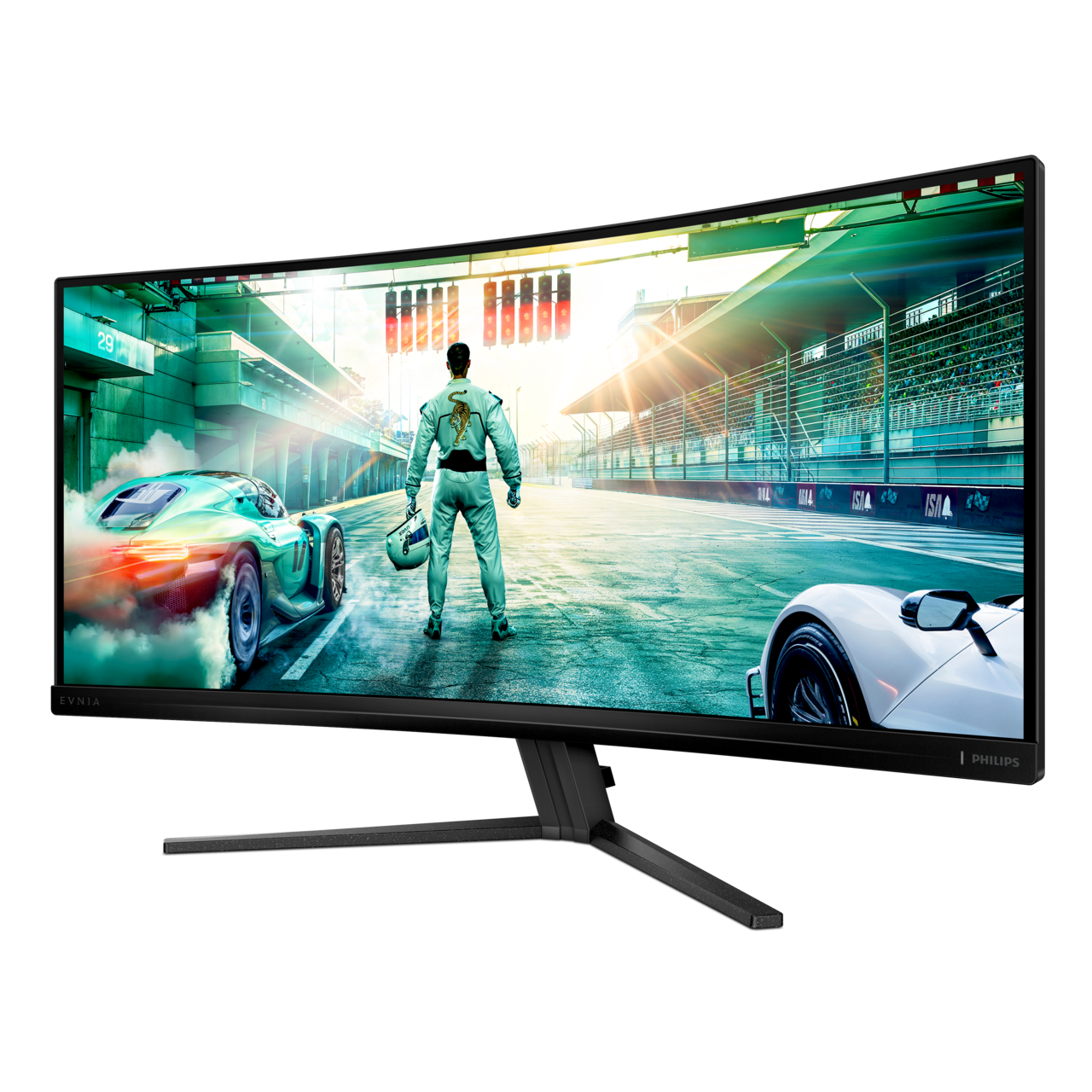
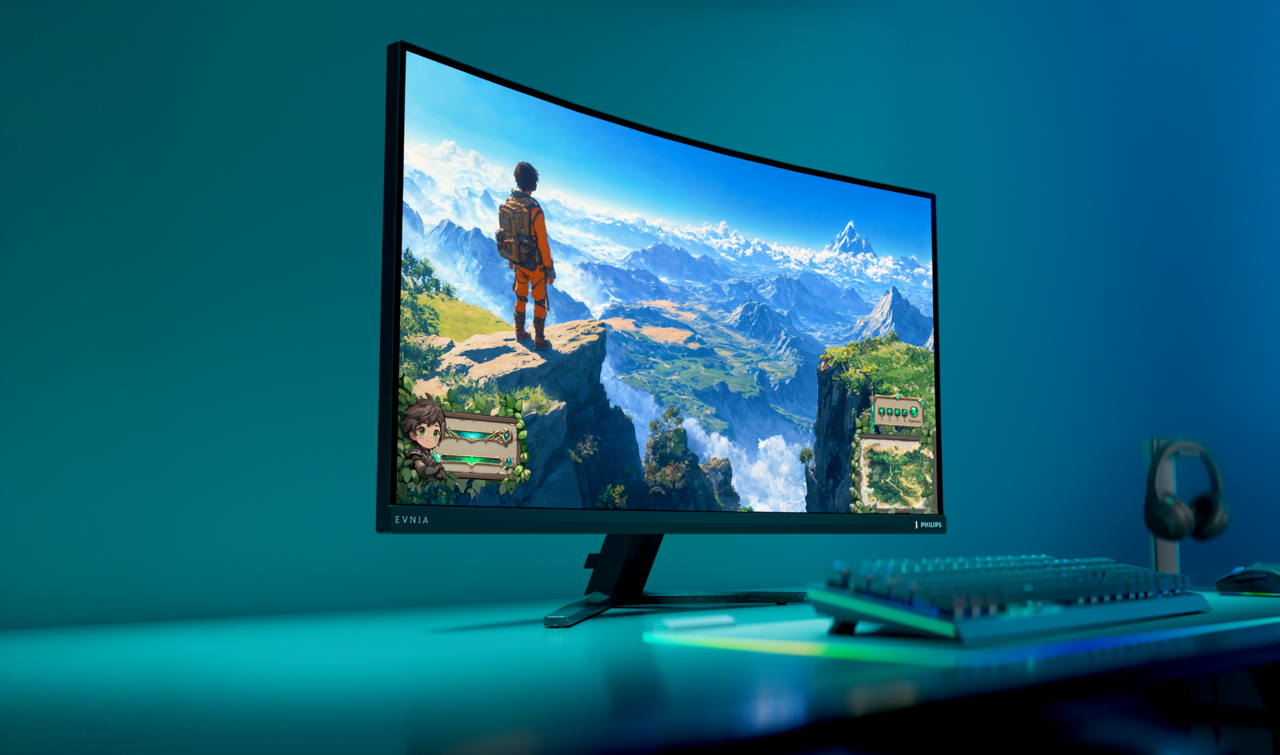
Curved display design for a more immersive experience
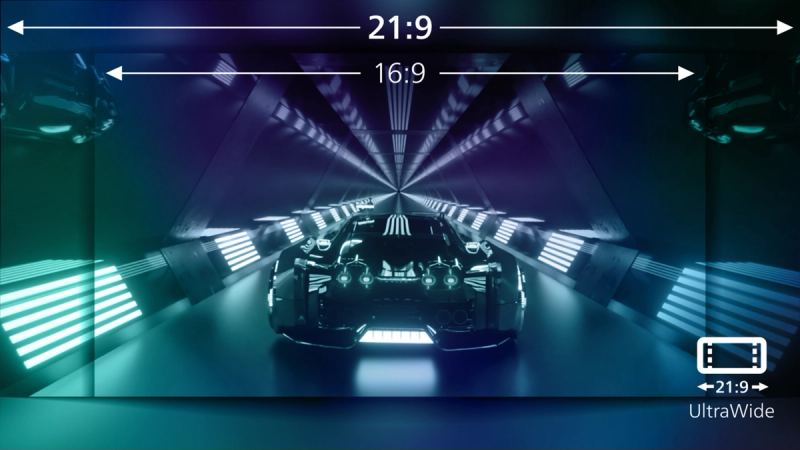
CrystalClear images with UltraWide QHD 3440 x 1440 pixels
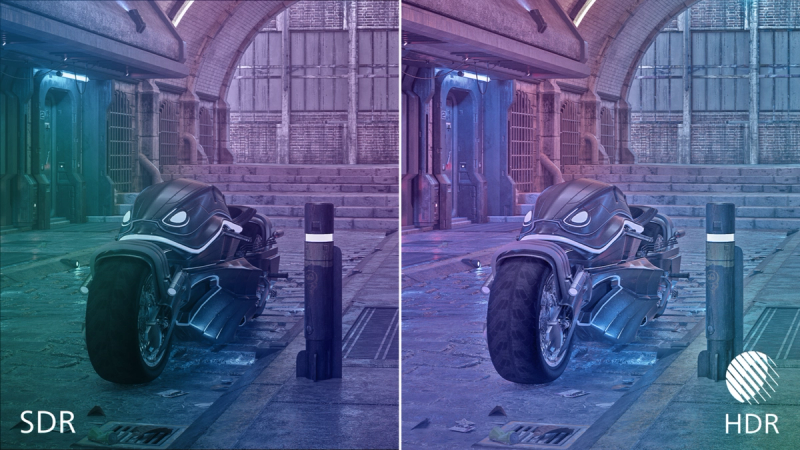
High Dynamic Range (HDR) for more lifelike, colourful visuals

SmartContrast for rich black details

LowBlue Mode and Flicker-free viewing that's easy on the eyes
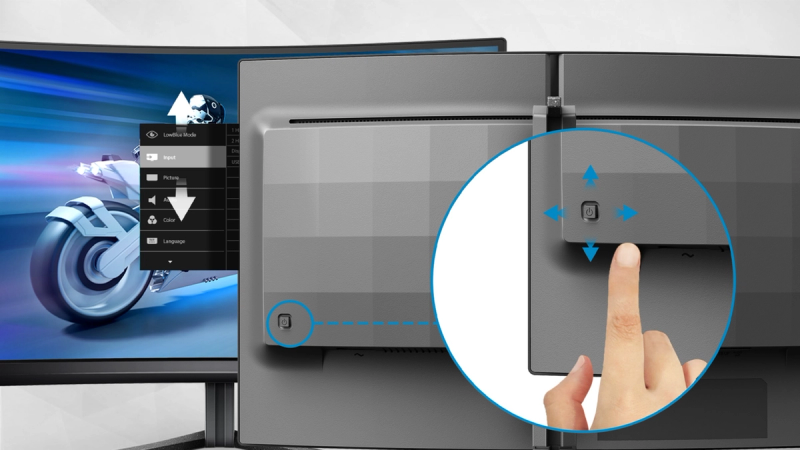
EasySelect menu toggle key for quick access to the on-screen menu
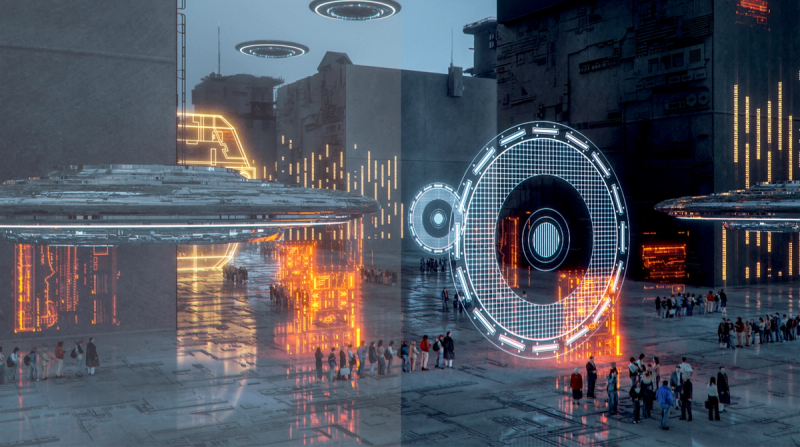
SmartImage game mode optimised for gamers
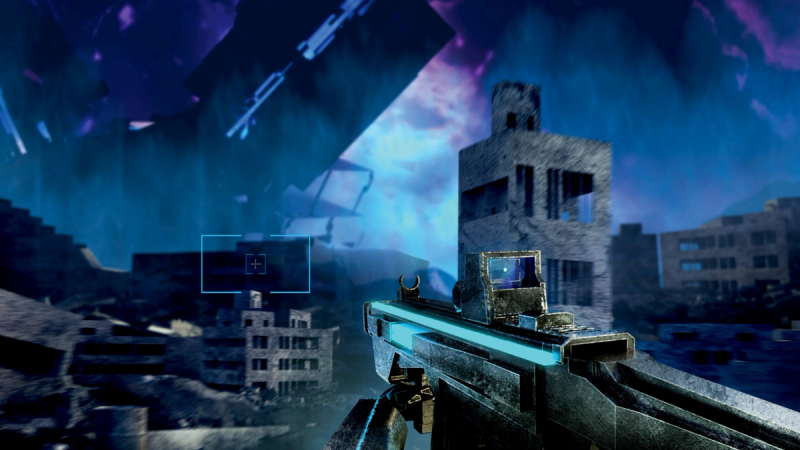
Smart Crosshair: for better aim and more fun





Specifications
- ColorCharcoal
- FinishTextured
- Regulatory ApprovalsCB; CE Mark; TUV/ISO9241-307; TUV-BAUART; EAC; EAEU RoHS; UKCA; EMF; FCC; ICES-003; cETLus
- Sync InputSeparate Sync
- Audio (In/Out)Audio out
- HDCPHDCP 1.4 (HDMI / DisplayPort), HDCP 2.2 (HDMI / DisplayPort)
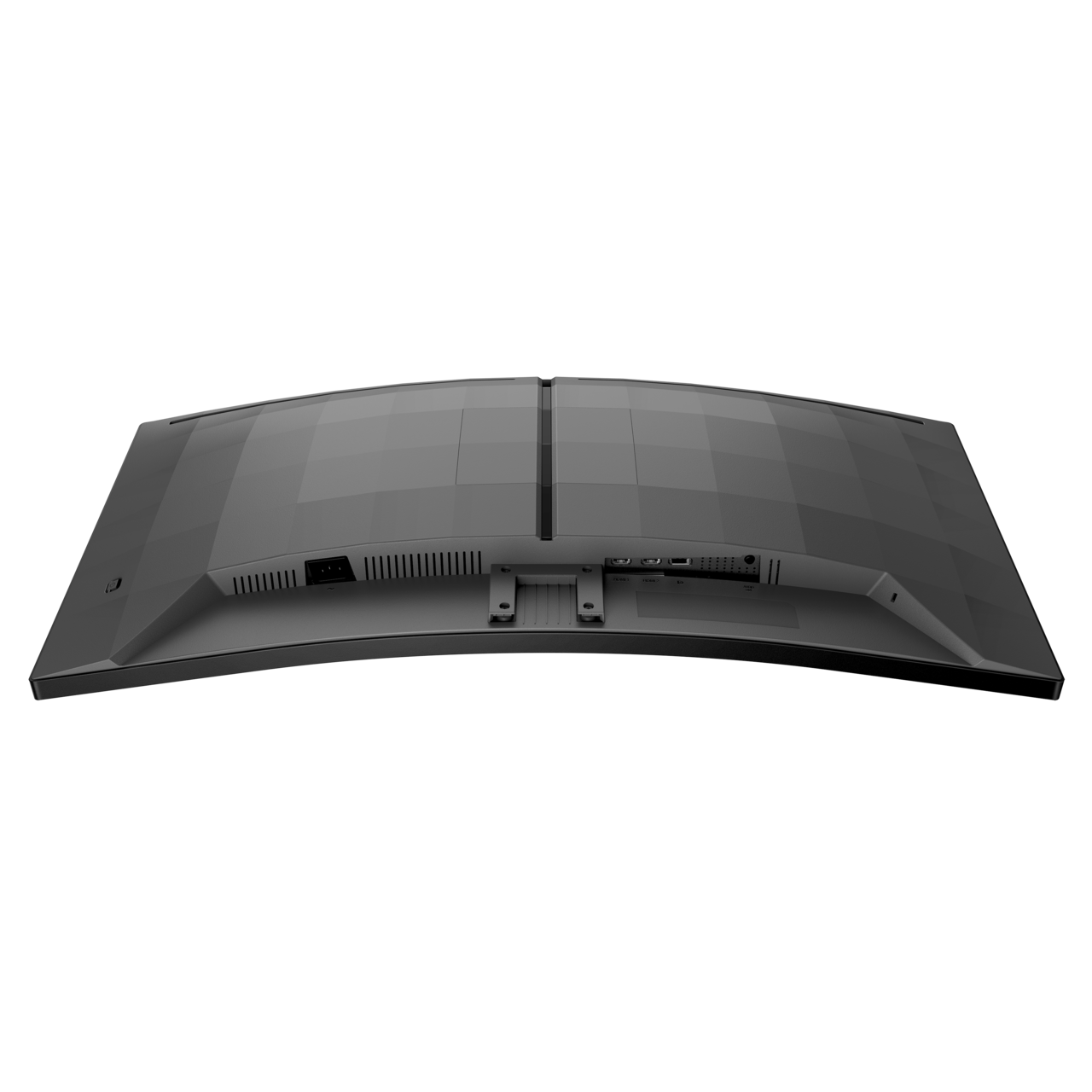
- Signal InputHDMI 2.0 x 2, DisplayPort 1.4 x 1
- User conveniencePower On/Off, Menu/OK, Input/Up, Game Settings/Down, SmartImage game/Back
- OSD LanguagesBrazil Portuguese, Czech, Dutch, English, Finnish, French, German, Greek, Hungarian, Italian, Japanese, Korean, Polish, Portuguese, Russian, Spanish, Simplified Chinese, Swedish, Turkish, Traditional Chinese, Ukrainian
- Other convenienceKensington lock, VESA mount (100x100mm), LowBlue Mode
- Plug & Play CompatibilityDDC/CI, Mac OS X, sRGB, Windows 11 / 10
- MultiView2x Devices, PIP/PBP mode
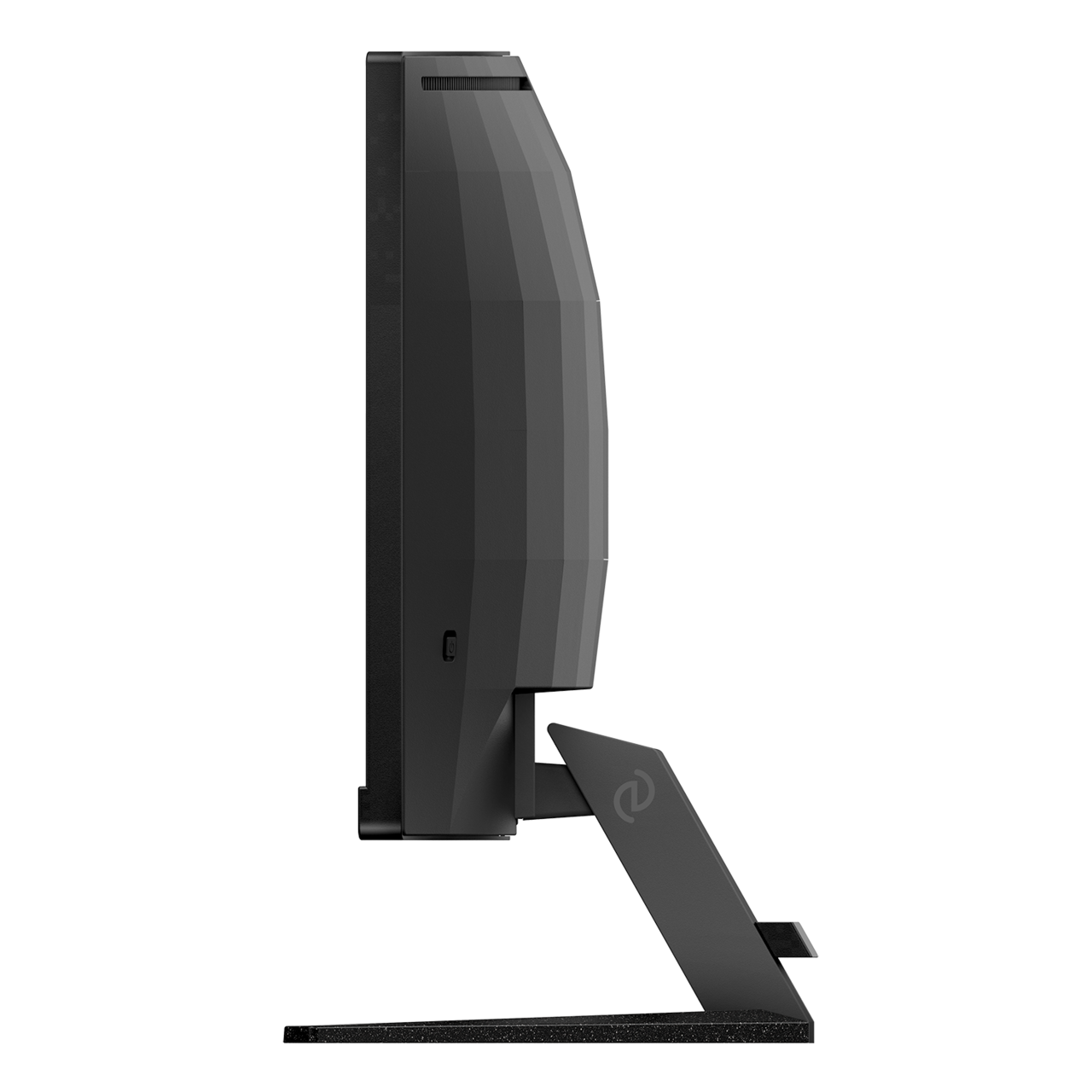
- Product with stand(max height)808 x 464 251 mm
- Product without stand (mm)808 x 369 x 69 mm
- Packaging in mm (WxHxD)930 x 480 x 188 mm
- Temperature range (operation)0°C to 40 °C
- Temperature range (storage)-20°C to 60 °C
- Relative humidity20%-80 %
- AltitudeOperation: +12,000ft (3,658m), Non-operation: +40,000ft (12,192m)
- MTBF50,000 hour(s)
- LCD panel typeFast VA
- Backlight typeW-LED
- Panel Size34 inch / 86.36 cm
- Effective viewing area797.22(H)x333.72(V)mm - at a 1500R curvature*
- Display Screen CoatingAnti-glare, 25%, 3H
- Aspect ratio21:9
- Response time (typical)1ms (Gray to Gray)*
- Brightness300 cd/m²
- Contrast ratio (typical)4000:1
- Pixel pitch0.23175 x 0.23175mm
- Viewing angle178° (H) / 178° (V), @ C/R > 10000
- Display colorsColor support 1.07 billion colors (10 bits)*
- Scanning Frequency30-255kHz(H)/ 48-180Hz(V)
- sRGBYes
- Picture enhancementSmartImage game
- Pixel Density109.68 PPI
- Flicker-freeYes
- LowBlue ModeYes
- EasyReadYes
- Adaptive syncYes
- SmartUniformity93~105%
- Delta E<2 (sRGB)
- Maximum resolution3440x1440@ 180 Hz (DP), 8bits ; 3440x1440@100Hz (HDMI), 8bits
- Low Input LagYes
- Smart MBR0.5ms*
- Shadow BoostYes
- Smart CrosshairYes
- SmartContrastMega Infinity DCR
- Color gamut (typical)Adobe RGB 90%; DCI-P3:94%, sRGB: 125%, NTSC 105%*
- HDRSupported HDR 10
- On mode31.0 W (typ.)
- Standby mode0.5 W (typ.)
- Off mode0.3 W (typ.)
- Power LED indicatorOperation - White, Standby mode- White (blinking)
- Power supplyInternal, 100-240VAC, 50-60Hz
- Environmental and energyRoHS
- Tilt-5/20 degree
- Product with stand (kg)7.33 kg
- Product without stand (kg)6.50 kg
- Product with packaging (kg)9.47 kg
Disclaimers
- * Radius of the display curvature arc in mm
- * Display colours: 10bits can be achieved via DP@165Hz
- * Response time value equal to SmartResponse.
- * Adobe RGB and DCI-P3 coverage based on CIE1976, sRGB area based on CIE1931, NTSC area based on CIE1976.
- * Smart MBR adjusts brightness to reduce blur, so brightness cannot be adjusted while Smart MBR is turned on. To reduce motion blur, the LED backlight will strobe in sync with the screen refresh, which may cause a noticeable change in brightness.
- * Smart MBR is a gaming-optimised mode. Turning on Smart MBR may cause noticeable screen flickering. It is recommended that you turn it off when you are not using the gaming function.
- * This monitor is designed with sustainability in mind: the stand's feet are made with 35% recycled plastic, and the monitor’s chassis is made from 85% post-consumer recycled plastic.
- * The products and accessories listed in this leaflet may vary by country and region.
- * The monitor may look different from the feature images.