Compare products to find the right fit
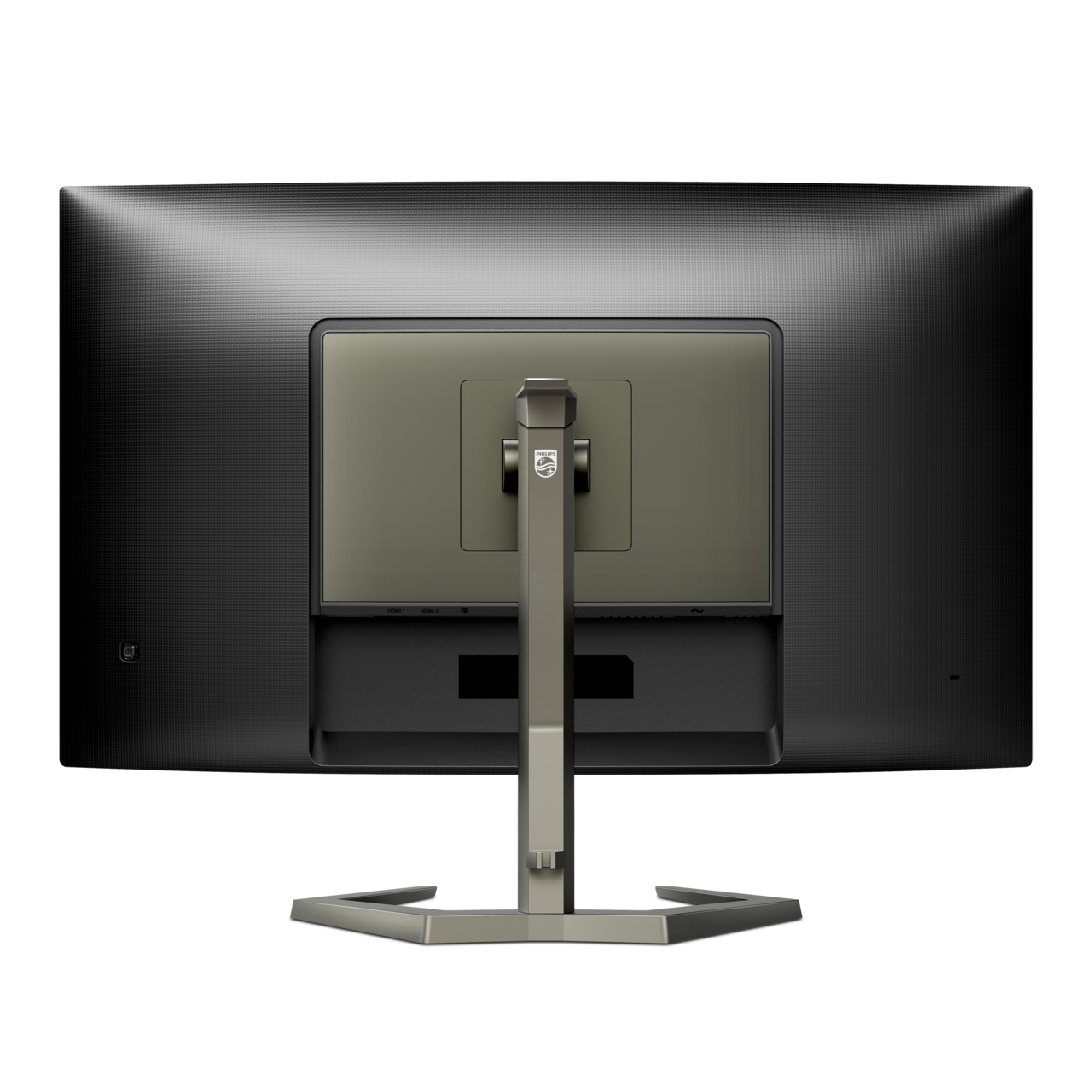
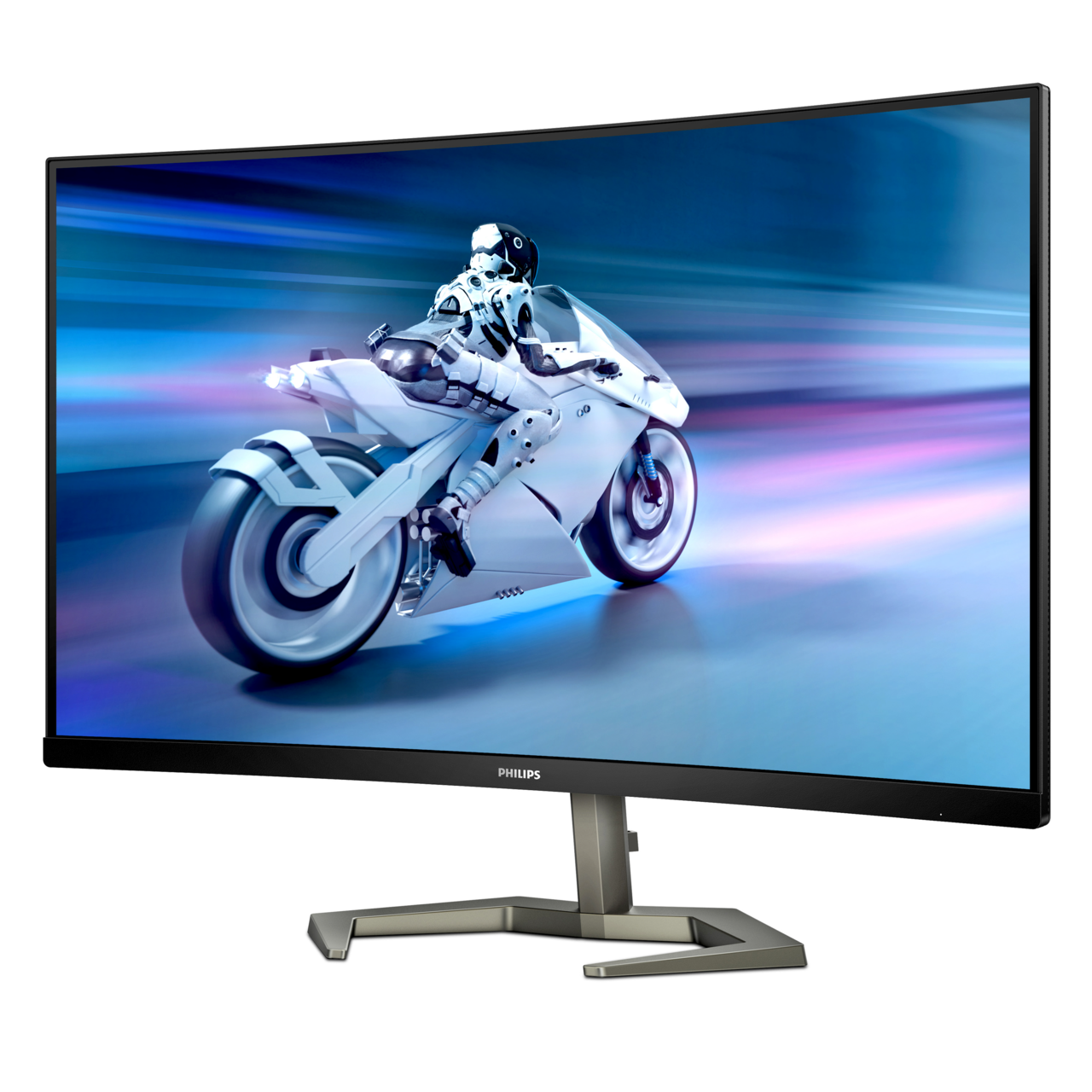

32M1C5200W/00
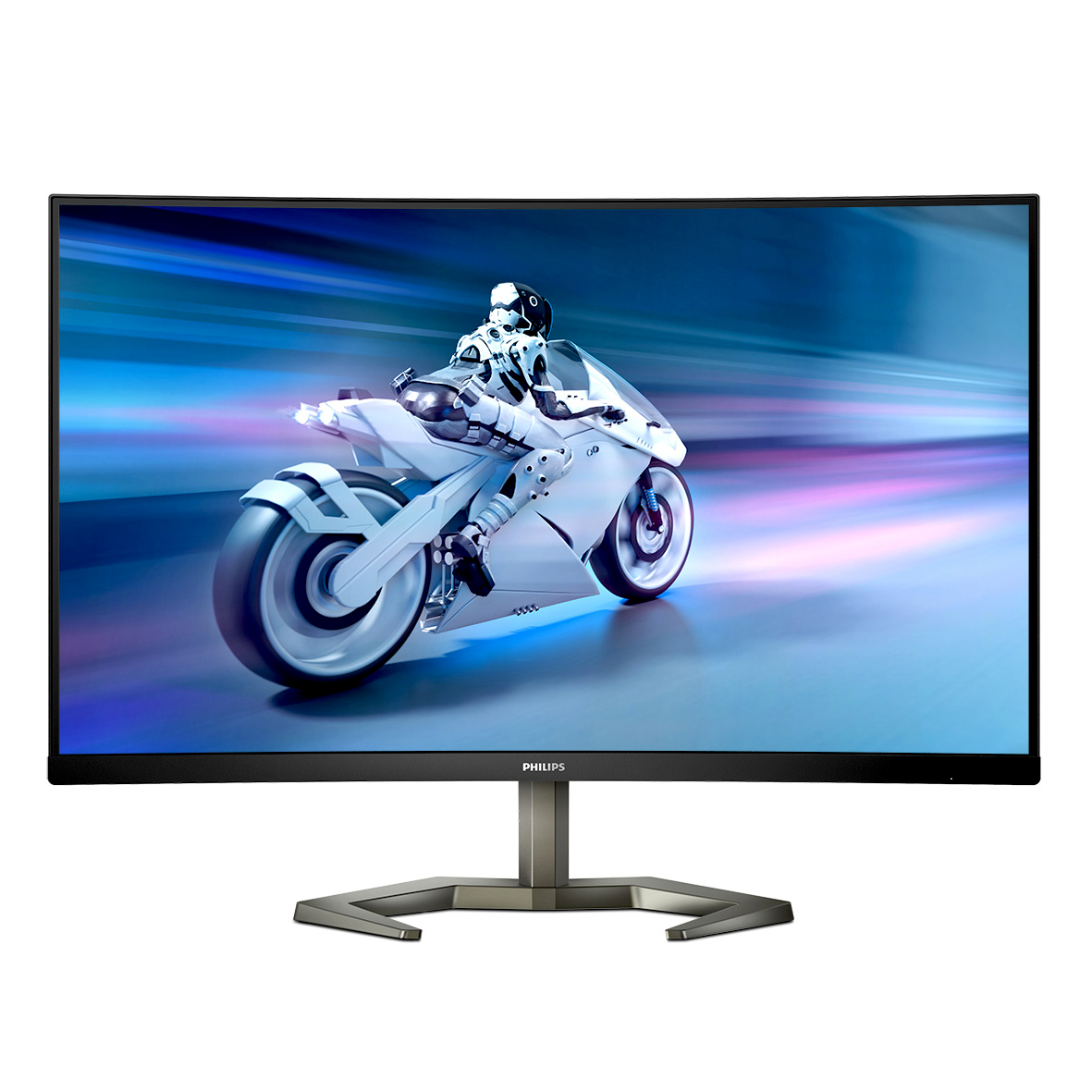
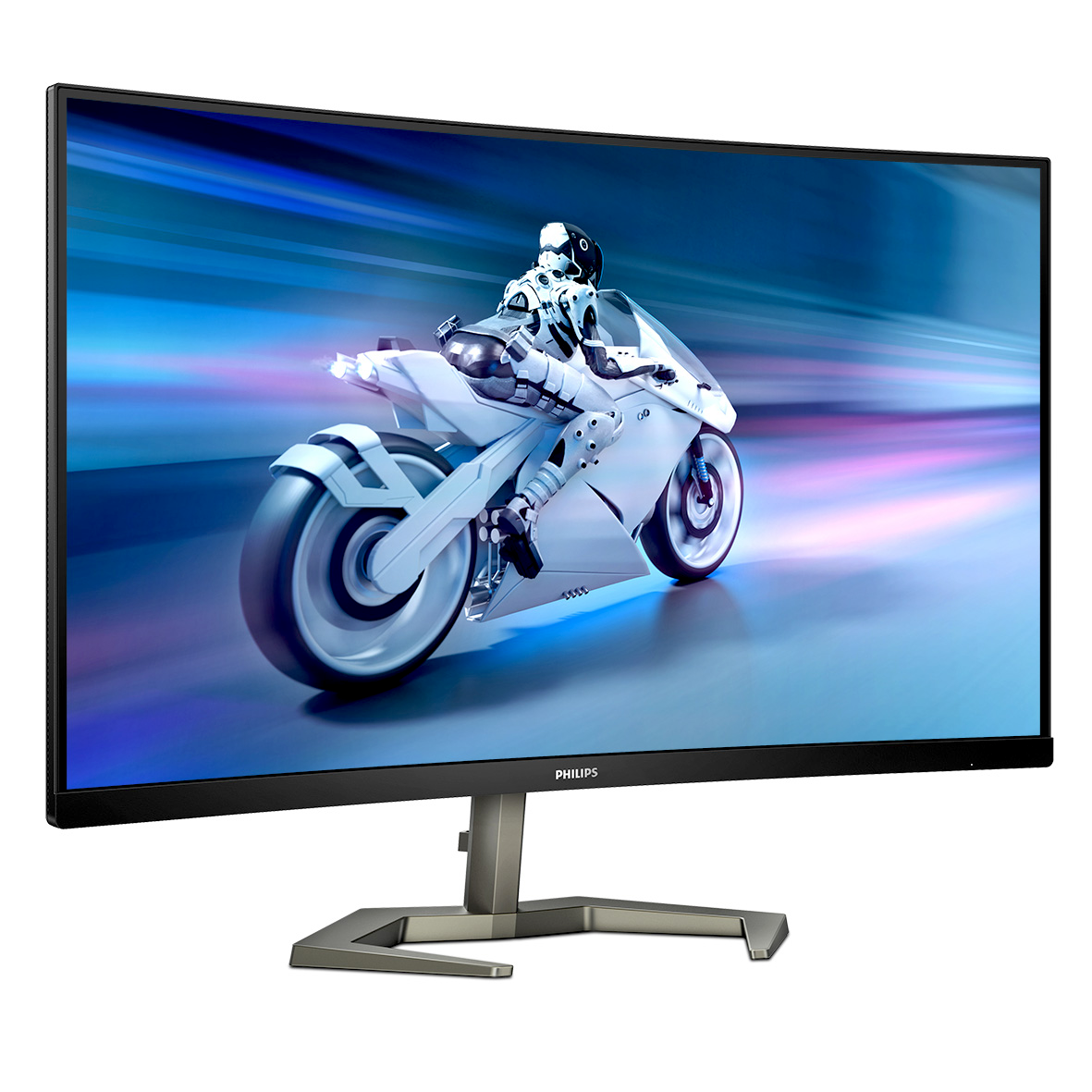
Curved Gaming Monitor 32M1C5200W Full HD gaming monitor
This Philips gaming monitor is designed for the highest intensity gameplay. Sync technology, ultra-fast 240Hz refresh rate and 0.5ms response time create tear-free and low latency gameplay. SmartImage HDR gives a vibrant, lifelike display.
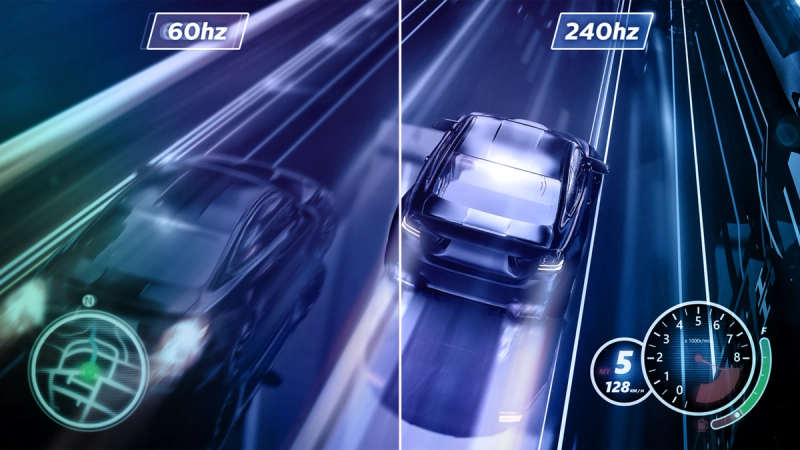
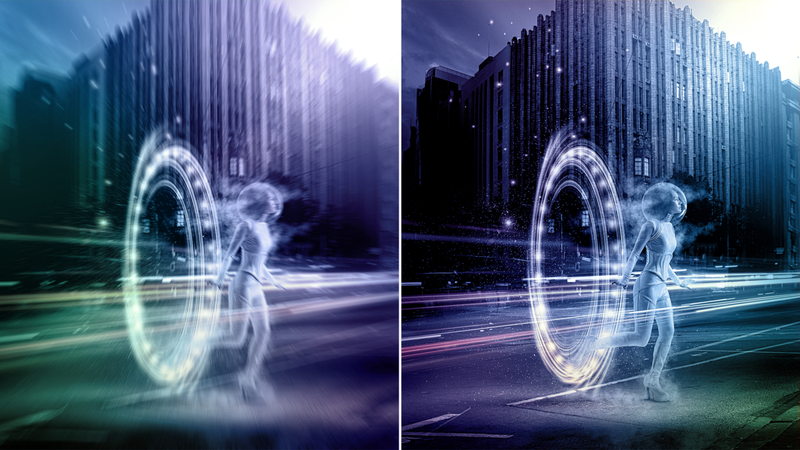
0.5 ms ultra-fast speed for crisp images and smooth gameplay
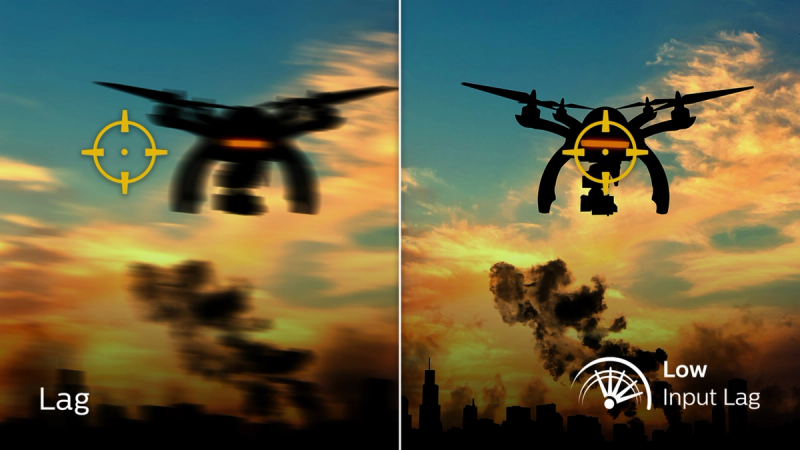
Low input lag reduces the delay between devices and the monitor
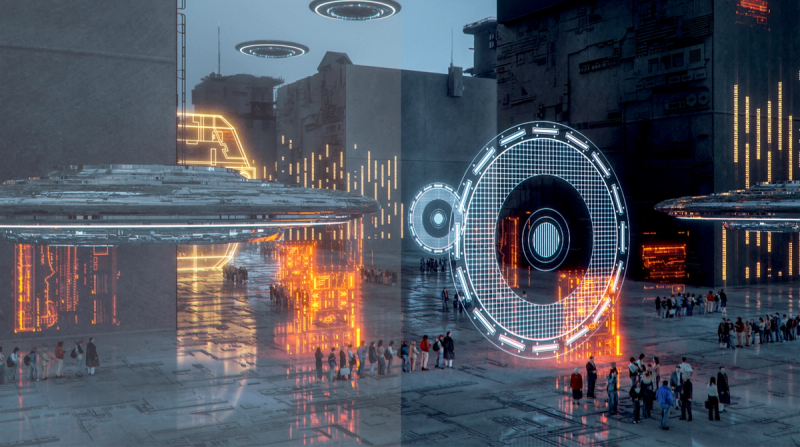
SmartImage game mode optimised for gamers
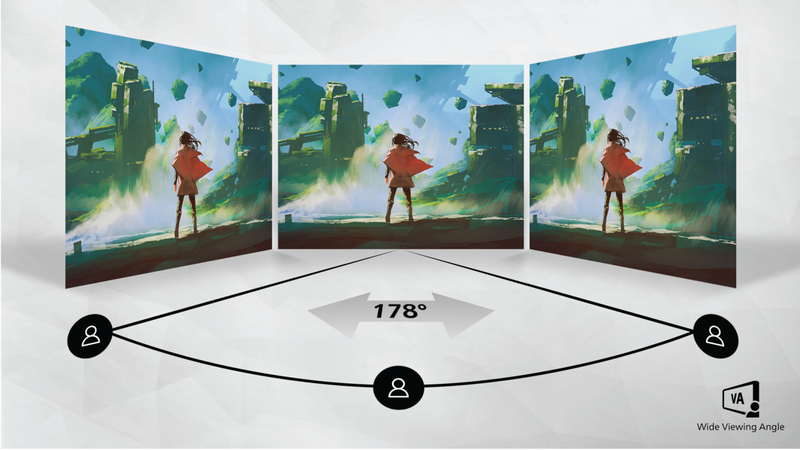
VA display delivers stunning images with wide viewing angles
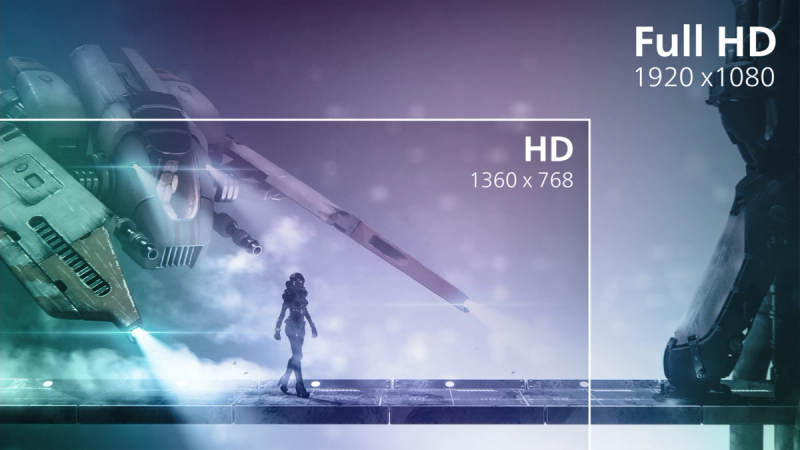
16:9 Full HD display for crisp, detailed images
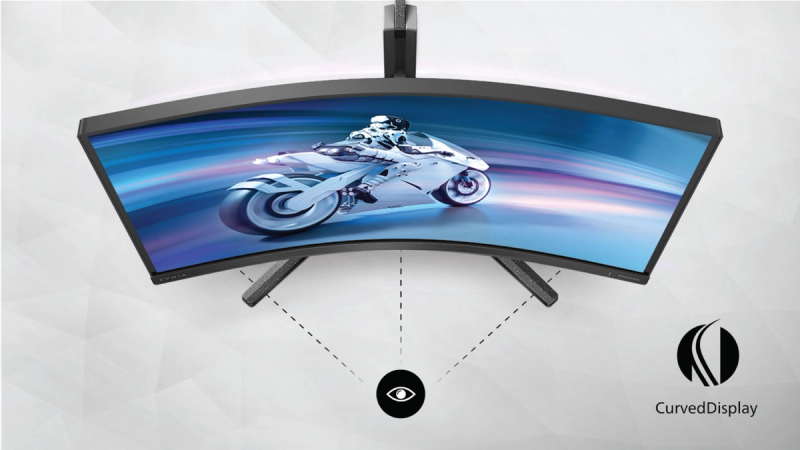
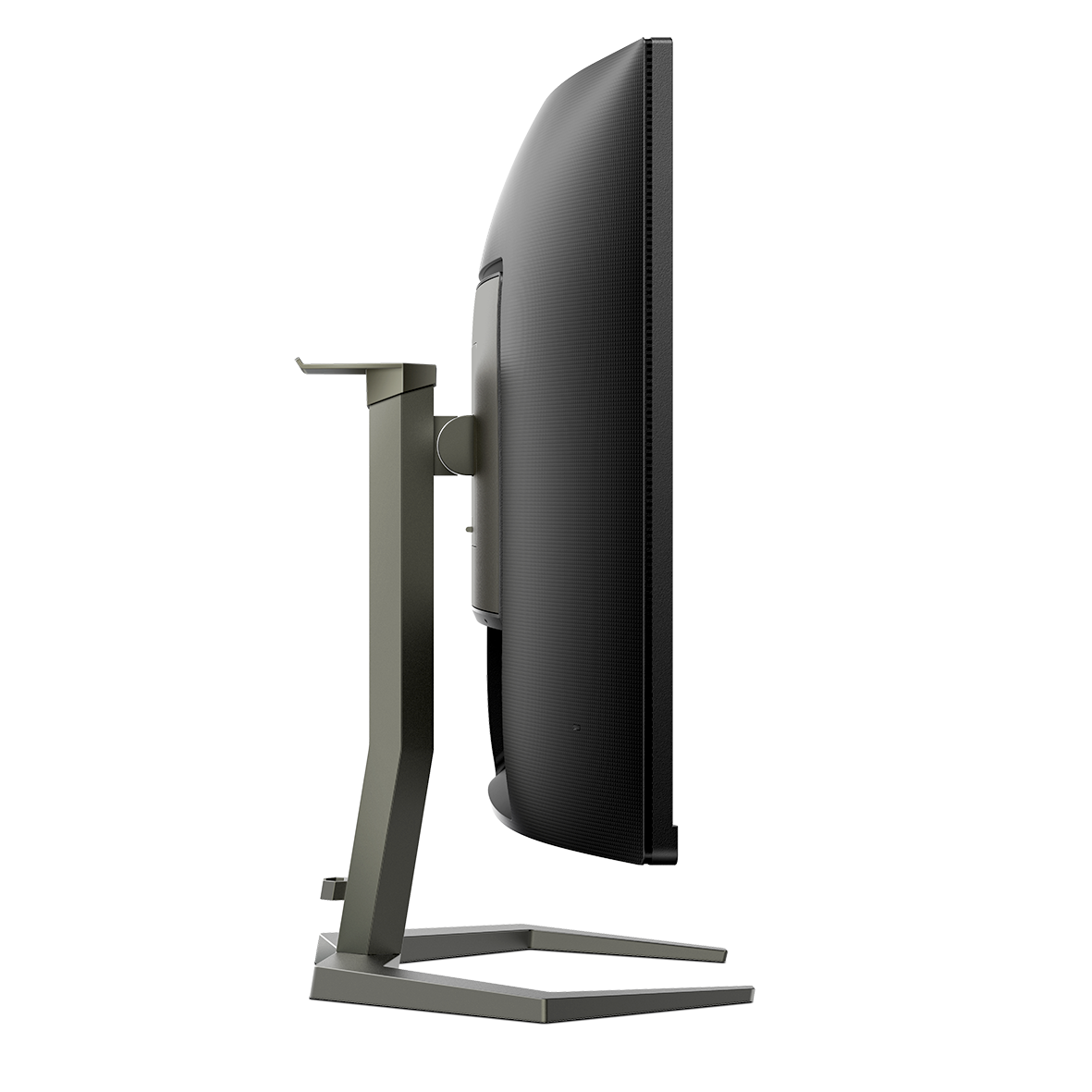
Curved display design for a more immersive experience
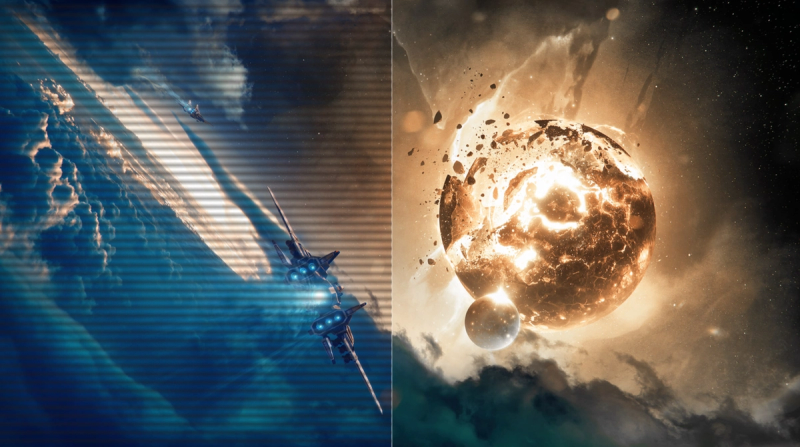
LowBlue mode and Flicker-free technology for easy-on-the-eyes viewing
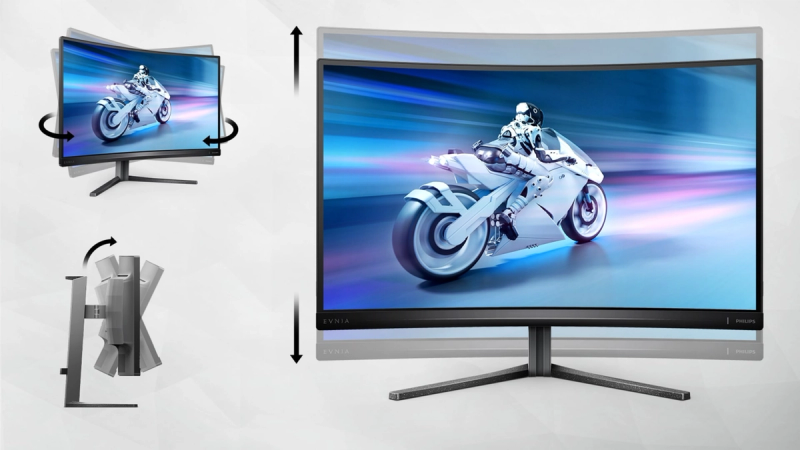
Tilt, swivel and adjust the height for an ideal viewing position
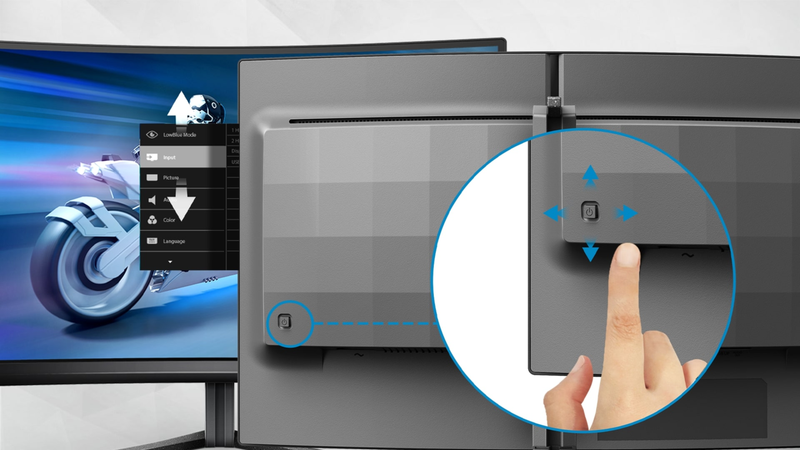
EasySelect menu toggle key for quick access to the on-screen menu





Specifications
- ColorBlack
- FinishTextured
- Regulatory ApprovalsCB; CE Mark; FCC Class B; ICES-003; CU-EAC; EAEU RoHS; TUV/ISO9241-307; TUV-BAUART
- Sync InputSeparate Sync
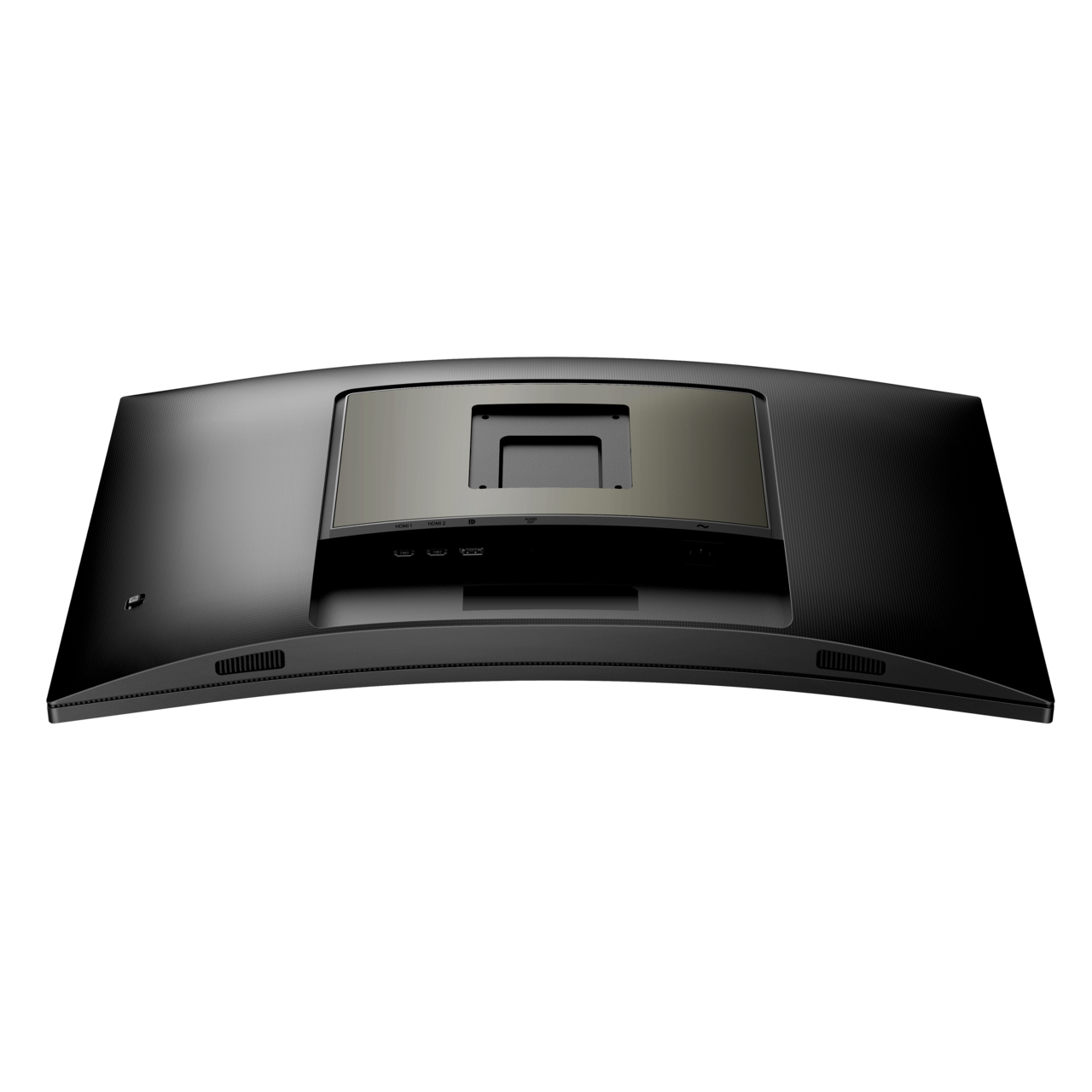
- Audio (In/Out)Audio out
- HDCPHDCP 1.4 (HDMI/DisplayPort), HDCP 2.2 (HDMI/DisplayPort)
- Signal InputHDMI 2.0 x 2, DisplayPort 1.4 x 1
- User conveniencePower On/Off; Menu/OK; Input/Up; Game Settings/Down; SmartImage game/Back
- OSD LanguagesBrazil Portuguese; Czech; Dutch; English; Finnish; French; German; Greek; Hungarian; Italian; Japanese; Korean; Polish; Portuguese; Russian; Spanish; Simplified Chinese; Swedish; Turkish; Traditional Chinese; Ukrainian
- Other convenienceKensington lock; VESA mount (100 x 100 mm)
- Plug & Play CompatibilityDDC/CI; Mac OS X; sRGB; Windows 11/10/8.1/8/7
- Product with stand(max height)709 x 638 x 308 mm
- Product without stand (mm)709 x 423 x 95 mm
- Packaging in mm (WxHxD)782 x 523 x 227 mm
- Temperature range (operation)0°C to 40 °C
- Temperature range (storage)-20°C to 60 °C
- Relative humidity20%-80 %
- AltitudeOperation: +12,000 ft (3658 m), Non-operation: +40,000 ft (12,192 m)
- MTBF50 000 (Excluded backlight)
- LCD panel typeVA LCD
- Backlight typeW-LED system
- Panel Size31.5 inch/80 cm
- Effective viewing area698.4 (H) x 392.85 (V) -> at a 1500 R curvature*
- Display Screen CoatingAnti-Glare, 3H, Haze 25%
- Aspect ratio16:9
- Response time (typical)4 ms (Grey to Grey)*
- Brightness300 cd/m²
- Contrast ratio (typical)3500:1
- Pixel pitch0.36375 x 0.36375 mm
- Viewing angle178º (H)/178º (V); @ C/R > 10
- Display colors16.7 M (8 bit)
- Scanning Frequency30–255 kHz (H) / 48–240 Hz (V)
- sRGBYes
- Picture enhancementSmartImage game
- Pixel Density69.93 PPI
- Flicker-freeYes
- LowBlue ModeYes
- EasyReadYes
- Adaptive syncYes
- Maximum resolution1920 x 1080 @ 240 Hz*
- Low Input LagYes
- MPRT0.5 ms
- SmartContrastMega Infinity DCR
- Color gamut (typical)NTSC 100.1%*, sRGB 121.3%*
- On mode39.4 W (typ.)
- Standby mode0.5 W (typ.)
- Off mode0.3 W (typ.)
- Power LED indicatorOperation - White; Standby mode - White (flashing)
- Power supplyInternal; 100–240 VAC, 50–60 Hz
- Energy Label ClassE
- Environmental and energyRoHS
- Recyclable packaging material100 %
- Specific SubstancesMercury free; PVC/BFR free housing
- Height adjustment130 mm
- Tilt-5/20 degree
- Swivel-/+ 45 degree
- Product with stand (kg)7.61 kg
- Product without stand (kg)6.10 kg
- Product with packaging (kg)9.97 kg
- Monitor with standYes
- CablesHDMI cable, DisplayPort cable, Power cable
- User DocumentationYes
Disclaimers
- * Radius of the arc of the display curvature in mm
- * The maximum resolution works for either HDMI input or DP input.
- * For best output performance, please always ensure that your graphic card is capable of achieving the maximum resolution and refresh rate of this Philips display.
- * Response time value equal to SmartResponse
- * MPRT is to adjust brightness for blur reduction, so cannot adjust brightness while MPRT is turned on. To reduce motion blur, LED backlight will strobe synchronously with screen refresh, which may cause noticeable brightness change.
- * MPRT is gaming-optimized mode. Turn on MPRT may cause noticeable screen flickering. It is recommended to turn off when you are not using the gaming function.
- * NTSC Area based on CIE1976
- * sRGB Area based on CIE1931
- * The monitor may look different from feature images.