Compare products to find the right fit
25M4P5200T/75
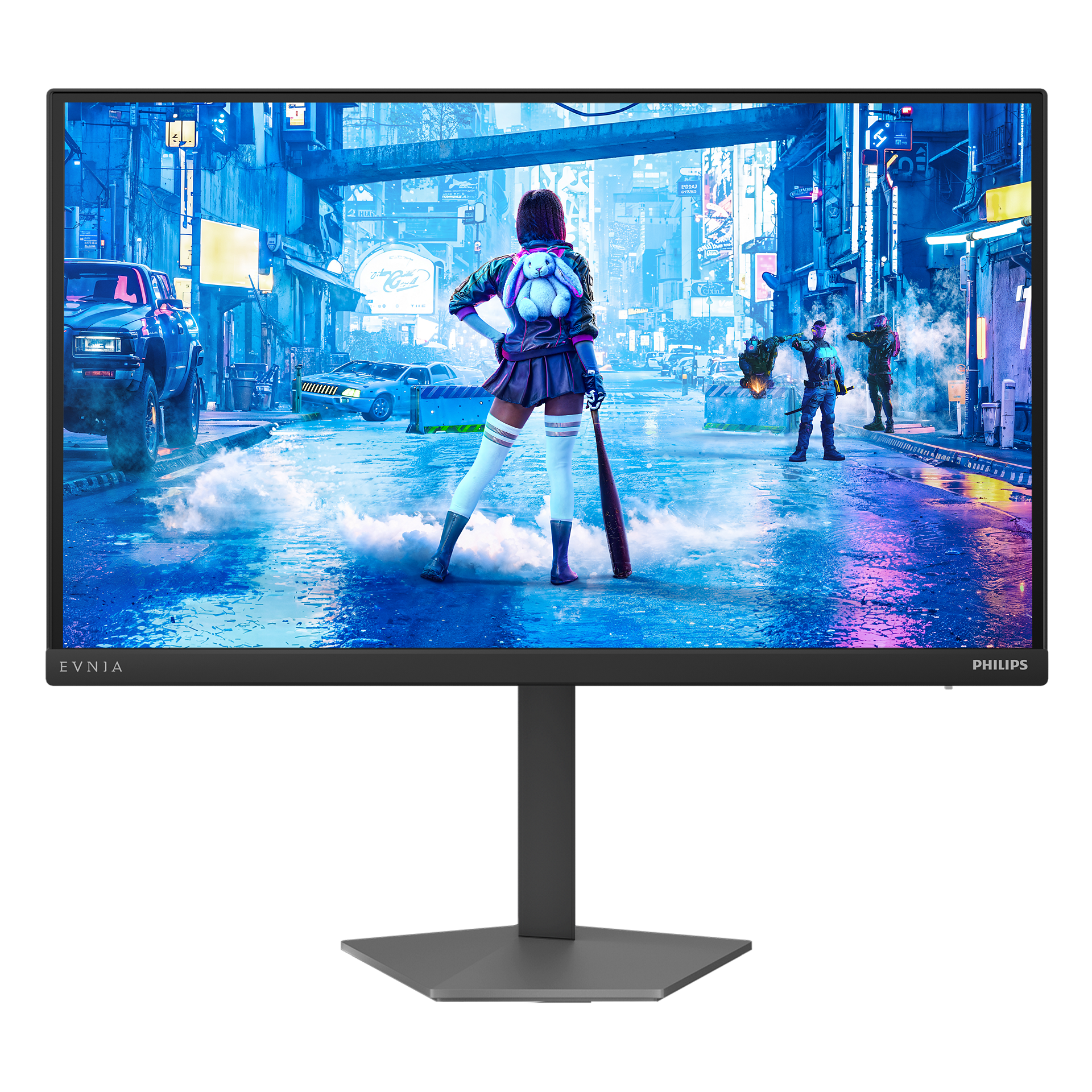
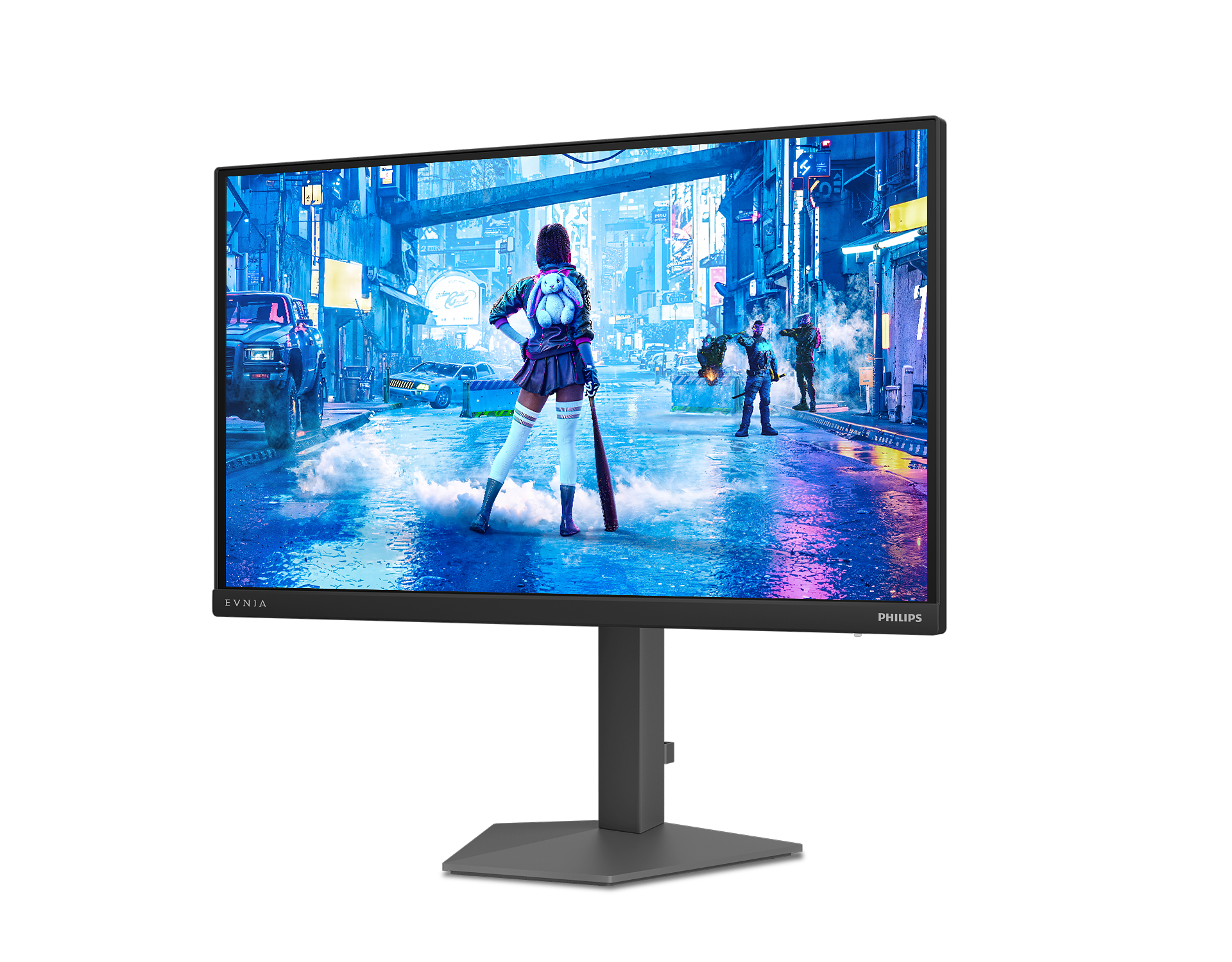
Every frame is optimized on this 25-inch Full HD gaming monitor, where a 1000Hz refresh rate, Circular Polarization, and DisplayHDR 400 with HDR tone mapping work together to deliver fluid gameplay and true-to-life visuals.

Evnia Precision Centre: Maximise Your Gaming Experience
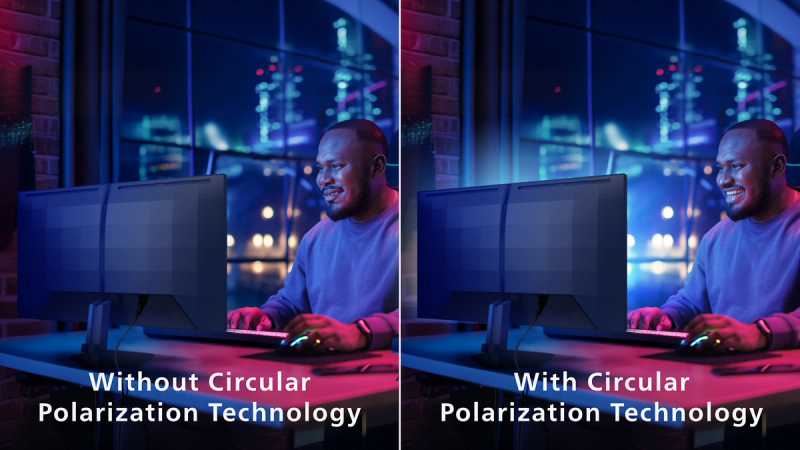
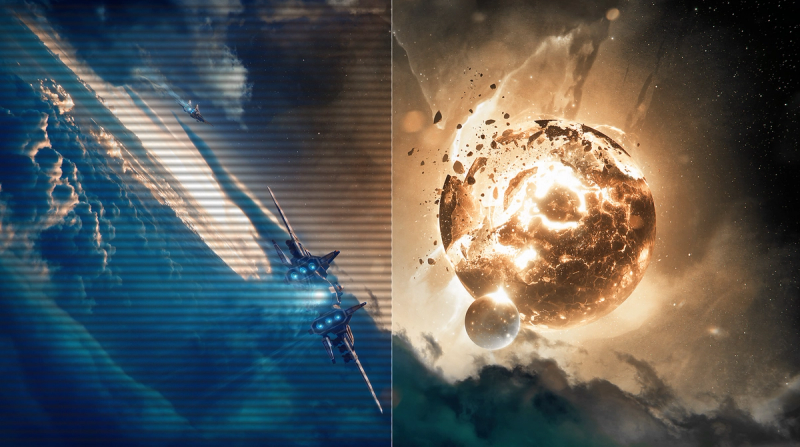
Circular Polarisation Technology: for better eye health
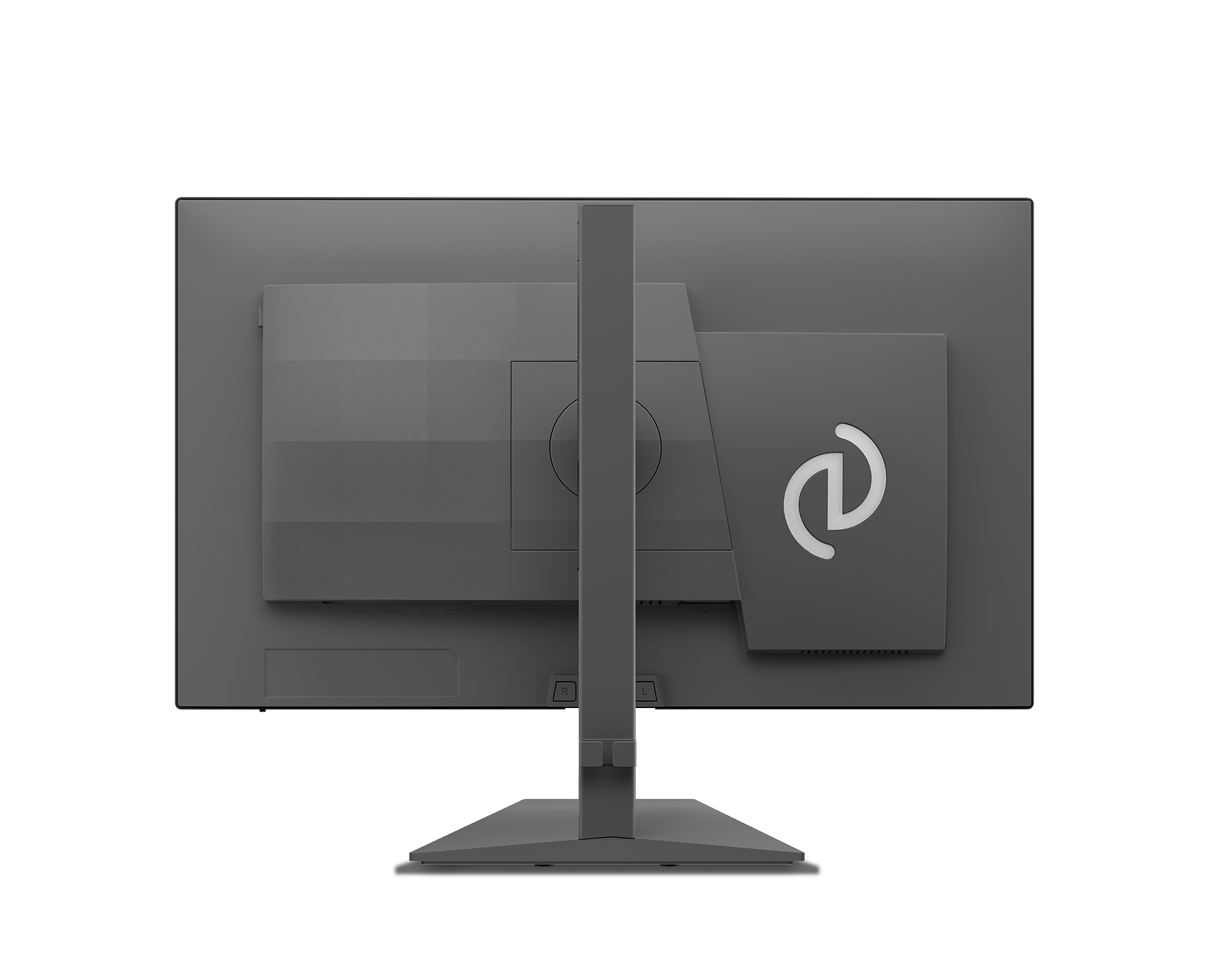
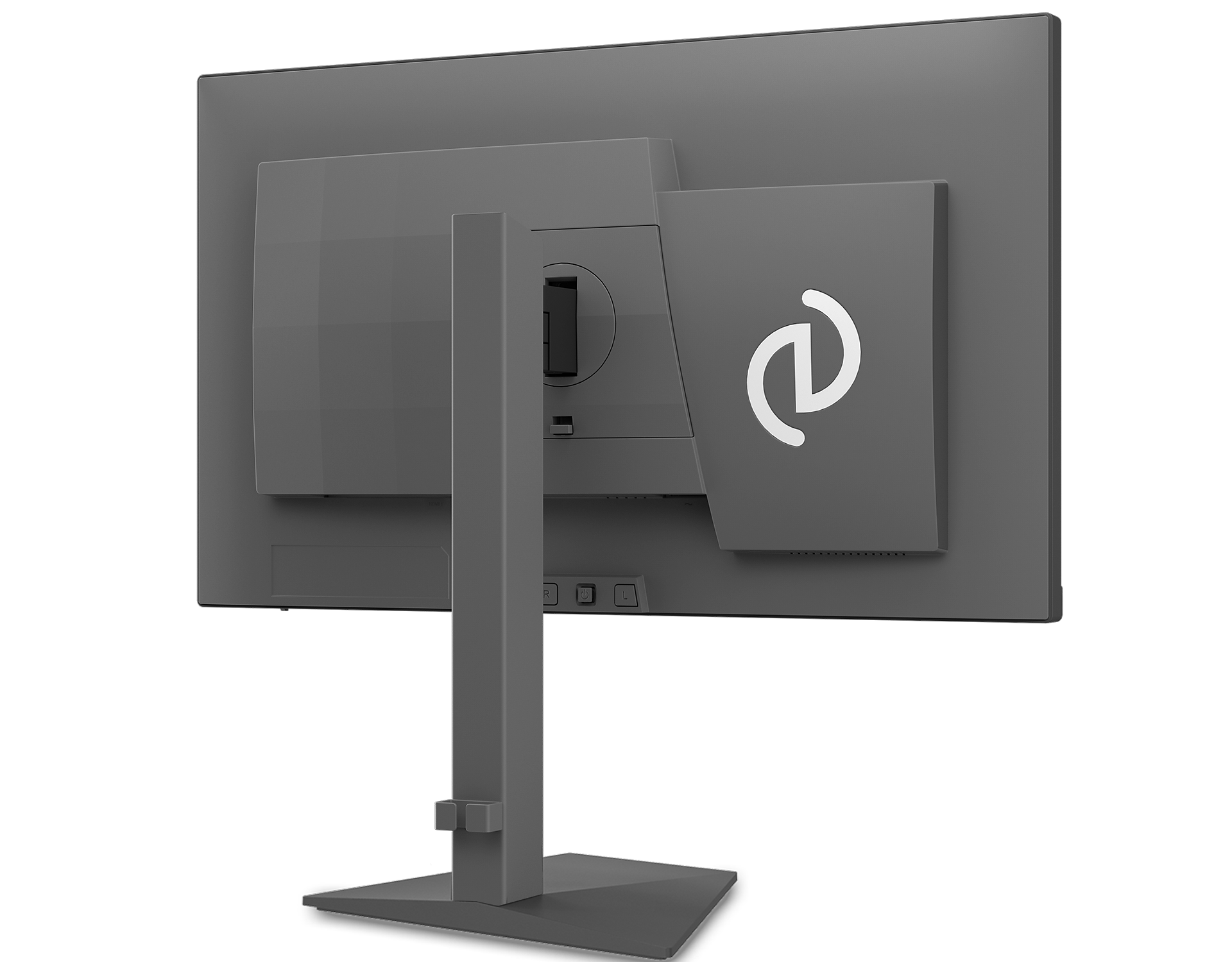
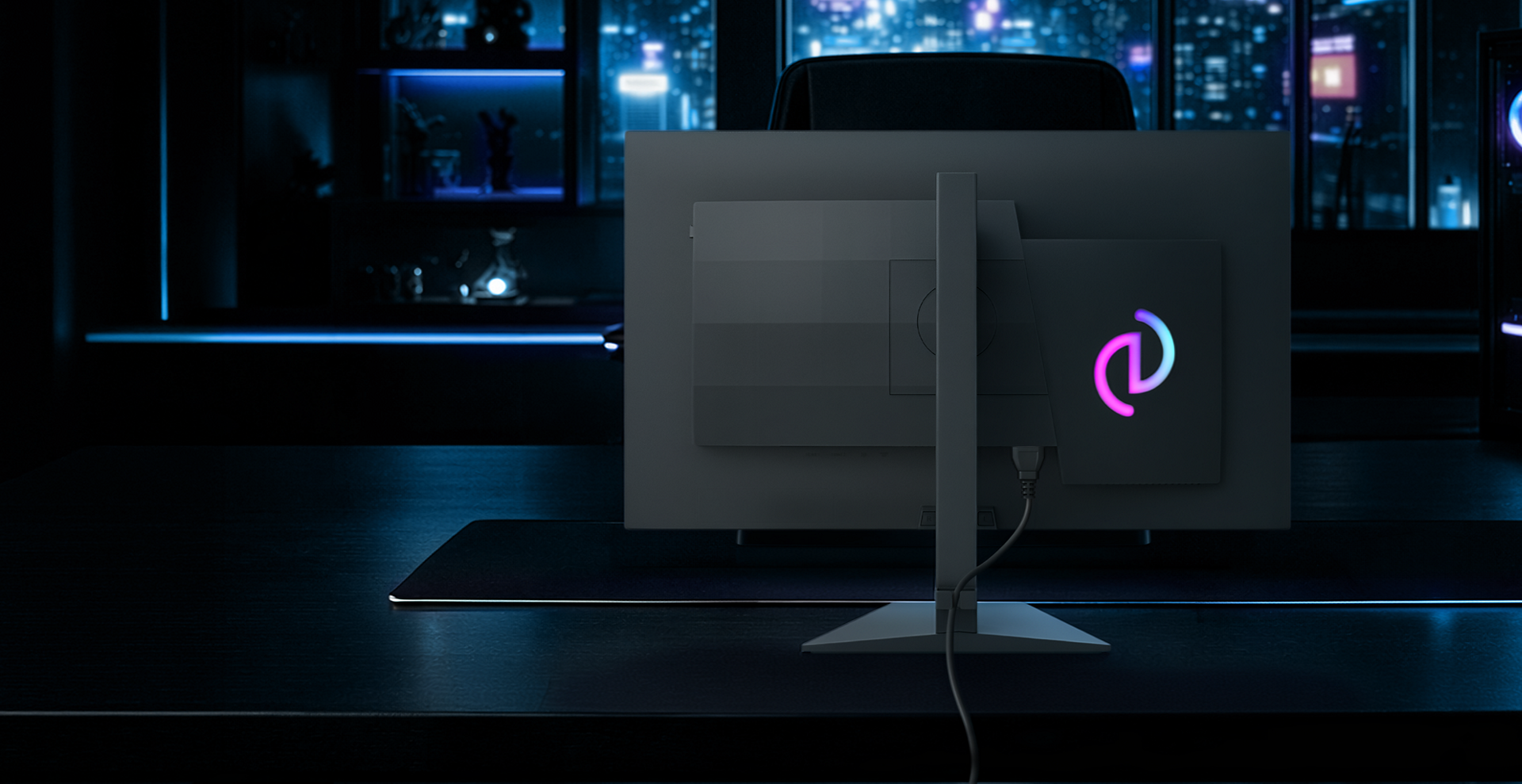
Iconglow: the Evnia signature on your monitor
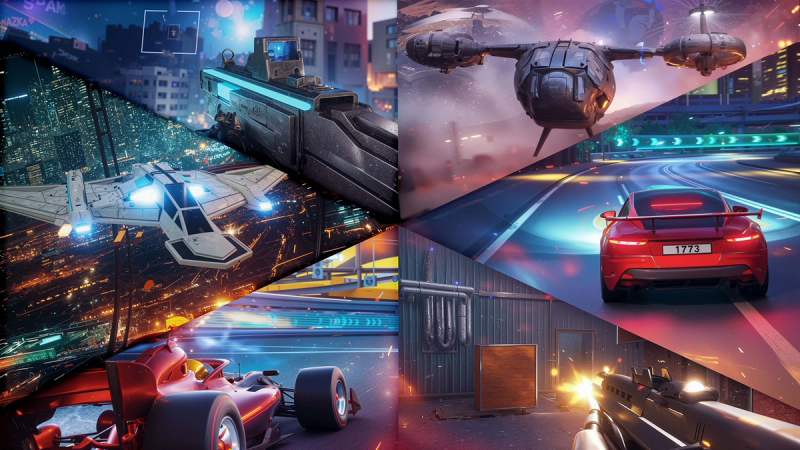
Enhanced game modes: Game modes that fit your playstyle
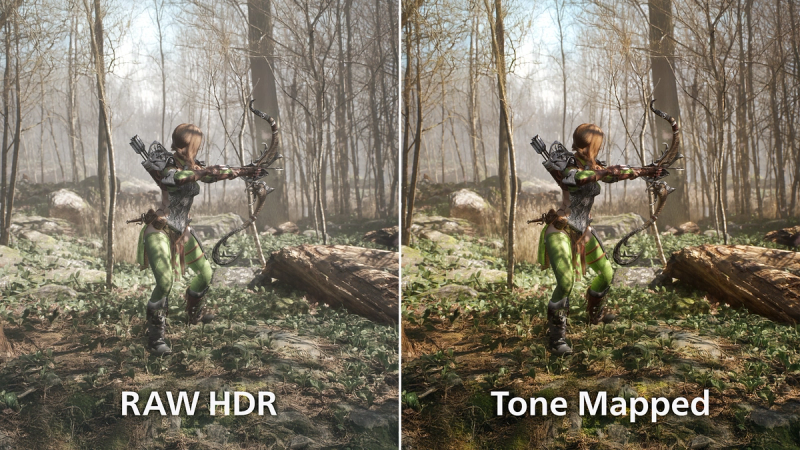
HDR Tone Mapping: Optimize HDR for Games & Movies
1000Hz refresh rate redefines gaming performance
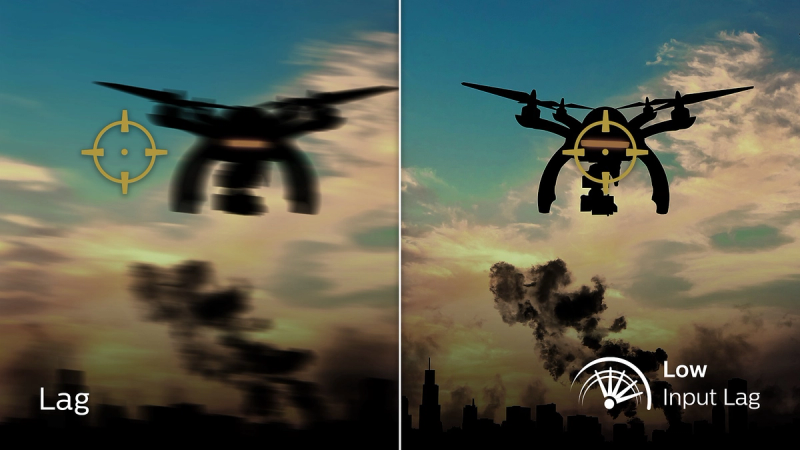
Low input lag reduces the time delay between devices and the monitor
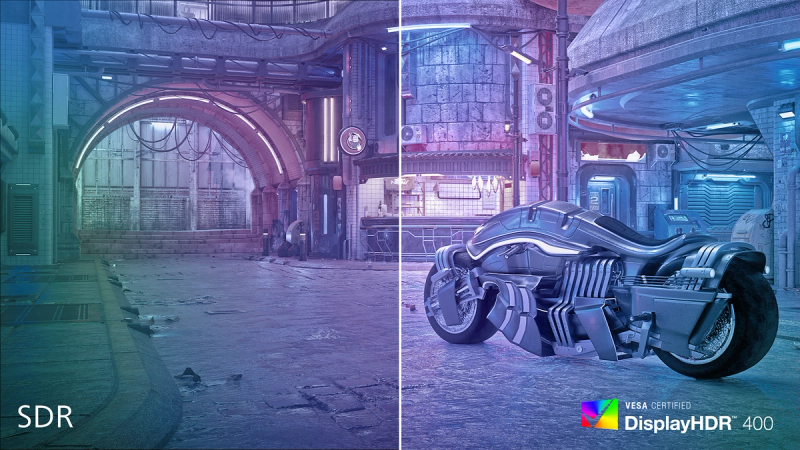
HDR 400 for more lifelike and outstanding visuals

SmartContrast for rich black details





Specifications
- ColorDark Slate
- FinishTexture
- Regulatory ApprovalsCB, CEL, China RoHS, CCC, CECP, CE Mark, UKCA, FCC, ICES-003, EMF
- Sync InputSeparate Sync
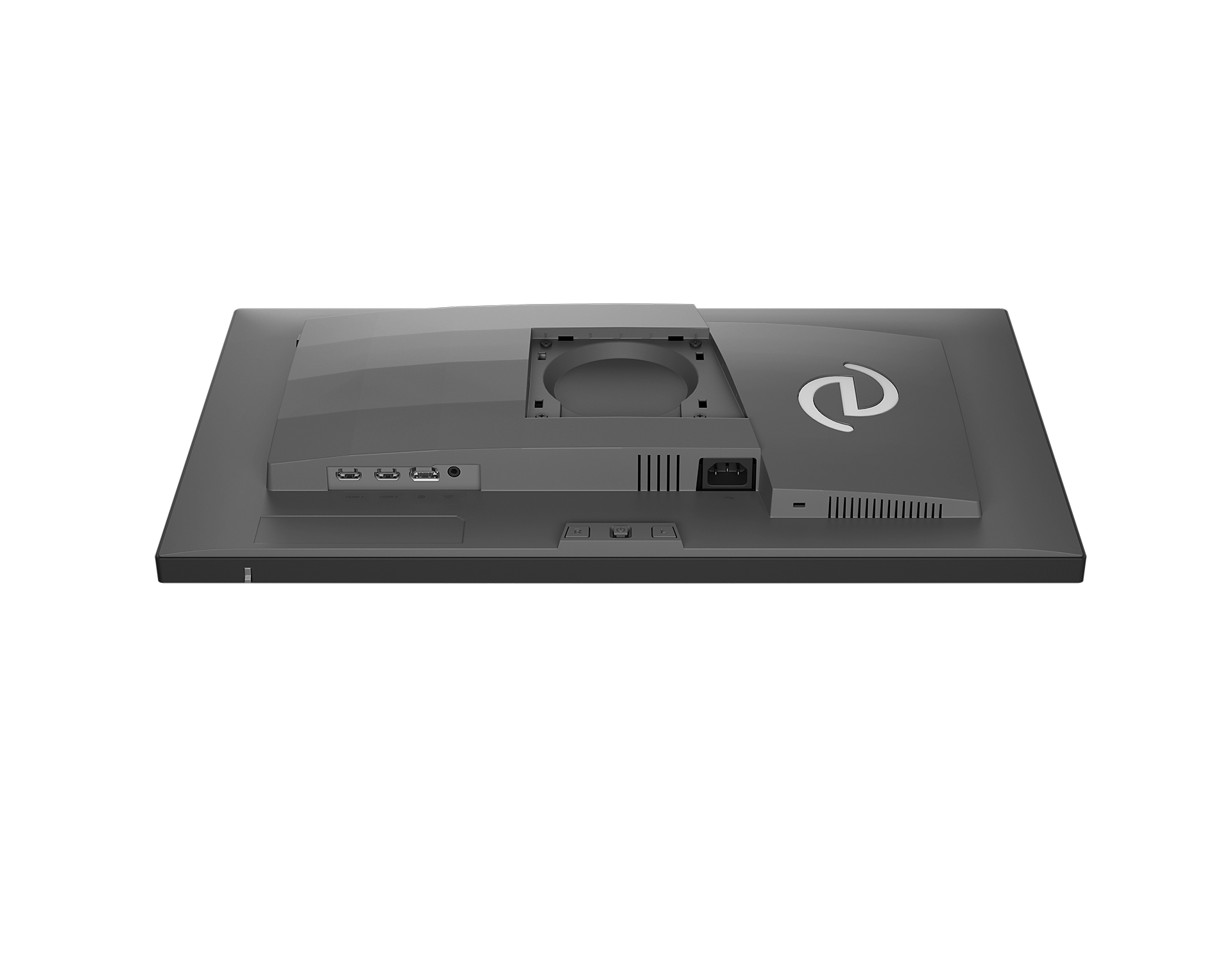
- Audio (In/Out)Headphone out
- HDCPHDCP 1.4 (HDMI / DisplayPort), HDCP 2.3 (HDMI / DisplayPort)
- Signal InputHDMI 2.1 (TMDS) x 2, DP 2.1 20G x 1
- User conveniencePower On/Off, Menu/OK, Input/Up, Game Settings/Down, SmartImage game/Back, Profile Key L & R
- OSD LanguagesBrazil Portuguese, Czech, Dutch, English, Finnish, French, German, Greek, Hungarian, Italian, Japanese, Korean, Polish, Portuguese, Russian, Spanish, Simplified Chinese, Swedish, Turkish, Traditional Chinese, Ukrainian
- Other convenienceKensington lock, VESA mount (100x100mm), LowBlue Mode
- Plug & Play CompatibilityDDC/CI, sRGB, Windows 11 / 10, macOS
- Control softwareEvnia Precision Center
- Low blue lightYes*
- Designed in Amsterdam, NLYes
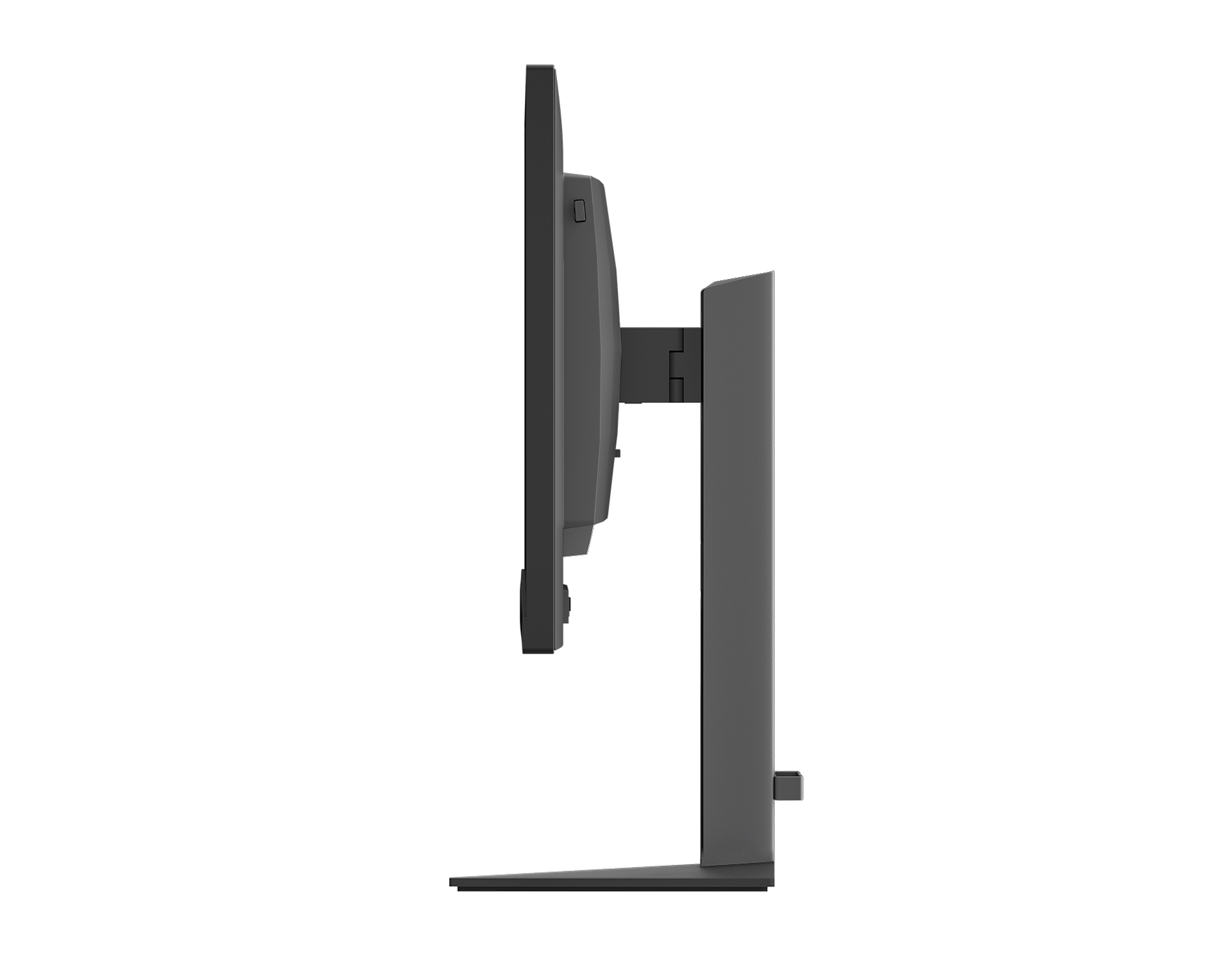
- Product with stand(max height)558 x 506 x 213 mm
- Product without stand (mm)558 x 333 x 63 mm
- Packaging in mm (WxHxD)650 x 420 x 139 mm
- Temperature range (operation)0°C to 40 °C
- Temperature range (storage)-20°C to 60°C
- Relative humidity20%-80 %
- AltitudeOperation: +12,000ft (3,658m), Non-operation: +40,000ft (12,192m)
- MTBF50,000 hrs (Excluding backlight)
- LCD panel typeFast IPS
- Backlight typeW-LED system
- Panel Size24.5"/62cm
- Effective viewing area539.4816 (H) x 303.4584 (V) mm
- Display Screen CoatingAnti-glare, 25%, 3H
- Aspect ratio16:9
- Response time (typical)1ms (average, GtG); 0.3ms (Min, GtG)*
- Brightness450 cd/m²
- Contrast ratio (typical)1000:1
- Pixel pitch0.28098 x 0.28098mm
- Viewing angle178º (H) / 178º (V), @ C/R > 10
- Display colors16.7M
- Scanning FrequencyHDMI/DP: 30 - 510 kHz (H) / 48 - 1000 Hz (V)
- sRGBYes
- Picture enhancementSmartImage Game / SmartImage HDR
- Flicker-freeYes
- EasyReadYes
- Delta EDelta <1.5 (sRGB)
- Maximum resolution1920x1080 @1000Hz (HDMI/DP)
- Low Input LagYes
- Brightness uniformity93~105%
- Smart MBR0.1ms (min)
- Shadow BoostYes
- Smart CrosshairYes
- Smart MBR SyncYes
- Smart SniperYes
- SmartContrastMega Infinity DCR
- Color gamut (typical)Adobe RGB 97%; DCIP3: 88%; sRGB: 98%; NTSC 98.5%
- HDRHDR 400
- On mode29.4 W (typ.)
- Standby mode0.5 W (typ.)
- Off mode0.3 W (typ.)
- Power LED indicatorOperation - White, Standby mode- White (blinking)
- Power supplyInternal, 100-240VAC, 50-60Hz
- Environmental and energyRoHS
- Recyclable packaging material100 %
- Height adjustment130 mm
- Tilt-5/23 degree
- Pivot+-90 degree
- Swivel-/+ 35 degree
- Product with stand (kg)5.88 kg
- Product without stand (kg)4.19 kg
- Product with packaging (kg)8.53 kg
Disclaimers
- * Adobe RGB and DCI-P3 Coverage based on CIE1976, sRGB Area based on CIE1931, NTSC Area based on CIE1976.
- * Response time value equal to SmartResponse
- * Smart MBR is to adjust brightness for blur reduction, so cannot adjust brightness while MPRT is turned on. To reduce motion blur, LED backlight will strobe synchronously with screen refresh, which may cause noticeable brightness change.
- * Smart MBR is gaming-optimized mode. Turn on MPRT may cause noticeable screen flickering. It is recommended to turn off when you are not using the gaming function.
- * The ratio of display emission light in the range from 415-455 nm to the display emission of 400-500nm shall be less than 50%
- * This monitor strives for sustainability: the monitor’s chassis is made up of 90% post-consumer recycled plastic.
- * For best output performance, please always ensure that your graphic card is capable of achieving the maximum resolution and refresh rate of this Philips display.
- * The products and accessories listed on this leaflet may differ by country and region.
- * The monitor may look different from feature images.