Compare products to find the right fit
27M2N8500/89
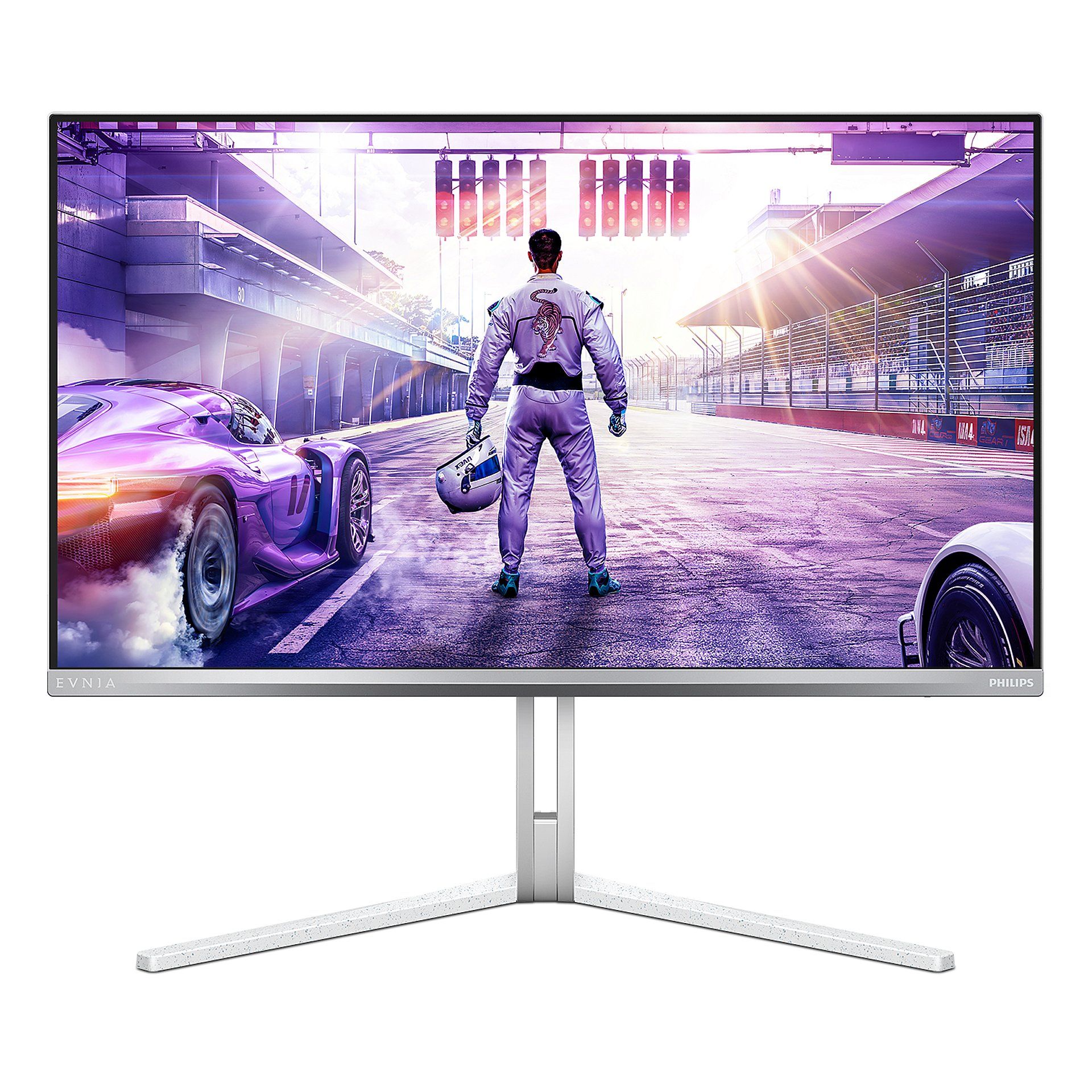
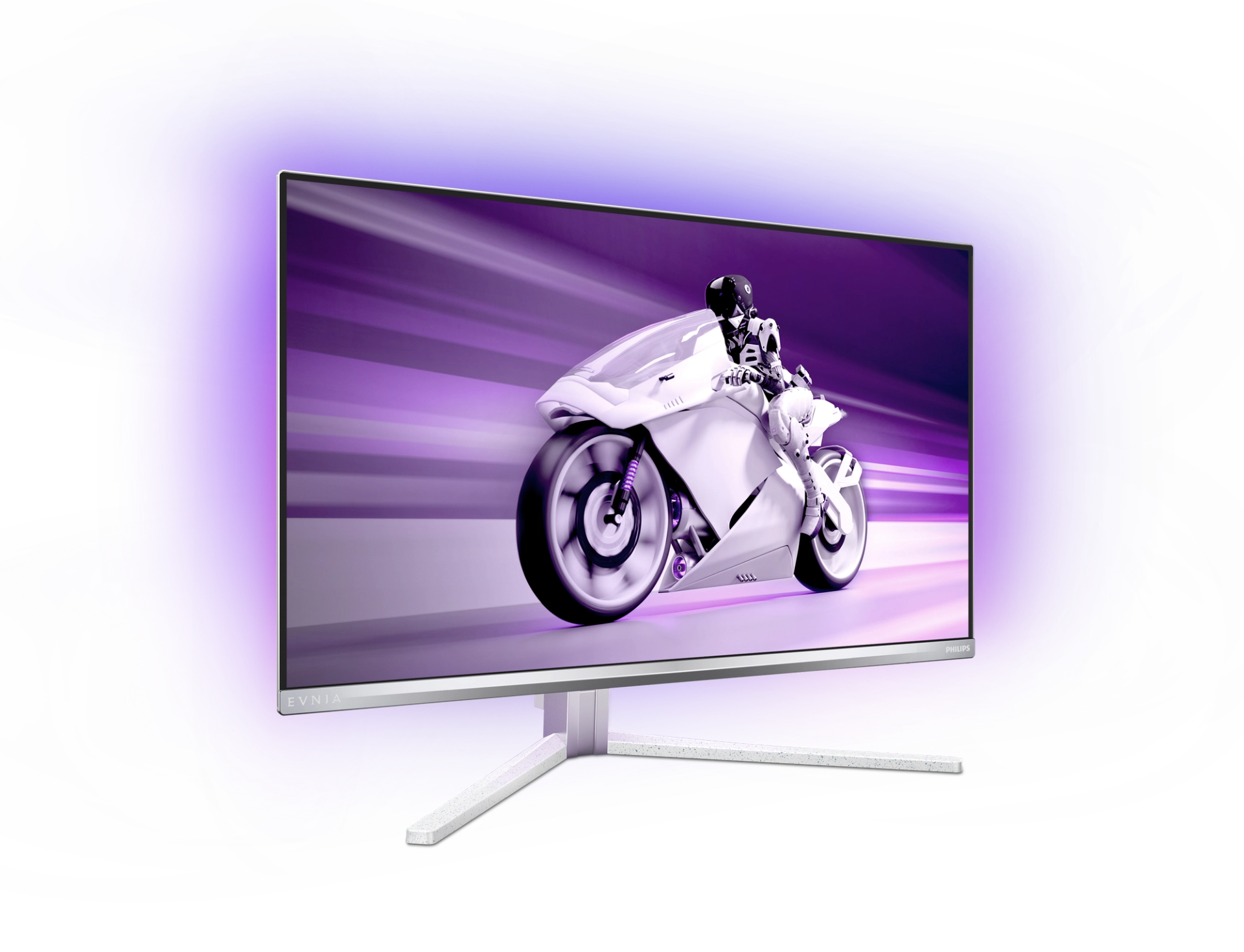
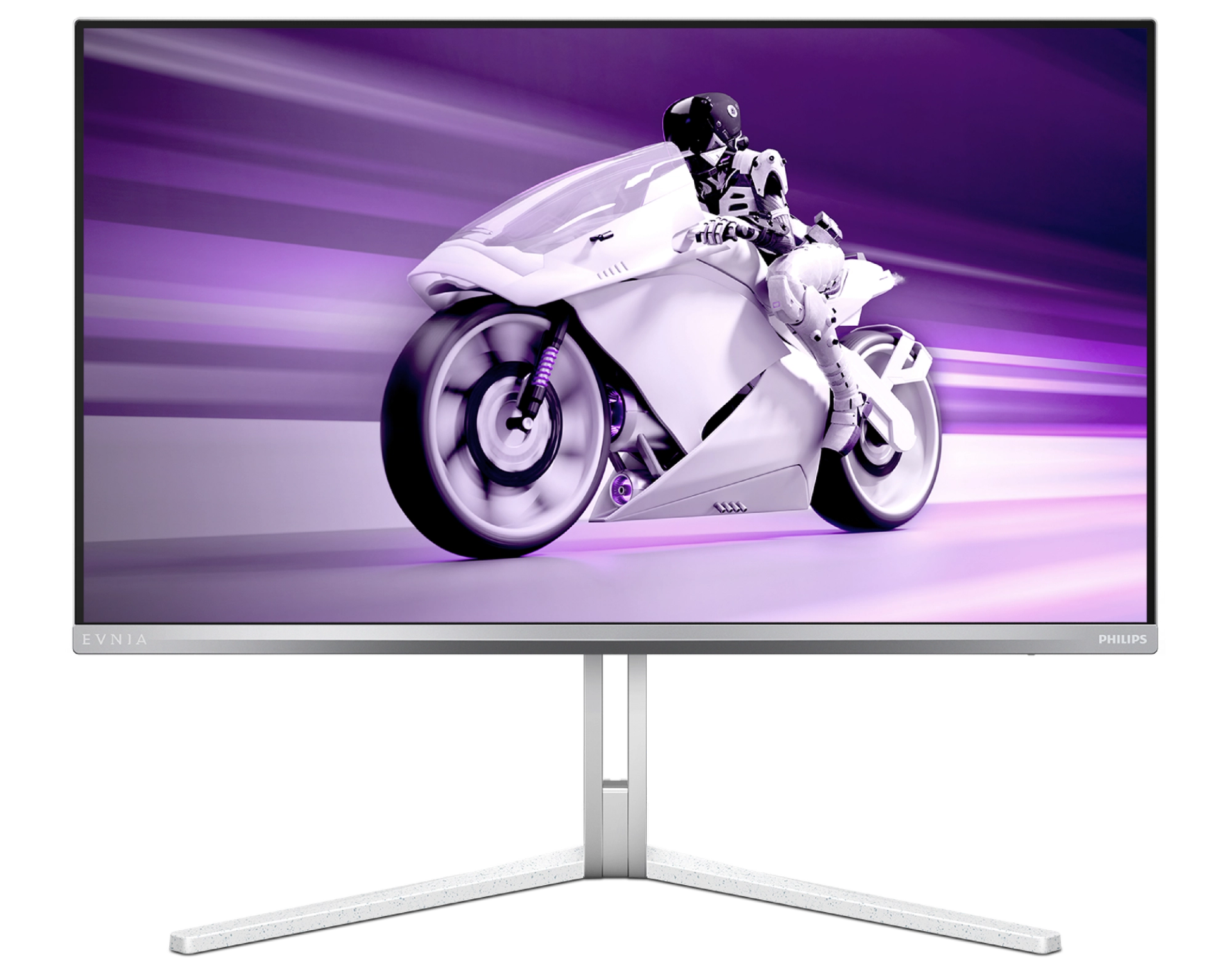
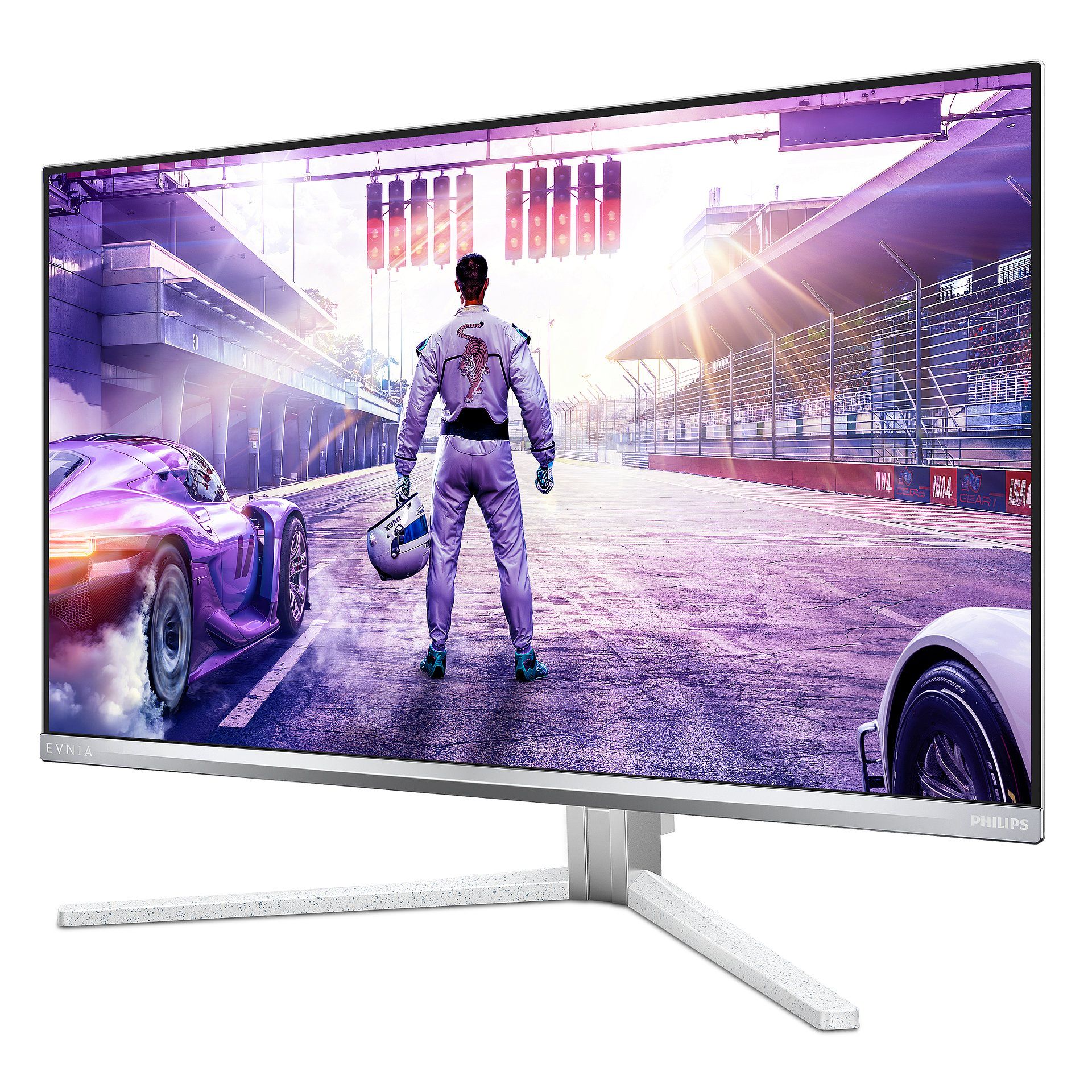
Gaming Monitor 27M2N8500 QD OLED gaming monitor
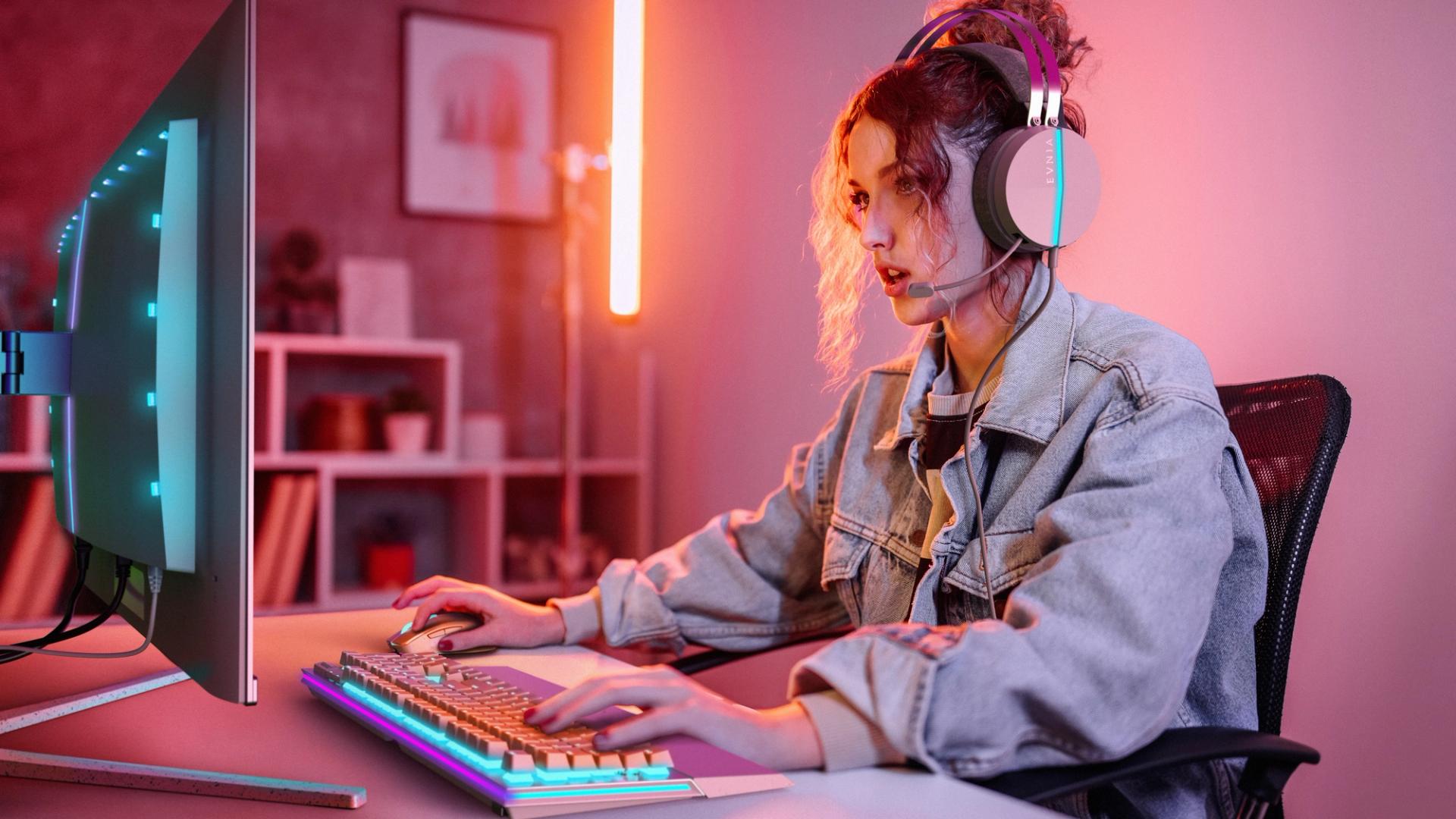
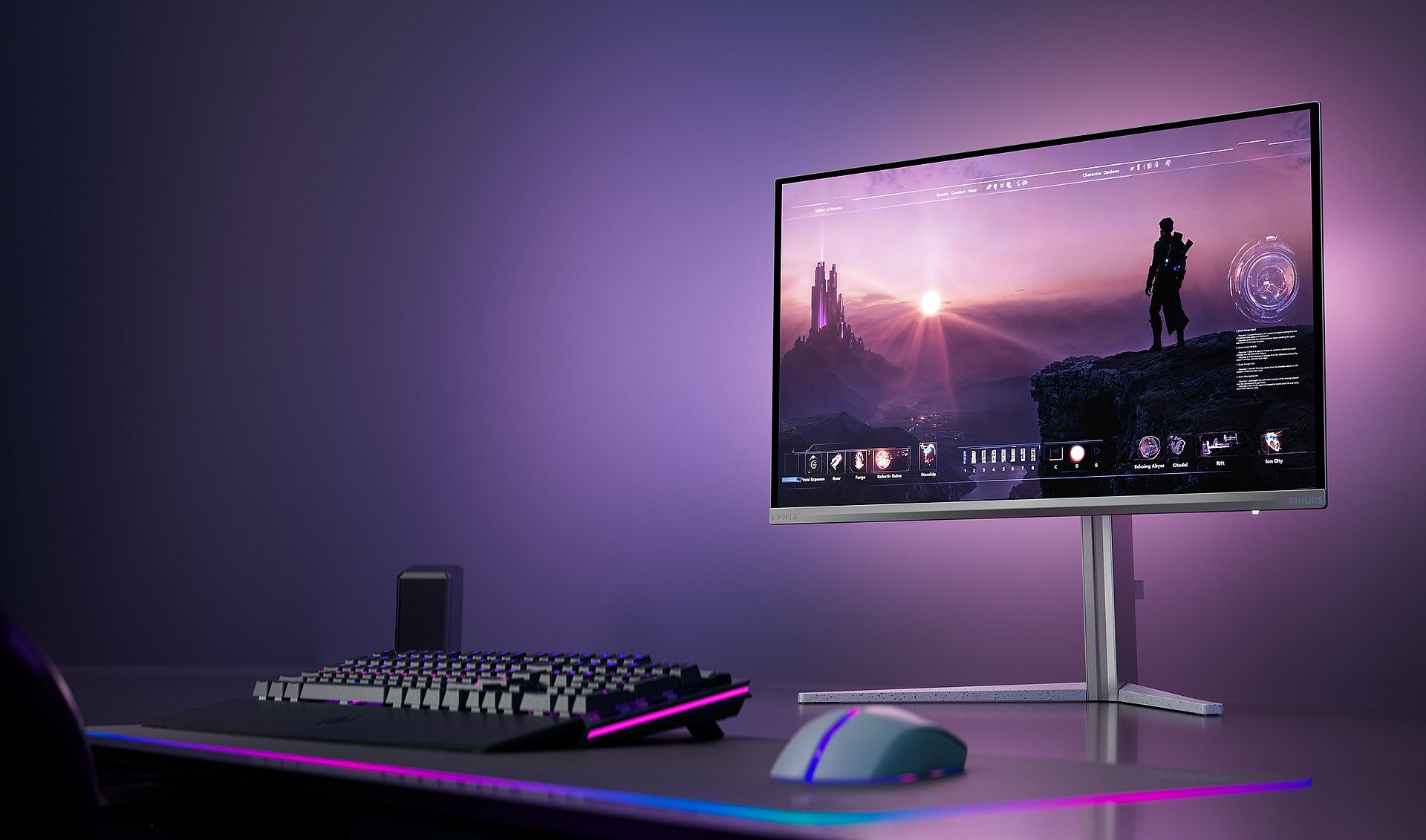
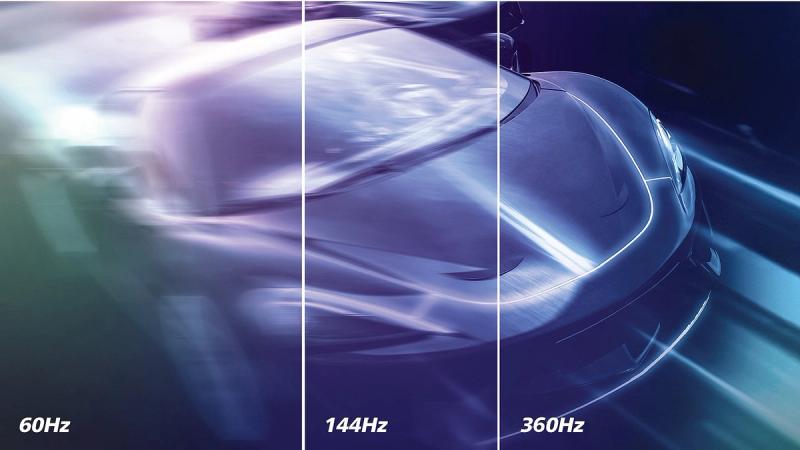
This monitor is built for gaming at high speeds. Its 360Hz refresh rates, QD OLED panel, and DisplayHDR TrueBlack 400 certification make it a combination of incredible speed and premium picture quality.






Specifications
- ColorWhite
- FinishTextured
- Regulatory ApprovalsCB, CE Mark, ETL, CEC, TUV/ISO9241-307, TUV-BAUART, EAC, EAEU RoHS, CEL, CCC, UKCA, EMF, FCC, ICES-003
- Sync InputSeparate Sync
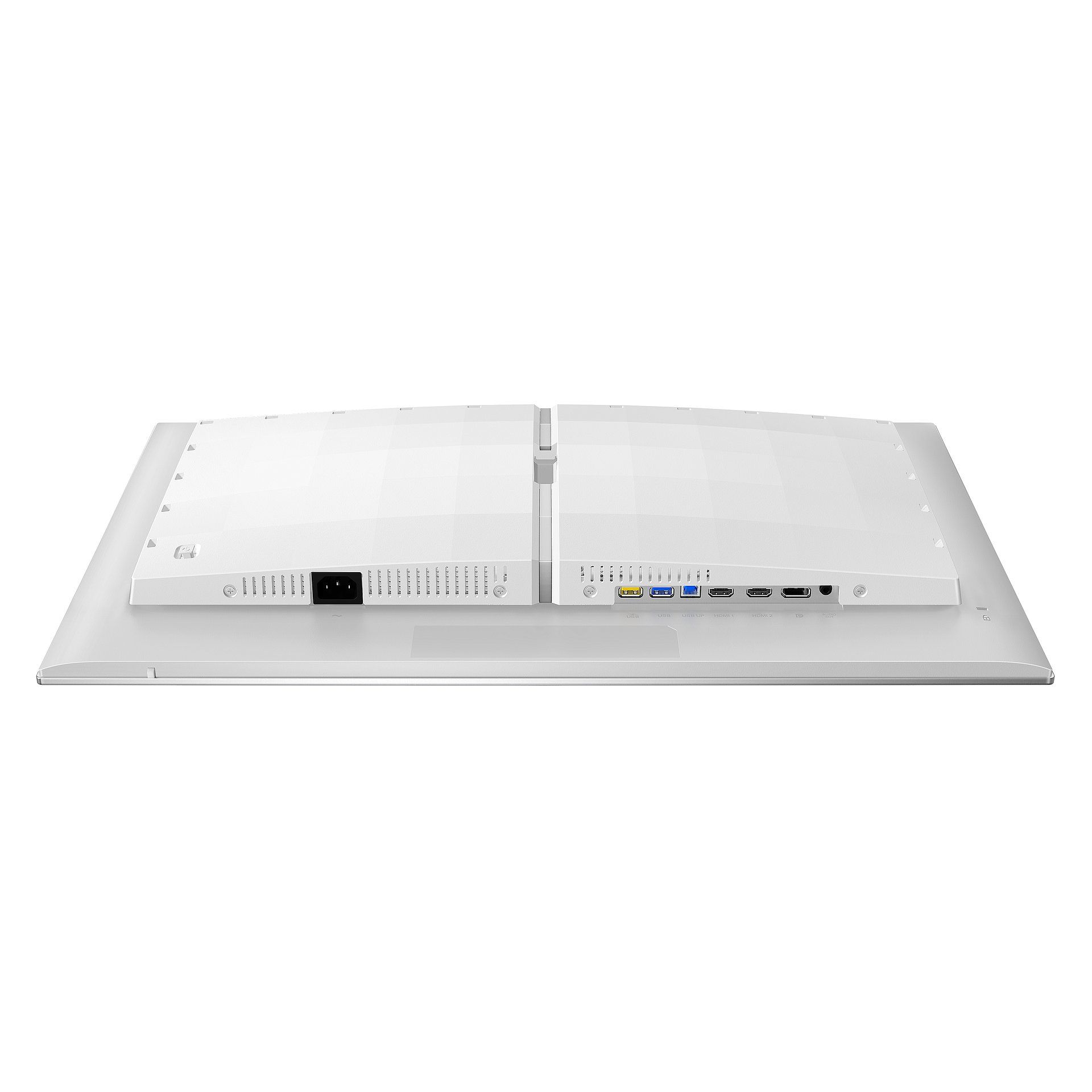
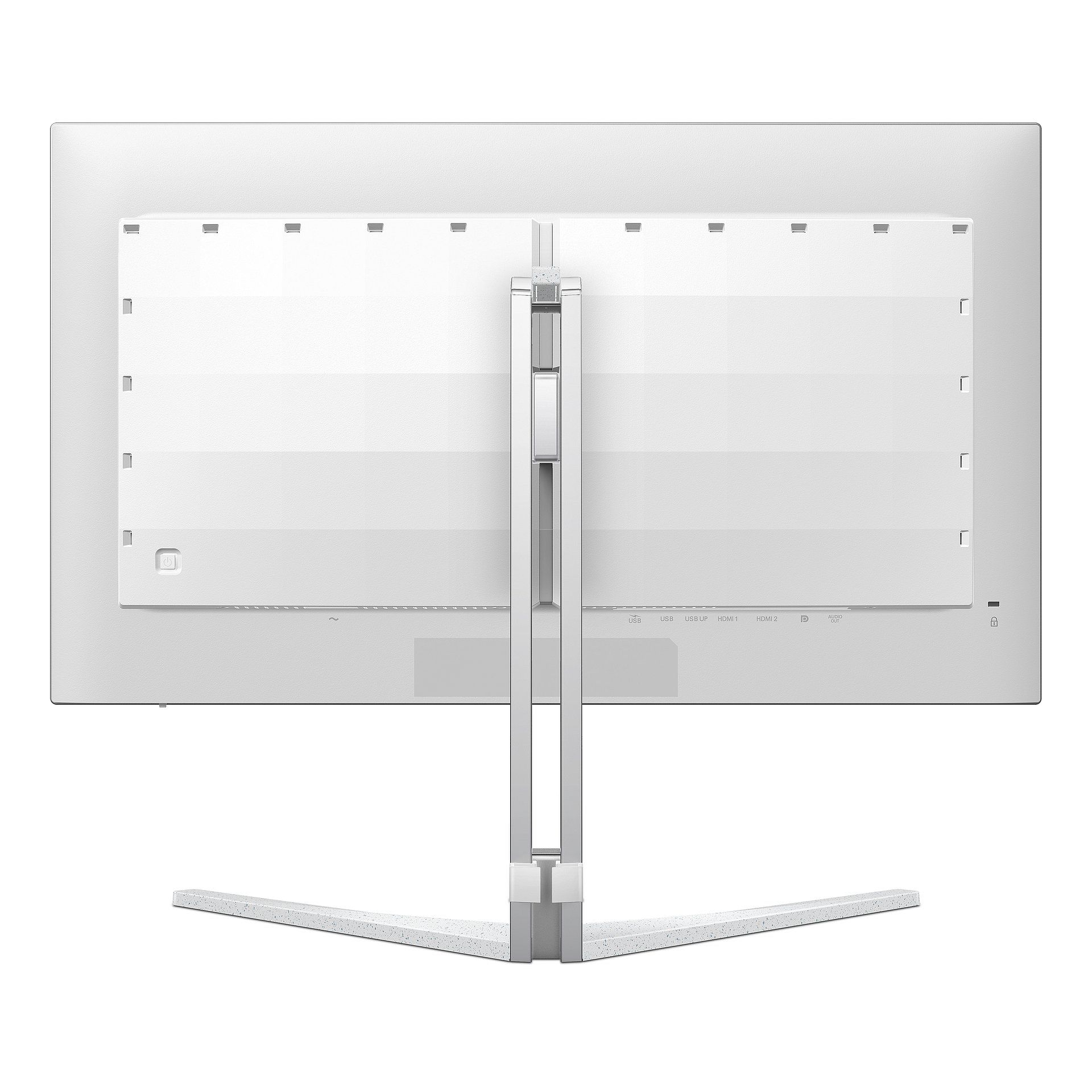
- Audio (In/Out)Headphone out
- HDCPHDCP 1.4 (HDMI / DisplayPort ), HDCP 2.2 (HDMI / DisplayPort )
- USB HubUSB-B upstream x1, USB-A downstream x2 (downstream with x1 fast charge B.C 1.2), USB 3.2 Gen 1 / 5 Gbps
- Signal InputHDMI 2.1 x 2, DisplayPort 1.4 x 1, USB-B x 1
- Built-in Speakers5 W x 2
- User conveniencePower On/Off, Menu/OK, Input/Up, Game Settings/Down, SmartImage game/Back
- OSD LanguagesBrazil Portuguese, Czech, Dutch, English, Finnish, French, German, Greek, Hungarian, Italian, Japanese, Korean, Polish, Portuguese, Russian, Spanish, Simplified Chinese, Swedish, Turkish, Traditional Chinese, Ukrainian
- Other convenienceKensington lock, VESA mount (100x100mm), VESA bracket, LowBlue Mode
- Plug & Play CompatibilityDDC/CI, Mac OS X, sRGB, Windows 11 / 10
- MultiViewPIP/PBP mode, 2x devices
- Low blue lightLow blue light compliance*
- Product with stand(max height)609.3 x 513.7 x 274.5 mm
- Product without stand (mm)609.3 x 357.7 x 61 mm
- Packaging in mm (WxHxD)780 x 455 x 141 mm
- Temperature range (operation)0°C to 40 °C
- Temperature range (storage)-20°C to 60 °C
- Relative humidity20%-80 %
- AltitudeOperation: +12,000ft (3,658m), Non-operation: +40,000ft (12,192m)
- MTBF30,000 hour(s)
- Panel Size26.5 inch / 67.3 cm
- Effective viewing area590.42(H)x333.72(V)mm
- Display Screen CoatingAnti-reflection, 2H
- Aspect ratio16:9
- Response time (typical)0.03 ms (Gray to Gray)*
- Contrast ratio (typical)1,500,000:1
- Pixel pitch0.2292x0.2292mm
- Viewing angle178° (H) / 178° (V), @ C/R > 10000
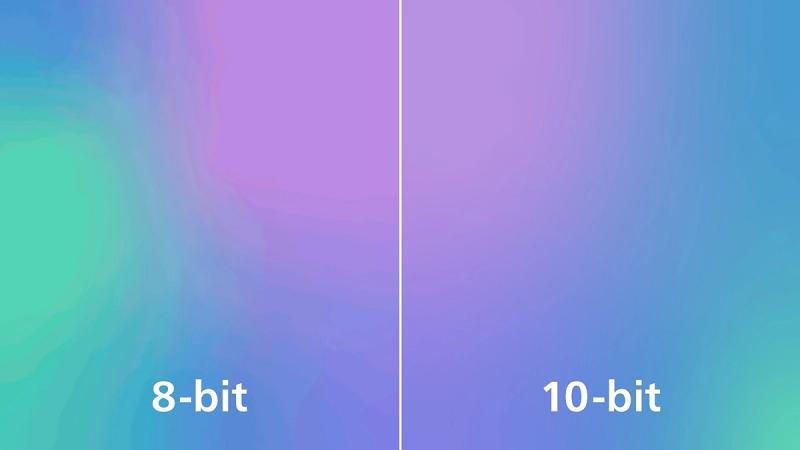
- Display colorsColor support 1.07 billion colors (10 bit)
- Scanning Frequency30 - 510K kHz (H) / 48 - 360 Hz (V)
- sRGBYes
- Picture enhancementSmartImage game
- Pixel Density110.84 PPI
- Flicker-freeYes
- LowBlue ModeYes
- EasyReadYes
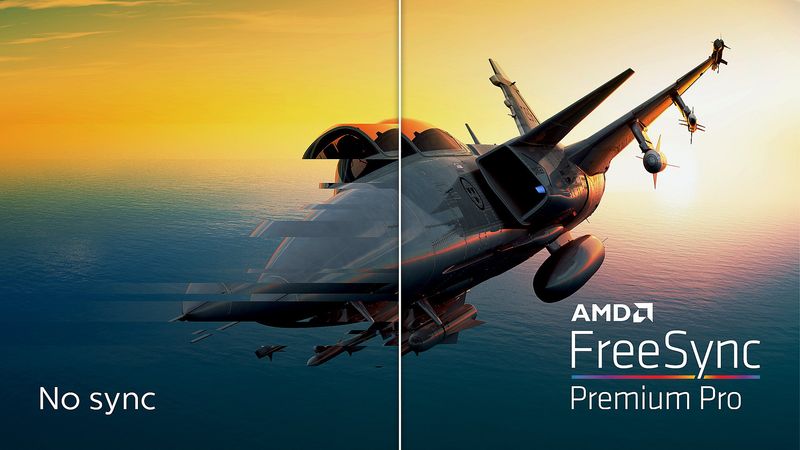
- AMD FreeSync™ technologyPremium Pro
- Delta E<2 (sRGB)
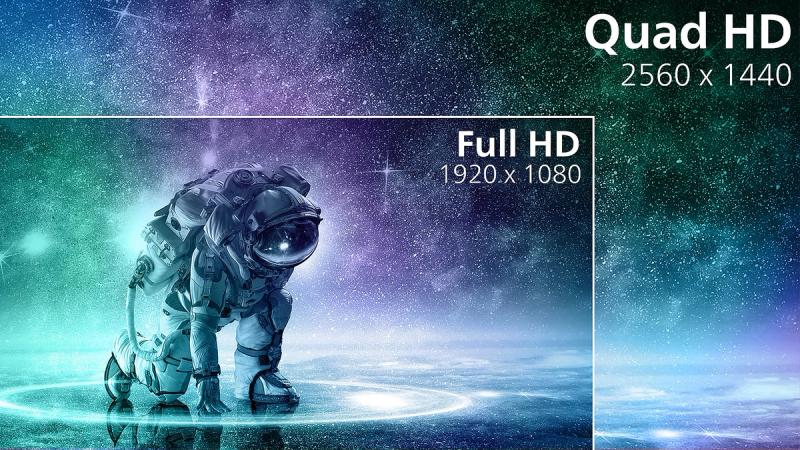
- Maximum resolutionHDMI/DP : 2560 x 1440 @ 360 Hz
- Low Input LagYes
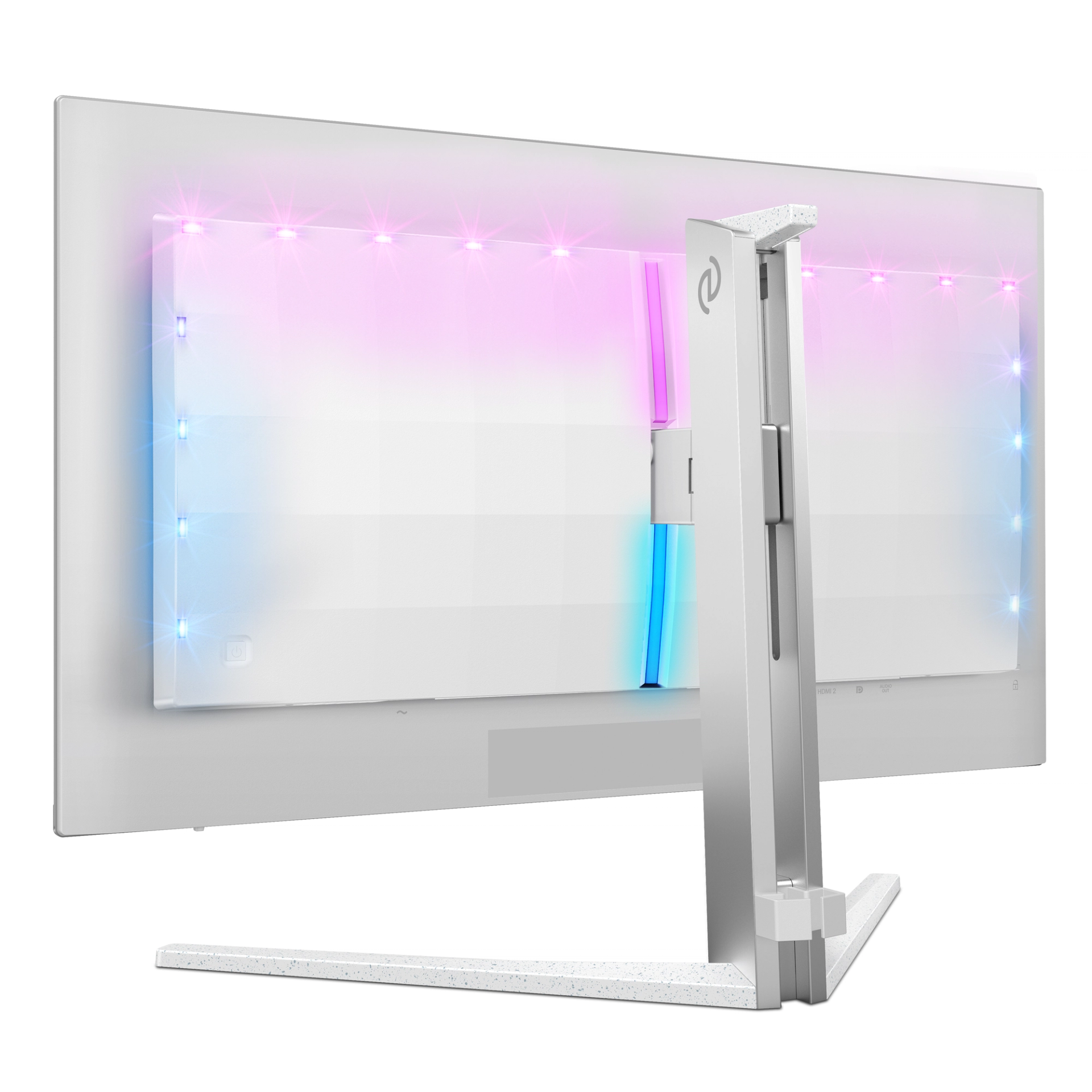
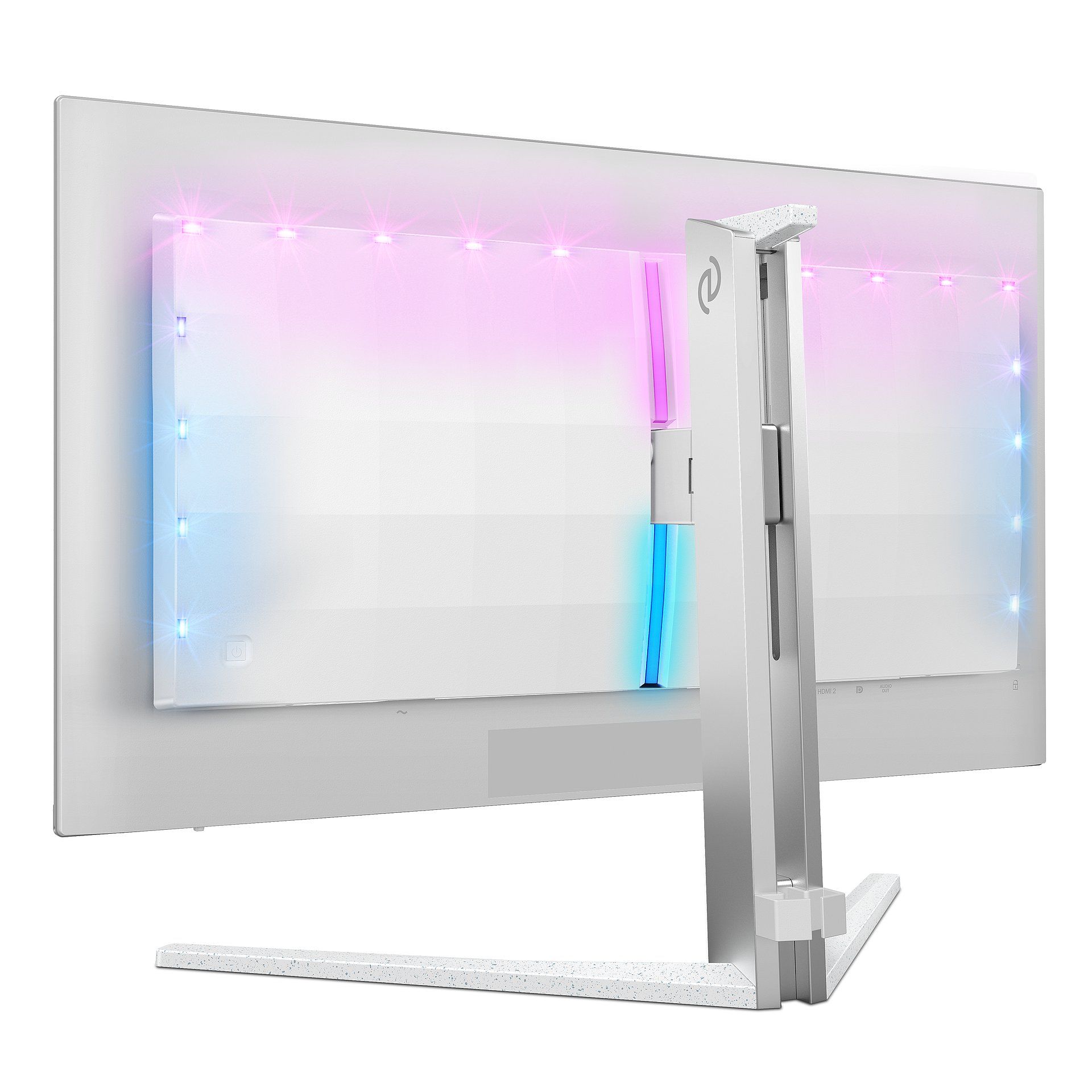
- Ambiglow3-sided
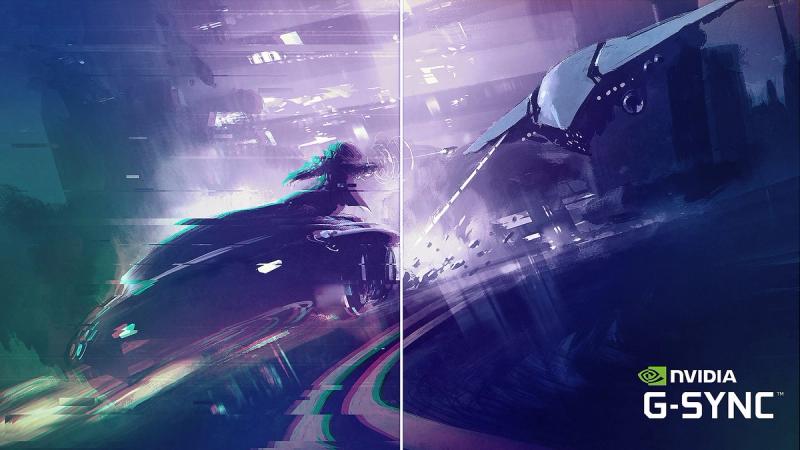
- G-SYNCYes
- Monitor Panel TypeQD OLED
- Pixel formatRGB Q-Stripe*
- BrightnessSDR: 250 (APL 100%) nit, HDR: 450 (APL 10%) nit, HDR E/P: 1000 (APL 3%)
- Shadow BoostYes
- Smart CrosshairYes
- Stark Shadow BoostYes
- Smart SniperYes
- Clear MR Tier13000
- Windows Dynamic LightingYes
- SmartContrastMega Infinity DCR
- Color gamut (typical)DCI-P3:98.5%, sRGB: 147.5%, NTSC 120%, Adobe RGB 118%*
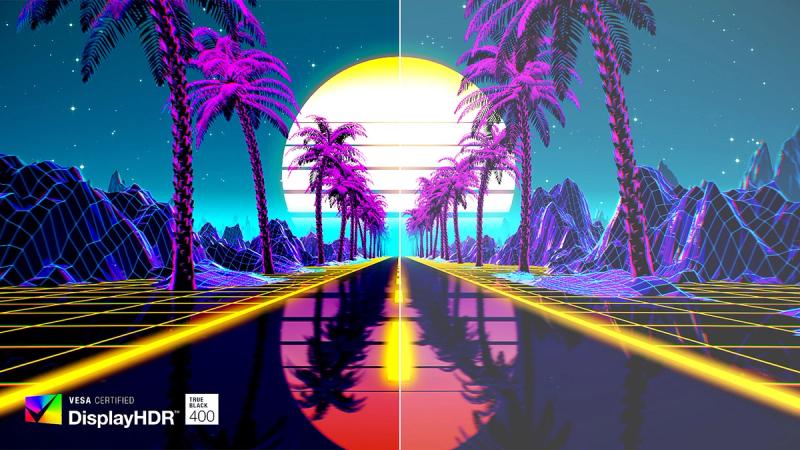
- HDRDisplayHDR True Black 400 certified
- On mode83.70 W (typ.)
- Standby mode0.5 W (typ.)
- Off mode0.3 W (typ.)
- Power LED indicatorOperation - White, Standby mode- White (blinking)
- Power supplyInternal, 100-240VAC, 50-60Hz
- Environmental and energyRoHS
- Recyclable packaging material100 %
- Specific SubstancesMercury free, PVC / BFR free housing
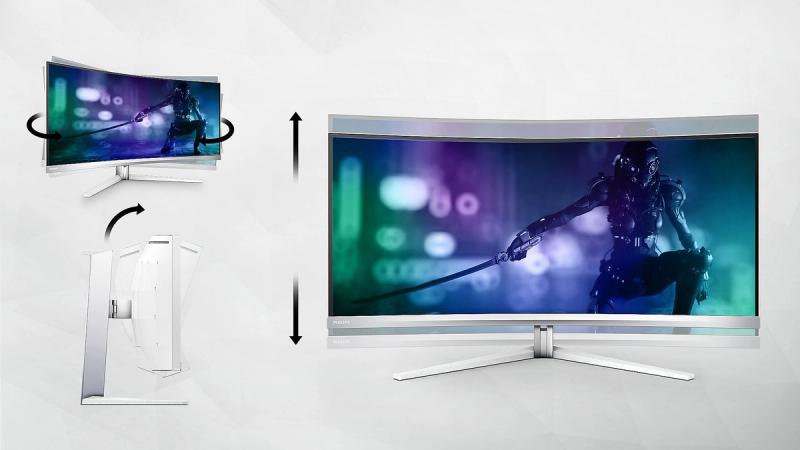
- Height adjustment130 mm
- Tilt-5/20 degree
- Swivel-/+ 20 degree
- Product with stand (kg)7.35 kg
- Product without stand (kg)6.00 kg
- Product with packaging (kg)11.01 kg
Disclaimers
- * Response time value equal to SmartResponse. The measurement pattern is 1 horizontal line.
- * DCI-P3 Coverage based on CIE1976, sRGB Area based on CIE1931, NTSC Area and Adobe RGB Area based on CIE1976
- * Active pixels: 2560(H) x 1440(V). <br>Number of total pixels: 2576(H) x 1456(V); extra pixels on each side, space reserved for pixel orbiting.
- * The ratio of display emission light in the range from 415 - 455 nm to the display emission of 400 - 500 nm shall be less than 50%.
- * For best output performance, please always ensure that your graphic card is capable of achieving the maximum resolution and refresh rate of this Philips display.
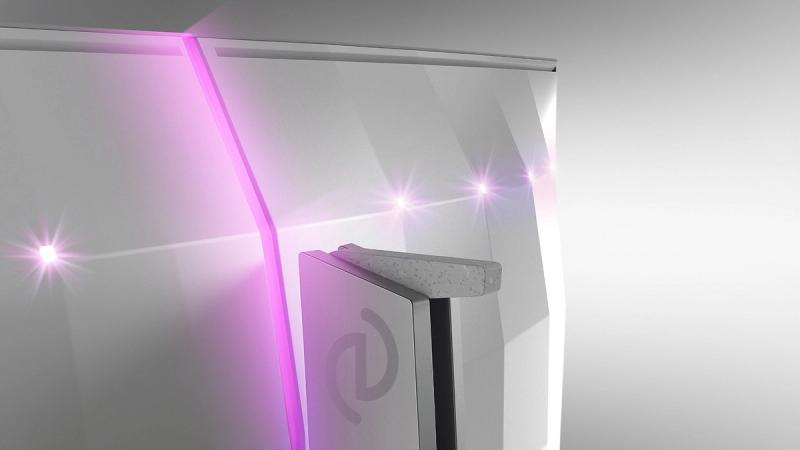
- * This monitor strives for sustainability: the base is made with 35% recycled plastic.
- * The products and accessories listed on this leaflet may differ by country and region.
- * The monitor may look different from feature images.
- * 2020 Advanced Micro Devices, Inc. All rights reserved. AMD, the AMD Arrow logo, AMD FreeSync™ and combinations thereof are trademarks of Advanced Micro Devices, Inc. Other product names used in this publication are for identification purposes only and may be trademarks of their respective companies.
- * NVIDIA® G-SYNC® support interface: DisplayPort
- * Make sure to update NVIDIA® G-SYNC® driver to the latest version, see more information on NVIDIA website: https://www.nvidia.com/
- * Make sure your graphic card supports NVIDIA® G-SYNC®